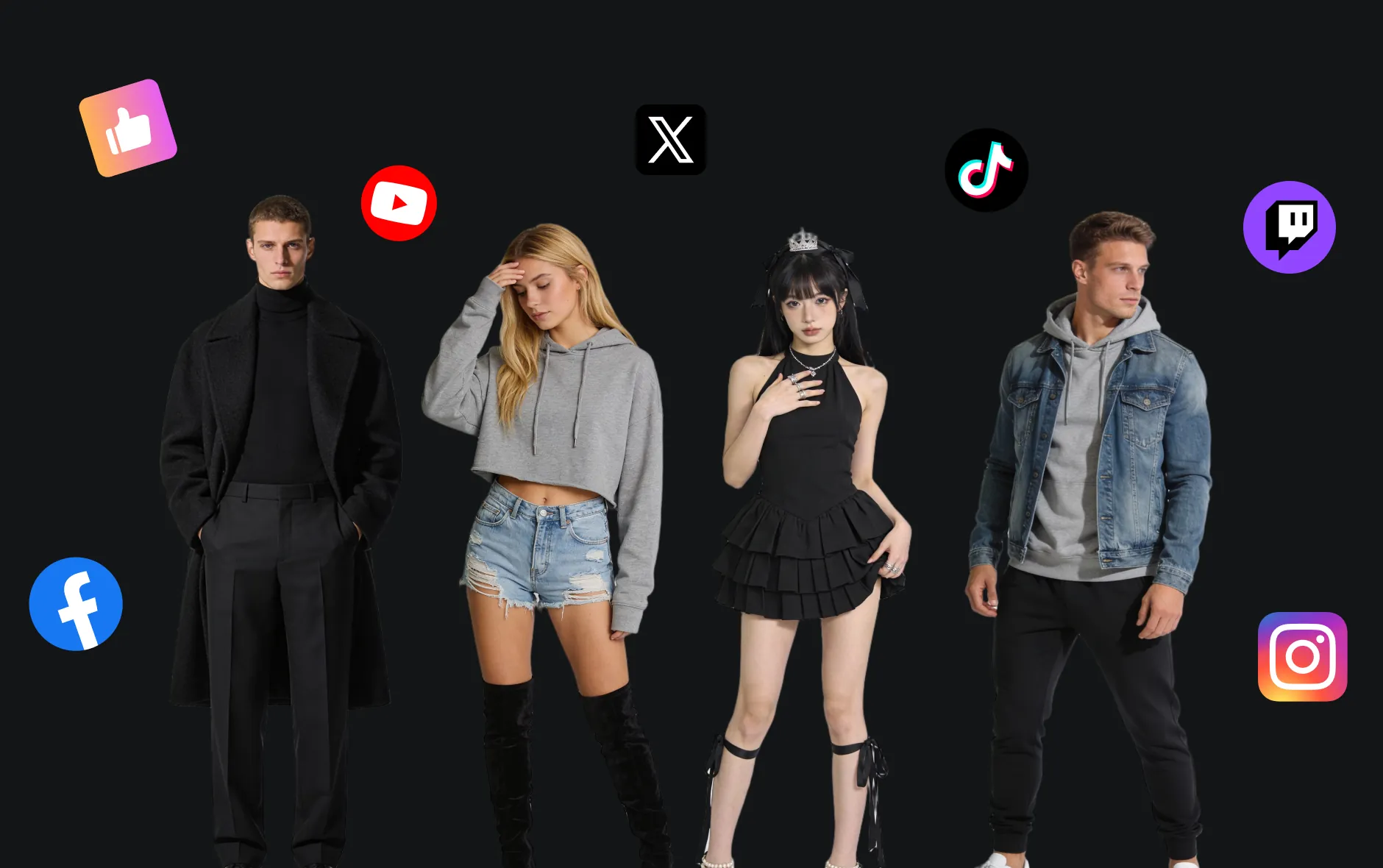
Seedream 5.0 AI 圖片生成器
Seedream 5.0 AI 是 ByteDance 新一代 AI 圖像模型,具備精準編輯操控與智慧邏輯推理。其增強的視覺表達力與 2K/4K 生成,讓多元創作流程更高效。

Seedream 5.0 AI 圖片生成器介紹
Seedream 5.0 AI 結合精細編輯操控與智慧邏輯推理,實現即時更新的視覺內容、精準控制與智能生成。
Seedream 5.0 圖像 AI 主要功能
探索 Seedream 5.0 AI 的強大能力
Seedream 5.0 可根據文字描述並即時網路搜尋生成圖片,支援多種風格與最新資訊。
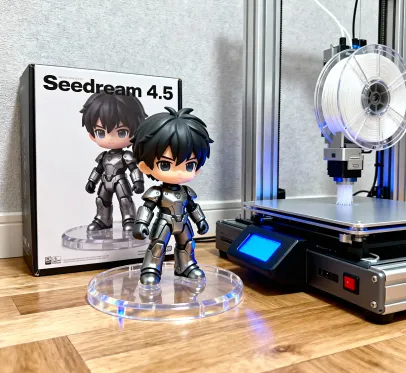
Transform the image into a collectible-grade figurine. Place a figurine packaging box behind it, featuring the figurine's design and the text "Seedream 4.5." Next to it, include a high-end 3D printer actively printing the figurine. In front of the packaging box, place a round plastic base for the figurine. The base should be made of PVC with a crystal-clear, semi-transparent appearance. The entire scene should be set in an indoor environment.
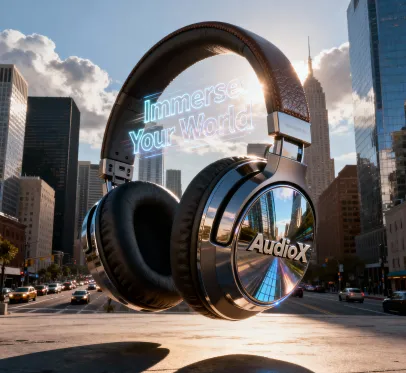
Ultra-realistic CGI shot featuring a large [over-ear headphones], seamlessly integrated into a realistic environment that reflects the product's characteristics, surrounded by natural elements that complement its design. Use dramatic lighting, meticulous textures, and cinematic composition to create a visually stunning and immersive scene that emphasizes the product's unique features.
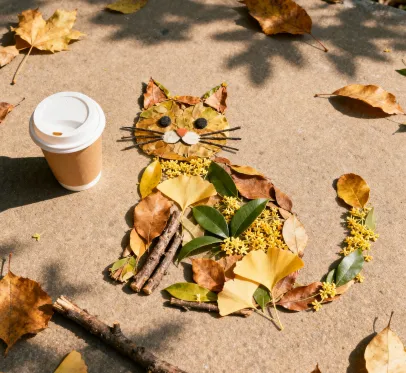
A young Asian woman gazes gently at the camera, holding a sleek smartphone in her hand. The camera focuses on her face and the phone, capturing delicate skin texture, soft lighting, and a warm, intimate mood. Shot with a shallow depth of field using a 50mm lens.
Seedream 5.0 支援精細編輯:可任意增減、替換局部區域而不破壞圖片結構。

原始圖

Add a pair of red over-ear headphones on the girl in the image.
Seedream 5.0 結合智慧推理,將圖片轉化為多種藝術風格,生成結構複雜的創作。
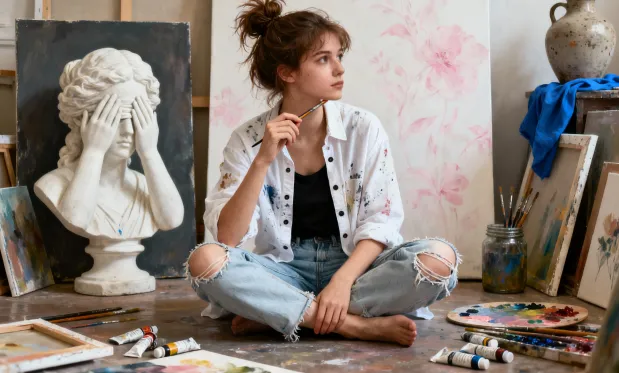
原始圖
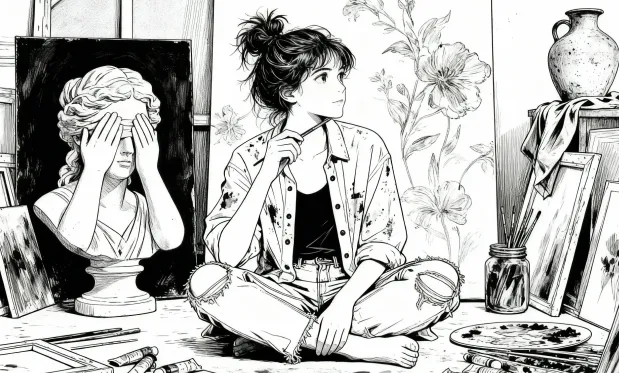
Turn portraits into bold, black-and-white line-drawn manga panels.
Seedream 5.0 AI 圖片生成器核心優勢
Seedream 5.0 理解提示更準確,生成速度更快,畫質更細緻,全面超越前代。
提示理解全面升級
更強理解力,能將用戶的簡單或複雜描述,精準轉換成畫面。
生成速度大幅提升
顯著加快圖像生成,讓創作流程更高效、靈感想法即刻落地。
視覺真實度超群
畫質更高、細節更逼真,與用戶意圖高度一致,樹立視覺生成新標竿。
Seedream 5.0 AI 圖片生成器應用情境
Seedream 5.0 適用於新聞視覺化、時事圖文、品牌行銷、嚴謹資訊與創意專案。
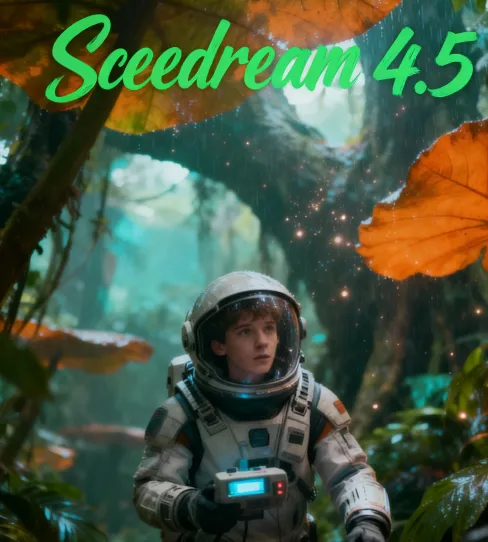
新聞與時事圖像視覺化
結合即時網路搜尋,為新聞、部落格或社群媒體即時產出圖文內容,緊貼最新熱點。
品牌行銷 x 時事話題
創建呼應時事、潮流、流行文化的行銷素材,讓品牌持續緊貼話題焦點。
教育內容隨時更新
生成包含最新資料、數據和時事的教學圖卡,確保內容即時、精準。
智慧邏輯與複雜創作
實現多物件、空間關係、敘事邏輯複雜的先進視覺創意項目。
Seedream 5.0 AI 圖片生成器使用說明
- 步驟1 輸入創作提示
請輸入詳細創作描述。Seedream 5.0 Lite 將自動網搜尋最新資料,提升圖像生成準確性。
- 步驟2 生成圖像
點擊「創建」,AI 即結合即時網路資訊產生高品質、情境貼合的圖片。
- 步驟3 下載與分享
可預覽生成 2K 或 4K 畫質的圖片,下載應用至專案或跨平台分享。

探索更多進階 AI 圖片生成工具
發現更多 AI 創作工具,提升影像工作效率與創意潛力。
試穿 AI


影片 AI


圖像 AI


免費工具


Seedream 5.0 AI 圖片生成器常見問答
更多關於 Seedream 5.0 AI 圖片生成器的相關文章
立即啟用 Seedream 5.0 AI 圖片生成器
開啟圖像創作