For a while, AI video felt like a lucky draw. You wrote a good prompt, crossed your fingers, and hoped the model gave you something cinematic enough to use. That is why the latest wave of video tools feels more important than just another model launch. The bigger story is control.
Recent attention around Higgsfield AI video, Kling 3.0, and motion control points to the same shift: creators no longer just want short clips that look impressive. They want video they can guide, repeat, and actually build into a workflow.
That makes this moment especially interesting for social creators, marketers, and brand teams. Instead of choosing between “fast” and “usable,” they are starting to get tools that move closer to both. If you are trying to understand what changed, what each model does best, and where to start on AITryOn, this guide breaks it down in plain language.
What Makes This News Worth Paying Attention To
The real news is not simply that Kling 3.0 exists or that Higgsfield AI video is gaining traction. It is that AI video is becoming less random and more directable.
That matters because most people using AI video are not making abstract demos. They are trying to build ads, product showcases, fashion clips, social storytelling, or creator-led content that has to feel intentional. In that context, stronger consistency and better scene control are not luxury features. They are the difference between a fun experiment and a usable creative tool.
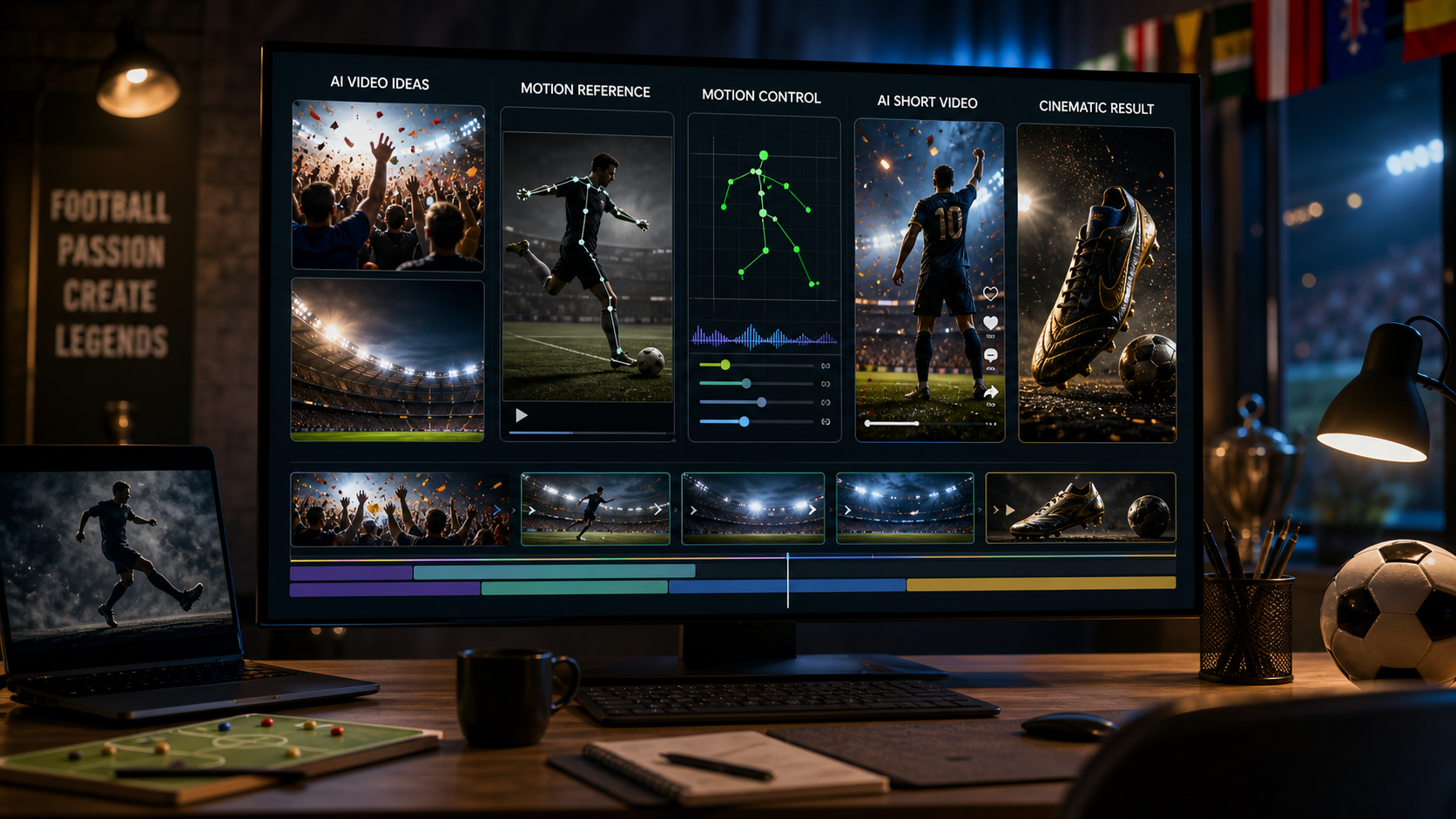
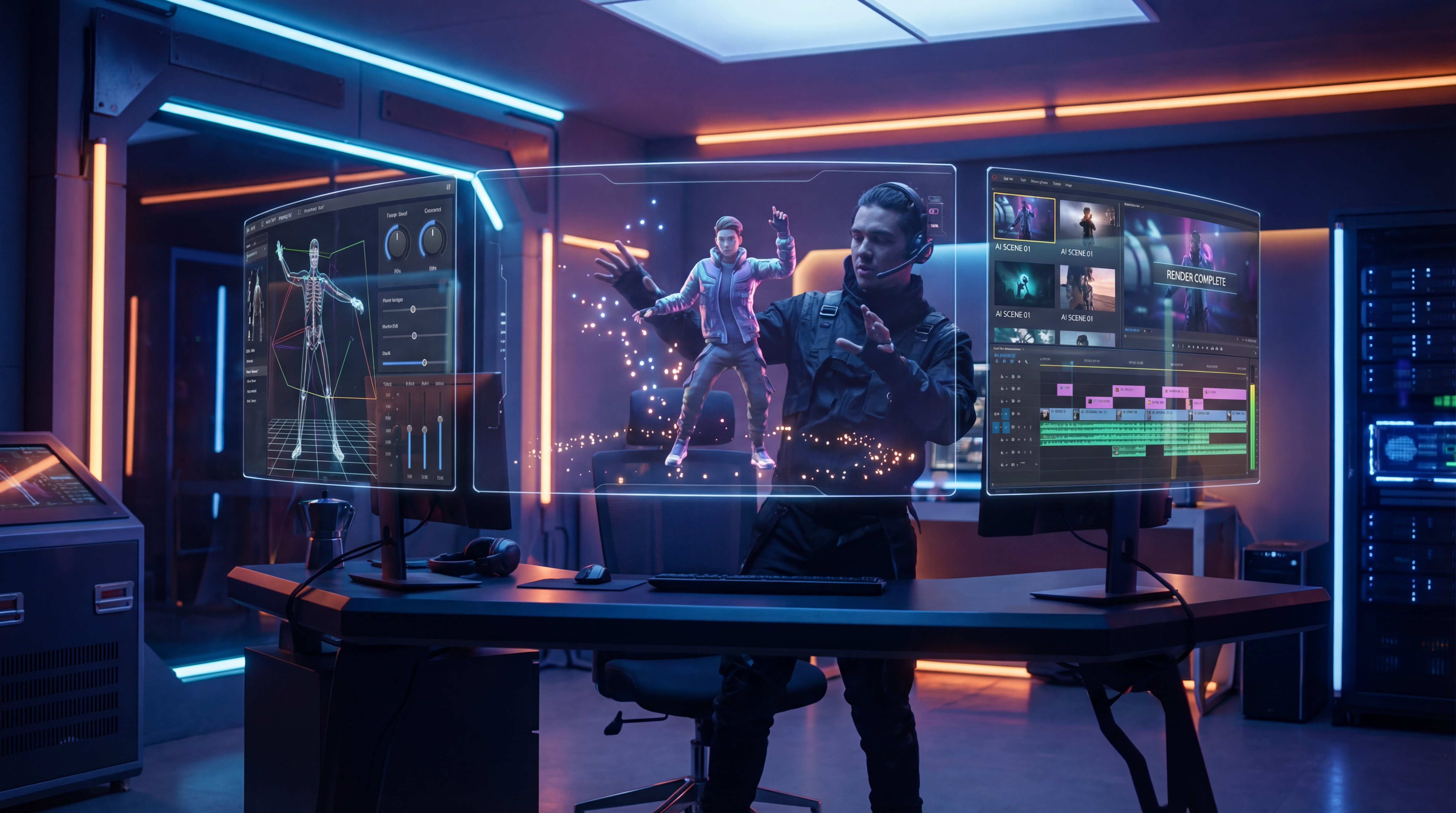
This is where motion control becomes especially valuable. It gives users a way to steer movement more deliberately, which is exactly what many AI video workflows have been missing. Instead of relying only on text prompts to describe an action, users can guide how a subject moves, which makes the result feel more production-ready.
Higgsfield AI Video, in Human Terms
If you are new to it, Higgsfield AI video is best understood as a cinematic AI video option for people who care about shot feel, camera energy, and polished visual style. It is less about generating a random clip and more about getting something that feels directed.
That is why so many people talk about Higgsfield in terms of “cinema” rather than just “generation.” The appeal is not only visual quality. It is the sense that the output is trying to behave like a real piece of short-form video content instead of a moving image experiment.
For viewers, that difference is easy to notice. A clip made with a stronger directing layer tends to feel more confident. The framing looks more deliberate. The motion feels like part of a concept rather than an accident. For creators, that can mean less time repairing weak outputs and more time refining ideas.
If your goal is mood-heavy promo content, stylish brand visuals, or creator videos with a more polished edge, Higgsfield video generation is the kind of tool that makes immediate sense.
What Kling 3.0 Brings to the Table
Kling 3.0 matters because it represents a stronger core model for AI video generation. The discussion around it has focused on better consistency, smoother motion, more convincing short-form scenes, and a broader sense that the model can handle cinematic prompts with more reliability than earlier generations.
That makes the Kling 3.0 video model attractive to several kinds of users. Social creators may care most about getting eye-catching clips faster. Marketers may care more about repeatability and visual cohesion. Product teams may want video that looks premium enough to test in campaigns. In each case, the appeal is similar: better output quality with less prompt wrestling.
Another reason Kling is getting attention is that it feels like a more complete creative engine, not just a novelty feature. The question is no longer “Can it animate a scene?” but “Can it produce something I would actually want to publish?” That is a much higher bar, and tools like Kling 3.0 are being judged by that standard now.
Why Motion Control Is the Most Practical Part of the Story
If there is one feature that makes this whole update cycle especially useful, it is motion control.
The reason is simple. Viewers notice movement immediately. They can forgive small visual imperfections, but awkward motion breaks the illusion fast. That is why motion-guided generation matters so much. It helps creators shape body language, gestures, and overall scene dynamics more intentionally.
In practical terms, Kling motion control is especially appealing for dance clips, fashion content, avatar-style speaking shots, lifestyle promos, and creator ads where movement has to match a specific reference or performance style. Prompt-only video can still surprise you in fun ways, but motion-guided workflows are much better when the action itself is the point.
That makes motion control one of the clearest signs that AI video is maturing. It moves the experience away from “describe and hope” toward “guide and refine.” For anyone building repeatable content, that is a major upgrade.
Higgsfield vs. Kling 3.0: Which One Should You Open First?
This is the wrong comparison if you treat it like a winner-takes-all battle. In practice, these tools make more sense as parts of a workflow.
Higgsfield AI video is the better starting point when you want a more cinematic, directed feel. It suits creators who care about style, pacing, and visual atmosphere.
Kling 3.0 is the smarter first click when you want a strong all-around AI video engine that can give you polished results quickly. It is a solid option when your priority is output quality and general creative flexibility.
motion control becomes the priority when your idea depends on specific action. If the movement has to resemble a reference, carry a performance, or feel consistent across takes, motion guidance is likely the most valuable feature in the workflow.
So the better question is not “Which is best?” It is “What part of the process matters most for this project?” For mood and direction, go toward Higgsfield. For strong general generation, start with Kling. For precision in movement, use motion control.
A Simple Workflow for Beginners on AITryOn
For most users, the easiest path is to break the process into stages.
Start with Kling 3.0 if you want to generate a strong-looking clip quickly and test your concept. If the basic idea works but the movement needs more control, move into Kling motion control to steer the action more deliberately. If your goal is a more stylized, high-end visual tone, use Higgsfield AI video as the cinematic layer for a more directed result.
This kind of step-by-step logic is useful because it matches how real creators work. They do not usually begin with the most complicated setup. They start with a concept, test the quality, then add control only where it improves the result.
Other AITryOn Tools Worth Trying Alongside These Models
A good AI video workflow usually starts before the video model itself. That is why the supporting tools on AITryOn are worth mentioning.
If you want to animate a still visual, Photo to Video AI is an easy companion tool. It makes sense for creators who already have a strong image and want to turn it into a short moving scene.
If you need to build the source image first, AI Image Generator is the natural starting point. For users who want another strong visual option, Seedream 5.0 AI Image Generator is also worth exploring for concept art, ad visuals, and image-first ideation.
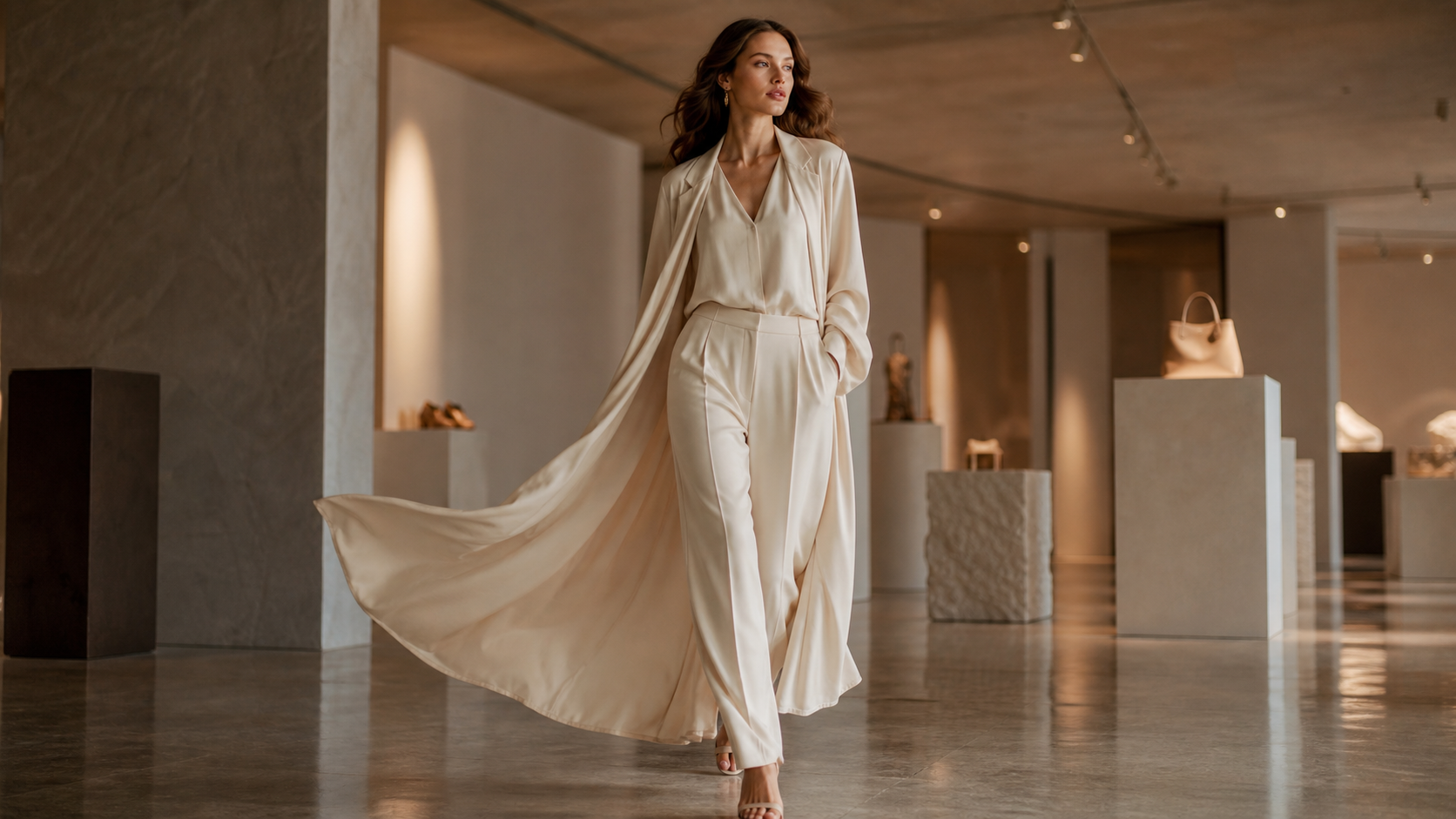
For fashion or ecommerce use cases, AI Fashion Model Generator can help create model-based visuals before they are turned into video. And if your workflow revolves around apparel previews, Kolors Virtual Try On AI is a practical addition for try-on style content.
Together, these tools make AITryOn feel less like a single-model destination and more like a usable creative stack.
Final Thoughts
The most important takeaway is that AI video is becoming more directable. That is the real story behind Higgsfield AI video, Kling 3.0, and motion control.
People are no longer impressed by motion alone. They want believable movement, usable consistency, and a workflow that helps them make content on purpose. That is why this update cycle matters. It points to a future where AI video is not just visually exciting, but creatively manageable.
For beginners, the best move is simple: test one idea with Kling, refine one movement with motion control, and explore Higgsfield when you want that extra cinematic edge. That is a much better way to understand the new generation of AI video than reading feature lists alone.
Recommended Reading
If you want to go deeper after this overview, these guides are worth reading next. They expand on controlled AI video workflows, broader image-to-video options, and how other leading video models compare in real creative use.
- Higgsfield Motion Control Explained: A Smarter Way to Create Controlled AI Videos
- AIFacefy Image to Video Generator 2026: One Hub for the Best Image to Video AI Models
- Flux AI Video Generator Guide for 2026: Best Models Compared & Ranked
- Wan 2.6 vs Kling 2.6 (2026): The Editor’s Guide to Realism vs Motion Control