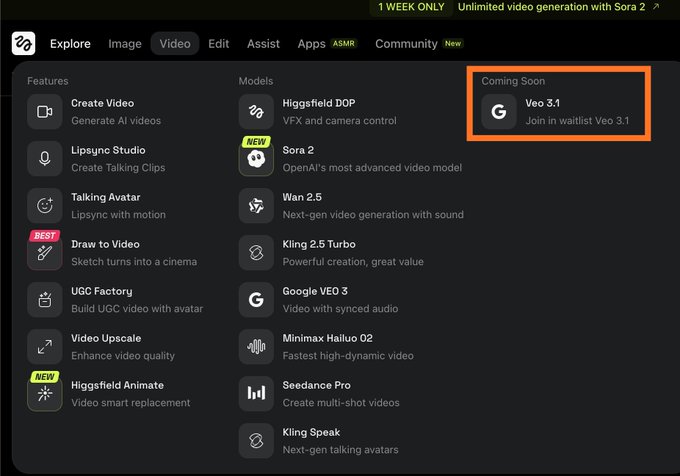
Google Veo 3.1 on Higgsfield. (higgsfield.ai/veo3.1) Join the Waitlist. Google is soon releasing an incremental update for its video generator, Veo, to version 3.1. Following the time-honored tradition of tech giants, it is graciously opening up a waitlist. We're being
Veo 3 AI Video Generator Powered by Google Gemini AI
Explore Veo 3 AI Video Generator — an innovative AI tool from Google that supports both text-to-video and image-to-video generation, leveraging advanced AI technology to effortlessly create stunning realistic videos with vivid sound effects and audio.
Video History
Introduction to Veo 3 AI Video Generator
Explore Veo 3 AI Video Generator — an innovative text-to-video tool from Google that leverages advanced AI technology to effortlessly generate stunning realistic videos.
Powered by Google DeepMind, Veo 3 is currently the world's most cutting-edge AI video generation model. It can automatically generate videos with HD quality, precise physics rendering, and smooth cinematography from text or image prompts, perfectly synchronizing dialogue, sound effects, and background music. The launch of Veo 3 marks AI video generation's true entry into the 'audio era,' far surpassing competitors like Sora. It not only achieves qualitative breakthroughs in effects but also sets industry benchmarks in speed, detail, and realism.
Examples of Veo 3 AI Video Generator
Explore our Veo 3 AI Video Generator examples and see how our tool converts text and images into videos
Prompt
A gentle man is playing the violin by the roadside on a quiet night.
Video
Key Features of Google Veo 3 AI
Google Veo 3 AI utilizes advanced algorithms to transform your text descriptions into cinematic-quality, ultra-realistic videos.
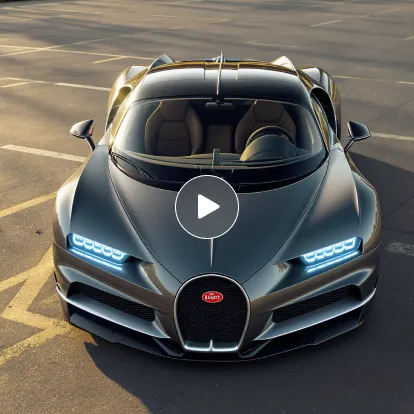
Photorealistic Video Generation
Leveraging cutting-edge AI technology, we transform your text prompts into stunning videos with exceptional visual quality, smooth natural motion, and seamless transitions, setting new industry standards.

Efficient Rapid Creation
Simply input your text description, and AI can generate amazing videos within minutes, perfect for content creation and social media publishing.
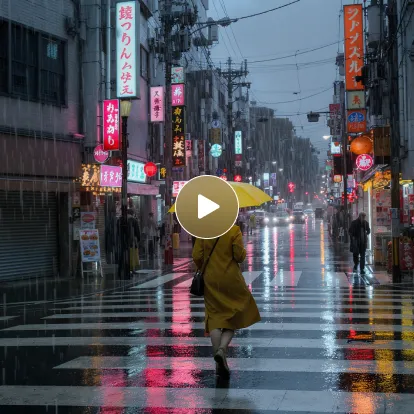
Multi-Scenario Applications
Whether for film creation, content production, or commercial presentations, this tool helps you easily accomplish diverse needs from narrative shorts to product demonstrations.
Advantages of Veo 3 AI Video Generator
Experience the new heights of video generation redefined by AI.
Ultra-High Definition Quality
Utilizes advanced AI technology to generate videos with rich details, realistic lighting and shadows, and naturally smooth motion, delivering visual experiences comparable to professional film production.
Efficient Video Generation
Complete high-quality video creation in just minutes without expensive equipment or large teams, significantly saving production time and operational costs.
User-Friendly Platform
Intuitive and friendly interface design allows easy creation of professional-level works even without any video editing or technical background.
Application Scenarios for Google Veo 3 AI
Explore the diverse applications of Google Veo 3 AI Video Generator, from film creation and social media short videos to brand marketing, educational training, and virtual reality content production. This advanced tool helps you easily transform text descriptions into high-quality, ultra-realistic video works, improving creative efficiency, saving time costs, and bringing every creative idea to life.
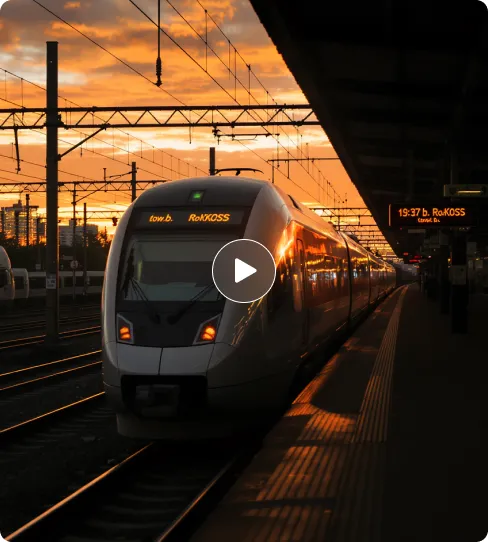
Film Creation & Cinematic Prototyping
Creators can use Veo 3 to quickly transform text descriptions into cinematic-quality short films, such as narrative shorts, sci-fi scenes, or emotional story segments, with precise camera movements, character consistency, and style matching, significantly improving film content production efficiency.
Marketing Videos & Advertisement Production
Brand marketers can generate high-quality short video ads, product showcases, or promotional videos through Veo 3, costing far less than traditional filming while enabling rapid content iteration, effectively increasing brand exposure and communication impact.
Social Media Short Video Content
Perfect for YouTube Shorts, TikTok, Instagram Reels, and other platforms, Veo 3 can generate attention-grabbing short videos with sound effects and visual filters, helping social media creators enhance content appeal and engagement rates.
Educational & Training Videos
Teachers and educators can use Veo 3 to create explanatory videos, instructional demonstrations, and animated educational materials, leveraging AI audio-visual synchronization features to enhance teaching effectiveness and make complex concepts more visual and comprehensible.
How to Use Google Veo 3 AI Video Generator
- Step1 Step 1: Input Your Prompt
Enter detailed text descriptions of your video, including scenes, characters, actions, emotions, lighting, camera angles, and other key information. The more specific the description, the better the results.
- Step2 Step 2: Generate Video
Click 'Create' and wait 5-7 minutes while AI processes your prompt and generates high-quality video, bringing your creativity to life.
- Step3 Step 3: Download & Share
Preview the generated video, supports high-resolution downloads, and share your work on social media and other platforms.

Explore the AI Video Creation with Google Veo 3 AI on Twitter

Winter is coming! Nano banana + Veo 3 magic 🪄


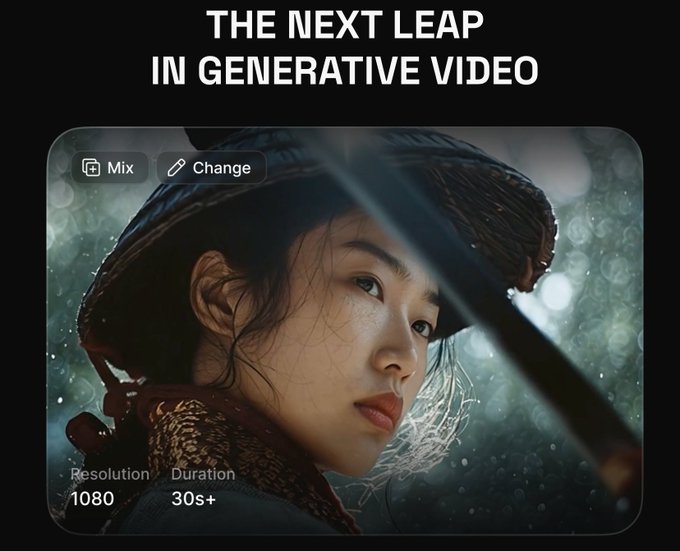
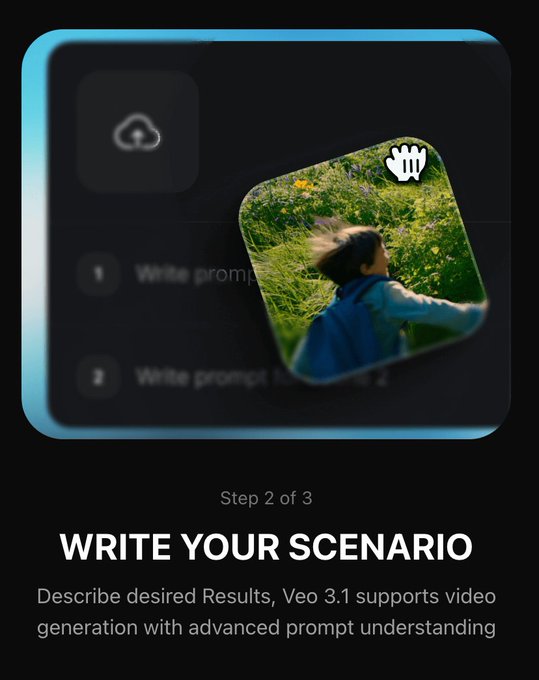
Veo 3.1 is coming soon on @higgsfield_ai All the presets are cool af.! Its gonna be wild 🔥🔥. Will Veo 3.1 get over Sora 2? #higgsfield #veo3 #GeminiAI


It is insane .. My First Video on Veo 3.1 The truth about Veo 3.1 is that it can produce 8-second videos. Available on GenVR.ai via @wavespeed_ai It supports 16:9 and 9:16 aspect ratios, with significantly improved emotion.
Explore More AI Tools for your AI Video Creation
Discover additional AI-powered tools to enhance your video creation workflow and unlock new creative possibilities.
Try On AI


Video AI


Image AI


Free Tools


Frequently Asked Questions About Google Veo 3 AI
More articles about Google Veo 3 AI Video Generator
Start with Google Veo 3 AI Video Generator
Start Veo3 Creation