AI T-Shirt Design Generator — Intelligent AI T-Shirt Design Tool
Unleash your creativity and style instantly. The AI T-Shirt Design Generator is an intelligent tool powered by advanced AI technology for designing and trying on T-shirts. You can upload model photos and T-shirt styles (or use platform templates / AI-generated images), and the system will automatically synthesize realistic, high-definition try-on images. No graphic design skills or complex operations required—quickly produce professional-quality visuals with ease.
Core Capabilities of AI T-Shirt Design Generator
AI T-Shirt Design Generator offers core capabilities in material input, AI-driven generation, and virtual try-on synthesis—covering the complete workflow from concept to finished image and meeting the needs of diverse use cases.
You can upload a model photo along with a pre-designed T-shirt pattern or style image; or directly use platform-provided model and T-shirt templates.
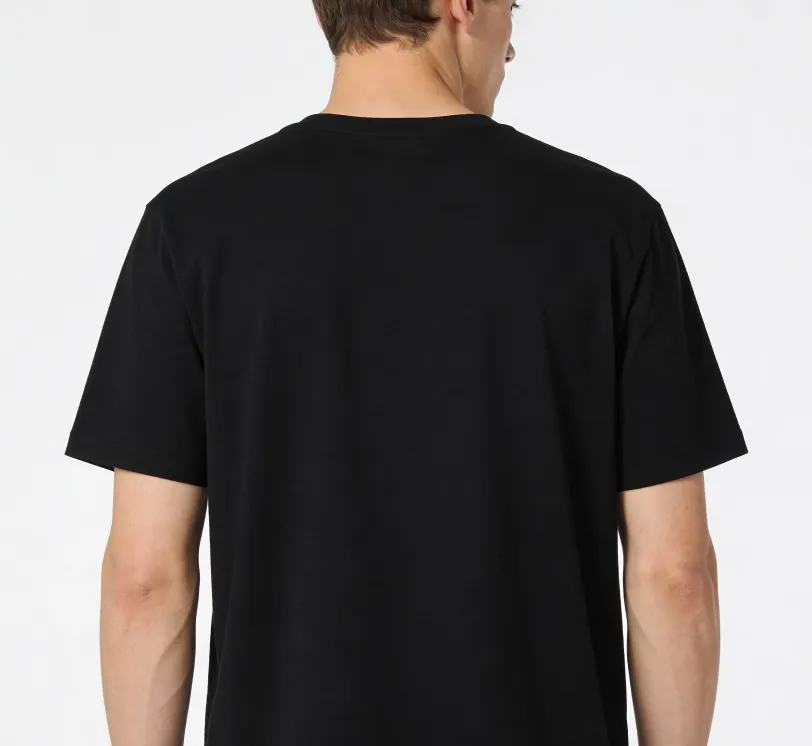
A young, handsome European male stands centered in the frame with his back facing the camera, wearing a loose-fit black cotton T-shirt. The fabric is thick and opaque, with a smooth, even surface and no emphasis on body contours or visible shape definition, creating a composed, clean, and restrained overall aesthetic. He stands upright with his torso facing away from the camera, shoulders level and oriented forward, his back fully facing the lens. Both arms hang naturally at his sides in a neutral, relaxed posture. The composition shows a waist-up, upper-body view (from head to waist), centered and well-balanced, with a minimalist visual style. Soft, evenly distributed studio lighting is used, with low contrast and cool tones that feel calm rather than harsh, and no strong shadows. The background is a seamless pure white. High-quality professional photography with a commercial / e-commerce look. The image is clean and polished, with realistic texture but without excessive detail, natural sharp focus, and 8K resolution.
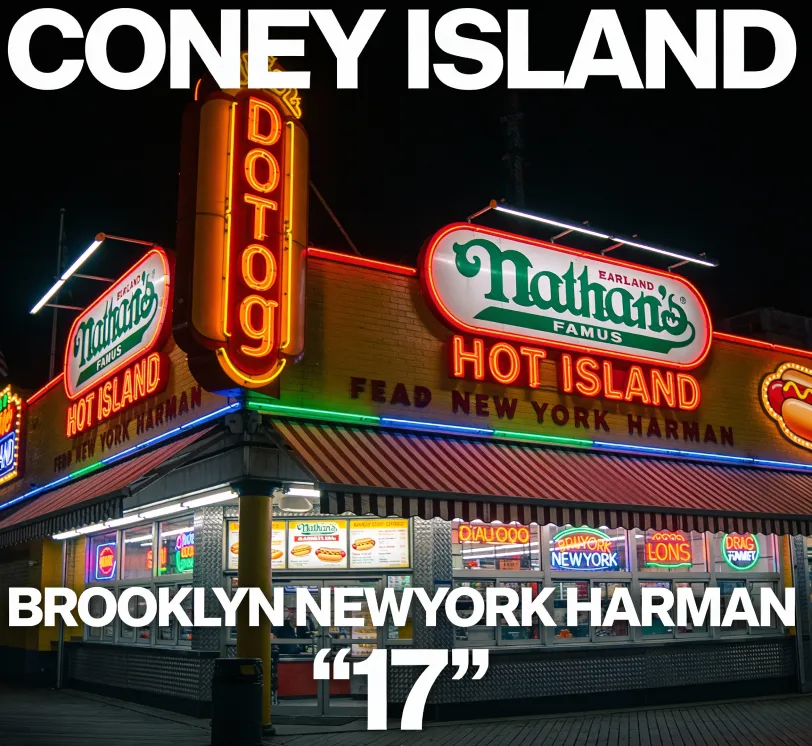
Rectangular graphic artwork depicting an illuminated Nathan's Famous hot dog stand at night, vibrant neon signage and storefront lights glowing in the dark, rich urban night atmosphere. Bold neon reds, greens, yellows, and blues contrasted against deep blacks, high contrast lighting, cinematic night-time mood. At the top of the artwork, white sans-serif text reads "CONEY ISLAND". At the bottom, white text reads "BROOKLYN NEWYORK HARMAN", accompanied by a large white "17" in quotation marks, with small white geometric block shapes aligned beneath. Photorealistic style, sharp details, crisp typography, vivid illumination, modern urban aesthetic, high resolution, clean composition, realistic lighting, professional graphic quality.
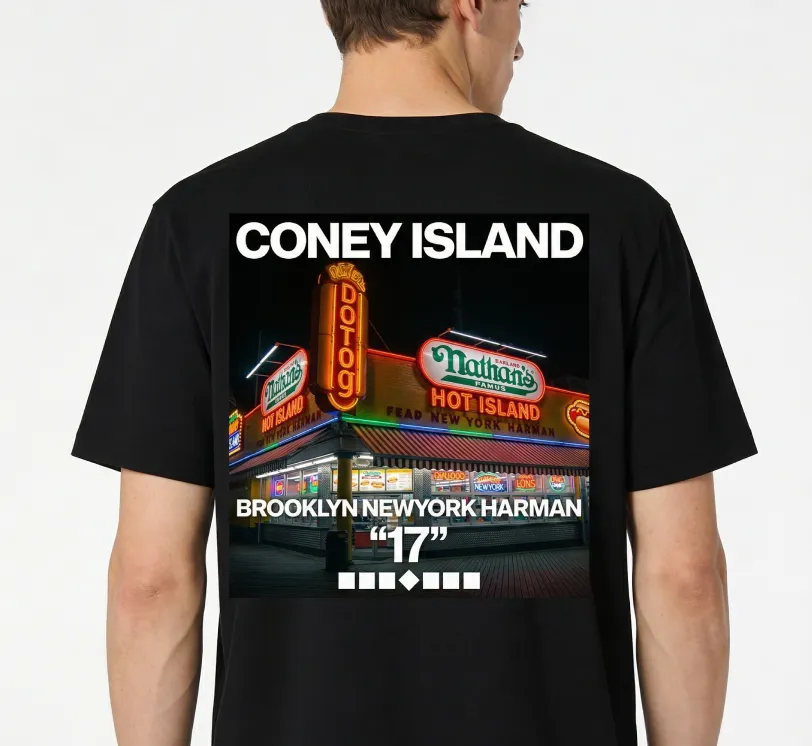
Place the second image at an appropriate and well-balanced size on the center of the T-shirt worn by each person in the first image. Ensure the graphic fits naturally within the T-shirt area and appears neither too large nor too small on all individuals. Preserve each person's original body proportions, pose, and appearance. Maintain the original aspect ratio of the graphic with no stretching, compression, or distortion. Keep the original background unchanged. Keep all other elements the same, and apply the graphic consistently across all visible T-shirts.
If you don't have your own materials, AI can instantly generate model photos and T-shirt designs, significantly lowering creative barriers.

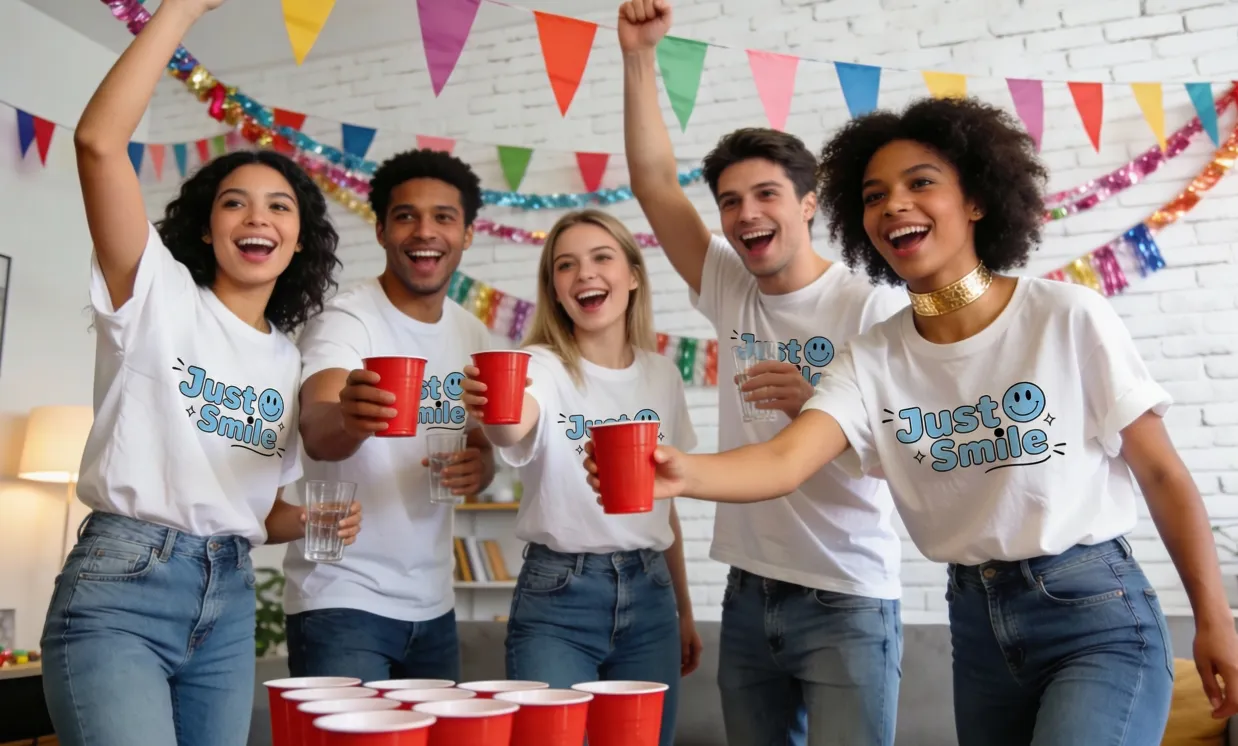
Five young, diverse adults, two women and three men, all wearing identical plain white T-shirts with no logos or graphics, loose fit, made of soft cotton fabric, unified cut and silhouette, enthusiastically playing beer pong at a lively house party, celebratory and excited expressions, full-body shot from waist up, slight low-angle view, vibrant indoor lighting with a mix of natural daylight and soft indoor artificial light, cheerful and bright color palette, photorealistic style, modern apartment living room decorated with colorful bunting and party streamers, white brick wall background, red solo cups and clear glasses, blue jeans, gold choker on one person, visible cotton fabric texture with natural wrinkles, matte fabric surface, smooth natural skin texture, lively and energetic atmosphere, high-resolution, sharp focus, professionally shot, dynamic composition, warm tones.
Place the second image at an appropriate and well-balanced size on the center of the T-shirt worn by each person in the first image. Ensure the graphic fits naturally within the T-shirt area and appears neither too large nor too small on all individuals. Preserve each person's original body proportions, pose, and appearance. Maintain the original aspect ratio of the graphic with no stretching, compression, or distortion. Keep the original background unchanged. Keep all other elements the same, and apply the graphic consistently across all visible T-shirts.
The system intelligently merges the model photo and T-shirt design to output natural and realistic try-on effect images.
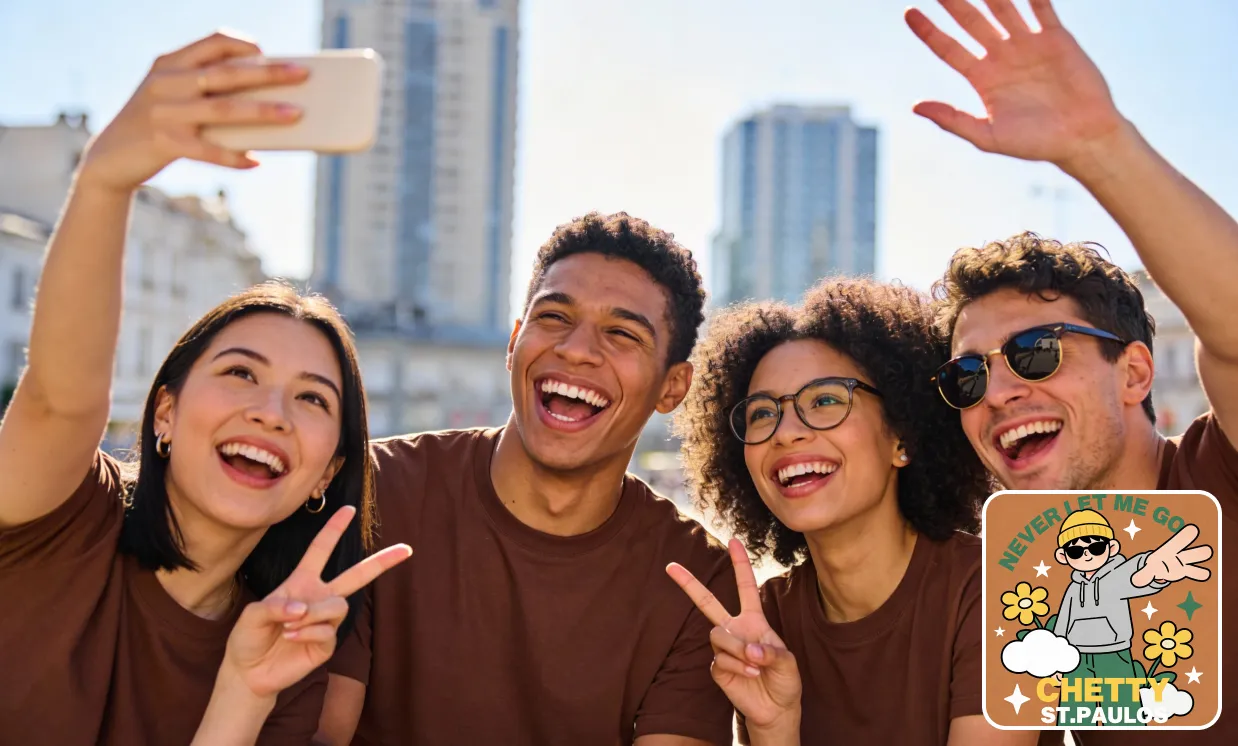
Four young, diverse friends laughing and posing for a selfie, all wearing solid brown t-shirts, a woman holding up a peace sign, a man laughing openly, a woman in glasses making a peace sign, and a man wearing sunglasses excitedly waving, seated outdoors on a sunny day with blurred city buildings in the background, close-up, eye-level shot, natural sunlight, bright and vibrant colors with warm undertones, realistic photography, sharp details, joyful and energetic mood, high resolution, professional quality.
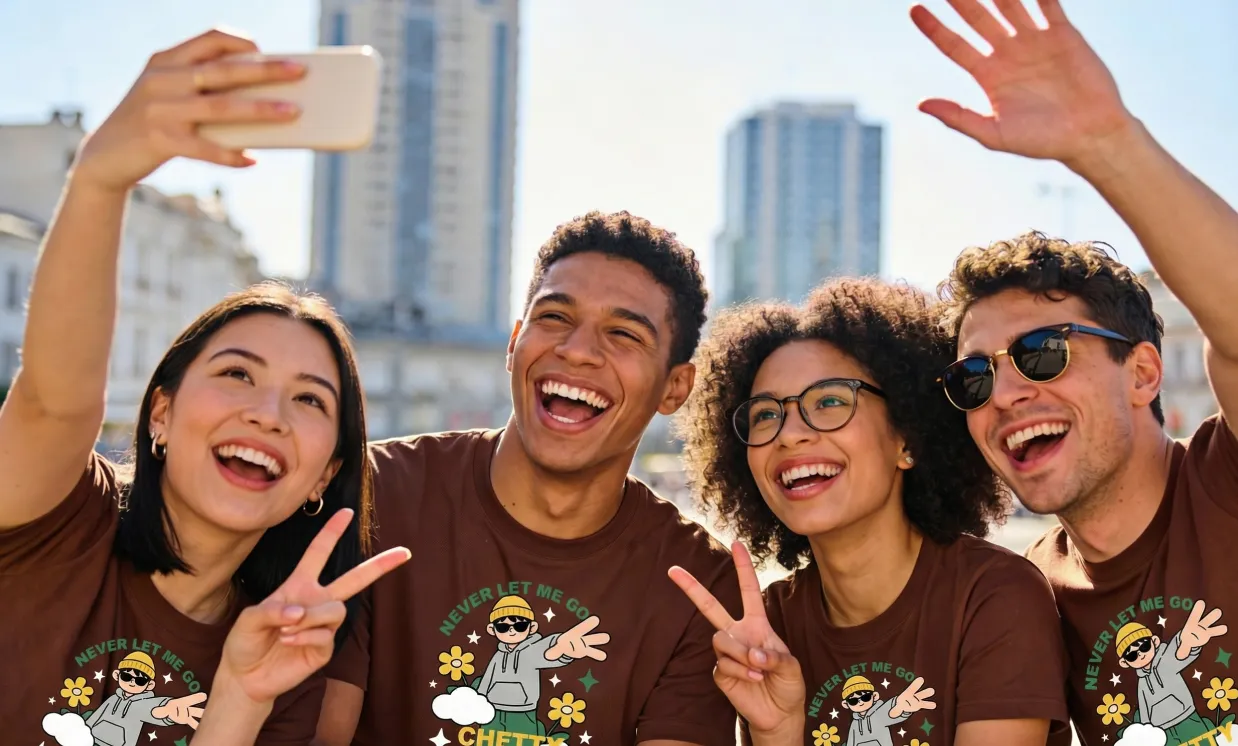
Place the second image at an appropriate and well-balanced size on the center of the T-shirt worn by each person in the first image. Ensure the graphic fits naturally within the T-shirt area and appears neither too large nor too small on all individuals. Preserve each person's original body proportions, pose, and appearance. Maintain the original aspect ratio of the graphic with no stretching, compression, or distortion. Keep the original background unchanged. Keep all other elements the same, and apply the graphic consistently across all visible T-shirts.
Key Advantages of AI T-Shirt Design Generator
The AI T-Shirt Design Generator stands out for its highly automated approach to complex design and virtual try-on workflows, enabling users to achieve high-quality visual results in a very short time, while maintaining both design flexibility and realism.
Efficient Generation, Save Time
No manual compositing, layout, or cut-out required—AI generates complete try-on effect images within seconds, dramatically increasing design and showcase efficiency.
Realistic Detail Rendering
T-shirt graphics, fabric texture, folds, and lighting transitions are all accurately preserved, making the try-on result truly convincing.
Flexible Input Adaptation
Supports image uploads, platform templates, or full AI generation, catering to different levels of expertise and business needs.
Use Cases for AI T-Shirt Design Generator
AI T-Shirt Design Generator is widely applicable to e-commerce, fashion design, brand marketing and more. With true-to-life virtual try-on visuals, it helps users efficiently showcase products and creative ideas.
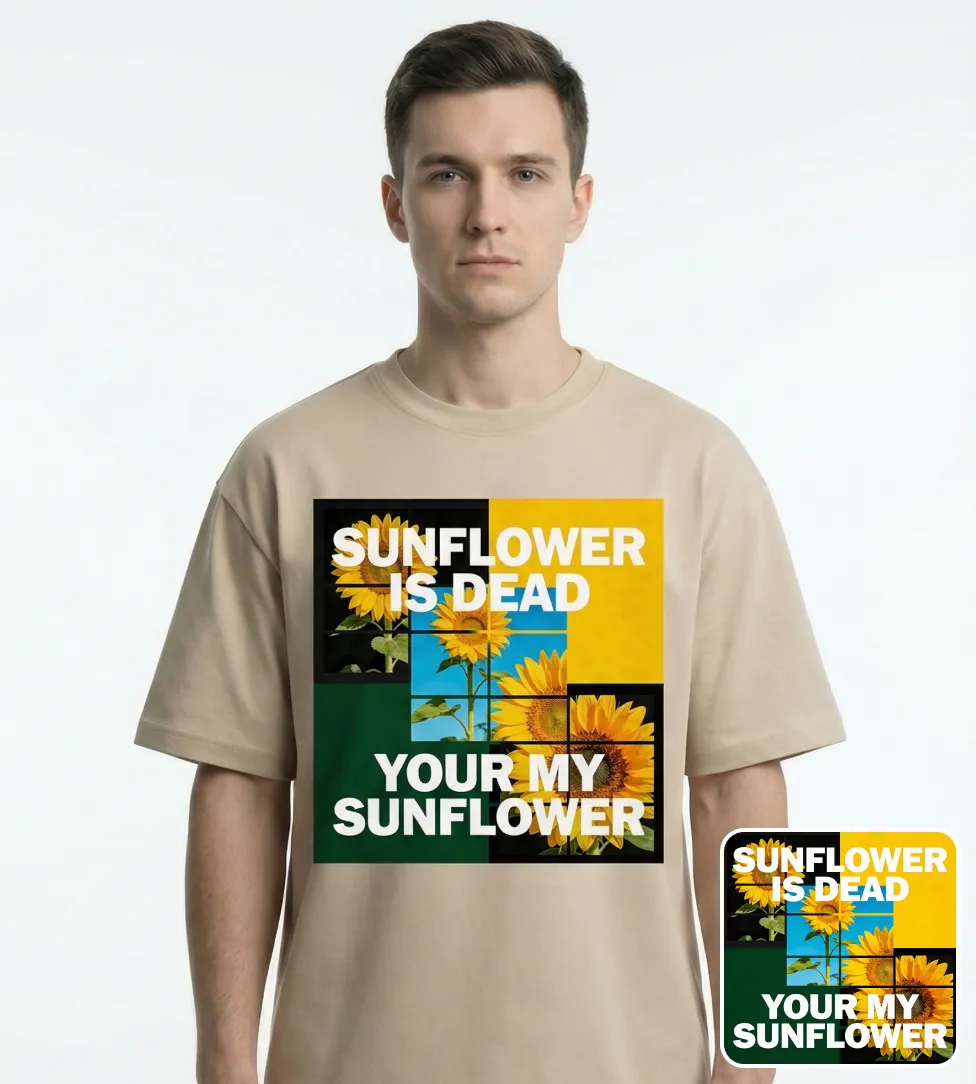
E-Commerce Product Display
Generate realistic try-on images for product pages to boost visual appeal, enhance buyer confidence, and increase conversion.
Fashion Design Process Optimization
Preview T-shirt designs instantly without physical samples, speeding up feedback cycles and reducing development time.
Marketing & Promotion Materials
One-click generation of high-quality styled images—perfect for websites, ads, social media, and brand campaigns.
New Release Preview & Style Testing
Preview new styles ahead of launch for team review or client discussion, minimizing trial-and-error costs.
How to Use AI T-Shirt Design Generator
- Step1 Step 1: Upload Model Photo or Use AI-Generated Model
Upload a real model photo, or let AI generate a custom model image that fits your needs.
- Step2 Step 2: Upload T-shirt Design or Choose a Template / Generate via AI
Upload your T-shirt graphics, select a template, or let AI create a new design for you.
- Step3 Step 3: Generate and Download Try-on Image
The system automatically synthesizes the full virtual try-on image. Download results in PNG or JPG for display or business use.

Explore More AI Tools Related to T-Shirt Design
Unlock the full suite of creative AI tools for video generation and image editing, making every project outstanding and memorable.


