AI Motion Control: Control Character Motion with Reference Video
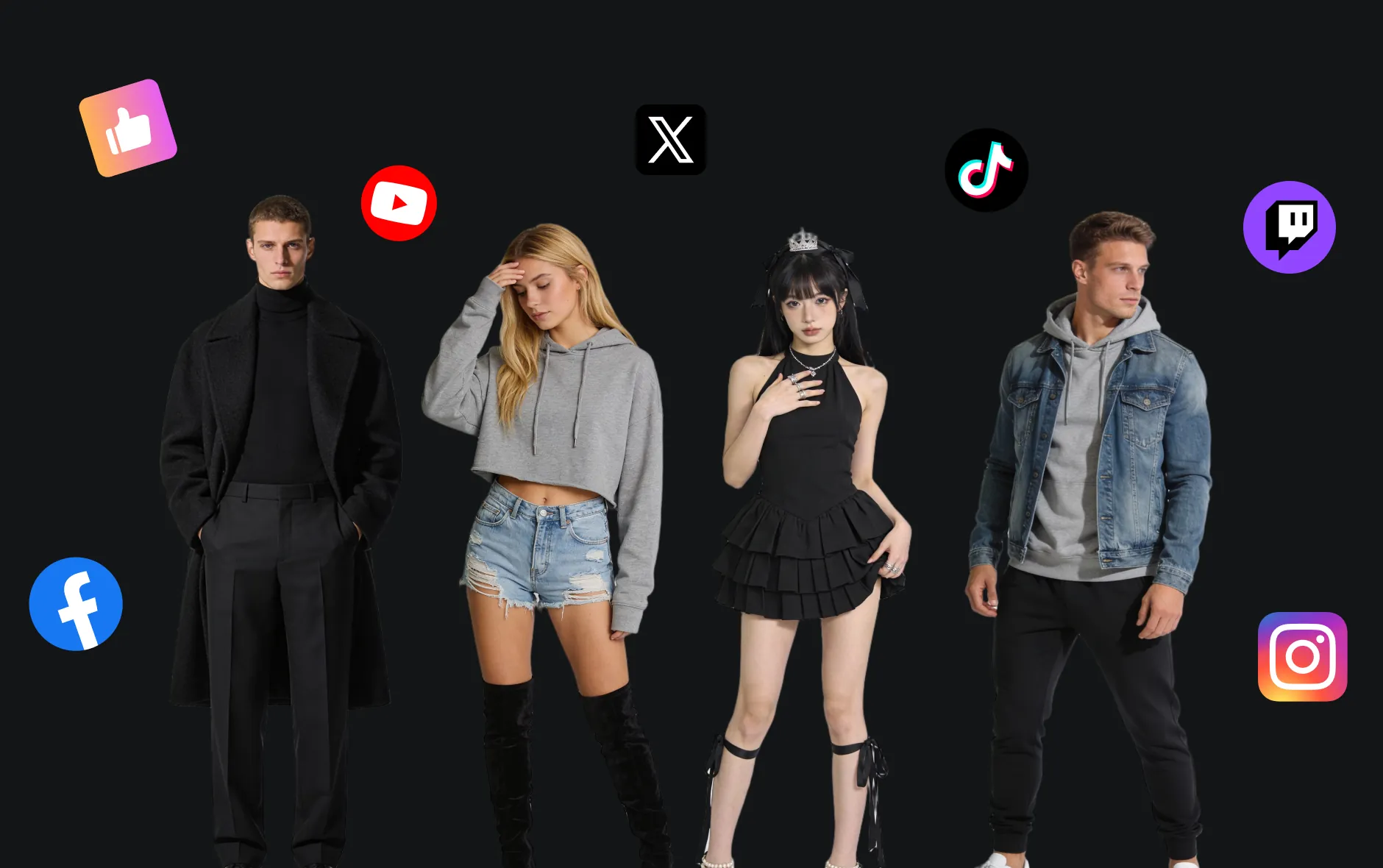
AI Motion Control turns a character image, portrait, product presenter, or full-body reference into a controllable AI video with guided body movement, gestures, pose changes, and camera rhythm. Upload an image, add a motion reference video or optional prompt, choose supported settings, and create short-form character animation for social clips, digital humans, fashion campaigns, product demos, storyboards, and brand motion concepts.
Video Examples of AI Motion Control Video Generator
See how one uploaded character image can become a motion-controlled AI video with reference action, natural gesture flow, clearer pose direction, and a polished short-video feel.
Core Features of AI Motion Control Video Generator
AI Motion Control focuses on image-to-video animation with motion reference guidance, prompt-based direction, character consistency support, and practical output settings for creators who need clearer movement control without manual keyframe animation.
Character Image to Motion Video
Upload a clear portrait, full-body character, avatar, fashion model image, or product presenter and turn it into a short AI video with guided movement and expressive performance.
Reference Motion Video Control
Use a motion reference video to guide body movement, gestures, dance steps, pose transitions, hand actions, or performance rhythm when you need a more specific action.
Prompt-Guided Action Direction
Add an optional prompt to describe camera movement, facial expression, outfit details, background mood, scene style, and how the subject should move.
Social-Ready Video Ratios
Create motion-control clips in supported ratios such as 9:16 for TikTok, Reels, and YouTube Shorts, or use other available framing options shown in the form.
Advantages of AI Motion Control Video Generator
Create controlled character animation faster with an image-to-video workflow built for short-form content, digital human clips, fashion visuals, product storytelling, and creative motion tests.
More Controllable Character Motion
Guide a static image with reference motion and prompt details instead of relying only on broad text instructions, helping body movement and gesture direction feel more intentional.
Less Manual Animation Work
Generate motion-driven video concepts without filming a full production, building a rig, or editing every pose by hand, making character animation easier for creators and teams.
Useful Character Consistency Support
Reference images, motion videos, and clear prompts can help preserve the uploaded subject direction across frames, especially for single-character clips and simple performance scenes.
Fast Short-Form Creative Testing
Create multiple movement ideas for social posts, ads, digital humans, fashion showcases, product explainers, and storyboard previews before committing to full production.
How to Use AI Motion Control Video Generator
Generate controlled character videos in three simple steps, from uploading a character image and motion reference to previewing and downloading the finished AI video.
Step 1: Upload a Clear Image
Choose a portrait, full-body character, fashion model, mascot, avatar, or product presenter image. Clear subjects and visible body structure usually work best for motion control.
Step 2: Add Motion Reference and Settings
Upload a reference motion video or add a prompt describing the action. Select supported settings such as aspect ratio, then describe gestures, pose changes, camera movement, or scene mood if needed.
Step 3: Generate and Preview
Start generation, preview the motion-controlled AI video, and create another version if you want a different image, action reference, prompt, or ratio.
Explore More AI Tools Related to Motion Control
Discover more AI video generators, image-to-video tools, and creative effect pages for character animation, social videos, product clips, fashion visuals, and visual storytelling.
Try On AI


Video AI


Image AI


Free Tools


FAQs about AI Motion Control
More Articles & Guides about AI Motion Control Video Generator
Start with AI Motion Control Video Generator
Create Video Now