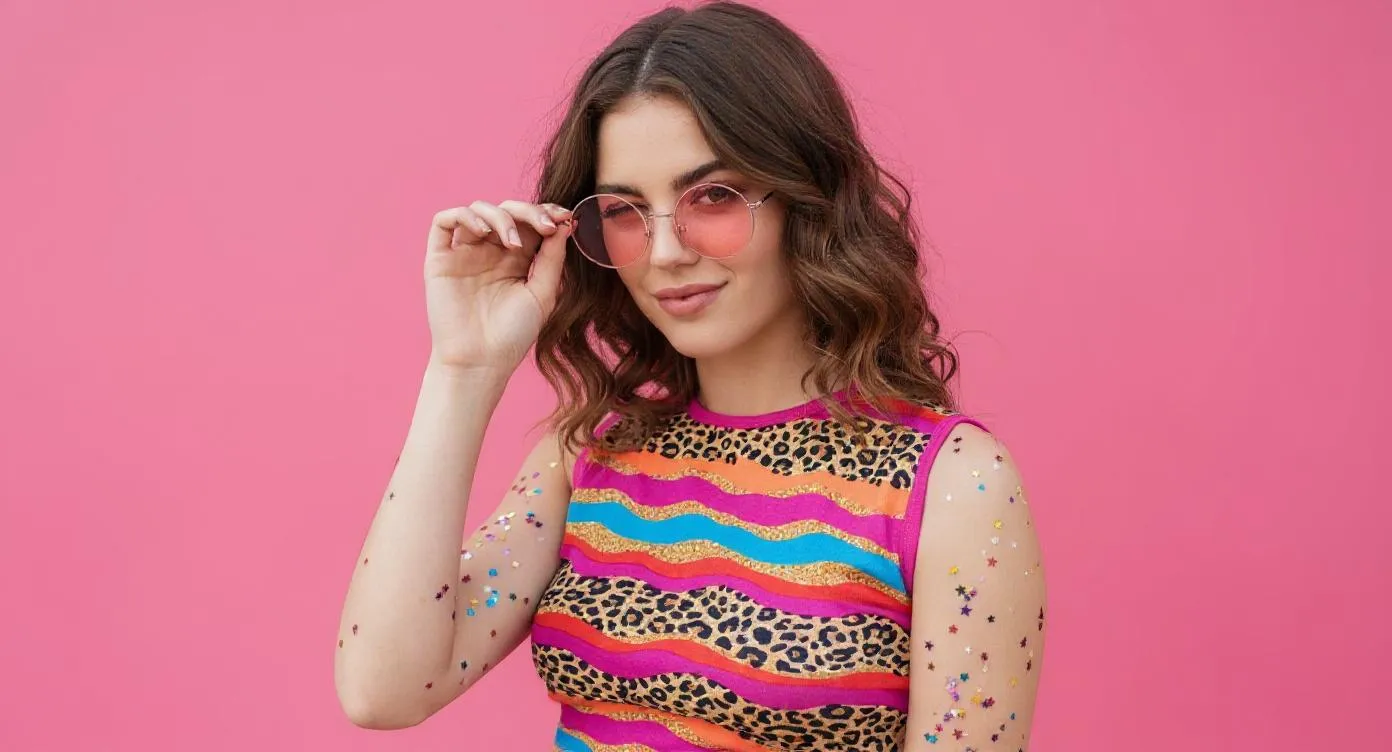
AI Image Generator: Create Stunning Images with AI
Experience AI Image Generator for free—integrated with leading AI models including nano banana ai and seedream 4.0. Supports both text-to-image and image editing with strong image consistency.
Core Features of AI Image Generator
Advanced capabilities that make AI Image Generator a powerful creative image tool.
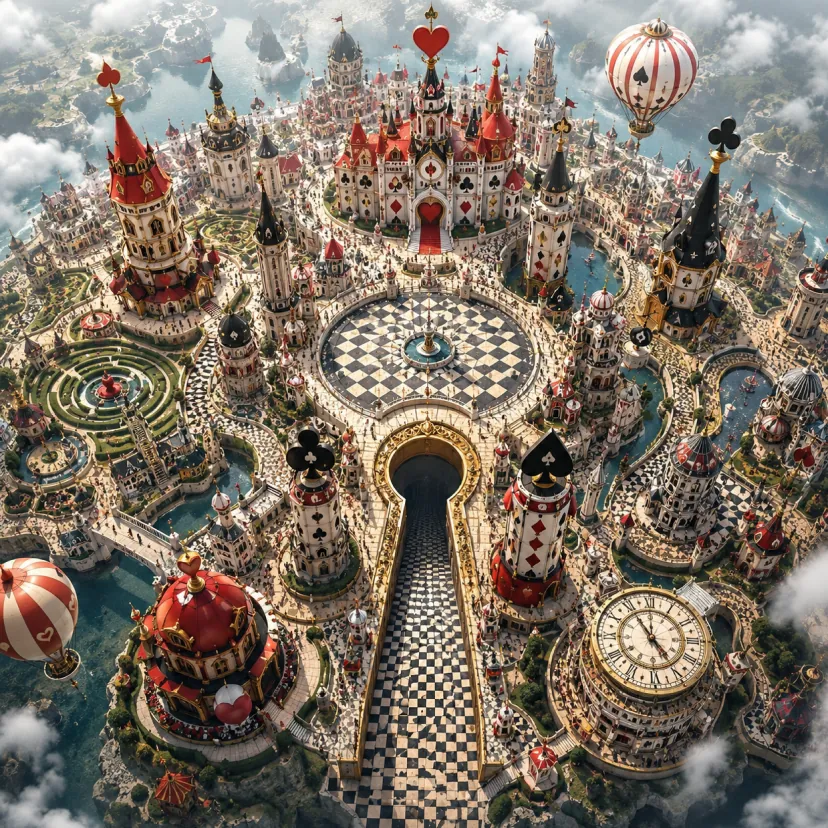
Style Transfer
Transform existing images into different artistic styles, such as photorealistic, watercolor, or oil painting.
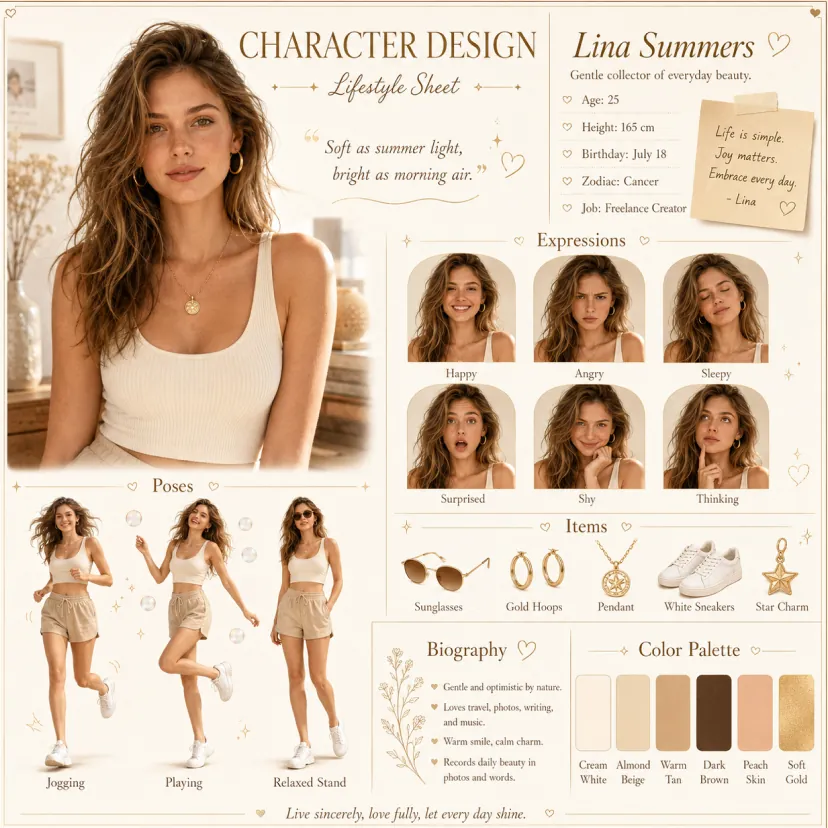
Local Image Editing
Add, replace, or remove specific regions without altering the overall composition. Works with single or multiple inputs.
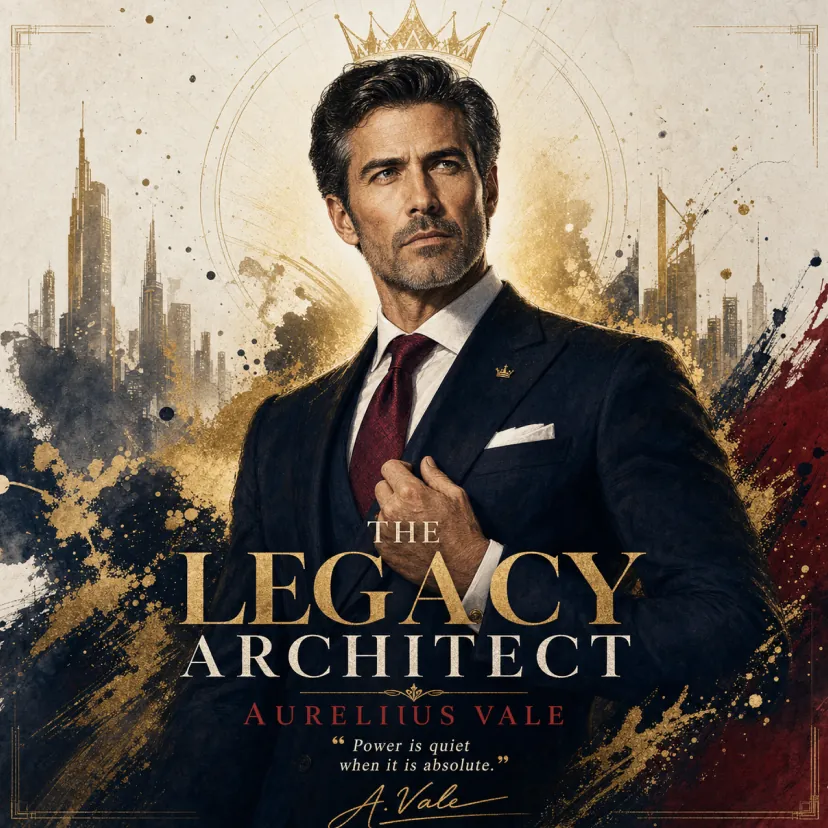
Text-to-Image
Generate images directly from text descriptions, supporting diverse subjects, styles, and levels of detail.
Key Advantages of AI Image Generator
Supports multiple advanced AI image generation models and offers image editing capabilities that are more convenient and intuitive than Photoshop. Designed for both individuals and enterprises, it enables efficient, controllable image creation and editing with flexible styles, easy customization, and seamless integration.
Multi-Model Support
Integrates a variety of cutting-edge AI image generation models, allowing users to choose the best engine for their creative needs.
Powerful & Easy Image Editing
Provides image editing features that are easier to use than Photoshop, including local region editing, style transfer, and content-aware modifications.
Image Consistency
Maintains stable subject identity across different poses, lighting, and scenes for coherent, natural storytelling.
Use Cases for AI Image Generator
AI Image Generator is ideal for poster design, brand campaigns, teaching materials, and artistic creation. It offers flexible control over visual and textual details to boost productivity and visual impact—delivering efficient, professional creative support for designers, businesses, and educators.
Rapid Prototyping
Precisely edit posters and visual assets; flexibly adjust typography, sizes, and styles—perfect for events and brand promotion.
Education & Learning Aid
Generate and edit instructional visuals to build teaching materials and learning resources, enhancing classroom impact and efficiency.
Marketing & Brand Promotion
Produce marketing assets and brand visuals at speed to strengthen brand identity and improve market competitiveness.
Cultural & Artistic Creation
Provide rich creative tools with style transfer and diverse expression to expand artistic possibilities.
How to Use AI Image Generator
Enter Your Text
Describe what you want to create. Optionally upload up to 5 JPG/PNG images to guide or edit results.
Choose Aspect Ratio
Pick the width‑to‑height ratio that fits your goal (applies to Seedream models).
Choose Your Preferred AI Model
Select the best model for your task. Seedream supports aspect ratio and resolution; Gemini ignores these settings.
Explore More AI Tools for Your Image Projects
Discover additional AI-powered tools to enhance your creation workflow and unlock new possibilities.
Try On AI


Video AI


Image AI


Free Tools


AI Image Generator FAQs
More Articles about AI Image Generator
Pinterest Pin Creation with AI: How to Design Scroll-Stopping Pins Faster
Learn how to create Pinterest pin images with AI using prompts, background removal, fashion models, and pin variation testing.
AITryOn Website Updates: A New Creative Cockpit for AI Fashion Images and Videos
AITryOn’s new homepage turns AI image, video, and virtual try-on creation into a faster fashion content command center.
GPT Image 2 for Ad Posters and UGC-Style Content: How to Turn the New OpenAI Model Into Campaign-Ready Creatives
GPT Image 2 brings better realism, cleaner text, and stronger edits. Here’s what’s new, where to access it, and how it handles photorealistic human images.
How to Create Authentic UGC Images with Virtual Try-On AI (That Actually Convert)
Learn AI UGC image creation with Virtual Try-On AI: plan a realistic UGC vibe, generate social-ready images, refine naturally, then scale to campaign videos.