If you scroll through Instagram or TikTok today, it’s easy to spot the difference between a traditional ad and a piece of real user‑generated content. One feels polished and distant. The other feels casual, personal, and trustworthy.
That’s why more brands and creators are turning to AI UGC image creation—not to fake authenticity, but to recreate the style of real user content without expensive photoshoots or long production cycles.
In this guide, you’ll learn exactly how to create UGC‑style images using Virtual Try‑On AI’s Image Generator, why this approach works so well for social and e‑commerce, and how to scale from images to video campaigns when you’re ready.
What AI UGC images really are (and what they’re not)
Before jumping into tools, it helps to clarify expectations.
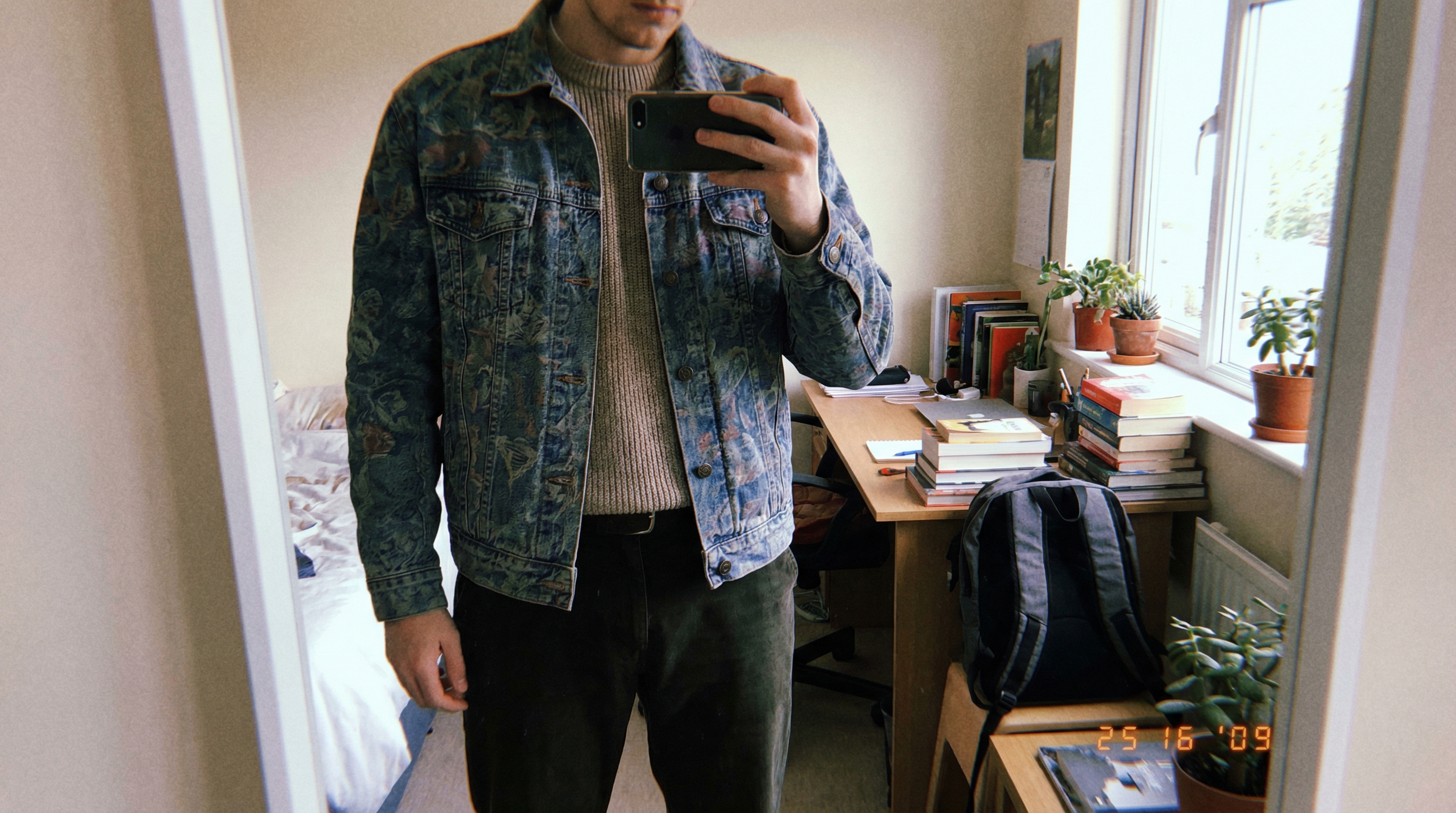
AI generated user content images are visuals that look like they were taken by real customers: mirror selfies, casual lifestyle shots, everyday product use. They’re not meant to replace genuine community content, but they do fill the gap when you need consistent visuals quickly.
The goal isn’t perfection. The goal is believability.
When you create UGC images using AI, you’re designing images that feel lived‑in and relatable, not overly staged or commercial.
Why Virtual Try‑On AI works especially well for UGC
A major reason AI UGC often looks fake is that products appear disconnected from people. Floating shoes, pasted‑on clothing, or unnatural poses instantly break trust.
Virtual Try‑On AI solves this by showing products on real human forms. Clothing follows body contours. Accessories sit naturally. Products look worn, not displayed.
That’s why AI powered UGC image tools that include try‑on technology produce more convincing results—especially for fashion, accessories, beauty, and lifestyle brands.
The tool we’ll use: Virtual Try‑On AI Image Generator
In this walkthrough, we’ll use the AI UGC image maker from Virtual Try‑On AI. It’s designed for creators and brands who want realistic, social‑ready images without complex setup.
You don’t need:
- Professional photography experience
- Advanced prompt engineering skills
- A large content team
You just need a clear idea of the vibe you want.
This makes it a practical UGC style AI image generator for beginners and professionals alike.
Step 1: Plan your UGC look before generating
Before clicking “Generate,” decide how you want the image to feel.
Ask yourself:
- Does this look like a selfie or a lifestyle moment?
- Is the product being worn, held, or used naturally?
- Would this image blend into a social feed?
Planning upfront saves time and keeps your results consistent when you generate social media UGC images.
Step 2: Open the AI Image Generator and set your basics
Go to the Virtual Try‑On AI Image Generator and:
- Select your model (e.g., Nano Banana Pro)
- Upload your product image (clothing, accessory, etc.)
- Choose an aspect ratio (9:16 for Stories/Reels, 1:1 for feeds)
- Set resolution (2K works well for most platforms)
This setup is optimized for AI image generation for social media content without extra resizing later.
Step 3: Write prompts that sound human, not like ads
Prompting is where many people go wrong. Avoid marketing language.
Instead of:
“High‑quality professional studio photo of a premium product”
Try something like:
“Casual mirror selfie in a bright bedroom, natural lighting, relaxed pose, everyday outfit, realistic texture.”
These small choices make a big difference when you create UGC images using AI.
Step 4: Generate and review with a UGC mindset
When your image generates, don’t ask “Is this perfect?”
Ask:
- Does this feel like something a real user would post?
- Is the product clearly visible but not over‑emphasized?
- Would this stop someone from scrolling?
This evaluation mindset is key to successful AI UGC image creation.
Step 5: Refine with small, realistic tweaks
If the image feels slightly off, make gentle adjustments:
- Change the environment (bedroom → café)
- Adjust posture (standing → leaning casually)
- Simplify wording rather than adding detail
Small changes outperform dramatic rewrites when working with AI powered UGC image tools.
Common use cases for AI UGC images
Social media posts and ads
UGC‑style images blend naturally into feeds and often outperform polished creatives in engagement.
This is one of the most common ways to generate social media UGC images at scale.
Product reviews and testimonials
Showing products in believable daily use builds trust. This is why AI UGC images for product reviews convert better than clean product shots.
Lifestyle brand storytelling
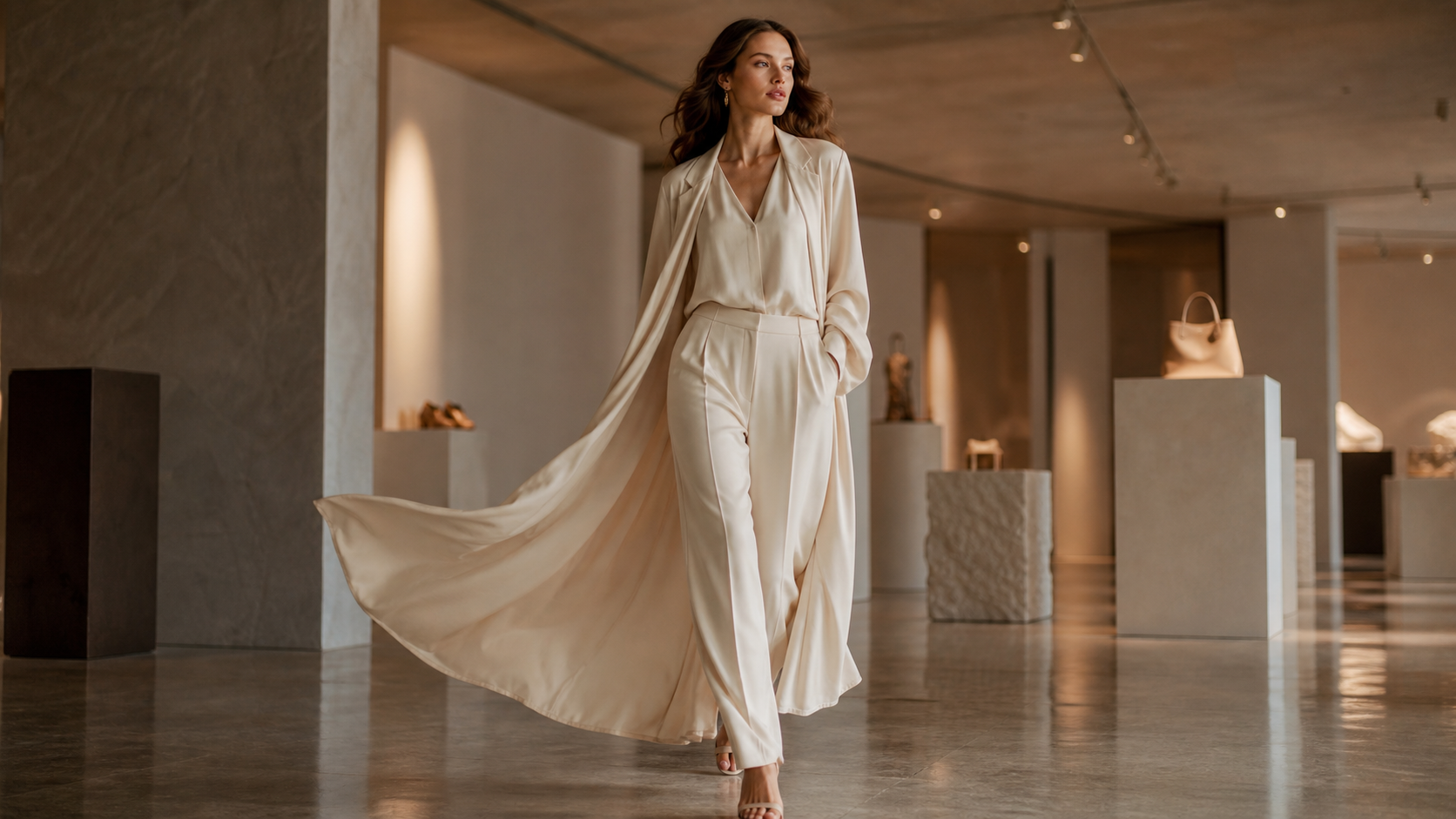
For landing pages and lookbooks, AI generated lifestyle content images help set mood and identity without heavy production costs.
Common mistakes to avoid
- Over‑polishing the image
- Using sales language in prompts
- Ignoring background realism
- Making every image look “too perfect”
Authenticity comes from restraint.
When images aren’t enough: move to UGC video campaigns
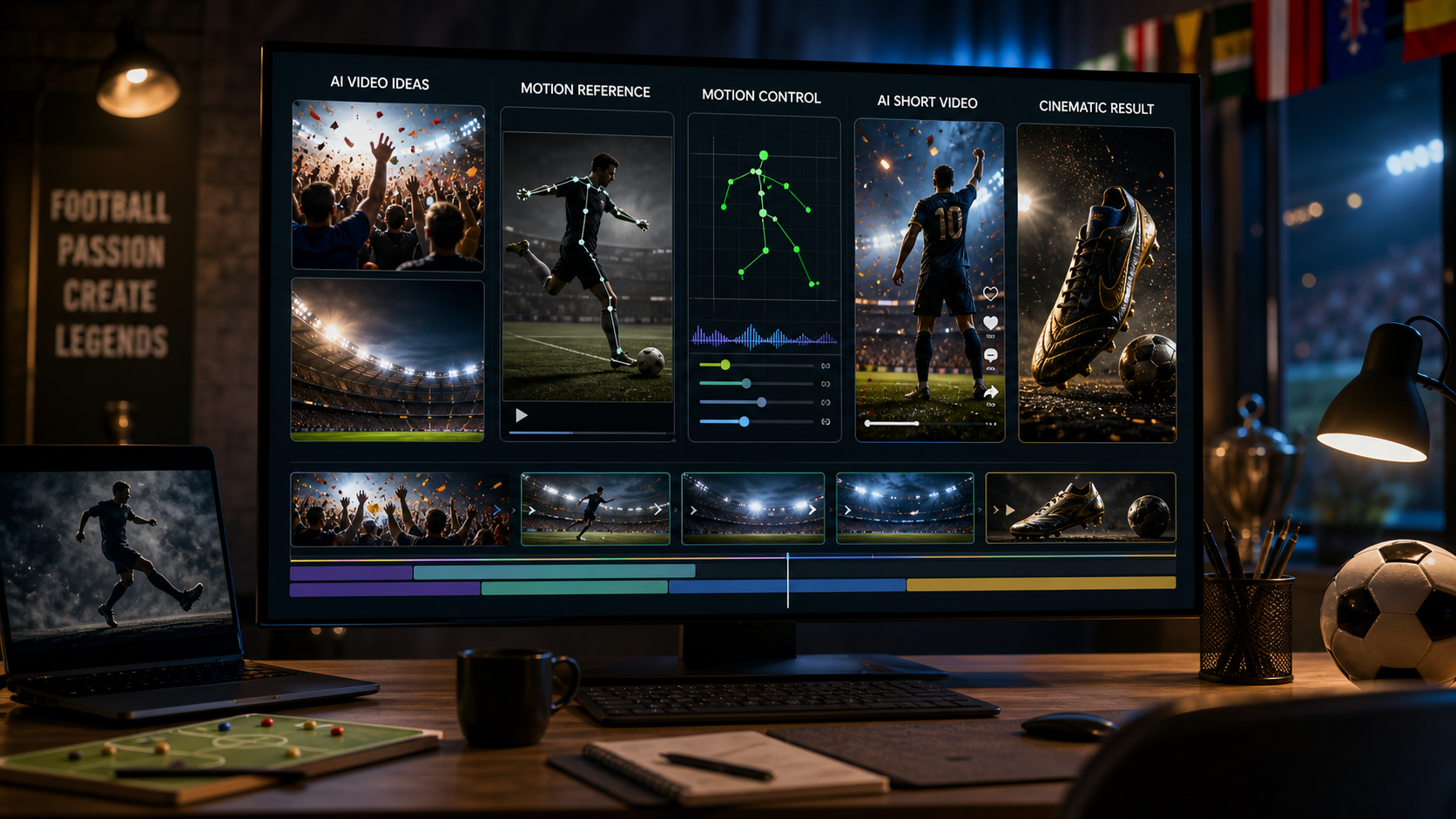
Images are powerful, but motion adds another layer of trust. Short videos showing products in use often outperform static visuals in ads.
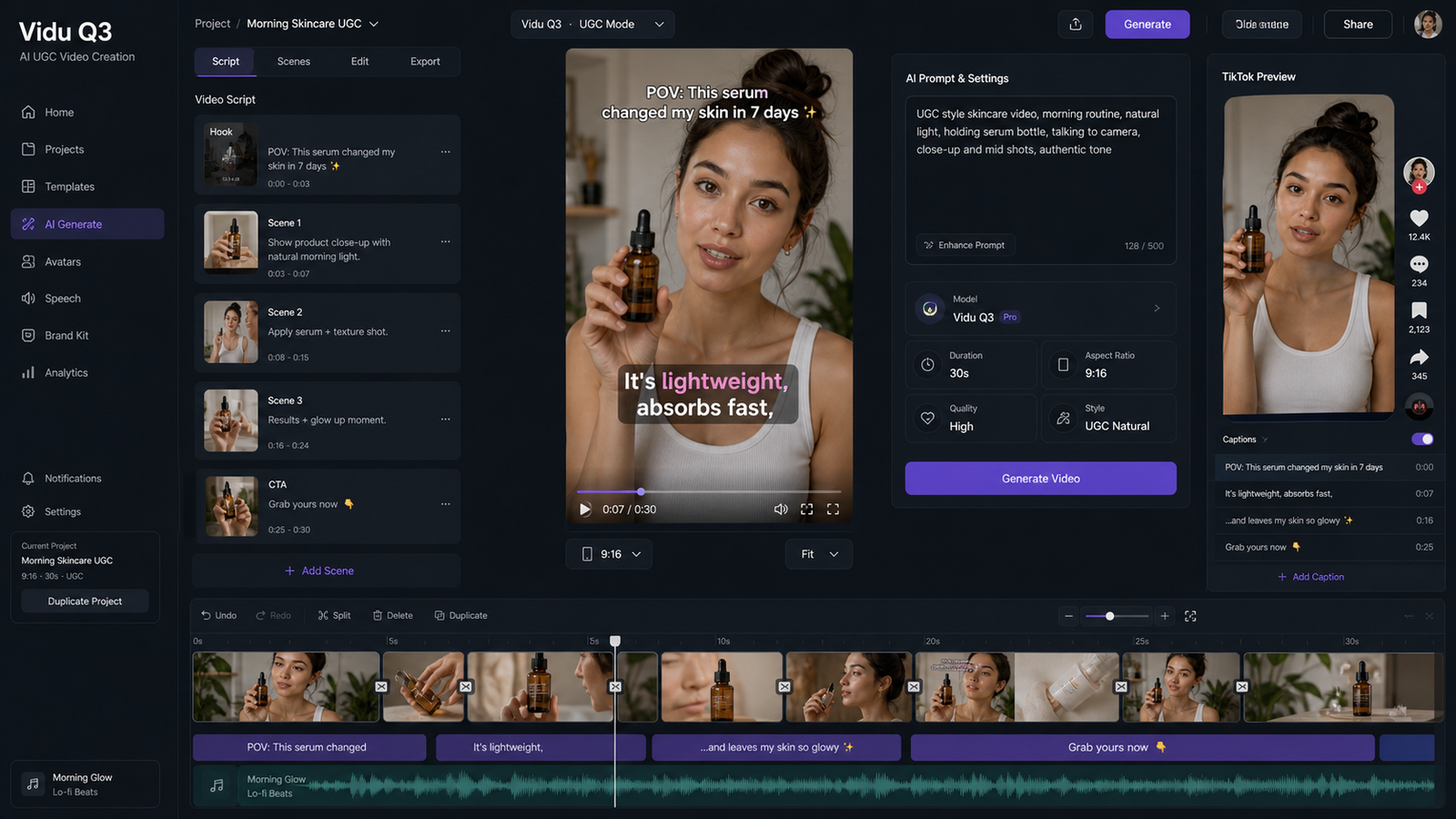
When you’re ready to expand, consider using AI UGC Maker for creating product videos and campaign assets:
👉 https://aitryon.art/ai-ugc-maker/
It’s a natural next step if you want to scale from images to full UGC‑style campaigns.
Why Virtual Try‑On AI is a smart choice for UGC creators
Virtual Try‑On AI makes UGC creation accessible:
- Realistic product fit and placement
- Fast iteration without photoshoots
- Scales from solo creators to marketing teams
If your goal is to create believable, scroll‑stopping content without friction, it’s an excellent place to start.
Final takeaway
UGC isn’t about perfection—it’s about relatability. With the right mindset and the right tools, AI can help you create images that feel human, casual, and trustworthy.
Start small by creating images with the AI Image Generator, test your visuals on social platforms, and expand into video campaigns with AI UGC Maker when you see traction. That’s how sustainable UGC strategies are built today.