Krea AI Video Generator transforms text prompts or still images into short video clips, guiding motion with first-frame and last-frame references. It produces polished visuals ideal for social content, advertising, storytelling, and product promotion.
Video History
Introduction of Krea AI Video Generator
Krea AI Video Generator is an advanced AI video creation workflow designed to transform text prompts and static images into high-quality short clips. It supports text-to-video, image-to-video, start-frame and end-frame guidance, model selection, clip extension, synchronized audio on supported models, and creative iteration for faster visual production.
This video introduces the creative potential of Krea AI Video Generator, showing how creators can turn written ideas or image references into dynamic videos with realistic motion, flexible model choices, frame-level control, and polished visual expression for social media, marketing, storytelling, and product promotion.
Core Features of Krea AI Video Generator
Krea AI Video Generator focuses on fast and flexible video creation from text or images, giving creators access to multiple AI video models, start and end frame guidance, clip extension, synchronized audio on supported models, and parallel generation for efficient creative exploration.
Text-to-Video Generation
Describe a scene, subject, action, camera movement, mood, and visual style, then generate short AI video clips with cinematic realism and smooth motion for creative or marketing use.
Image-to-Video with Frame Control
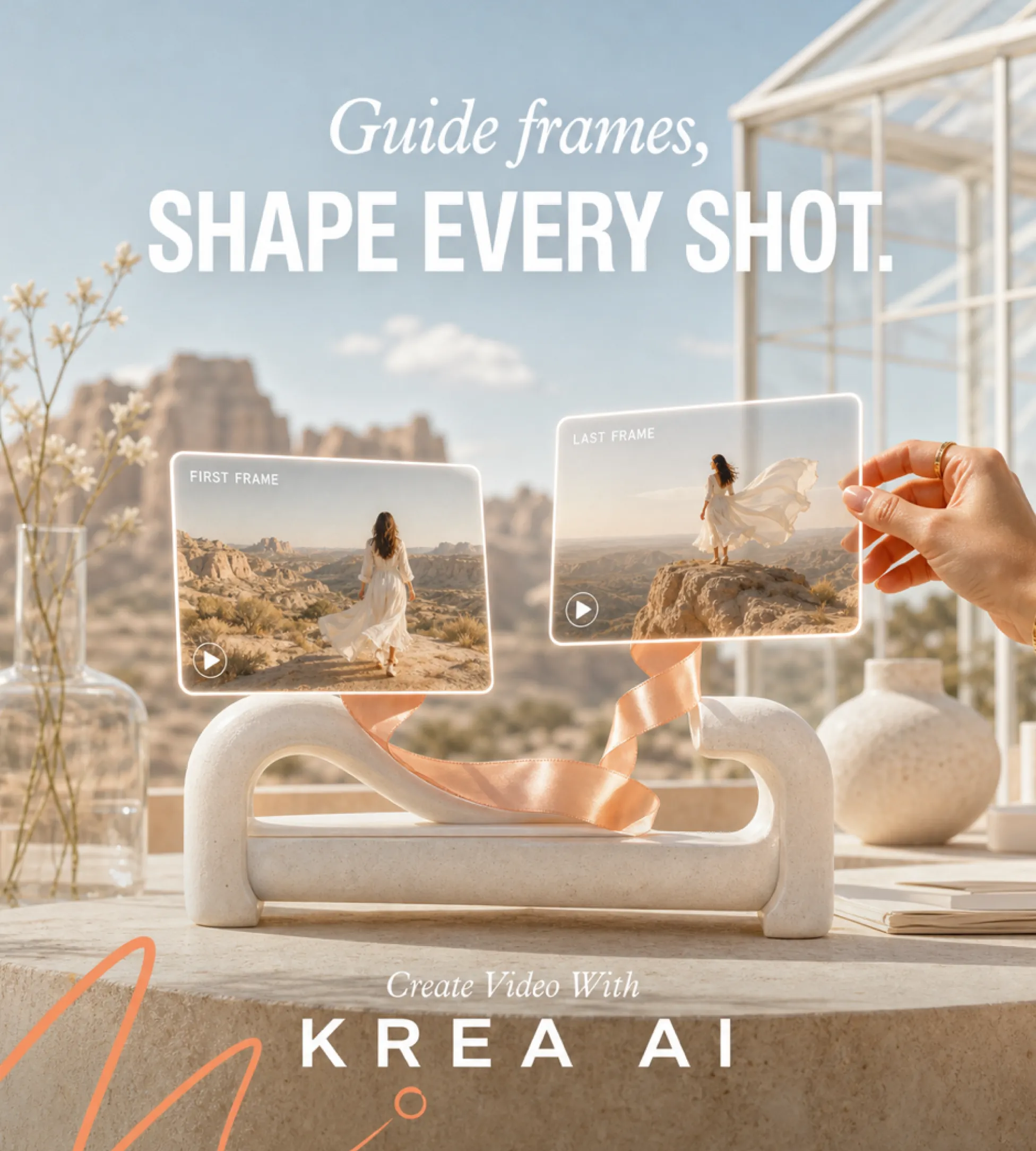
Upload a starting image to animate it into video, or use first-frame and last-frame references to guide the beginning and ending of a shot with stronger subject and object consistency.
Multi-Model Video Workflow
Explore leading AI video models in one workflow, including Veo 3, Sora 2, Wan 2.5, Kling 2.5, Runway Gen-4, Seedance Pro, Luma, Hunyuan, and Hailuo 02, then compare realism, speed, motion, style, and audio support.
Advantages of Krea AI Video Generator
Combining multi-model access, flexible prompt and image workflows, and fast creative iteration, Krea AI Video Generator gives creators an efficient way to produce high-quality AI videos for creative and commercial workflows.
Flexible Model Selection
Krea AI Video Generator lets creators explore different AI video models in one workflow, making it easier to compare realism, motion quality, speed, style, and audio availability before choosing the best output.
Frame-Guided Visual Control
First-frame, last-frame, and image-to-video guidance help users control how a clip begins, ends, and preserves key subjects, improving visual consistency across product shots, story scenes, and social videos.
Faster Creative Iteration
Parallel generation, clip extension, and model comparison help reduce slow manual testing, allowing creators to refine prompts, compare outputs, and build stronger video concepts more efficiently.
Application Scenarios for Krea AI Video Generator
Krea AI Video Generator is ideal for creators, designers, marketers, agencies, and production teams who need high-quality AI video clips without traditional filming or editing. From social posts to storyboards and campaign concepts, it helps turn ideas into visual motion faster.
Generate short clips for TikTok, Instagram Reels, YouTube Shorts, Pinterest, and other social platforms, using text prompts or reference images to shape the final visual style.
Product Promotion and Advertising
Create product-focused video concepts, launch teasers, branded visuals, and campaign clips with flexible model selection and frame guidance for stronger creative consistency.
Storyboarding and Creative Prototyping
Designers, filmmakers, and creative teams can quickly test scene ideas, camera movement, lighting, character motion, and mood before committing to a full production workflow.
Cinematic and Experimental Visuals
Explore surreal scenes, realistic motion, stylized animation, music-video concepts, and cinematic shots by iterating across different prompts and AI video models.
How to Use Krea AI Video Generator
Step1 Write a Prompt or Upload an Image
Describe the video you want to create, including subject, action, setting, lighting, camera movement, and style, or upload an image to animate into a video clip.
Step2 Choose Model and Generation Settings
Select the AI video model that fits your goal, add start-frame or end-frame references when needed, and adjust available settings such as duration, aspect ratio, motion direction, or audio on supported models.
Step3 Generate and Preview
Generate your AI video and preview the result to check motion quality, visual consistency, prompt accuracy, model performance, and whether the clip matches your creative goal.
Step4 Refine and Export
Adjust the prompt, image reference, model, or settings if needed, extend or merge clips for longer sequences, then download the finished video for creative or commercial workflows.
today, Krea 2 goes live to everyone.
to celebrate, we're offering unlimited Krea 2 generations to all our subscribers for the entire week.
try it for free 👇
this is Krea 2.
our first foundation model, built completely from scratch for aesthetic diversity and stylistic control.
learn more and get early access 👇
Krea K2 is a new AI image model.
The model leans into more abstract, different and unique forms of art generations.
This lets you get more creative with your image styles, and it's fantastic for ideation and consistency.
Discover more AI-powered tools for video generation, image creation, editing, and creative production to make every visual project faster and more flexible.