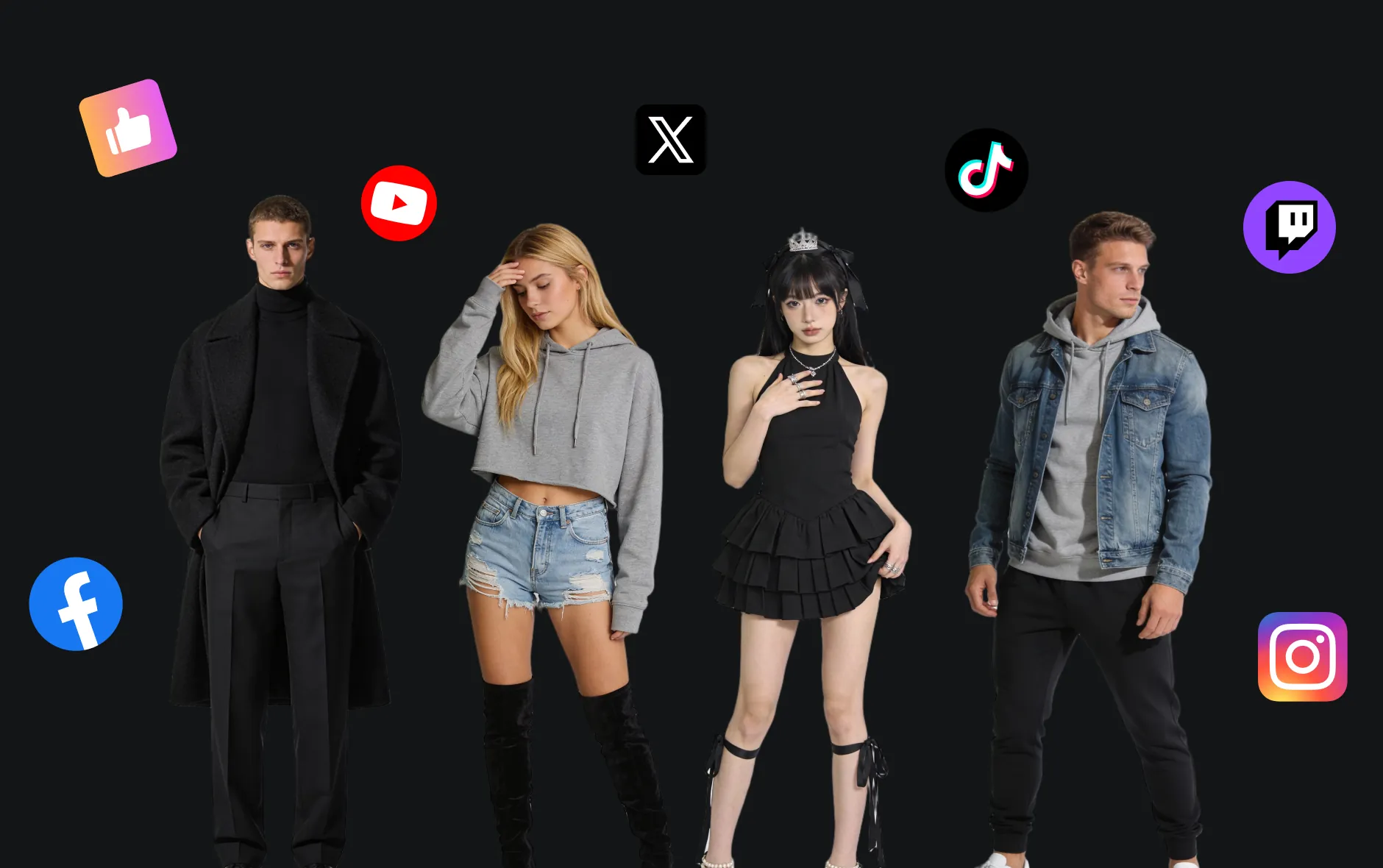
Qwen AI Image Editor powered by Qwen AI
Qwen Image Editor is a multimodal image editing model launched by Qwen AI, supporting precise text modification, style transfer, object addition and deletion tasks, while balancing semantic understanding and visual details.

Introduction to Qwen AI Image Editor
Explore Qwen Image Editor — an image editing tool from Alibaba's Tongyi Qianwen, utilizing advanced AI technology to provide stunning image generation experiences.
Core Features of Qwen AI Image Editor
Qwen Image Editor supports precise editing of Chinese and English text in images just like editing documents, while preserving original fonts and styles. It also enables diverse functions such as object addition and deletion, image style conversion, perspective rotation, demonstrating excellence in semantic understanding and visual details with natural and realistic editing results.

Precise Chinese and English Text Editing
Supports adding, deleting, and modifying text in images while preserving original fonts, font sizes, and styles, with extremely high Chinese rendering accuracy.
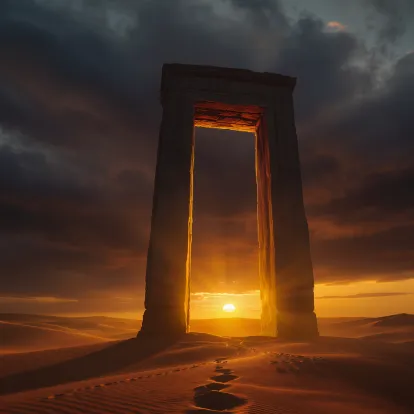
Rich Image Editing Capabilities
Includes advanced editing tasks such as style transfer, object addition and deletion, layout or pose adjustment, and iterative chain correction, covering everything from low-level visual adjustments to complex semantic scene customization.
Dual Semantic and Visual Encoding Mechanism
Qwen Image Editor employs dual semantic and visual encoding mechanisms: image content is understood through Qwen2.5-VL for scene semantics while VAE preserves visual details, ensuring editing results that meet semantic intentions while maintaining natural and consistent image details.
Core Advantages of Qwen AI Image Editor
Qwen Image Editor achieves efficient personalized image editing through multimodal interaction and intelligent generation, while supporting structured content output to assist professional creation and presentation.
Multimodal Interaction Capabilities
Qwen supports multiple input methods including voice, images, and text. Users can perform image editing through natural language instructions, such as 'change the background of this image to a beach' or 'convert this photo to cartoon style'. This multimodal interaction approach enhances user experience and operational efficiency.
Efficient Image Generation and Editing
Based on Alibaba Cloud's self-developed Composer composition generation framework, Qwen can generate personalized image and video content that matches semantic descriptions according to user text input, meeting user needs in design, marketing, and other areas.
Structured Content Output
Qwen can generate structured image content such as charts and infographics, facilitating use in reports, presentations, and other scenarios, improving content readability and professionalism.
Application Scenarios for Qwen Image Editor
Qwen Image Editor is widely applied in poster design, brand marketing, education and teaching, and artistic creation, capable of precisely editing image content and text, improving creation efficiency and visual effects, providing efficient and professional image solutions for designers, enterprises, and educators.
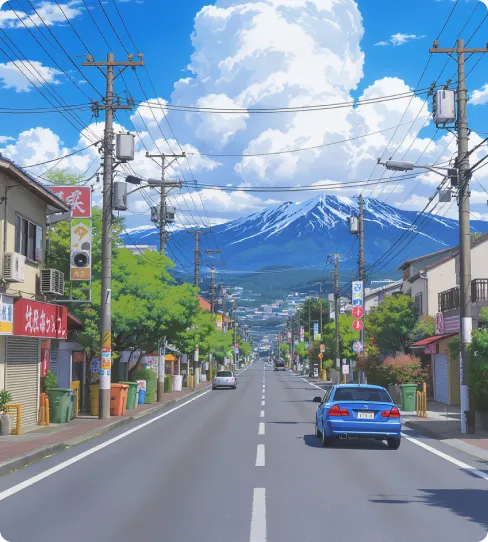
Poster and Advertisement Design
Qwen Image Editor supports precise editing of text in posters, including fonts, font sizes, and styles, suitable for event promotion, brand marketing, and other scenarios.
Education and Learning Assistance
In the education field, Qwen Image Editor can be used for image content editing and generation, assisting in the creation of teaching materials and learning resources.
Enterprise Marketing and Brand Promotion
Enterprises can utilize Qwen Image Editor for brand image building and marketing material creation, enhancing brand influence and market competitiveness.
Cultural Creativity and Artistic Creation
Artists and designers can leverage Qwen Image Editor for creative work production and artistic style conversion, expanding the boundaries of creation.
How to Use Qwen Image Editor
- Step1 Step 1: Input Your Prompt
Enter detailed text descriptions, or upload images for a better image generation experience.
- Step2 Step 2: Generate Image
Click 'Create' and wait 5-7 minutes as AI processes your prompt and generates high-quality images to realize your creativity.
- Step3 Step 3: Download and Share
Preview generated images, supports high-resolution downloads, and share your works on social media and other platforms.

Explore More AI Tools for your AI Image Creation
Discover additional AI-powered tools to enhance your image creation workflow and unlock new creative possibilities.
Try On AI


Video AI


Image AI


Free Tools


FAQs about Qwen Image Editor
More articles about Qwen Image Editor
Start with Qwen Image Editor
Start Image Creation