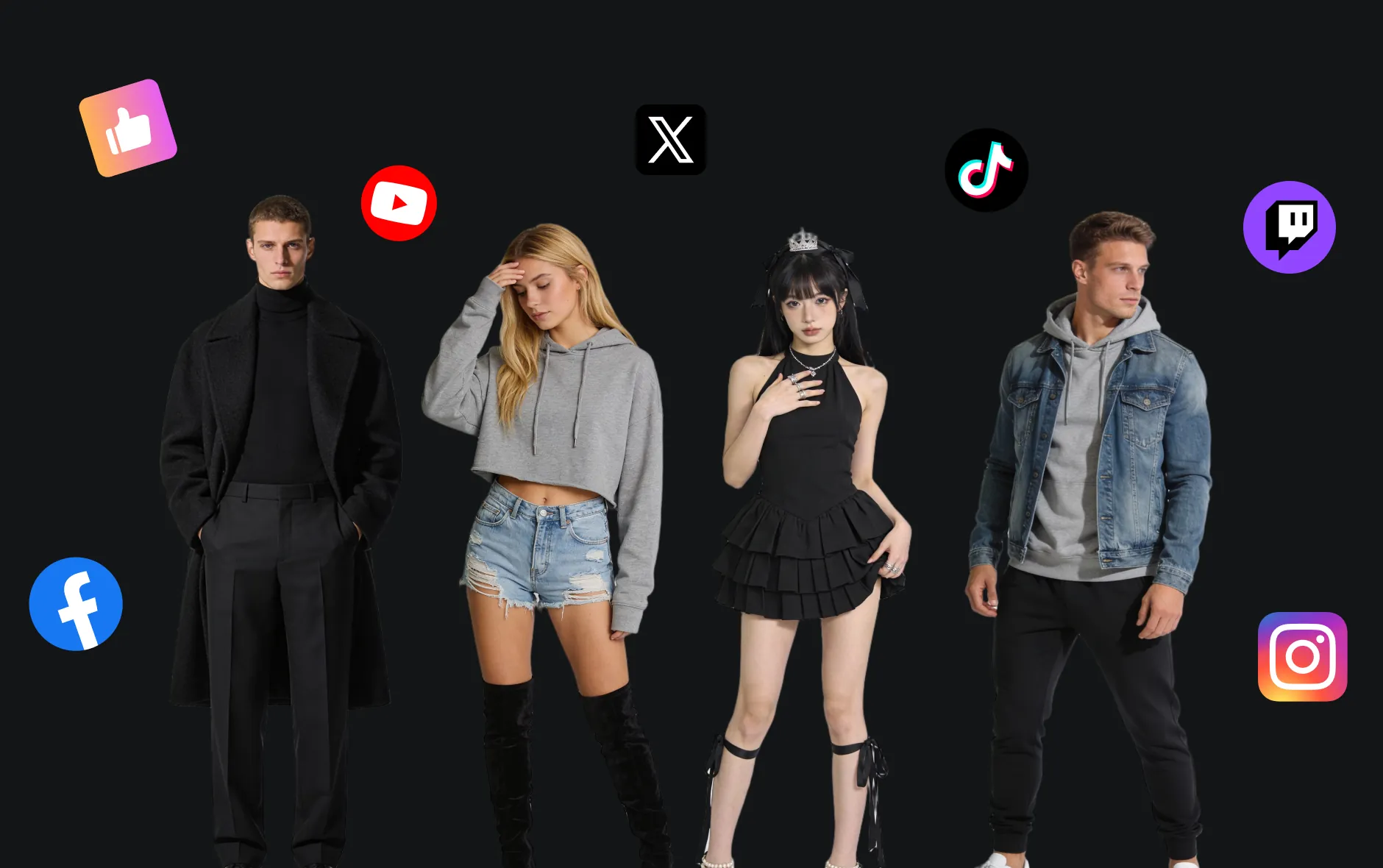
Seedream 4.0 AI Image Generator
Seedream 4.0 AI is created by the ByteDance Jimeng team, supporting rapid generation and editing through text or image prompts. It features unified architecture and ultra-fast high-quality output, capable of creating new images and precisely modifying original works, suitable for both beginners and professional creators, supporting Chinese, English, and multimodal input.
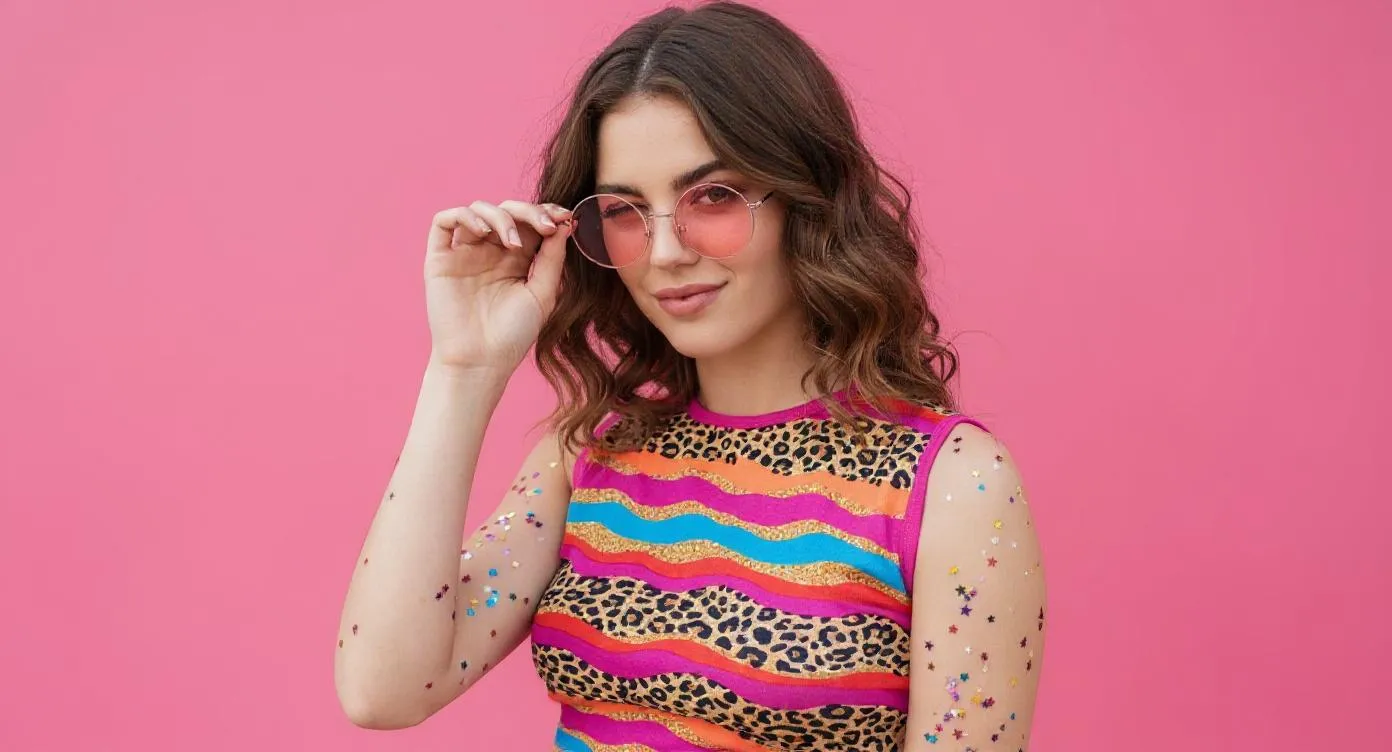
Introduction to Seedream 4.0 AI Image Generator
Seedream 4.0 launched by ByteDance integrates generation and editing, supporting text and image prompts. It's fast and high-quality, suitable for creating new works or fine modifications, appropriate for creators of different levels, and compatible with Chinese, English, and multimodal input.
Core Features of Seedream 4.0 AI
Advanced features that make Seedream 4.0 AI Image Generator a powerful creative image generation tool.
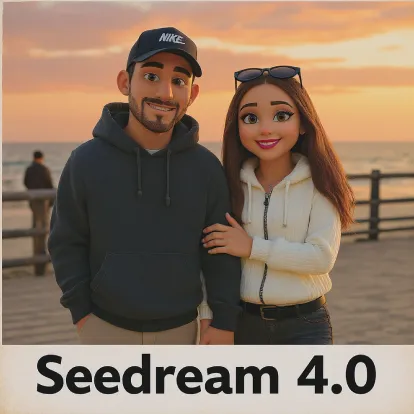
Text to Image
Automatically generate images from text descriptions, supporting multiple themes and expression forms.
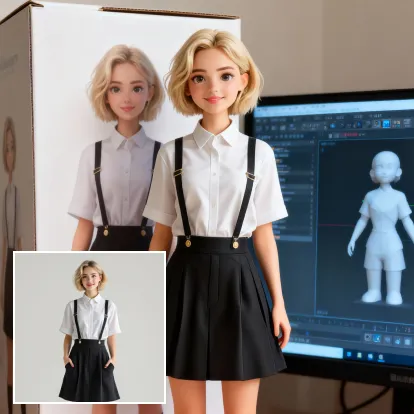
Local Image Editing
Add, replace, or remove specific areas without changing the overall composition.

Style Transfer
Transform existing images into different artistic effects, such as realistic, watercolor, oil painting styles, etc.
Core Advantages of Seedream 4.0 AI
Providing efficient and controllable image generation and editing experience for personal and commercial use, supporting multi-style creation, flexible customization, and convenient application.
Character Consistency
Maintain consistent subject characteristics regardless of pose, lighting, or scene changes, presenting coherent narrative visuals.
Design Extension
Flexibly apply specific artistic styles or textures while preserving subject structure and details, achieving creative reproduction.
Creative Composition
Integrate multiple image elements into a single prompt, generating unique and harmonious overall compositions.
Application Scenarios for Seedream 4.0 AI Image Generator
Seedream 4.0 AI Image Generator is widely applicable to poster design, brand marketing, educational presentations, and artistic creation. It can flexibly control image and text details, improve creative efficiency and visual performance, providing efficient and professional creative support tools for designers, enterprise teams, and educators.

Rapid Prototyping
Seedream 4.0 AI Image Generator supports fine editing of posters and various visual content, including flexible adjustment of fonts, sizes, and styles, suitable for event promotion, brand marketing, and other scenarios.
Education and Learning Assistance
In educational applications, Seedream 4.0 AI Image Generator can generate and edit teaching-related image content, helping create teaching materials and learning resources, enhancing classroom performance and teaching efficiency.
Enterprise Marketing and Brand Promotion
With Seedream 4.0 AI Image Generator, enterprises can efficiently create marketing materials and brand visuals, strengthen brand image, and enhance market competitiveness.
Cultural Creativity and Artistic Creation
Seedream 4.0 AI Image Generator provides artists and designers with rich creative tools, enabling style conversion and diverse expression, expanding the boundaries of artistic creation.
How to Use Seedream 4.0 AI Image Generator
- Step1 Input Your Prompt
Enter detailed text descriptions, or upload images for a better image generation experience.
- Step2 Generate Image
Click 'Create' and wait 5-15 seconds as AI processes your prompt and generates high-quality images to realize your creativity.
- Step3 Download and Share
Preview generated images, supports high-resolution downloads, and share your works on social media and other platforms.

Explore More AI Tools for your AI Image Creation
Discover additional AI-powered tools to enhance your image creation workflow and unlock new creative possibilities.
Try On AI


Video AI


Image AI


Free Tools


FAQs about Seedream 4.0 AI Image Generator
More articles about Seedream 4.0 AI Image Generator
Start with Seedream 4.0 AI Image Generator
Start Image Creation