🔥Happy Horse 1.0今天登顶,具体表现如何?能不能打败Seedance2.0,大家自己看样片判断一下。
Happy Horse 1.0 AI Video Generator: Create Cinematic Videos from Text & Images
Happy Horse 1.0 AI Video Generator is a next-generation AI video model for text-to-video and image-to-video creation. With cinematic visual quality, strong prompt adherence, natural motion consistency, and synchronized audio-video generation, Happy Horse 1.0 helps creators turn complex ideas, reference images, and story concepts into polished dynamic videos.
Video History
Example of Happy Horse 1.0 AI Video Model
Happy Horse 1.0 is an advanced AI video generator designed to transform text prompts and static images into high-quality cinematic clips. It understands detailed creative instructions, animates visual references with natural movement, and can generate matching audio elements for more complete video content.
This video introduces the creative potential of Happy Horse 1.0, showing how the model converts written ideas or image references into dynamic videos with realistic lighting, smooth motion, stable composition, and rich audiovisual expression for social media, marketing, storytelling, and concept design.
Core Features of Happy Horse 1.0 AI Video Model
A cinematic AI video generation model supporting text-to-video, image-to-video, high instruction adherence, realistic motion synthesis, and integrated audio-video creation for fast, professional content production.
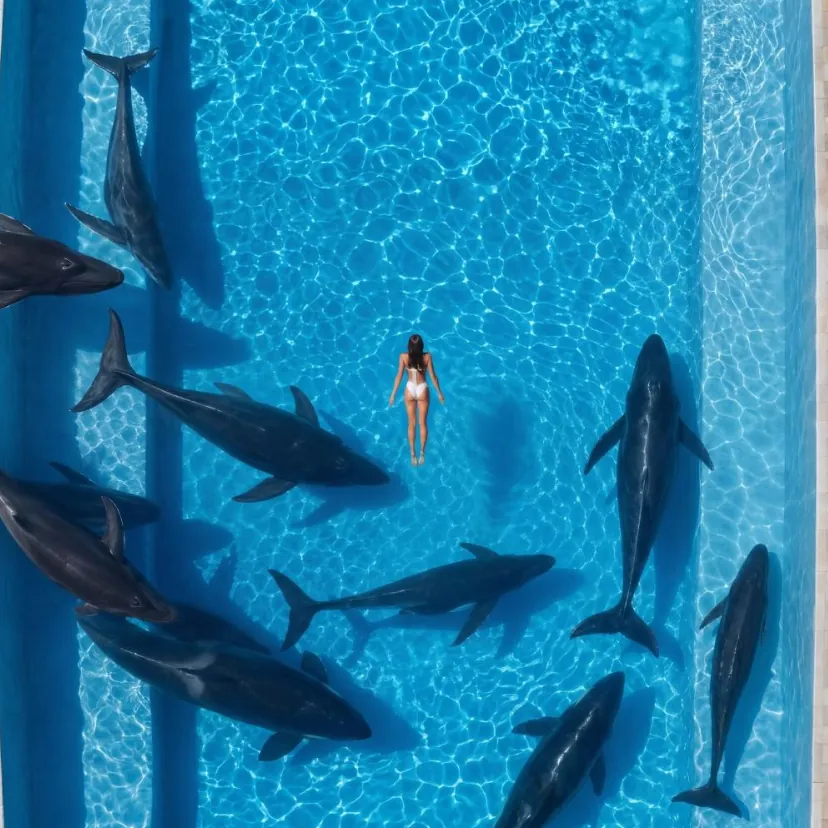
Text-to-Video Generation
Enter a detailed prompt describing the subject, environment, camera movement, emotion, and visual style, and Happy Horse 1.0 will generate a coherent cinematic video from the description.
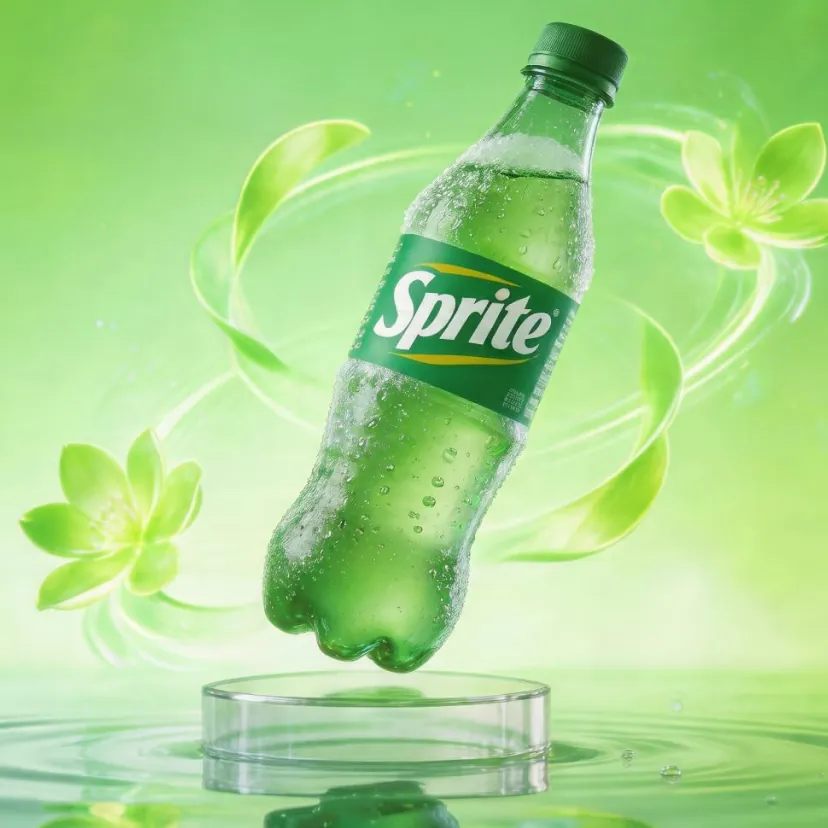
Image-to-Video Animation
Upload a static image, character design, product photo, or concept frame, and Happy Horse 1.0 will animate it with natural motion while preserving the original visual style and scene structure.
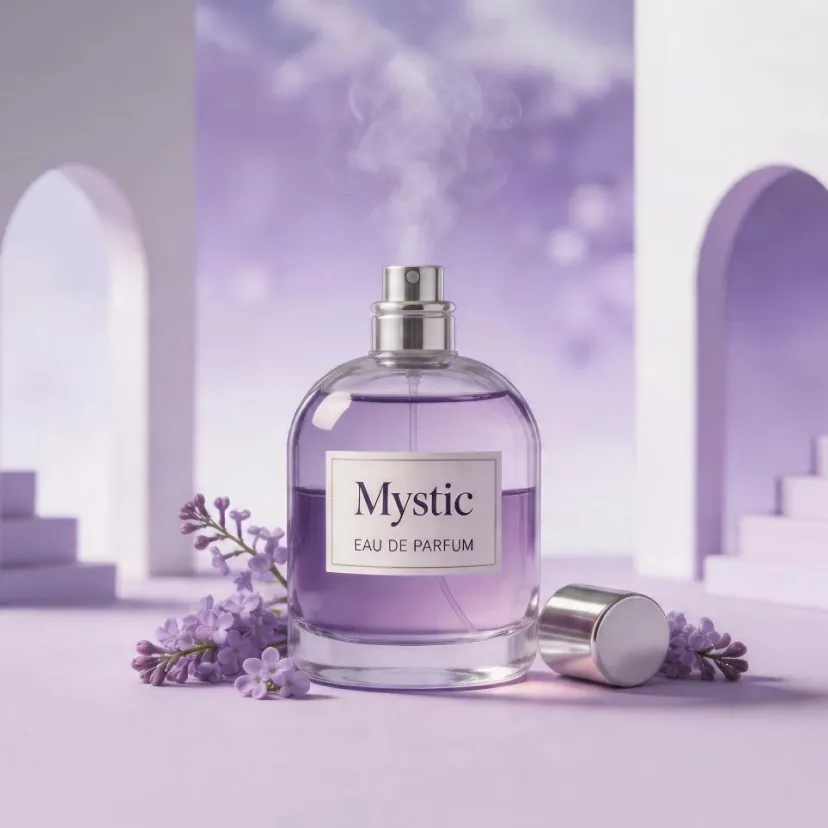
Audio-Video Synchronized Output
Generate visuals together with matching sound effects, ambient audio, speech rhythm, or music cues, reducing the need to create video and audio in separate post-production steps.
Advantages of Happy Horse 1.0 AI Video Generator
Combining cinematic image quality, reliable prompt understanding, and stable motion performance, Happy Horse 1.0 gives creators an efficient way to produce high-quality AI videos for creative and commercial workflows.
Cinematic Visual Quality
Happy Horse 1.0 focuses on realistic lighting, expressive framing, and polished scene rendering, helping generated videos look closer to professional short films, brand clips, and concept previews.
Strong Prompt Adherence
The model follows detailed instructions about subjects, actions, style, color, and camera direction, making it easier to translate complex creative ideas into accurate video results.
Stable Motion Consistency
Advanced motion modeling helps reduce stiff movement, distorted actions, and unstable scene transitions, keeping characters, objects, and spatial relationships more consistent throughout the clip.
Application Scenarios for Happy Horse 1.0 AI Video Generator
Suitable for short-form content, advertising, film pre-visualization, game concept design, education, and brand storytelling, Happy Horse 1.0 helps teams quickly turn scripts, still images, and ideas into engaging AI-generated videos.
Social Media Video Creation
Generate eye-catching clips for TikTok, YouTube Shorts, Instagram Reels, and other platforms using simple prompts or reference images.
Marketing & Advertising Content
Transform campaign copy, product concepts, or brand stories into cinematic promotional videos for faster testing and creative iteration.
Film Pre-Visualization & Storyboards
Create concept scenes, mood shots, and storyboard-style sequences to explore camera direction, visual tone, and narrative rhythm before full production.
Education & Knowledge Videos
Convert lesson ideas, training content, and explanatory scripts into more engaging video materials with synchronized visual and audio elements.
How to Use Happy Horse 1.0 AI Video Generator
- Step1 Enter a Prompt or Upload an Image
Describe your video idea in detail or upload a reference image as the starting frame. Include subject, action, setting, camera movement, mood, and style.
- Step2 Choose Video Settings
Select the generation mode, resolution, aspect ratio, duration, and any audio-related options based on the platform or creative goal.
- Step3 Generate and Preview
Click 'Generate' and let Happy Horse 1.0 create the video. Preview the output to check motion quality, visual consistency, and prompt accuracy.
- Step4 Refine and Export
Adjust the prompt, image reference, or parameters if needed, then regenerate and export the final AI video for publishing or production use.

Explore AI Video Creation with Happy Horse 1.0 on Twitter

Same prompt. Two models. Seedance 2.0 (Topview) vs Happy Horse 1.0 🐎 Which output wins your vote? Coming soon: Topview will be among the first to bring Happy Horse to creators. Stay tuned 👀

Happy Horse 1.0 kind of came out of nowhere and is apparently outperforming Seedance 2.0, so we put it to the test. We ran comparisons across Seedance 2.0, Kling 3.0, and VEO 3.1 Lite using the same starting image and prompt from existing Happy Horse tests, and it’s looking

ByteDanceのSeedance 2.0が話題になってるのに もう次のが出てくるんですかねー🤔 ATH(Alibaba Token Hub)が発表したHappy Horse 1.0 スコアではSeedance 2.0やVeo 3.1を超えてるんですよねー✨ もはや...神々の戦い🔥を眺めるだけになりそう...

Explore More AI Video & Image Generation Tools
Discover more AI-powered tools to improve your video creation workflow, animate still images, generate cinematic scenes, and unlock new creative possibilities.
Try On AI


Video AI


Image AI


Free Tools


FAQs about Happy Horse 1.0 AI Video Generator
More articles about Happy Horse 1.0 AI Video Generator
Start Creating Your Video with Happy Horse 1.0 Now
Create Video Now