Free AI Image Describer: Generate Images Description with AI
Free AI image describer instantly analyzes photos, product images, screenshots, artworks, and AI-generated visuals. Upload an image, choose a description type and language, then generate detailed descriptions, brief summaries, people descriptions, caption titles, marketing copy, object recognition results, custom image answers, and reusable creative text.
Examples of Free AI Image Describer
Explore examples from our free AI image describer
Detailed Image Description Example
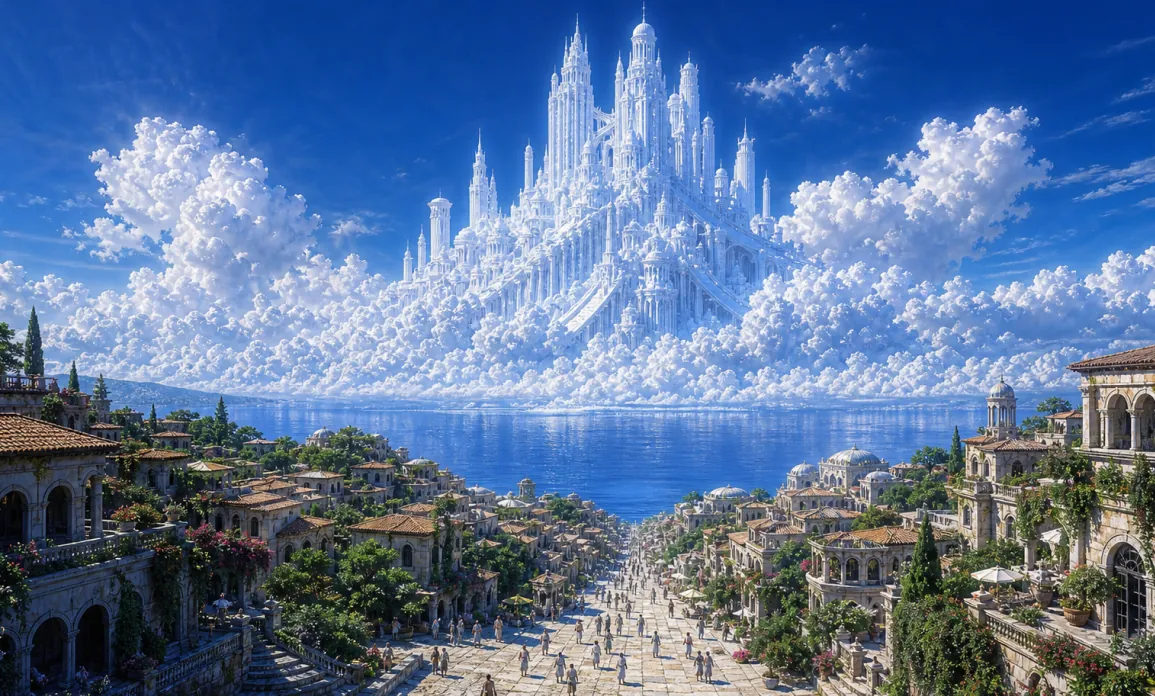
16:9 cinematic fantasy concept art, colossal white ice-and-cloud celestial castle with countless spires rising from luminous cumulus clouds above a reflective blue sea, Mediterranean terracotta town and tiny people in foreground, deep cobalt sky, radiant midday light, painterly realism, hyper-detailed architecture, epic scale, no text, no watermark
Caption and Marketing Copy Example
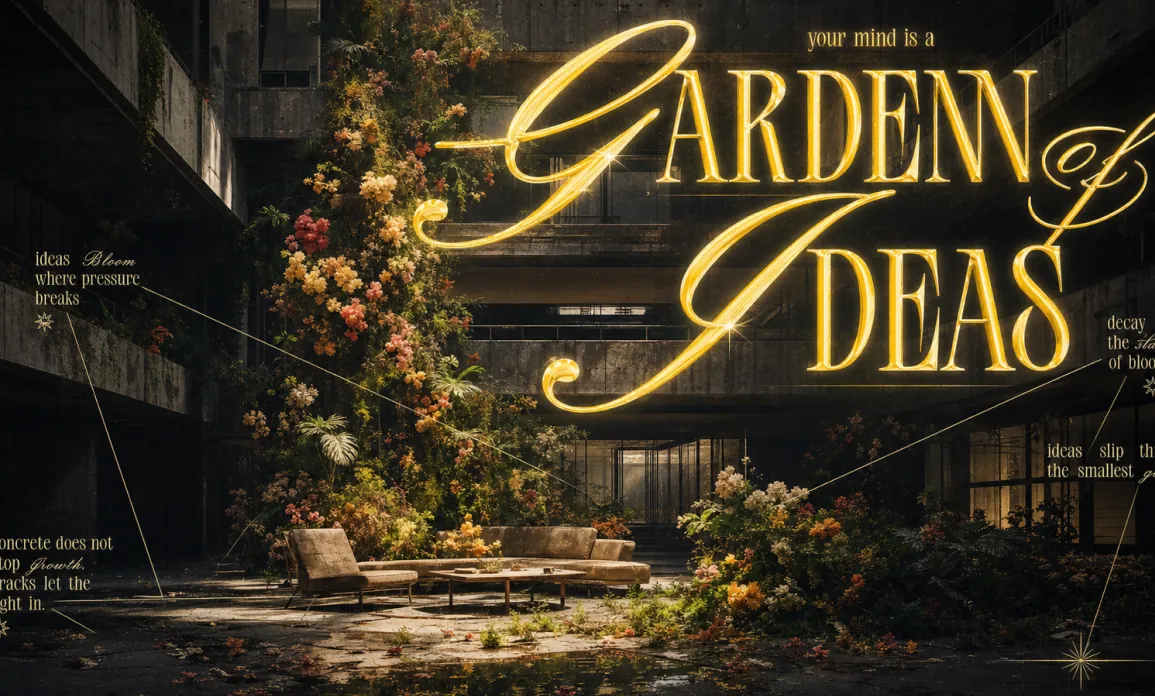
Use case: ads-marketingAsset type: cinematic editorial poster, 16:9 landscapePrimary request: Create a dramatic brutalist editorial poster scene titled “GARDEN OF IDEAS”, showing an abandoned modern concrete atrium transformed into an overgrown indoor garden of flowers and moss. The image should feel like a luxury art-magazine poster, half architectural photography and half typographic conceptual design.Scene/backdrop: a dark brutalist concrete building interior, tall angular walls, balconies, glass panels, deep shadowed corridors, an open atrium with hard geometric architecture and a sunlit floor.Subject: a vertical explosion of lush flowers and greenery growing from cracked concrete in the center of the atrium; scattered flowers, leaves, puddles, and debris on the floor; a low modern lounge sofa and small table near the garden, adding scale and quiet human absence.Style/medium: cinematic photorealistic editorial poster, high-fashion art direction, brutalist contrast, atmospheric film grain, subtle vintage print texture, premium magazine layout.Composition/framing: wide 16:9 landscape composition, low-to-mid camera angle looking into a tall atrium; massive glowing typography dominates the upper half, garden growth rises through the center-left, furniture sits in the lower middle, dark negative space around the edges; thin diagram-like annotation lines radiate across the poster.Lighting/mood: high-contrast chiaroscuro lighting, strong warm sunlight cutting into a dark concrete space, golden glow from typography, moody shadows, mystical but architectural, quiet and poetic.Color palette: deep charcoal black, wet concrete gray, warm golden yellow, cream highlights, muted botanical greens, peach, coral, ivory, and orange flowers.Materials/textures: rough concrete, glass reflections, wet puddles, dust, moss, petals, soft upholstery, glossy golden neon-letter glow, subtle paper grain.Text (verbatim): Large headline text: “GARDEN OF IDEAS”. Small text above headline: “your mind is a”. Add several small poetic annotation captions in elegant condensed serif and cursive mix: “ideas Bloom where pressure breaks”, “decay is the start of bloom”, “ideas slip through the smallest gaps”, “concrete does not stop growth. cracks let the light in.”Typography: giant ornate serif headline mixed with sweeping calligraphic script flourishes, luminous gold lettering, beveled glass-like highlights, elegant editorial spacing; small captions in narrow ivory serif with occasional cursive words.Constraints: 16:9 aspect ratio, landscape poster, keep the text visually integrated into the scene like glowing signage and editorial layout, preserve brutalist architecture, lush organic floral contrast, thin annotation lines, premium art-poster polish.Avoid: no people, no cartoon style, no flat vector look, no clean corporate office, no modern UI mockup, no watermark, no logo, no unreadable random text except minor decorative microtype.
Object Recognition Example
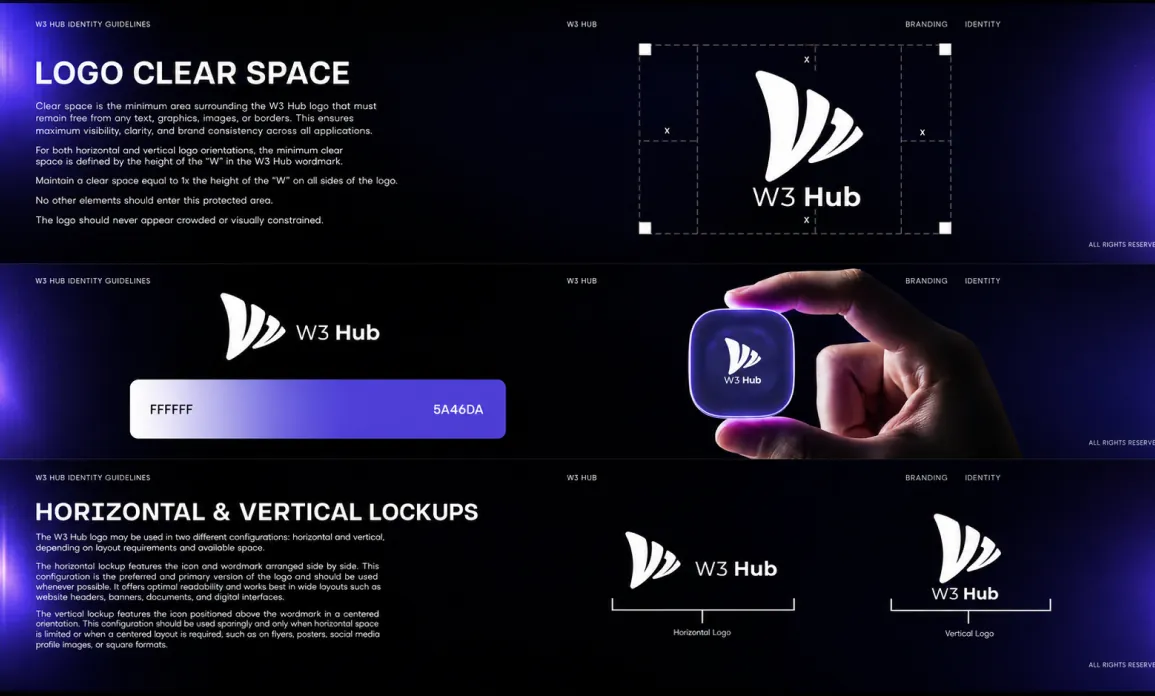
Use case: logo-brand Asset type: 16:9 brand identity guideline presentation mockup Primary request: Generate a polished futuristic brand identity guideline spread inspired by a Web3 technology brand guideline board, as pure text-to-image. Do not use any reference image. Create a wide 16:9 composition showing three stacked horizontal guideline panels within one cinematic presentation image.Scene/backdrop: Deep black and midnight navy presentation canvas with soft ultraviolet and electric purple radial glow gradients at the left and right edges, subtle grain, faint vertical light falloff, premium dark UI atmosphere.Subject: A fictional brand guideline system for a minimal tech logo named "W3 Hub". The logo mark is a clean abstract white layered triangular wing / three curved sail shapes, paired with the wordmark "W3 Hub" in a modern geometric sans-serif. Show the logo in several applications: clear-space diagram, color palette strip, lockup diagram, and a small tactile app-icon mockup held between fingers.Style/medium: High-end brand identity case study mockup, Behance-style design presentation, premium agency guideline deck, semi-photorealistic mixed with crisp editorial graphic design, sharp vector-like logo elements, realistic hand/product mockup detail.Composition/framing: Wide 16:9 landscape image. Arrange three horizontal guideline sections stacked vertically, separated by subtle dark bands. Top section: left side has a large headline "LOGO CLEAR SPACE" with short paragraph blocks; right side has a dashed bounding-box clear-space diagram around the white W3 Hub logo, with white square handles at the four corners. Middle section: left side has a smaller W3 Hub logo, then a large rounded color palette bar transitioning from white to violet, labeled "FFFFFF" on the left and "5A46DA" on the right; right side has a realistic hand pinching a small rounded-square glossy violet app icon with the white W3 Hub logo on it, glowing purple rim light. Bottom section: left side has headline "HORIZONTAL & VERTICAL LOCKUPS" with compact paragraph blocks; right side shows two logo lockups with thin white measurement brackets and tiny captions.Lighting/mood: Dark luxury tech mood, neon violet edge lighting, soft glows, high contrast, clean and minimal, premium futuristic Web3 identity aesthetic.Color palette: black, near-black navy, deep indigo, ultraviolet purple, electric violet #5A46DA, pure white typography and logos. Use subtle gradients, not flat color blocks.Materials/textures: Smooth glossy app icon, realistic skin texture on fingers, crisp white vector-like logo, dashed guideline strokes, faint paper/screen grain, polished digital presentation finish.Text: Main visible headings: "LOGO CLEAR SPACE", "HORIZONTAL & VERTICAL LOCKUPS", "W3 Hub", "FFFFFF", "5A46DA". Add small navigation-style microtext such as "W3 HUB IDENTITY GUIDELINES", "BRANDING", "IDENTITY", "ALL RIGHTS RESERVED", page numbers "01", "02", "03". Keep text clean, modern, and minimal; exact small body paragraphs do not need to be fully readable but should look like real guideline copy.Typography: Bold uppercase geometric sans-serif for headings, clean rounded sans-serif for body text, small all-caps micro labels. White text only.Constraints: 16:9 landscape ratio, one complete polished image, no external brand names, no watermark, no unrelated objects, no colorful clutter, no beige or warm palette dominance. The logo should be fictional and vector-clean, not copied from any real trademark. Keep the overall look like a professional brand identity guideline presentation board.Avoid: messy typography, random gibberish dominating the design, low-resolution blur, overly bright background, excessive lens flare, cartoon style, extra hands, distorted fingers, broken logo, illegible main headings, watermarks, stock-photo look.
Core Features of Free AI Image Describer
Free AI image describer automatically analyzes image content and generates useful descriptions, captions, object lists, custom answers, and creative text.
Automatic Image Understanding
AI automatically identifies subjects, scenes, people, objects, colors, lighting, composition, mood, and key visual details, converting image content into clear natural language.
Multiple Description Types
Generate detailed image descriptions, brief summaries, people descriptions, caption titles, marketing copy, object recognition results, custom image answers, and prompt-ready creative text.
Language and Style Control
Choose the description type and output language before generation, making the result easier to reuse for social media, e-commerce, creative writing, research notes, and visual workflows.
Copy, Edit, and Reuse
Generated descriptions can be copied, refined, and reused as captions, product notes, image prompts, content briefs, object lists, and creative references.
Application Scenarios for Free AI Image Describer
Widely applicable for image analysis, social media captions, e-commerce marketing, object recognition, creative inspiration, and writing assistance.
Image Analysis & Visual Understanding
Upload reference images to generate detailed descriptions of subjects, scenes, people, objects, mood, style, and important visual details.
Social Media Captions
Convert photos, posters, thumbnails, and visual assets into caption titles, short summaries, and post-ready copy for social media.
Product Marketing and E-commerce
Convert product images into clear descriptions, object lists, selling point drafts, marketing copy, tags, and listing ideas for faster content production.
Creative Prompts & Writing Assistance
Use generated image descriptions as starting points for AI art prompts, story backgrounds, scene writing, research notes, and creative ideas.
How to Use Free AI Image Describer
- Step1 Upload Image
Upload the image you want to analyze
- Step2 Choose Description Type
Select detailed description, brief description, people description, caption title, marketing copy, object recognition, or custom image question
- Step3 Copy or Generate Image
Copy the description or reuse it as a prompt for image generation

Explore More AI Image Creation Tools
Discover more AI-powered tools to enhance image analysis, creativity, and visual creation workflows.


