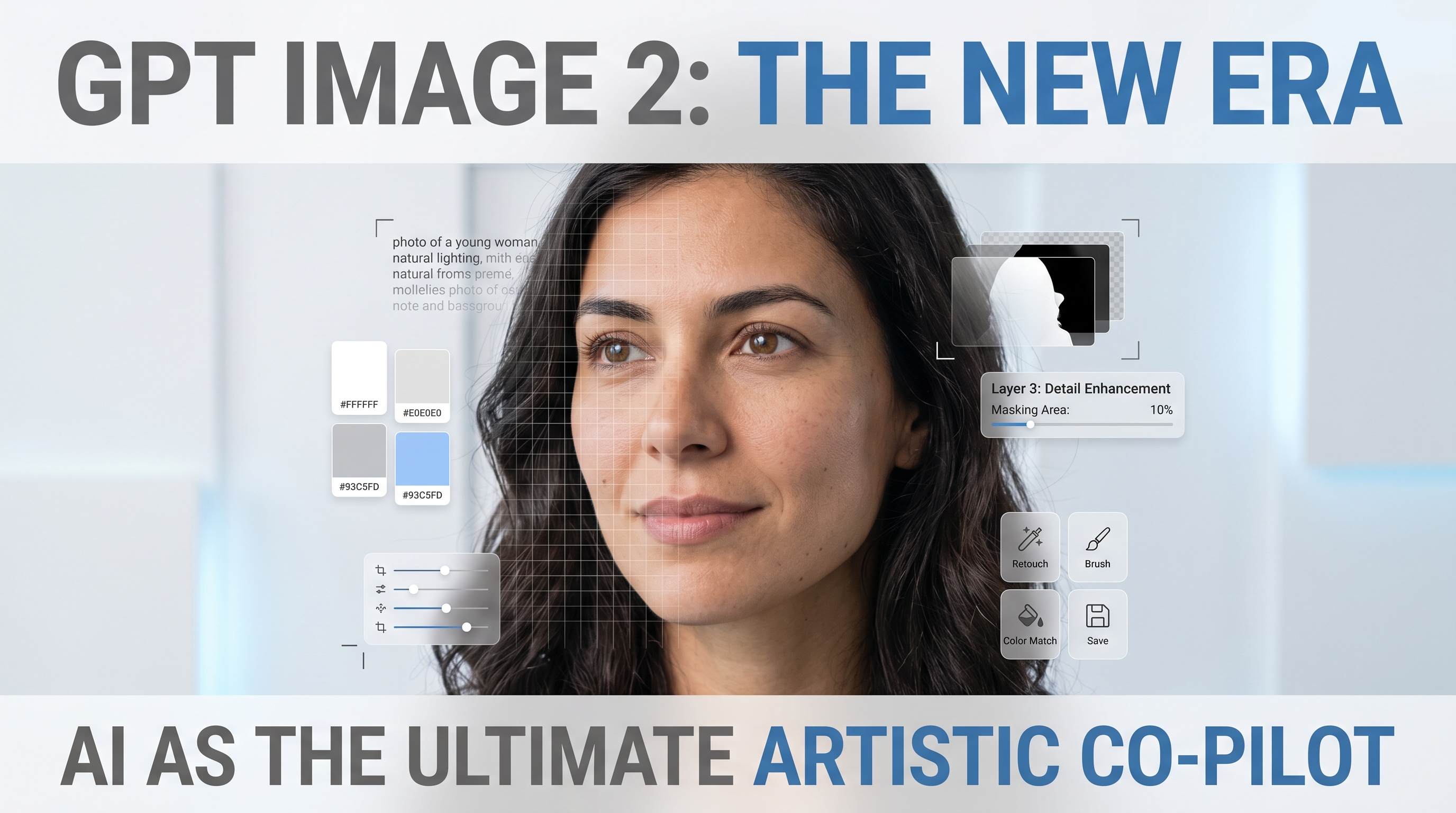
OpenAI’s latest image release matters because it feels less like a novelty generator and more like a practical creative tool. The new model improves the parts that usually slow real work down: text rendering, instruction-following, editing control, and layout reliability. That makes it much more relevant for marketers, ecommerce teams, indie founders, and creators who need visuals that are not just beautiful, but usable.
If your goal is to make scroll-stopping ads, cleaner promotional posters, or social-native creator content, this is where the release starts to get interesting. Instead of treating AI image generation as a one-click art experiment, you can use it as the first step in a repeatable content pipeline.
What changed with GPT Image 2
At a practical level, GPT Image 2 is more useful because it handles structured visual tasks better than earlier image workflows. That includes cleaner typography, stronger prompt adherence, and more dependable editing when you need to revise instead of starting over.
That matters because most brand teams are not trying to generate random fantasy pictures. They are trying to make assets that fit a job: a sale banner, a product poster, a testimonial card, a creator-style mockup, a launch visual, or a thumbnail that looks native to social platforms.
The newest OpenAI Image 2.0 rollout also feels broader in scope. It is not only about producing a single polished frame. It is about giving users a model that can handle text-heavy layouts, multilingual visual content, stylized campaigns, editorial compositions, and more realistic revision loops.
Why it works well for ad poster design
Ad posters are one of the clearest use cases for the new release. Posters need a very specific mix of strengths: a clear focal point, readable text, clean spacing, good hierarchy, and a visual style that matches the brand. Older image models often looked impressive until you asked them to do all of those things at once.
That is why OpenAI GPT Image 2 is more promising for commercial work than a lot of image models that are strongest only in raw style. A good poster is not just an image with text on top. It is a designed asset. If the model can better handle layout logic, headline placement, visual balance, and text legibility, it becomes much easier to turn an idea into something campaign-ready.
For example, you can use it to draft:
- launch posters for new products
- seasonal sale banners
- limited-time offer graphics
- event and webinar posters
- app feature promos
- ecommerce hero images
- lifestyle product visuals with embedded brand copy
This is also why pairing the model with TryOn AI makes sense. The platform’s AI Image Generator is already positioned around poster design, brand campaigns, and marketing visuals, so it naturally fits the same kind of workflow.
Why GPT Image 2 is useful for UGC-style content
The second big use case is UGC-style creative. Here, “UGC” does not just mean a selfie with a product. It means content that feels creator-made, informal, believable, and native to social media.
That includes things like review-style images, quote cards, product-in-hand shots, soft testimonial graphics, creator thumbnails, lifestyle mockups, try-on visuals, or feedback-style posts that look like they came from a real user instead of a brand studio.
This is where GPT Image 2 by OpenAI can be especially useful. It is not replacing authentic customer content, but it can help brands generate concept variations fast, test hooks before a shoot, create low-cost creative drafts, or build supporting visuals around reviews and testimonials.
For UGC-style content, the best results usually come when you prompt for realism in behavior, framing, and environment rather than perfection. You want natural light, believable backgrounds, handheld composition, everyday poses, small product details, and just enough imperfection to feel social-native.
That is also why TryOn AI’s ecosystem fits well here. Its content and tools already lean into creator workflows, fashion presentation, ecommerce visuals, and virtual try-on scenarios. If your product category is wearable, beauty-adjacent, or lifestyle-driven, that alignment matters.
A simple workflow for posters and UGC visuals
A good workflow with ChatGPT Images 2.0 starts with being clear about the asset type before you write the prompt.
First, define the job. Are you making a launch poster, a product ad, a testimonial graphic, a creator-style image, or a social thumbnail? The more specific the target, the better the output.
Second, define what must stay consistent. That could be the product shape, color palette, logo treatment, subject identity, or scene mood.
Third, define what can change. Maybe the camera angle, background, styling, props, or headline language can vary. This gives you a better testing workflow instead of a single brittle prompt.
Fourth, generate a base image and refine it. This is where the stronger editing behavior of the new ChatGPT image model becomes valuable. Instead of discarding a nearly correct image, you can revise the weak part: the text, the placement, the styling, the environment, or the object emphasis.
Finally, adapt the winning still into platform-ready assets. A square feed image, a vertical Story visual, and a poster-style landing image should not all share the exact same composition. One strong concept can become multiple ad formats.
Prompting tips that make the outputs feel more usable
For posters, describe the design job, not just the subject. Mention the composition, headline area, negative space, text hierarchy, brand mood, color direction, and intended format. “Luxury skincare sale poster” is weaker than “clean premium skincare launch poster with a centered serum bottle, soft shadow, neutral palette, elegant headline area at top, minimal editorial layout, ecommerce-ready composition.”
For UGC-style visuals, describe the social context. Tell the model who is holding the product, where they are, what kind of light is present, how polished the result should feel, and what type of creator energy you want. “Make it look like UGC” is too vague. “Natural apartment bathroom selfie, soft daylight, handheld framing, casual beauty creator vibe, product clearly visible, authentic not overproduced” is much better.
For review and feedback creatives, think in content blocks. One image can combine a product shot, a customer quote, a star-rating feel, and a light social-media composition. If you need precise text cleanup after generation, a dedicated editor can help.
Where TryOn AI fits best
If OpenAI’s new release is the engine, TryOn AI can be the workspace around it. The platform is useful when you want to move from pure ideation into more applied creative production.
Its AI Fashion Model Generator is especially useful for clothing and ecommerce visuals where you want polished model-based assets without traditional shoots. Its Nano Banana Pro AI is a strong recommendation when you want tighter poster control, text-heavy design, and brand marketing visuals. Its Qwen AI Image Editor is more relevant when the job is revision, text cleanup, or structured edits on an almost-finished creative.
If your still image works and you want to scale it into video, AI UGC Maker and motion tools like Photo to Video give you a natural next step. That is especially useful for product demos, testimonial-style ads, and creator-style campaign variants.
Final thoughts
The biggest reason this release matters is simple: it pushes AI image generation closer to real marketing work. ChatGPT image API discussions often focus on model access, but the bigger story is workflow value. Better text rendering, stronger editing, and more reliable visual instruction-following mean fewer wasted generations and more usable outputs.
That does not mean every image will be production-ready on the first try. But it does mean the gap between “interesting AI result” and “useful ad asset” is getting smaller.
For creators and brands, that is the real upgrade. GPT Image 2 is not just easier to admire. It is easier to use.
Recommended Tools and Models on TryOn AI
- AI Image Generator — best starting point for poster drafts, image generation, and campaign ideation
- AI Fashion Model Generator — useful for ecommerce product presentation and model-based fashion visuals
- Nano Banana Pro AI — strong fit for text-aware poster design, brand visuals, and polished marketing assets
- Qwen AI Image Editor — helpful for precise editing, text replacement, and refinement work
- AI UGC Maker — useful for turning creator-style ideas into short ad-ready talking videos
- Photo to Video — good for animating still image concepts into motion assets
Related Article
- How to Create Authentic UGC Images with Virtual Try-On AI (That Actually Convert)
- How to Make Scroll-Stopping Product Ads with AI UGC Maker on VirtualTryOn AI
- Seedance 2.0 for UGC Videos: Real Creator Scenarios, Better Prompts, and a Smarter Workflow
- How to Turn Any Reference Image Into Better AI Prompts With AITryOn
People Also Read
- HeyDream AI Image Generator Guide: Best Models for Text-to-Image and Image-to-Image
- Nano Banana Pro on DreamMachine AI: A Practical Way to Create Better AI Images
- How to Turn Images Into Better AI Prompts with HeyDream AI
- How to Use Sea Imagine AI’s Image Generator: A Beginner-Friendly Tutorial
- GPT Image 2 Is Here: What’s New, Where to Access It, and How Good It Is at Realistic Human Images
- GPT Image 2 Is Officially Here: What Changed, What’s New, and Where to Use It
- GPT Image 2 Explained: What’s New, and How It Compares With Nano Banana Pro