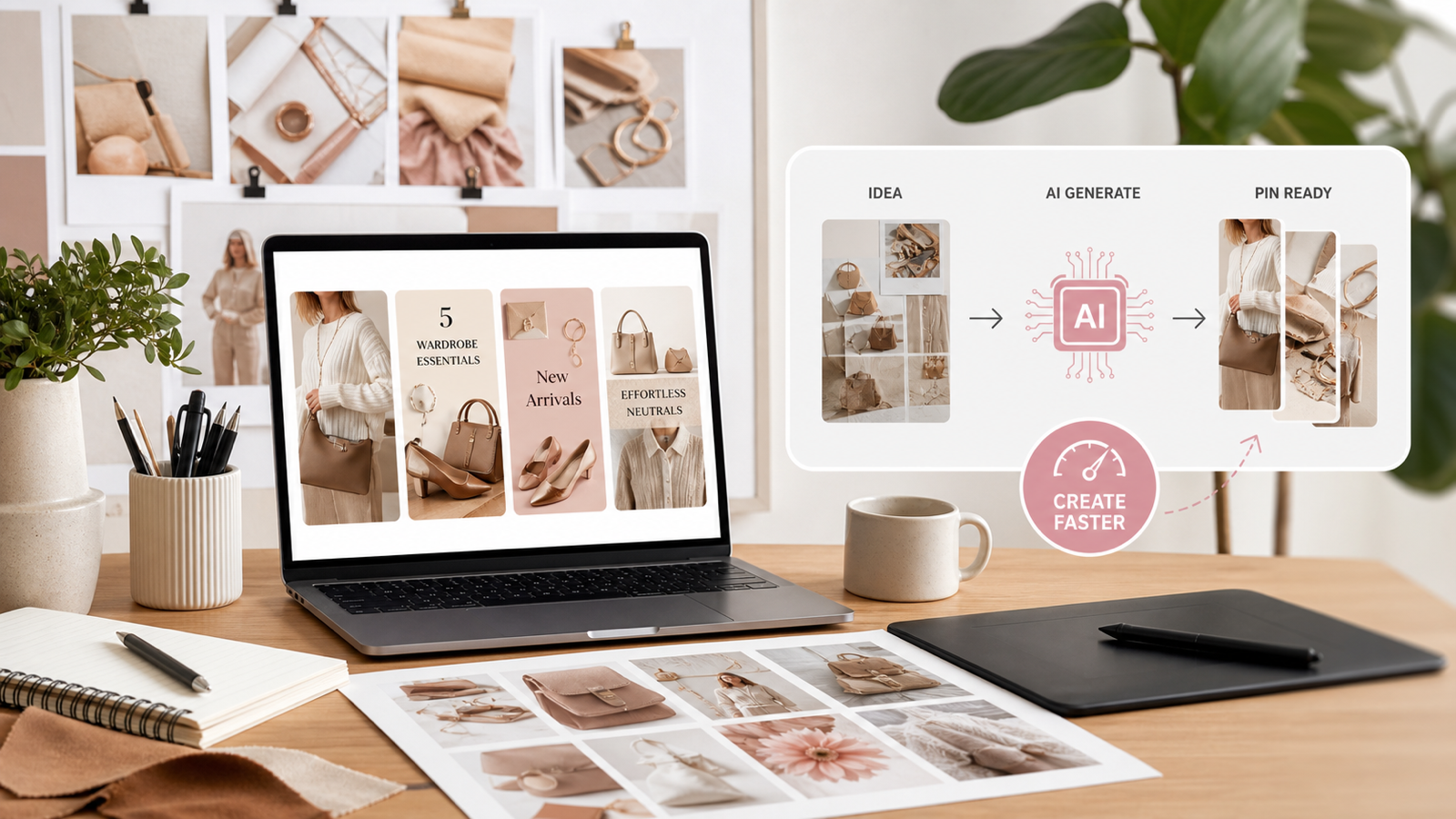
Pinterest pin creation with AI works best when you treat the image as part of a repeatable content workflow, not a one-off graphic. Bloggers, fashion creators, e-commerce sellers, Etsy-style shops, affiliate marketers, and lifestyle brands can use AI to plan the pin goal, generate visual concepts, clean product assets, build lifestyle scenes, and test multiple versions faster.
Quick Summary
The most reliable AI Pinterest pin design workflow starts with a clear goal, then turns that goal into a visual concept, a vertical image, readable overlay text, and several testable variations. AITryOn Art is a practical platform for this because its AI Image Generator can create Pinterest-friendly visuals, Image to Prompt can help turn visual references into prompt ideas, Free Background Remover can clean product or fashion assets, and AI Fashion Model Generator can support fashion, beauty, outfit, and lifestyle pin content.
Why AI Pinterest Pin Design Needs a Workflow
AI can make pin production faster, but only if the creative direction is specific. A vague request such as "make a pretty pin" often creates a nice image that does not match the click goal, product angle, or audience intent. A stronger workflow starts with the job of the pin: drive blog traffic, show a product use case, promote an affiliate offer, build a board aesthetic, or test a seasonal style.
For example, a recipe blogger may need a tall image that sells the finished dish and the promise of an easy process. An Etsy-style shop may need a clean product image for Pinterest graphics, plus a lifestyle scene that helps the buyer imagine the item in use. A fashion creator may need an outfit pin that shows styling context, not just a garment floating on a plain background.
Key Takeaways
- Choose one pin goal before generating images: traffic, product discovery, affiliate clicks, saves, or brand awareness.
- Use a clear visual concept so the AI understands subject, scene, audience, mood, format, and text space.
- Generate vertical Pinterest-friendly images, then check whether the design still works when viewed small.
- Keep overlay text short, high contrast, and separated from busy image areas.
- Use a background remover for Pinterest pin design when product or outfit photos look cluttered.
- Turn one idea into several pin variations so you can test hooks, scenes, colors, and layouts.
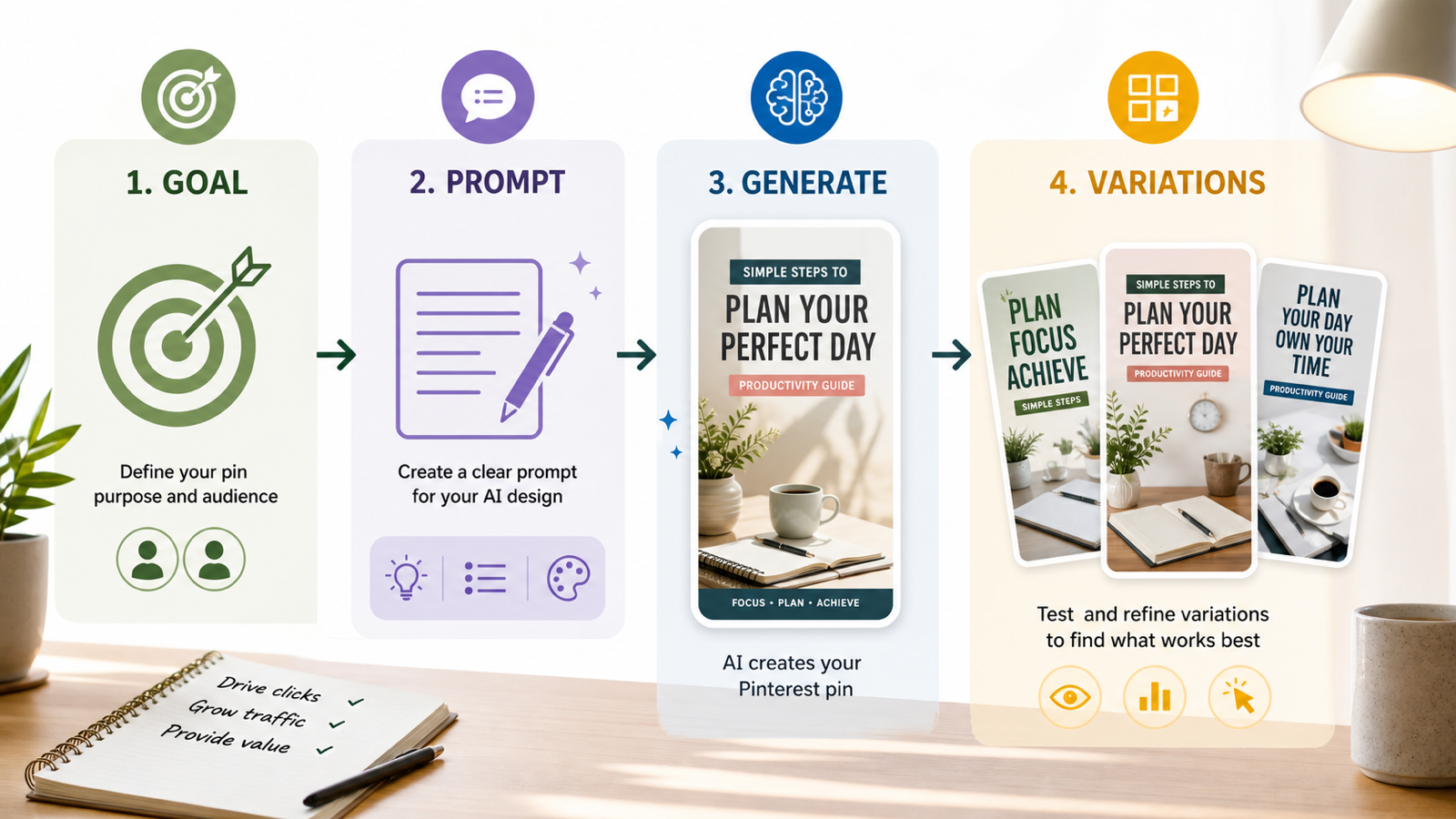
Step 1: Choose the Pin Goal Before You Open an AI Image Generator
The pin goal controls the image, copy, and layout. Before using an AI image generator for Pinterest pins, decide what the pin should make the viewer do. A blog pin usually needs a clear promise. A product pin needs instant object recognition. A fashion pin needs style context. An affiliate pin needs curiosity without feeling misleading.
Use one of these goals as your starting point:
- Drive blog traffic: create a pin that previews the result, tutorial, checklist, or transformation.
- Promote a product: show the item clearly, then place it in a scene that suggests use, scale, or lifestyle fit.
- Build saves: focus on inspiration, mood, organization, or evergreen utility.
- Test an offer angle: create two or three versions with different hooks, such as "capsule wardrobe," "small apartment decor," or "gift idea."
- Strengthen a board aesthetic: make visuals consistent enough to sit together, but varied enough to avoid repetitive pins.
This step sounds simple, but it prevents the most common AI pin problem: attractive images that do not support a measurable content purpose.
Step 2: Write a Clear Visual Concept for Pinterest-Friendly AI Images
A good pin prompt is a creative brief in miniature. To create Pinterest pin images with AI, describe the subject, audience, scene, vertical format, mood, composition, text area, and any elements to avoid. This gives the model enough direction to produce an image that can become a real pin instead of a random decorative graphic.
Use this structure:
Goal: Drive clicks to a blog post about [topic].
Audience: [blogger, shopper, fashion reader, affiliate audience].
Subject: [main product, outfit, room, food, beauty item, tutorial result].
Scene: [lifestyle setting, flat lay, clean studio, seasonal background].
Format: Vertical Pinterest pin, 2:3 composition, strong focal point.
Text space: Leave clean negative space at the top or center for a short headline.
Style: [bright editorial, cozy lifestyle, minimal product, fashion lookbook].
Avoid: clutter, tiny text, distorted products, fake brand logos, busy backgrounds.
For AITryOn Art, the AI Image Generator is the main tool to use at this stage. It is useful when you need original blog graphics, product scenes, seasonal pin imagery, visual hooks for affiliate content, or brand-consistent lifestyle images that can be refined into finished pins.
Step 3: Use Image to Prompt for Pinterest Pin Ideas From References
Reference images are helpful, but copying a reference too closely can weaken originality. A safer workflow is to use an image to prompt for Pinterest pin ideas: analyze what works in the reference, then turn the structure into a new prompt with your own subject, brand tone, and content goal.
AITryOn Art's Image to Prompt can support this reverse-engineering step. You can use it to turn Pinterest references into AI prompts by extracting useful visual direction, such as camera angle, lighting, composition, color mood, or scene type. Then rewrite the prompt so it serves your own pin.
For example:
- Reference insight: "bright kitchen flat lay with clean headline space"
- New prompt: "vertical Pinterest pin image for a meal-prep blog post, overhead view of glass containers with colorful vegetables, clean white counter, soft daylight, empty space near top for headline"
This approach helps generate pin prompts from reference images without turning your pin workflow into visual imitation.
Step 4: Generate Vertical Pinterest-Friendly Images, Then Design for Readability
Pinterest pins usually need a vertical composition, so generate with a tall layout in mind even if your article graphics are stored as 16:9 editorial images. Pinterest's own creative guidance recommends aiming for a vertical 2:3 aspect ratio, which gives enough height for the subject, headline, and supporting visual context.
After generation, check the image as if it were viewed in a fast-scrolling feed. The best AI image generator for Pinterest pins will not fix weak overlay decisions by itself. You still need readable contrast, short copy, and a layout that works on mobile.
Use this readability checklist:
- Keep the main headline short, usually one clear benefit or curiosity hook.
- Place text over quiet space, not over faces, product details, or textured backgrounds.
- Use strong contrast between text and image.
- Avoid thin scripts for important words.
- Keep product details visible after cropping.
- Export a few versions with different headline placement before choosing one.
If the image is visually strong but too busy for text, generate a cleaner variation or add a subtle overlay area in your design editor.
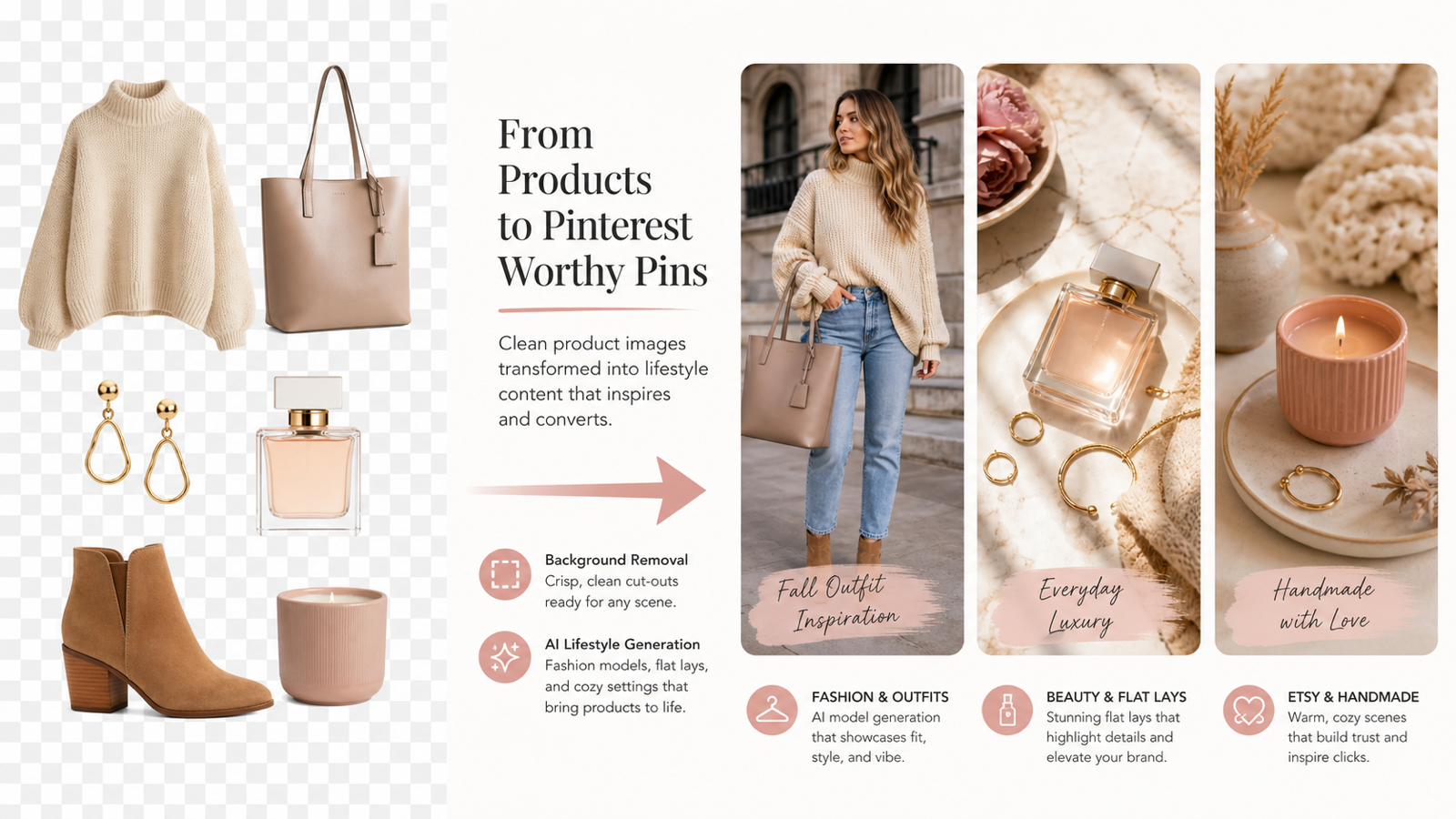
Step 5: Remove Messy Backgrounds for Product and Fashion Pins
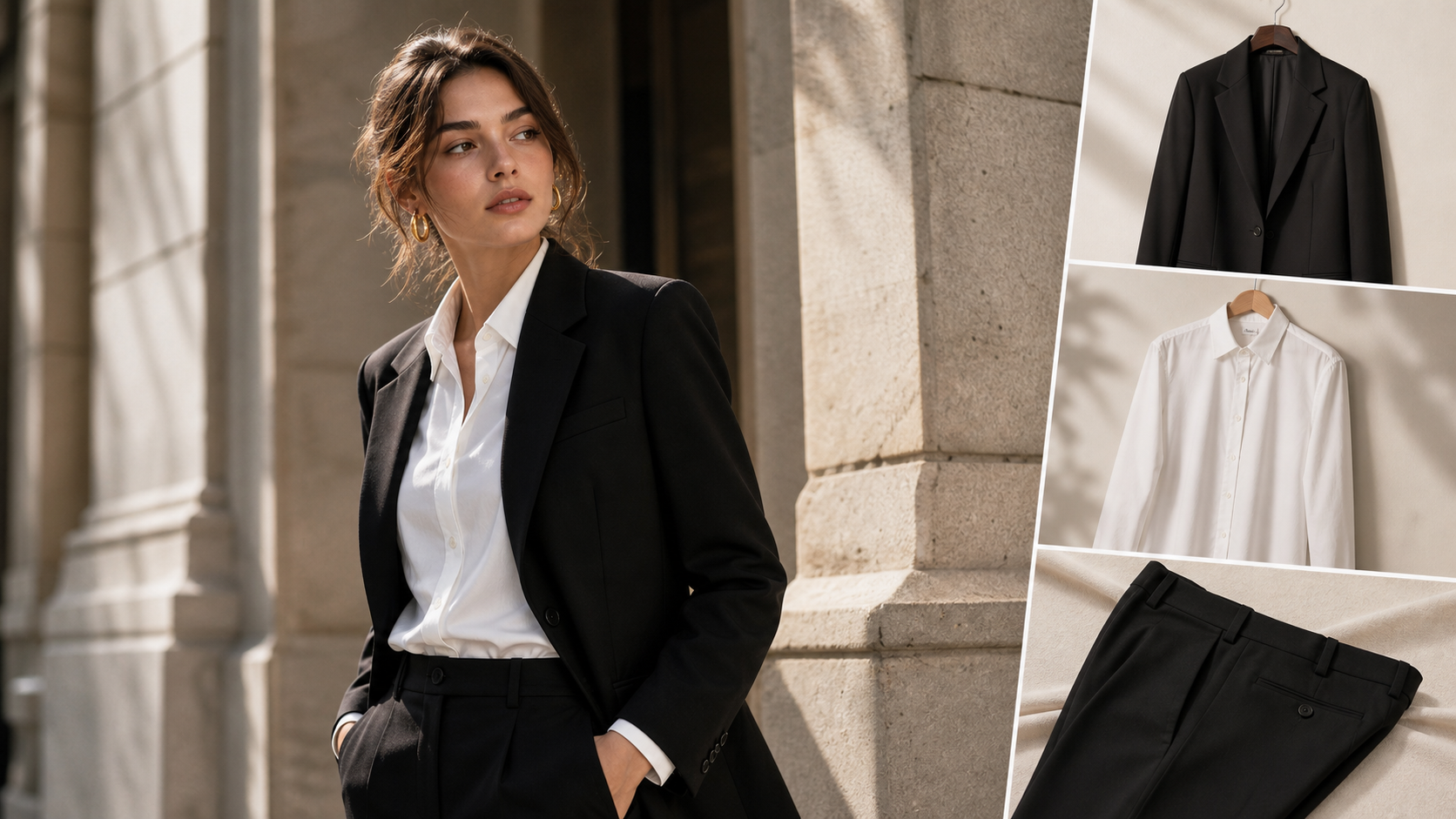
Clean cutouts make product pins easier to design. If a seller has a photo with a cluttered table, uneven lighting, or distracting surroundings, a Free Background Remover can help remove background for Pinterest product pins before the asset is placed into a new layout.
This is especially useful for:
- Etsy-style handmade products that need a cleaner product-first graphic.
- Beauty items that need a flat lay or gift-guide pin.
- Apparel, shoes, bags, and accessories that need a consistent catalog-style look.
- Affiliate graphics where the product should be recognizable at small sizes.
Once you clean product images for Pinterest graphics, you can place the cutout on a seasonal background, a neutral editorial layout, or an AI-generated lifestyle scene. The goal is not to make every pin look sterile. It is to separate the product from visual noise so the final design feels intentional.
Step 6: Create Fashion and Lifestyle Pins With AI Models
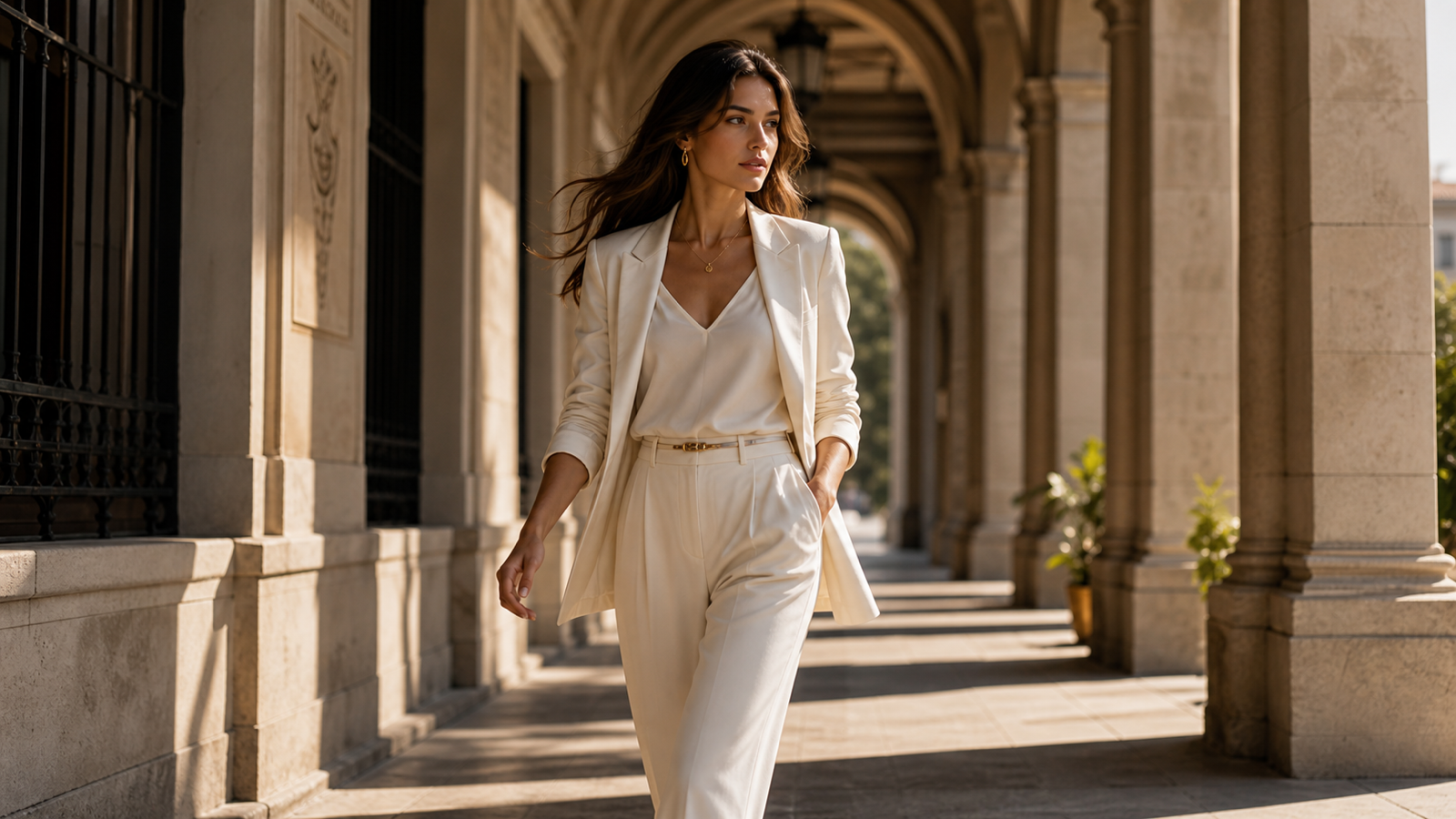
Fashion, beauty, outfit, and style content often needs a human context. A sweater on a plain background can show shape, but an outfit pin can show fit, styling, occasion, and mood. That is where an AI Fashion Model Generator can be useful for Pinterest boards.
Creators can use an AI fashion model generator for Pinterest boards when they need outfit inspiration, seasonal lookbook visuals, beauty styling scenes, or product-style content that feels closer to a real lifestyle pin. For example, a boutique seller could create fashion Pinterest pins with AI models showing a cardigan in a coffee-shop outfit, a weekend travel look, or a minimal capsule wardrobe scene.
For lifestyle fashion pin creation with AI, keep the prompt specific:
Vertical Pinterest pin concept for a fall outfit board.
Subject: cream knit sweater styled with straight-leg denim and ankle boots.
Scene: natural city street, soft morning light, editorial fashion lookbook mood.
Composition: full outfit visible, clean space at top for short text.
Avoid: distorted hands, unreadable text, brand logos, overly busy background.
This gives the AI enough direction to make a pin that is useful for style discovery rather than only decorative.
Step 7: Turn One Pin Idea Into Multiple Variations for Testing
One pin idea should become several testable versions. Pinterest performance depends on audience, season, keyword intent, board context, and image style, so a single design rarely tells the full story. AI makes variation testing easier because you can keep the core idea while changing one variable at a time.
Try these variation sets:
| Variation Type | What to Change | Example |
|---|---|---|
| Hook | Headline angle | "5 Spring Outfit Ideas" vs. "Capsule Wardrobe Basics" |
| Scene | Background or lifestyle context | Studio product photo vs. cozy bedroom scene |
| Crop | Subject scale | Close-up detail vs. full product view |
| Mood | Color and lighting | Bright summer look vs. warm seasonal look |
| Audience | Buyer intent | Gift guide pin vs. tutorial pin |
Keep the tests organized. Name files by campaign, concept, and variation so you can compare results later without guessing which version performed best.
Practical AITryOn Art Workflow for Different Creators
AITryOn Art is most useful when each tool supports a clear stage of the pin workflow. The AI Image Generator creates the core visual, Image to Prompt helps translate references into better prompts, Free Background Remover cleans assets, and AI Fashion Model Generator builds fashion or product lifestyle scenes.
For bloggers, start with the article promise, then generate a vertical image that leaves space for the headline. For e-commerce sellers, clean the product first, then generate a lifestyle setting around the item. For Etsy-style shops, test handmade, gifting, and home-use scenes. For affiliate marketers, create pin variations around different buyer intents. For fashion and lifestyle brands, use model-based scenes to show how an item fits into a mood, routine, or seasonal board.
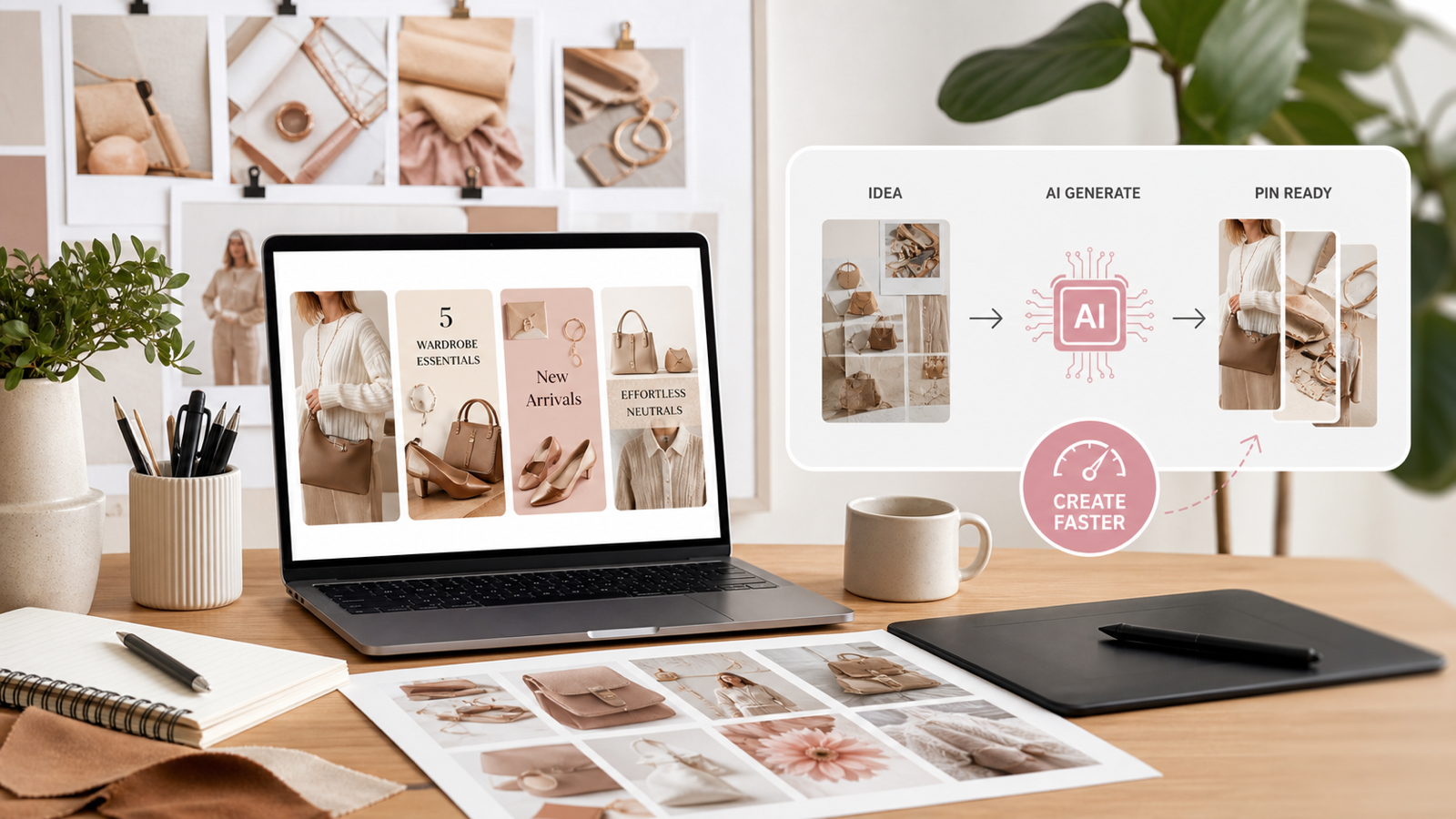
The strongest workflow is simple: define the pin job, generate the visual, improve readability, clean the assets, build lifestyle context, then test multiple variations.
Common Mistakes to Avoid
The fastest AI workflow still needs human review. Do not publish a pin just because the first image looks polished. Check whether the product is accurate, the composition supports mobile viewing, and the headline is readable.
Avoid these mistakes:
- Generating horizontal images and forcing them into vertical pins.
- Adding too much text over a detailed image.
- Using product photos with messy backgrounds when a clean cutout would be clearer.
- Copying a reference image instead of adapting its useful structure.
- Testing too many variables at once, which makes performance hard to interpret.
- Publishing AI fashion images without checking hands, garment shape, styling details, and visual plausibility.
A careful review step protects the pin from looking polished but confusing.
Related Articles
- Why Nano Banana 2 Works So Well for Text, Infographics, and Marketing Images
- How to Create Authentic UGC Images with Virtual Try-On AI That Actually Convert
- Nano Banana Prompt for Product Marketing: Fashion Images That Actually Sell
- GPT Image 2 for Ad Posters and UGC-Style Content
- The Ultimate Guide to AI Clothes Try-On with Nano Banana Pro
People Also Read
- HeyDream AI Image Generator Guide: Best Models for Text-to-Image and Image-to-Image
- How to Turn Images Into Better AI Prompts with HeyDream AI
- From GPT Image 2 Posters to AI Video Ads: A Practical Campaign Workflow
- How to Use Sea Imagine AI's Image Generator: A Beginner-Friendly Tutorial
- How to Use DreamMachine AI's AI Video Generator
FAQ
What is the best way to create Pinterest pin images with AI?
Start with the pin goal, write a specific visual concept, generate a vertical image, then refine the layout for mobile readability. After that, create several variations so you can test hooks, scenes, and design styles.
Can I use Image to Prompt for Pinterest pin ideas?
Yes. Image to Prompt can help identify the visual structure of a reference image, such as lighting, composition, and scene type. Rewrite the output so the final pin uses your own product, topic, and brand direction.
When should I remove the background for Pinterest product pins?
Use a background remover when the product photo is cluttered, uneven, or hard to read at small size. Clean product cutouts are useful for gift guides, product collages, beauty flat lays, fashion graphics, and affiliate pins.
How can fashion creators use AI models for Pinterest boards?
Fashion creators can use AI models to show outfits in styled contexts, such as seasonal looks, capsule wardrobes, beauty routines, or product-led lifestyle scenes. Always review the image for realistic garment shape, pose, and detail before publishing.
How many pin variations should I create from one idea?
Create enough variations to test one meaningful difference at a time. A practical starting point is one core concept with different hooks, crops, scenes, or color treatments, then compare which version gets the strongest saves or clicks.
Conclusion
Pinterest pin creation with AI becomes much more effective when it follows a full creative workflow. Use AITryOn Art's AI Image Generator for original pin visuals, Image to Prompt for reference-based prompt ideas, Free Background Remover for cleaner product assets, and AI Fashion Model Generator for fashion and lifestyle scenes. The real advantage is speed with control: one idea can become a clear visual, a readable pin, and multiple testable variations without starting from scratch each time.