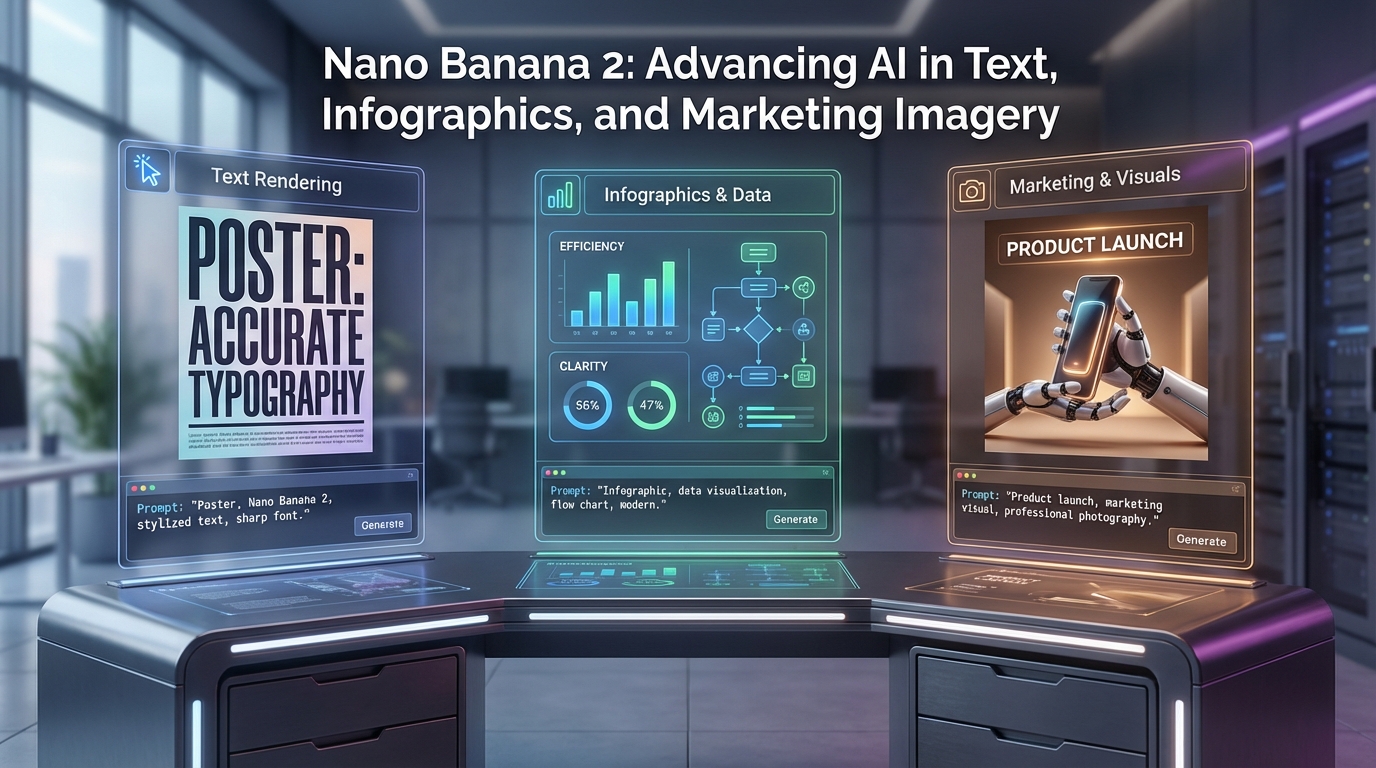
A lot of image models can make something beautiful. Far fewer can make something useful.
That is the real reason people are paying attention to Nano Banana 2. It is not only about generating eye-catching visuals. It is about creating images that can actually carry information, communicate a message, and fit into real creative workflows. When people want posters, social graphics, explainer visuals, mockups, or quick ad concepts, they often run into the same problem: the image may look nice, but the text is messy, the structure feels weak, or the design is hard to turn into something usable.
This is where Nano Banana 2 text rendering becomes especially interesting. The appeal is not just that it can make polished visuals. It is that it can help with communication-first images, where text, layout, and visual clarity matter almost as much as aesthetics.
Not Just Another AI image generator
Most people hear “AI image model” and immediately think of fantasy art, portraits, or dramatic concept scenes. Those are still part of the story, of course. But the reason Nano Banana 2 stands out is that it feels more practical than a typical AI image generator.
It is useful for the kinds of images people make every day: product promos, visual explainers, campaign mockups, educational graphics, title cards, banners, and social media posts. In those cases, the image is not there just to impress. It has a job to do.
That is also why many people see it as part of the wider Gemini AI image generator family that is moving beyond “pretty AI art” into more production-friendly workflows. It is increasingly about helping people create visuals they can actually use, revise, and adapt.
Why Text Rendering Matters More Than People Think
If an image model struggles with text, it immediately loses value for a lot of real-world tasks.
Think about how many visuals depend on readable words: posters, labels, product cards, infographics, ad creatives, quotes for social media, educational explainers, menus, greeting cards, or brand mockups. A model can create a stunning composition, but if the wording looks broken or the layout cannot support a clear message, the result often becomes a draft instead of a finished asset.
That is why AI image generator with readable text is such an important phrase. It reflects what users actually want. They do not just want something stylish. They want something they can present, post, test, or turn into a marketing asset without immediately rebuilding it elsewhere.
In this sense, Nano Banana 2 feels more useful because it helps bridge a gap that many image models still struggle with: the gap between visual beauty and practical communication.
Why Gemini 3.1 Flash Image Makes This Workflow More Appealing
One of the reasons this model family gets attention is speed. A lot of creators do not need one perfect image after a long wait. They need multiple directions fast.
That is where the Gemini 3.1 Flash Image positioning matters. The appeal of a Flash-style workflow is that it lowers the cost of experimentation. You can test different headline treatments, background styles, product placements, or layout ideas more quickly instead of treating every generation like a precious one-shot attempt.
For marketers, creators, and ecommerce teams, that speed is not just convenient. It is strategic. Fast testing means faster iteration, and faster iteration usually means better final decisions.
Why Nano Banana 2 for infographics Is a Strong Use Case
Infographics are harder than they look.
A good infographic is not simply a nice image with a few labels. It needs hierarchy, visual balance, readable sections, and a sense of structure. The viewer should understand the main point in a glance, then move naturally through the supporting information.
That is why Nano Banana 2 for infographics is such a useful angle. If a model can better handle readable text, cleaner structure, and prompt-driven layout cues, it becomes much more valuable for educational and informational content.
For example, a creator might want to prototype:
- a comparison graphic for two products
- a step-by-step explainer for a tutorial
- a visual summary for a blog article
- a quick educational chart for social media
- a startup presentation slide concept
In these cases, the goal is not pure artistic flair. The goal is clarity.
That is why the term AI infographic generator fits so well here. People are looking for something that helps them draft visual explanations quickly, even if they later refine the final version in a design tool.
Why Nano Banana 2 for marketing images Makes So Much Sense
Marketing visuals live in an awkward space. They need to look attractive, but they also need to communicate instantly.
A product image might need a headline. A campaign banner might need a clean layout. A social ad concept might need both a striking image and clear wording. A launch visual might need a promotional feel without turning into clutter.
This is exactly why Nano Banana 2 for marketing images is such a compelling use case. It is not just about generating random creative images. It is about giving marketers and creators a faster way to test visual ideas that combine design and message.
In practice, that means it can be useful for:
- ad mockups
- social campaign visuals
- landing page hero concepts
- product promo cards
- poster-style announcements
- branded content experiments
Many teams do not need every AI-generated image to be the final exported asset. Sometimes they just need a strong first-pass concept that helps them move faster. That alone can save a huge amount of time.
A Practical Nano Banana 2 prompt guide for Text-Heavy Visuals
When people use text-capable models badly, it is often because they prompt for style before they prompt for communication.
A better Nano Banana 2 prompt guide starts with the message.
Ask yourself:
- What is the image supposed to say?
- What is the main subject?
- What should the viewer notice first?
- Where should the headline or key information go?
Then build the prompt around that structure.
A stronger prompt sounds like this:
Create a clean product marketing image for a skincare serum, glass bottle centered, headline space at the top, soft neutral background, premium editorial style, minimal design, bright lighting, readable product-focused layout.
That works better than a vague request like “make a cool skincare ad.”
For infographic-style work, layout cues help a lot too. Phrases like “headline at top,” “three information blocks,” “comparison layout,” “clean educational style,” or “left text, right product” can make the intent much clearer.
Why Nano Banana 2 text to image Is Helpful for Early Concepts
Text-to-image is still one of the fastest ways to explore visual directions from scratch.
When using Nano Banana 2 text to image, the best mindset is not “I need the perfect final asset immediately.” It is “I need a strong direction I can refine.”
This matters for marketing and infographic work because the first image often reveals what the prompt was missing. Maybe the composition is good but the hierarchy is weak. Maybe the color palette works but the messaging space is too cramped. Maybe the product looks right but the visual does not yet feel premium.
That is normal. The strength of the workflow is that you can keep refining.
Why Nano Banana 2 image editing Matters for Real Work
Real-world creative work is usually revision work.
That is why Nano Banana 2 image editing is just as important as generation. You may already have a graphic that is almost right. You may have a product shot that needs a cleaner background, a poster that needs a stronger mood, or a social image that needs to look more polished.
Editing lets you push an image closer to the actual use case instead of starting from zero every time.
That is especially useful for marketers, educators, and creators who work with existing assets. A model that helps you improve, restyle, or adapt visuals is often more valuable than one that only generates new ones.
Who Will Benefit Most From This
Nano Banana 2 is especially useful for people whose images need to communicate something clearly.
That includes:
- marketers testing ad ideas
- bloggers creating visual summaries
- social media managers making promo graphics
- educators building explainer visuals
- ecommerce teams prototyping product creatives
- creators who want better text and layout support in AI-generated visuals
It is not only for designers. In fact, one of its biggest strengths is making more structured visual creation feel approachable for non-designers.
Related VirtualTryOn AI Tools Worth Trying
If this workflow interests you, there are several related tools on VirtualTryOn AI worth exploring.
- AI Image Generator is a broader option for creating campaigns, posters, educational materials, and general-purpose visuals.
- Flux Kontext AI is a smart choice when prompt-based editing and controlled image changes matter more than pure generation.
- AI Product to Video is useful when you want to turn product-style visuals into more dynamic marketing videos.
- AI UGC Maker is a helpful next step for creator-style ad content and product storytelling.
- Photo to Video makes sense if you want to animate static marketing images into short motion content.
- AI Try On and AI Clothes Changer are especially relevant for apparel, ecommerce, and fashion-oriented campaigns.
Final Thoughts
The reason Nano Banana 2 stands out is not just that it can create attractive visuals. It is that it is better suited to images that need to do something.
When readable text, infographic-style clarity, and marketing-friendly structure matter, the workflow becomes much more useful. That is why Nano Banana 2 for infographics and Nano Banana 2 for marketing images are not niche use cases at all. They are some of the most practical reasons to care about this model in the first place.
For creators who want visuals that communicate, not just decorate, that difference matters a lot.