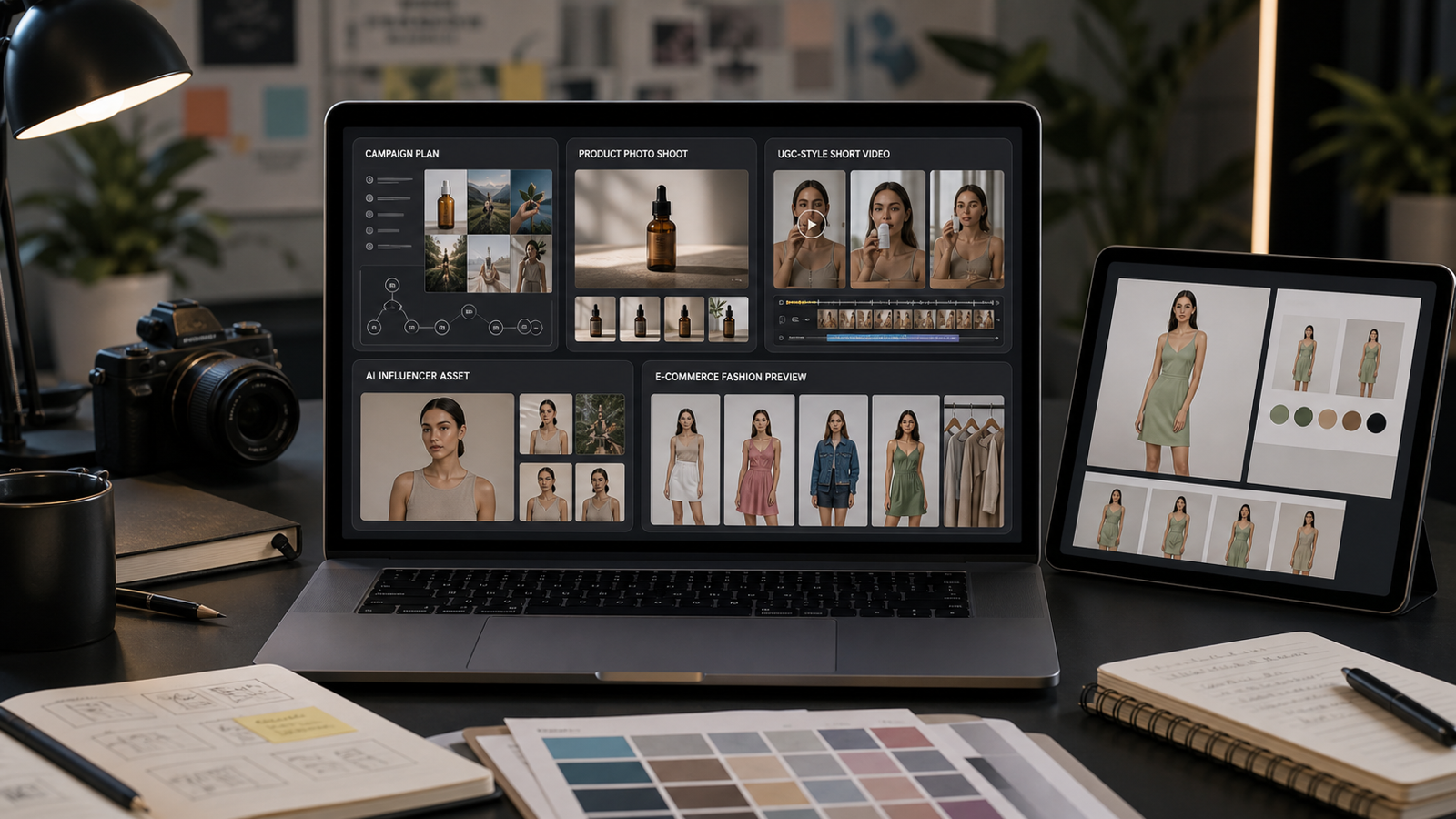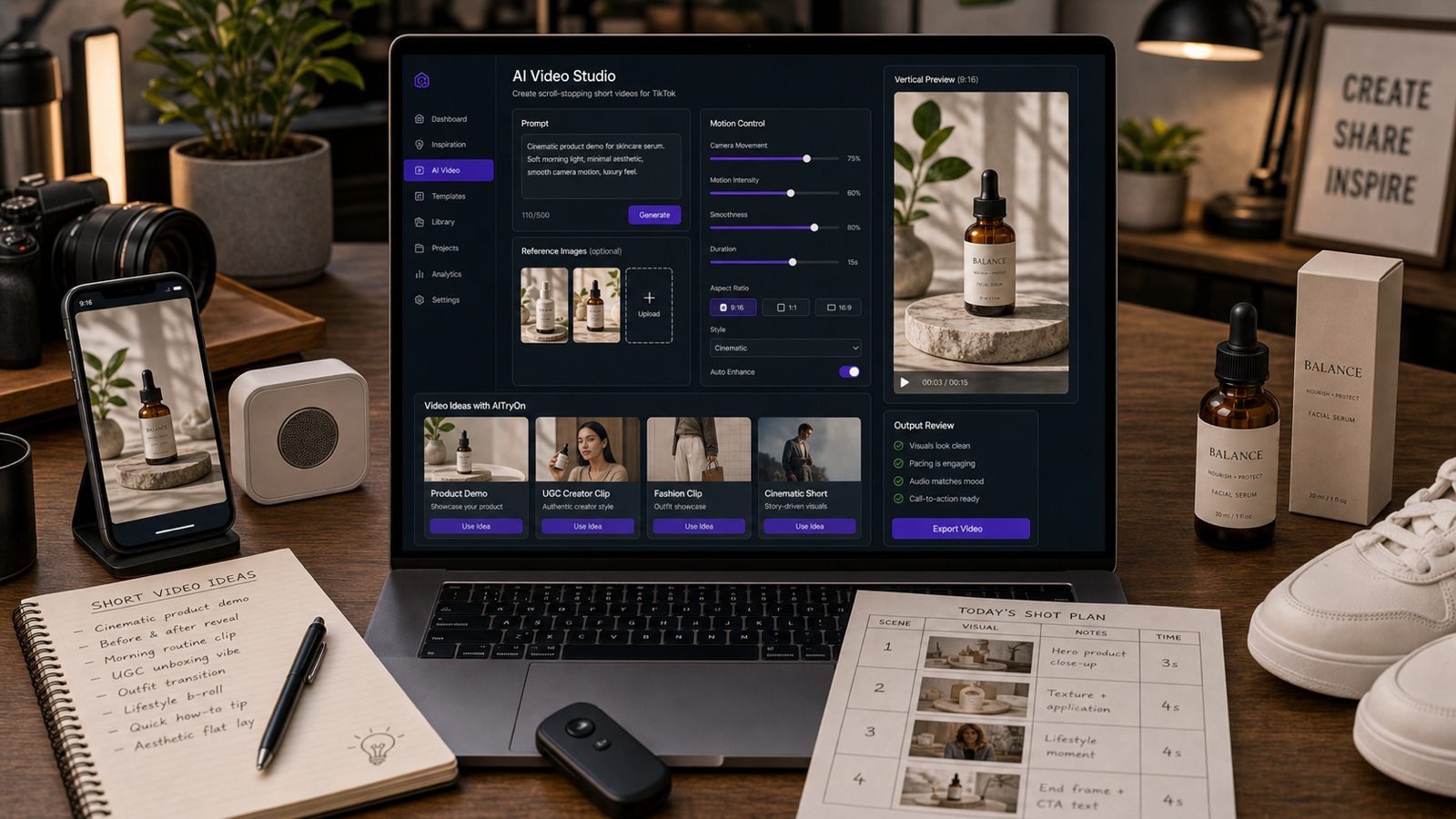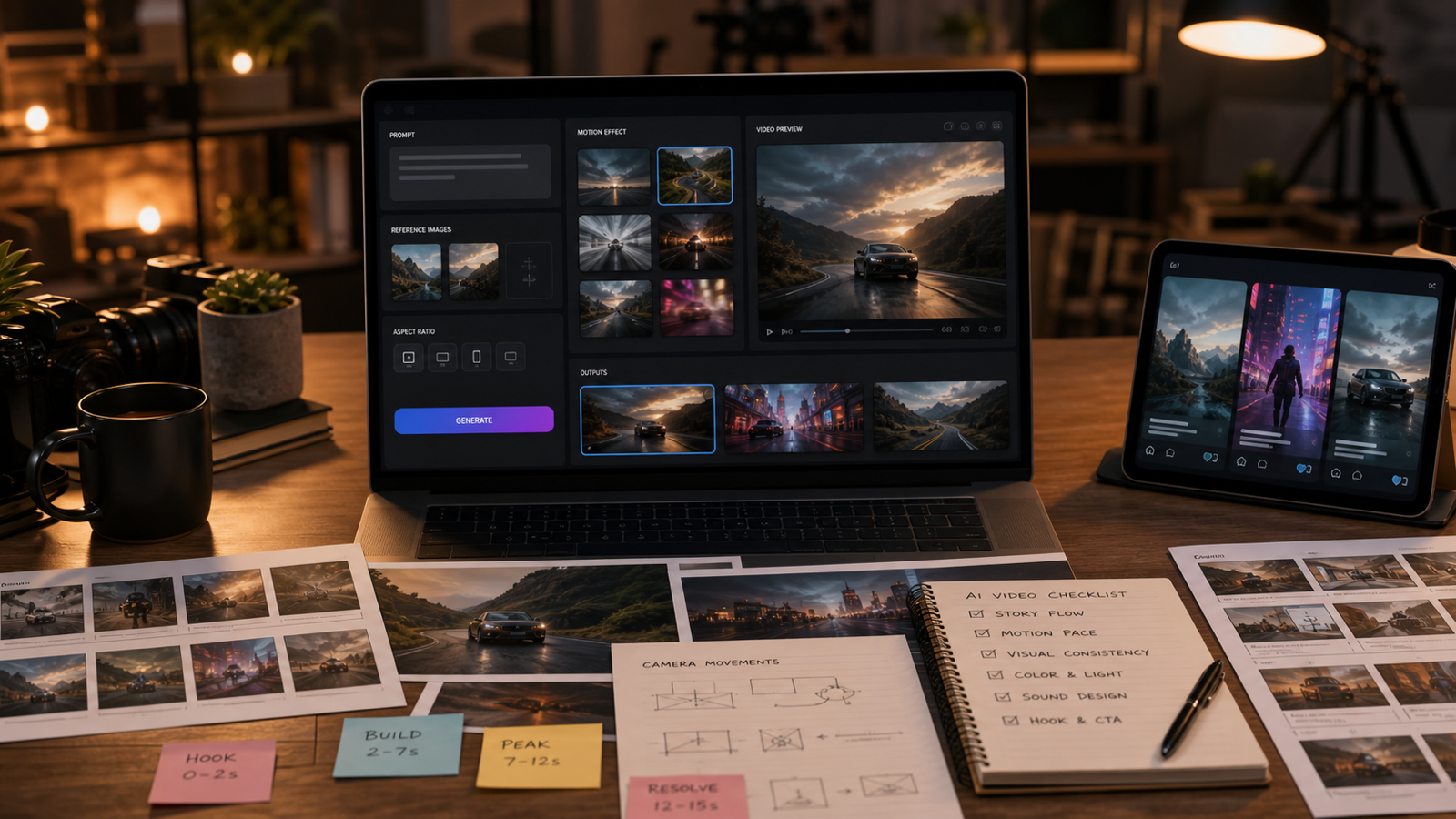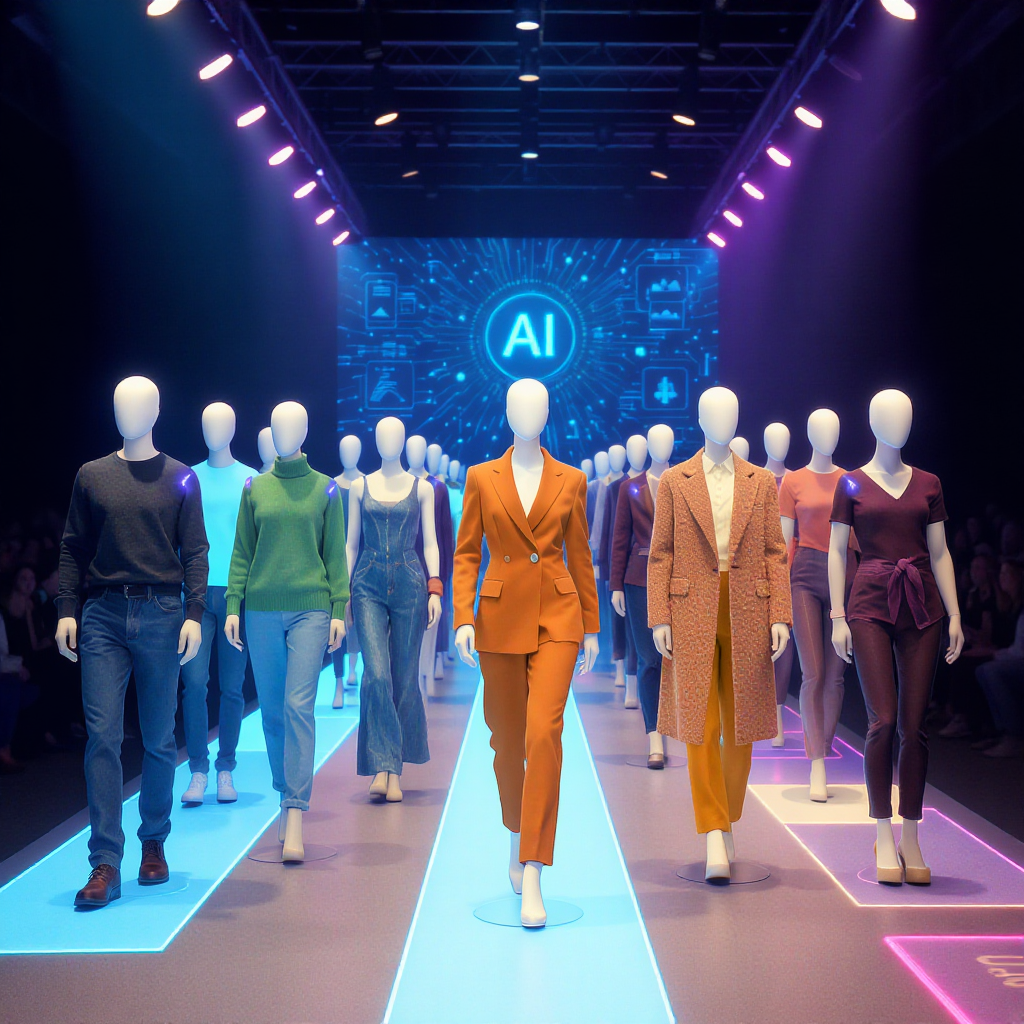
In the world of digital fashion, standing out is everything. Gone are the days when static product photos and plain catalog shots could truly capture a shopper’s imagination. Today, viewers want to see movement, context, and style—ideally, in a format that is instantly ready for social sharing or e-commerce. That’s where the latest wave of AI-powered fashion video generators come in, unlocking dynamic experiences from simple photos. If you’re wondering how to transform a fashion image into video with try-on AI, you’re in the right place.
What Is a Virtual Clothes Try On Tool?
At its core, a virtual clothes try on tool lets you see how garments would look on a model—virtually and instantly—without a real-world photo shoot. These AI try on clothes solutions are changing the fashion industry by making product visualization interactive, realistic, and accessible to everyone.
With AITryOn’s innovative platform, you can upload a flat-lay clothing photo and a model image (or pick from their templates), and the AI does the rest—blending garment, model, and even scene into a single, stunning video. It’s next-level virtual outfit try on and perfect for creators, marketers, designers, or anyone looking to energize their content.
Why AITryOn Leads in Virtual Outfit Try On
AITryOn stands out because it takes the whole process of try on clothes AI and automates it—no studio, models, or editing required. You simply provide (or select) your clothing and model images, pick a style template (business, campus, social, cinematic, etc.), and the system generates a lifelike video ready for any platform.
Whether you’re producing a virtual dress try on video for an e-commerce site, a 360° outfit spin for Instagram, or a walk-cycle for TikTok, AITryOn delivers consistent, professional-quality results—saving hours of shooting and editing.
How to Transform Fashion Image into Video with Try On AI
Ready to create animated fashion videos in just a few clicks? The process is simple with the AI Outfit Video Generator:
- Upload or Choose a Person Image:
- Click Upload Person Image to use your own model, or select from the Person Template gallery for instant options.
- Upload or Choose a Clothing Image:
- Click Upload Clothing Image to add your own garment photo, or pick from the Clothing Template collection for different styles and items.
- (Optional) Upload or Choose a Scene Image:
- For added realism or creativity, use Upload Scene Image or select a Scene Template (runway, street, studio, etc.) from the bottom gallery.
- Describe Your Video (Prompt):
- After selecting images, you can add a custom prompt describing movement, mood, or style (e.g., “runway walk, 360 spin, cinematic lighting”) to guide the virtual try on video output.
- Click Submit:
- Hit the Submit button. In seconds, the AI will generate your virtual outfit try on video—placing the clothes on the model in your chosen scene, complete with realistic animation.
- Download or Share:
- Your video is saved in your Video History for preview, download, or easy sharing.
With this workflow, anyone can quickly experience virtual clothes try on, clothes try on, and even virtual dress try on—no tech skills needed. Try On Clothes AI empowers brands, creators, and shoppers to visualize styles instantly.
Other Powerful Fashion AI Tools on AITryOn
AITryOn doesn’t just stop at virtual try-on videos. Here are a few more tools to expand your creative and commercial toolkit:
- FASHN Try On and Magic Try On – Instantly visualize different outfits on AI-generated or uploaded models. Great for styling and fashion ideation.
- AI Fashion Model Generator – Need a fresh face? Generate unique synthetic models for your lookbooks or social feeds.
- Photo to Video – Animate static product shots or lookbook images with camera movements and scene transitions.
- Clothes Changer Video – Seamlessly swap garments in videos for dynamic outfit change reels.
- Kolors Try On – Advanced social-ready images with instant virtual try-on.
All these tools are designed to make fashion AI generator workflows easy, fun, and productive—no matter your skill level.
Use Cases: Why Virtual Try-On Matters
Virtual try on isn’t just a gimmick—it’s a game-changer across the industry:
- E-commerce: Bring product pages to life with interactive video demos and 360° outfit spins.
- Social Media: Create TikTok/Instagram Reels showing quick outfit swaps or animated style journeys.
- Design & Marketing: Mock up campaign visuals or ads without booking shoots or hiring talent.
- Personal Styling: Preview new looks before buying, or design custom outfits for avatars in digital worlds.
Whether you’re focused on clothes try on, virtual dress try on, or full virtual outfit try on, the possibilities with AI are endless.
AITryOn vs. Other AI Fashion Generators
How does AITryOn stack up to other tools? It’s all about speed, realism, and flexibility:
- Template Variety: Extensive gallery of model, clothing, and scene templates.
- Commercial-Ready: Output is suitable for e-commerce, marketing, or digital magazines.
- No-Code Simplicity: Anyone can use it—no Photoshop, video editing, or AI knowledge needed.
While some competitors focus only on static images or single-use effects, AITryOn’s platform covers the full try on clothes ai experience—making it the leading choice for anyone seeking a powerful fashion AI generator.
Pro Tips for Best Results
- Use high-resolution photos for both model and clothing images.
- Try different prompts for camera movement, lighting, or vibe (e.g., “dynamic walk, golden hour”).
- Experiment with scene templates to match your brand style.
- Leverage the Photo to Video tool for animated lookbooks or product demos.
- Combine virtual clothes try on with the AI Fashion Model Generator for unique, branded visuals.
FAQs
Is virtual try on accurate?
Yes—AITryOn’s AI analyzes garment textures, fit, and proportions for a highly realistic look.
Can I use these videos for business?
Absolutely—output is designed for commercial use in e-commerce, marketing, and social campaigns.
Are there any free alternatives?
Most virtual try-on platforms require a subscription or offer limited free access. AITryOn stands out for its no-code, template-driven workflow and extensive model/clothing library.
Conclusion & Call to Action
The future of digital fashion is here, and it’s powered by AI. Now that you know how to transform fashion image into video with try on AI, it’s time to elevate your brand, boost engagement, and unleash your creativity. Whether you’re running a shop, building your styling portfolio, or simply love fashion, AITryOn’s virtual try on tools are your secret weapon.
Ready to get started?
Try the AI Outfit Video Generator today and discover a new world of animated fashion.