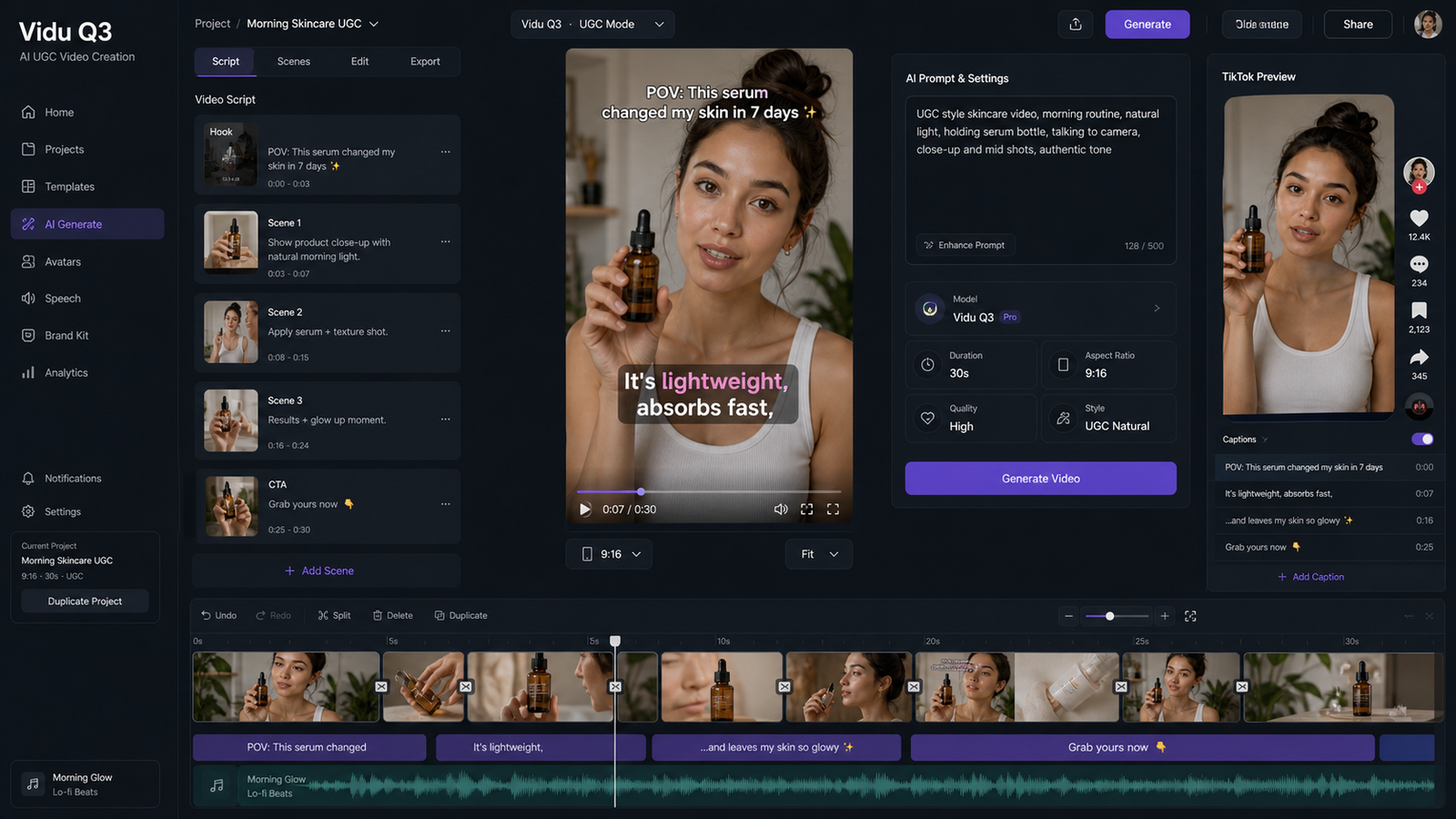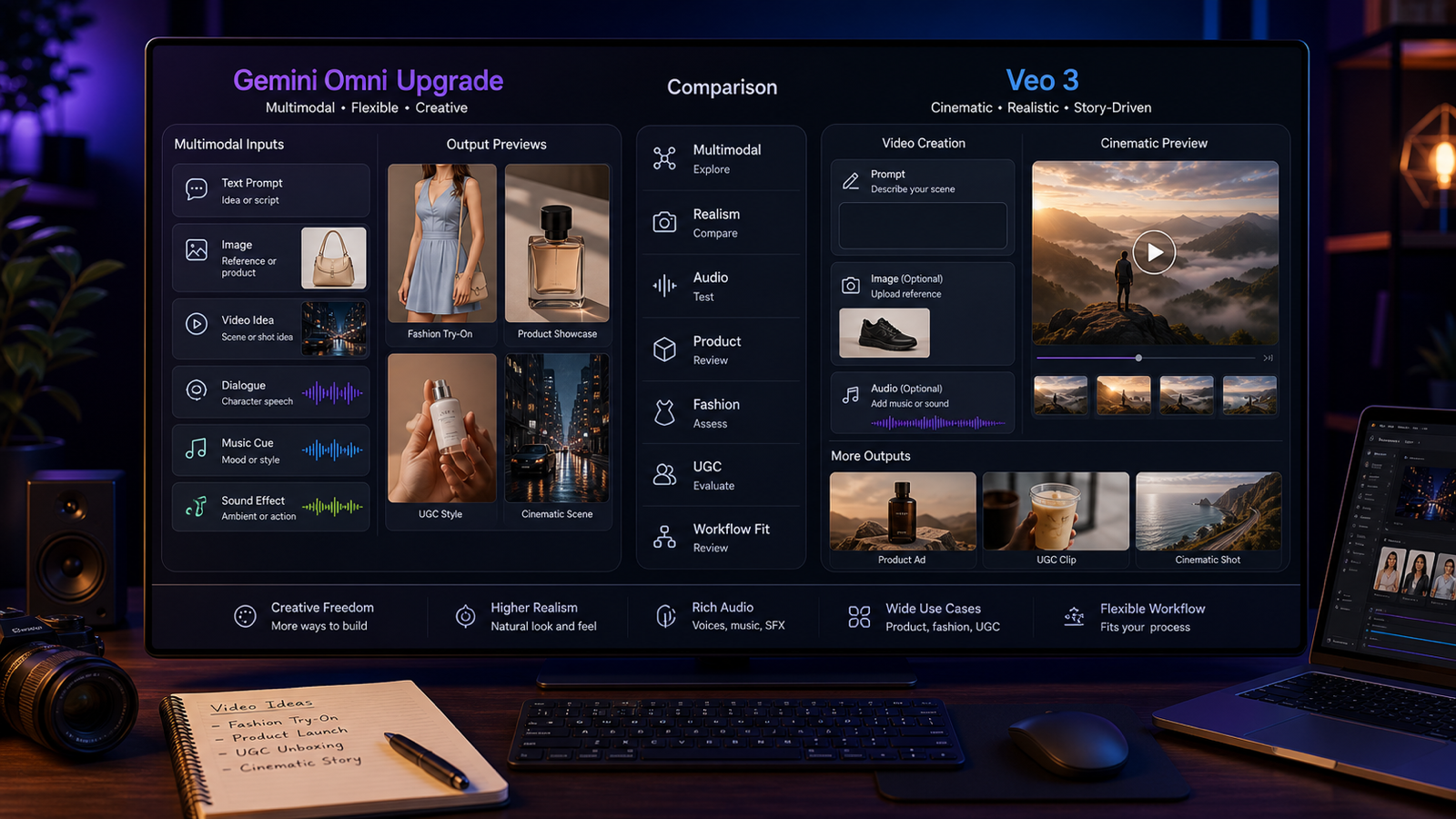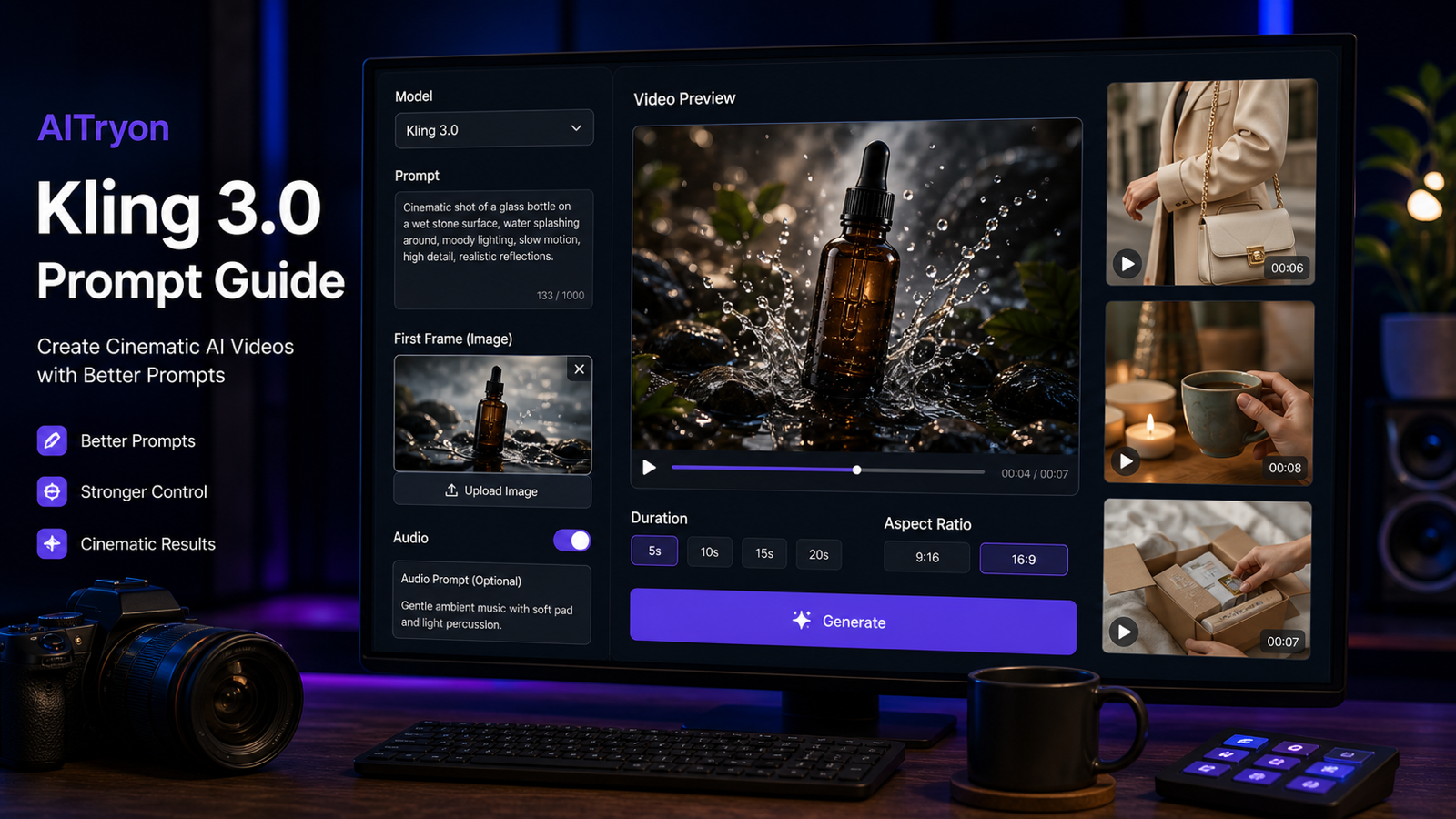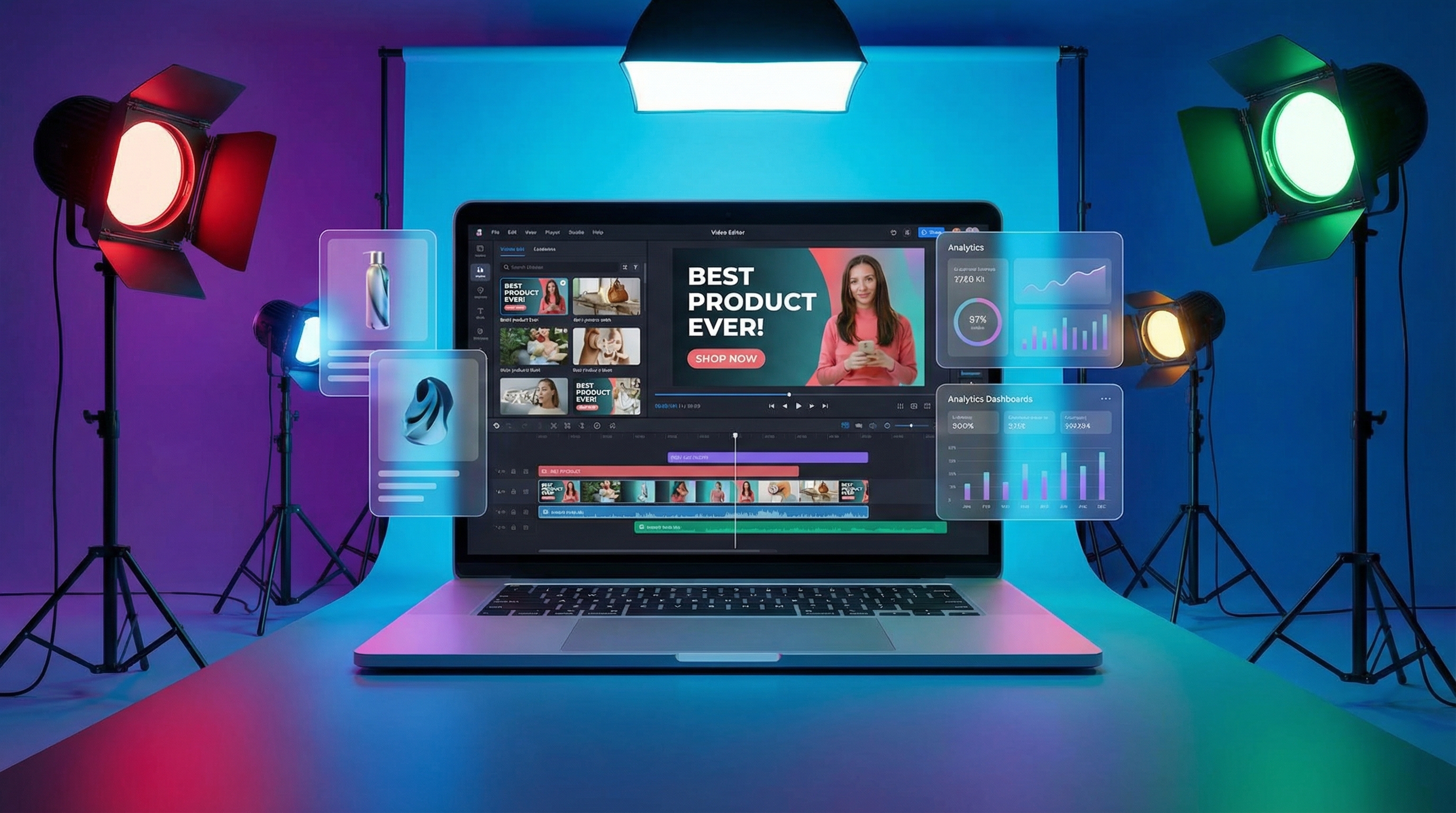
If you’ve ever tried to run paid social seriously, you already know the truth: your bottleneck usually isn’t targeting or bidding—it’s creative. The best-performing accounts don’t win because they found a magical audience; they win because they can test, learn, and iterate faster than everyone else.
That’s exactly the lane Creatify AI aims to own: helping marketers generate UGC-style video ads and product promo variations quickly—often starting from a single product URL.
In this review, I’ll break down what Creatify is good at, where it can get frustrating, how to evaluate the output like a performance marketer (not just a “wow, AI video!” viewer), and then—if you want more ad-making tool choices—why I recommend trying the ad workflows on VirtualTryOn AI as strong alternatives.
What Is Creatify AI (And Who It’s Really For)
Creatify AI is best understood as an AI ad creative factory. It’s not trying to be a cinematic filmmaking suite. It’s trying to help you produce many usable ad variants, quickly, with minimal production overhead.
The most “Creatify” thing about Creatify is the promise that you can take a product page URL, and the platform will help turn it into a structured ad: hook, product context, benefits, proof, and CTA—often packaged with voice, captions, and a creator-style delivery.
If you’re a DTC brand, a solo marketer, or an agency that needs volume, the appeal is obvious: fewer shoots, fewer edits, faster testing.
The Core Workflows for Video Ads
1) URL → Video: The Fastest Path to Variations
This is the workflow that makes Creatify feel like a cheat code.
Instead of starting with a blank script doc, you paste a product URL and Creatify generates ad-ready building blocks:
- A suggested script structure (usually hook → benefit → proof → CTA)
- Scene suggestions and pacing
- Voice/caption-ready delivery
- Multiple variations to test different angles
When it shines:
- You need “good enough, fast” to launch tests
- You have a new product and minimal creative assets
- You want to explore many hooks quickly
Where you should be careful:
- AI can misread or oversimplify product positioning
- Some claims can come out too aggressive (compliance risk)
- The best output still depends on you refining the hook and framing
Think of URL → Video as an idea accelerator. It doesn’t replace your messaging strategy—but it speeds up production once you know what you want to test.
2) Product Video Generator: Asset‑Led Ads for Brand Control
If URL → Video is “speed mode,” product video workflows are usually where brands get serious.
Instead of relying on the model to interpret your page correctly, you lead with:
- Your best product images/video clips
- Your approved messaging
- Your brand tone
This is often the better choice when:
- Your brand is regulated (health, beauty claims, supplements, etc.)
- Your positioning is nuanced
- You need consistent brand language
You’ll still get the benefits of AI (fast assembly, rapid versions), but with less risk of the “AI invented a promise” problem.
3) Batch Mode: Where Creatify Becomes a Testing Engine
Batch mode is where Creatify makes the most sense for paid social.
Because if you’re testing properly, you don’t want one ad—you want a matrix:
- 3–5 hooks
- 2–3 CTAs
- 2 durations
- (optional) 2 avatar/voice styles
That’s 24–60 variants quickly.
How to batch intelligently (without blowing credits):
- Lock the hook first (don’t iterate visuals if hook is weak)
- Keep early tests short (6–12 seconds can outperform 30 seconds)
- Standardize your caption style so comparisons are fair
Batch mode works best when you treat it like a lab, not a slot machine.
Feature Breakdown: What Marketers Actually Use
AI Script Writer (Hooks, Angles, Structure)
The script is the ad.
Creatify is useful when it helps you generate:
- Multiple hook styles (problem-first, curiosity, bold claim, social proof)
- Different personas (founder voice, customer voice, expert voice)
- Different benefits (emotional vs functional)
Your job is to pick the most testable hooks and avoid generic lines that every AI ad uses.
A quick quality check:
- Does the hook clearly define “what this is” within 1–2 seconds?
- Is the promise concrete?
- Is the language believable?
AI Avatars (UGC-Style Talking Ads)
AI avatars are controversial because they sit on a trust line.
They can work extremely well in:
- Low-stakes products (gadgets, accessories)
- Explainer-style offers
- Early creative testing when you need volume
They can hurt performance in:
- High-trust categories (skincare, wellness, medical-ish claims)
- Premium brands where “AI spokesperson” feels off
The better your niche understands AI, the more tolerance you’ll get. But even then, your avatar choice and tone matter.
What to check:
- Lip sync and timing (does it feel natural?)
- Eye-line and expression (not “dead-face”)
- Whether the voice matches the persona
Sometimes the winning move is to use Creatify to generate the structure and captions, then run the final version with a real creator.
Text-to-Speech, Captions, and Packaging
For performance ads, captions are not decoration—they’re part of the hook.
Creatify-style workflows are useful when they make it easy to:
- Keep captions bold and readable in 9:16
- Highlight the core claim and proof
- Maintain pacing (caption changes every 1–2 seconds)
If the tool gives you fast captioning + voice, that’s already a serious time saver.
API / Automation (For Teams That Scale)
If you’re producing creative for multiple SKUs or multiple clients, automation becomes a competitive advantage.
Even if you never touch the API, it’s usually a sign the platform is thinking about:
- Repeatability
- Batch production
- Systems instead of “one-off creations”
Output Quality: How to Judge Creatify Like a Performance Marketer
AI video ads can look impressive and still fail.
Here’s a repeatable checklist that matches how ads actually win.
1) Hook Strength (First 1–2 Seconds)
Ask one question: Would a stranger stop scrolling?
A good AI ad hook is specific:
- “If your sneakers look dull after one wear…”
- “This $20 tool fixed the one thing my kitchen always lacked…”
A weak AI hook is generic:
- “Are you looking for a better way to…?”
- “Introducing our amazing product…”
2) Message Clarity (What / Why / Proof / CTA)
Your ad should make the value obvious.
The best structure is still simple:
- What it is
- Who it’s for
- What problem it solves
- Proof (demo, testimonial, benefit detail)
- CTA
3) Pacing + Visual Variety
Even in talking-head UGC, pacing matters:
- B-roll cut-ins
- Text highlights
- Pattern interrupts
If everything is one continuous talking shot, the ad may feel slow.
4) Accuracy + Compliance
This is the risk zone.
AI can hallucinate:
- Features that don’t exist
- Claims you can’t legally make
- “Before/after” implications
If you’re in a regulated category, you should assume you need human review before publishing.
Ease of Use: The Real “Time-to-First-Ad” Test
Creatify is designed to reduce friction, and the simplest way to judge that is:
How long does it take to get one decent, exportable ad you’d actually test?
For many tools, it’s 30–60 minutes just to find the right workflow.
The main advantage of Creatify-style systems is that you can often produce something testable quickly—then spend your time optimizing the hook and offer, not fiddling with timelines.
Pricing & Credits: The Hidden Cost of Iteration
AI ad tools are often priced around credits because generation is expensive.
That means your workflow matters.
If you do this:
- Reroll everything repeatedly without strategy
You’ll burn budget fast.
If you do this instead:
- Lock script first → then visuals → then voice/avatar
- Keep early tests short
- Batch with a clear matrix
You’ll get far more value out of the same spend.
The best Creatify users don’t “make one perfect ad.” They create a system to find winners.
Best Use Cases: Where Creatify Wins
Creatify is a strong fit when you need:
- Rapid launch creatives for new products
- High-volume testing (hooks, personas, offers)
- UGC-style talking ads without filming
- Agency-style throughput across multiple clients
It’s especially useful when your priority is: speed + variation.
Weaknesses / Limitations: Where You’ll Feel the Ceiling
1) Avatar Trust Barrier
Some audiences simply don’t trust avatar ads. Depending on your niche, you’ll see it in lower CTR or worse conversion rates.
2) Creative “Sameness”
AI tools can produce ads that feel template-heavy. If every line sounds like every other brand’s AI ad, performance will plateau.
3) Not a Full Editor Replacement
You still may need a dedicated editor for:
- Precise timing
- Advanced overlays
- Brand motion design
- High-end compositing
4) Compliance + Claims Risk
You must watch what the tool says. Especially in health, beauty, and anything touching results.
A Real-World Testing Playbook (Copy This)
Here’s a simple matrix that works for most products:
Step 1: Start with 3 Hook Types
- Problem-first hook
- Curiosity hook
- Proof-first hook
Step 2: Two CTAs
- “Shop Now”
- “Learn More”
Step 3: Two Durations
- 8–12 seconds
- 20–30 seconds
That’s already 12 variants.
Step 4: Decide When to Rebuild vs Iterate
- If hook fails: rewrite hook (don’t keep rerolling visuals)
- If trust fails: reduce avatar usage, add proof, simplify claims
- If view-through is good but conversion is weak: improve landing page alignment and offer clarity
Recommendation: Better Alternatives on VirtualTryOn AI (Ad Tools + Models)
If Creatify is an AI ad pipeline focused on UGC-style video ads, VirtualTryOn AI (aitryon.art) is a broader toolset where you can build similar ad outputs—especially product promos and UGC-style videos—using different workflows.
Here are the most Creatify-like options on VirtualTryOn AI.
Best Ad Tools on VirtualTryOn AI (With Links)
1) AI UGC Maker
If you want Creatify-style UGC talking ads, start here.
- AI UGC Maker: https://aitryon.art/ai-ugc-maker/
Use it when:
- You want creator-style ad delivery
- You want fast variations without filming
2) AI Product to Video
For clean product showcase ads (often higher trust than avatars).
- AI Product to Video: https://aitryon.art/ai-product-to-video/
Use it when:
- You want “product-first” visuals
- You want controlled messaging and brand tone
3) Photo to Video
Turn product stills into motion clips for ads.
- Photo to Video: https://aitryon.art/photo-to-video/
Use it when:
- You already have strong product photography
- You want motion without filming
4) AI Outfit Video Generator (Fashion eCom)
If your niche is apparel, this is a direct advantage.
- AI Outfit Video Generator: https://aitryon.art/ai-outfit-video-generator/
Use it when:
- You want consistent fashion-focused ad visuals
- You’re scaling many SKUs quickly
Recommended VirtualTryOn AI Models for Ads (With Links)
If you want the “engine” behind the visuals to be stronger or more specialized, these are good model options to start with:
-
Hailuo 2.3 (good for video ads + product demos): https://aitryon.art/model/hailuo-2-3/
-
Seedance 1.0 Pro (high quality, strong for multi-shot ad structure): https://aitryon.art/model/seedance-v1-pro/
-
Vidu Q1 Reference to Video (useful for consistency with references/products): https://aitryon.art/model/reference-to-video/
Quick Chooser: What to Use First
-
If you want UGC talking ads → AI UGC Maker https://aitryon.art/ai-ugc-maker/
-
If you want trust-friendly product promos → AI Product to Video https://aitryon.art/ai-product-to-video/
-
If you want motion from stills → Photo to Video https://aitryon.art/photo-to-video/
-
If you want fashion-specific ads → AI Outfit Video Generator https://aitryon.art/ai-outfit-video-generator/
Final Verdict
Creatify AI makes the most sense if your priority is speed + variation—especially for UGC-style video ads and rapid testing. Its biggest strengths are the workflow shortcuts and the ability to generate many angles quickly.
The trade-offs are predictable: avatar trust barriers in some niches, occasional “AI sameness,” and the need for human review on claims and compliance.
If you want a strong alternative (or a broader tool set), I recommend trying VirtualTryOn AI for ad creation—particularly AI UGC Maker, AI Product to Video, and Photo to Video. You get a more flexible toolkit for different ad styles and product categories:
- https://aitryon.art/ai-ugc-maker/
- https://aitryon.art/ai-product-to-video/
- https://aitryon.art/photo-to-video/
If you tell me your niche (fashion, beauty, gadgets, home, SaaS) and your target platform (TikTok, Meta, YouTube Shorts), I can also give you a ready-to-copy hook library and a tight 12-variant testing matrix tailored to your product.