🕸️ Introduction: Reinventing Halloween Fashion with AI
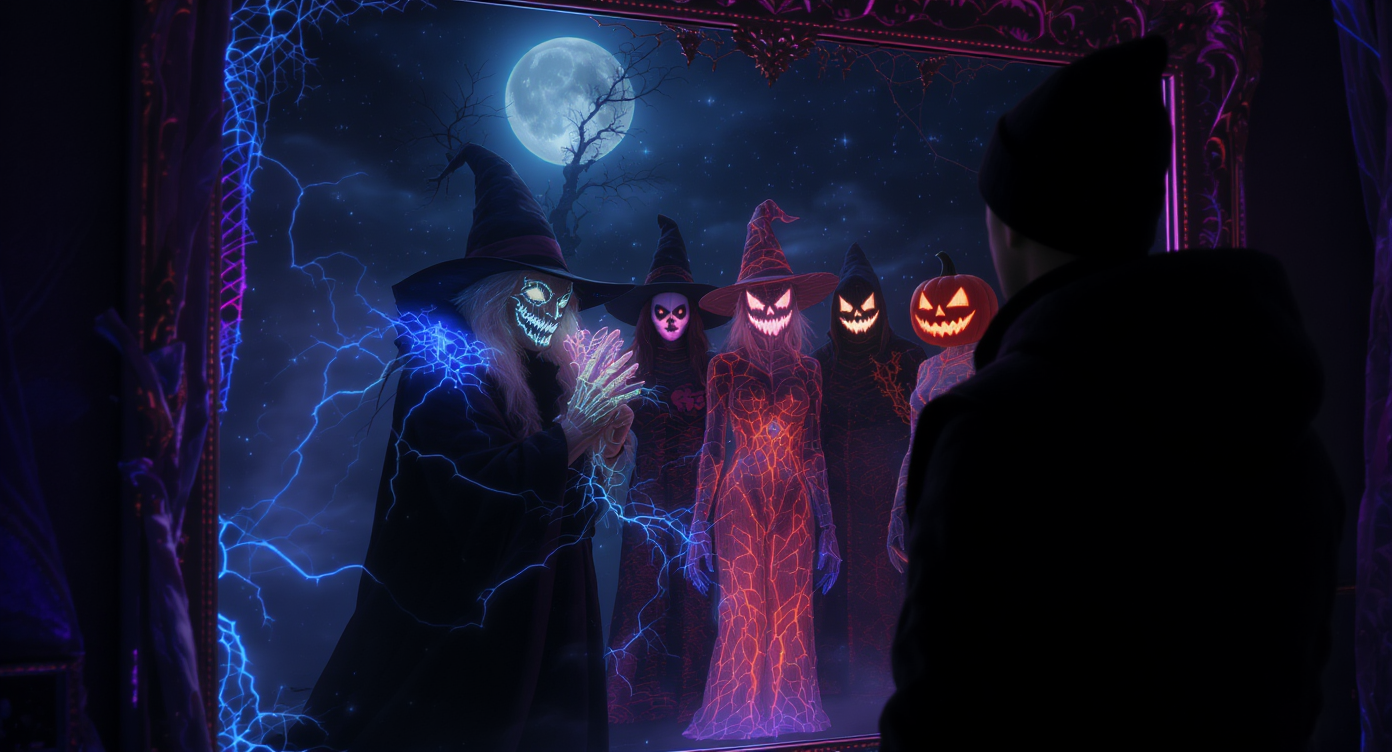
Halloween 2025 is shaping up to be the most creative and experimental season yet.
Instead of browsing endless costume stores or relying on last-minute orders, people are turning to AI tools that let them visualize, customize, and even animate their costumes before buying or crafting them.
Imagine uploading your selfie and instantly seeing yourself as a cyber-witch, glowing ghost, or galactic vampire. That’s the magic of AI this year. Whether you’re shopping for a costume online or designing something completely original, AI gives you the tools to test ideas before you commit — saving both time and money while unlocking your imagination.
This guide walks you through every option using the advanced AI tools from AITryOn.art:
- AI Try-On — preview how any costume looks on you.
- Nano Banana AI — generate fresh, one-of-a-kind costume concepts.
- Photo-to-Video — make your Halloween photo move.
- Clothes Changer Video — turn your portrait into a complete costume video.
🎭 Step 1: Visualize Your Halloween Look with AI Try-On
If you already have a costume idea or plan to buy one online but aren’t sure how it’ll actually look on you — the Clothes Virtual Try-On is your new best friend. It’s like a digital dressing room powered by AI.
The tool allows you to upload your own photo (or use one of the provided templates) and instantly see yourself in different costumes. No more guessing if that vampire coat fits your style — you’ll know before you buy.
🧛♀️ How to Use the Clothes Virtual Try-On
- Visit AITryOn.art/ai-try-on.
- Under Switch Model, choose:
- AI Try On – realistic previews for Halloween costumes.
- FASHN Try On – high-fashion or stylized themes.
- KOLORS Try On – vivid color and dramatic lighting.
- Upload your person image (clear, front-facing, even lighting).
- Or pick a Person Template to test looks on sample models.
- Upload your costume image under Single Garment or Multiple Garments.
- Click Submit and let the AI generate your Halloween look.
🎃 Example Prompts
- “Classic Dracula outfit with flowing cape and red silk vest.”
- “Pumpkin spirit costume with orange robes and glowing eyes.”
- “Gothic princess in black lace and silver tiara.”
- “AI sorcerer with holographic cloak and neon blue aura.”
🕯️ Pro Tips
- Use a neutral background for realistic blending.
- Try all three models to compare tone and color accuracy.
- Experiment with single vs multiple garments for layered outfits.
- Download the final image to share or use as a shopping reference.
🪞 Why it’s great: The Virtual Try-On gives you confidence by showing how your costume fits your style before you buy it.
🦇 Step 2: Create Original Designs with Nano Banana AI
If you’re tired of store-bought designs or want to craft something that truly stands out, Nano Banana AI is your creative partner. This model generates completely original costumes from text prompts — perfect for concept artists, designers, or Halloween perfectionists.
🧠 How It Works
Type a descriptive prompt, and the model produces a high-definition costume concept that doesn’t exist anywhere else.
🎨 Example Prompts
- “Futuristic vampire queen with silver metal wings and glowing eyes.”
- “AI-powered pirate captain with holographic hat and neon tattoos.”
- “Pumpkin spirit child wearing a cape made of autumn leaves.”
✨ Pro Tips
- Include texture words: velvet, glowing, translucent, burnt gold.
- Describe mood: elegant, cursed, playful, robotic.
- Generate several versions and mix your favorite details.
- Combine with AI Try-On for realistic previewing.
💀 Perfect for: Costume designers and digital artists who crave originality.
👻 Step 3: Bring Your Concept to Life with Photo-to-Video
Once you’ve finalized your AI design — or even just want to animate your selfie — use Photo-to-Video to turn still images into short animated clips that feel alive.
🪩 How to Use
- Upload your photo (real or AI-generated).
- In the prompt box, type “Make the photo move.”
- Generate — and watch your costume breathe, blink, or sway.
💡 Example Prompts
- “Make the photo move with slow cinematic motion and glowing candlelight.”
- “Animate the person walking as their cape flows in moonlight.”
- “Make the image blink and smile slightly under flickering lamplight.”
🎥 Pro Tips
- Use clear, well-lit portraits.
- Keep backgrounds simple for smooth motion.
- Add camera cues (“slow zoom,” “pan left”).
- Export and share as Reels or Shorts for instant Halloween buzz.
🧙 Step 4: Instantly Transform Your Look with Clothes Changer Video
If you want to see your Halloween costume in motion — from a simple photo to a full try-on animation — the Clothes Changer Video tool is your shortcut. It merges virtual fitting and animation so you can preview costumes in seconds.
🎭 How to Use
- Visit Clothes Changer Video.
- Upload your person image (front-facing, well-lit).
- Choose a person template if you’d like to try on a model.
- Upload your costume under Single Garment or Multiple Garments.
- Or pick from the Clothing Template section for preset looks.
- Click Submit — the AI changes your clothes and generates a realistic video.
🎃 Prompt Examples
- “Change clothes to a gothic vampire outfit with red silk cape.”
- “Transform the person into a witch wearing a black robe and hat.”
- “Replace outfit with a pumpkin-themed costume glowing in orange light.”
- “Swap clothes for a futuristic skeleton suit with neon green lines.”
- “Generate a haunted jester outfit with bells and purple fabric.”
🕯️ Pro Tips
- Use high-quality, evenly lit photos for clean blending.
- Try layering multiple garments for complex costumes.
- Mention simple motions (“slow turn,” “walk forward”) for natural animation.
- Download and share your final clip for a real-time Halloween reveal.
🧛 Why it’s great: It turns a static photo into a moving costume demo — perfect for testing vampire capes, witch robes, or cyberpunk armor instantly.
🕯️ Step 5: Bonus Tips for Perfecting Your AI Halloween Look
Even with powerful AI tools, a few creative tricks make all the difference.
💡 Creative Tips
- Describe lighting: moonlight glow, candlelight, neon flicker.
- Keep the same base photo across tools for consistency.
- Add special effects: mists, embers, fog.
- Try different angles: front, profile, three-quarter.
- Generate accessories (hat, mask, wand) separately and combine them later.
🕸️ Suggested Halloween Workflow
| Step | Tool | Purpose |
|---|---|---|
| 1 | Nano Banana AI | Design original costume concept art |
| 2 | AI Try-On | Preview how it looks on your photo |
| 3 | Photo-to-Video | Animate the image for movement |
| 4 | Clothes Changer Video | Produce the full animated try-on |
🧵 Common Mistakes to Avoid
Even the best AI costume tools need a little creative guidance. Here are some easy pitfalls to skip:
- ❌ Using poor-quality photos: Dark, blurry, or heavily filtered selfies confuse the AI.
- ❌ Overstuffing prompts: Keep your descriptions focused—two or three key details are enough.
- ❌ Forgetting the setting: Always include context like “Halloween,” “spooky,” or “party night” for accurate lighting and mood.
- ❌ Wrong image ratio: Portrait (vertical) works best for video try-ons and social media clips.
- ❌ Not saving versions: Each generation is unique—save your favorites for mix-and-match edits later.
💡 Quick Fix: Think like a director. Give the AI a clear character (who you are), a setting (where you are), and a tone (how it feels).
👑 Final Touch: Elevate Your Look Like a Cinematic Character
By now, you’ve gone from idea → design → animated preview — all powered by AI. But the finishing touch is presentation. Treat your Halloween look like a movie moment:
- Add background music or eerie sound effects to your video.
- Use slow-motion transitions when sharing your reveal.
- Combine multiple AI results into one clip — costume, motion, lighting.
- Caption your post with a dramatic tagline:
“Summoned by the moonlight — my 2025 Halloween form.”
🎃 Remember: The goal isn’t perfection, it’s presence. When people see your video, they should feel the story behind your look.
🕸️ Why AI Costume Creation Is the Future
AI has turned costume design into a playground for creativity. What used to take weeks of crafting or shopping now happens in minutes — without losing imagination.
- 🧠 Smart Visualization: Test multiple styles before buying or making anything.
- 🎨 Creative Freedom: Build something entirely original from your own concept.
- 🎥 Cinematic Motion: Turn photos into moving Halloween trailers.
- 💰 Budget-Friendly: Skip expensive prototypes and wasted orders.
AI doesn’t replace creativity—it multiplies it. With tools like AI Try-On, Nano Banana AI, Photo-to-Video, and Clothes Changer Video, your imagination becomes wearable art.
🕯️ Conclusion: From Inspiration to Transformation
Halloween 2025 is no longer about buying what everyone else wears — it’s about becoming something no one has seen before.
Whether you’re testing a ready-made vampire outfit or designing an original cosmic sorcerer from scratch, the AI tools at AITryOn.art make it effortless to see, refine, and animate your costume before it even exists.
Start your AI-powered Halloween journey today:
- 👗 Try it on → AI Try-On
- 🧠 Design it → Nano Banana AI
- 🎥 Animate it → Photo-to-Video
- 🪄 Transform fully → Clothes Changer Video
🕯️ This Halloween, don’t just wear a costume — become the legend you imagine.
With AI, your fantasy is just one click away.