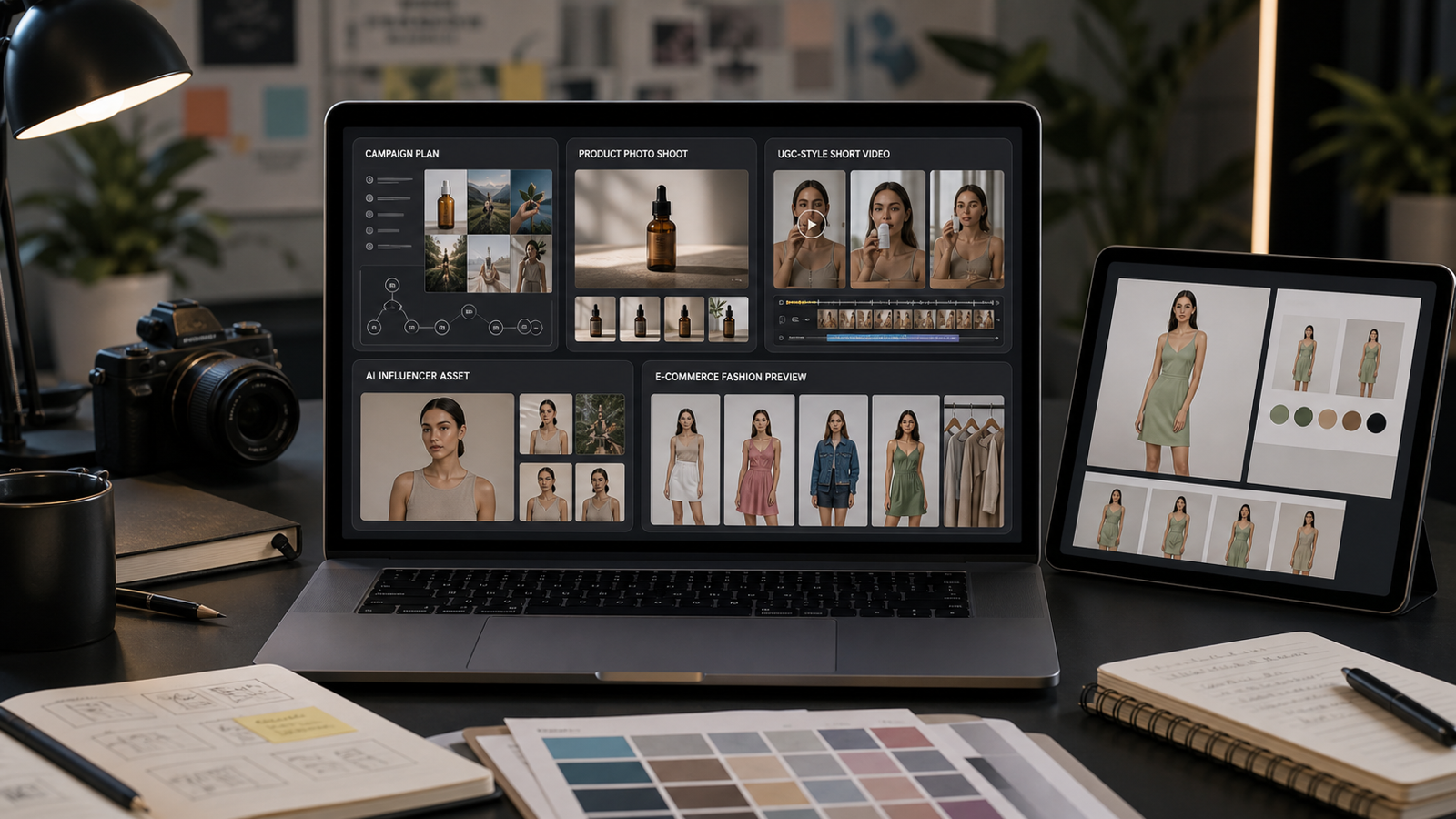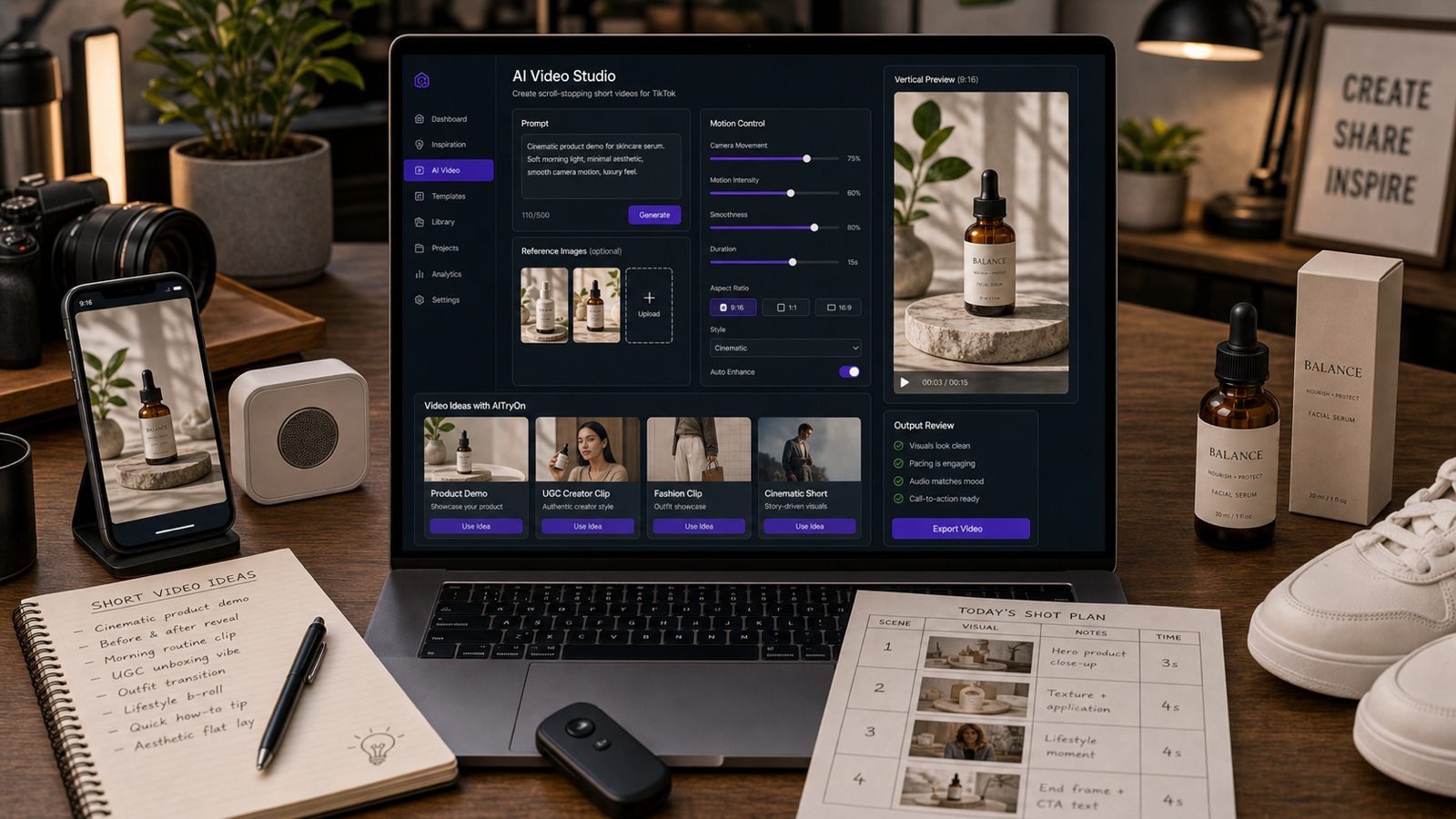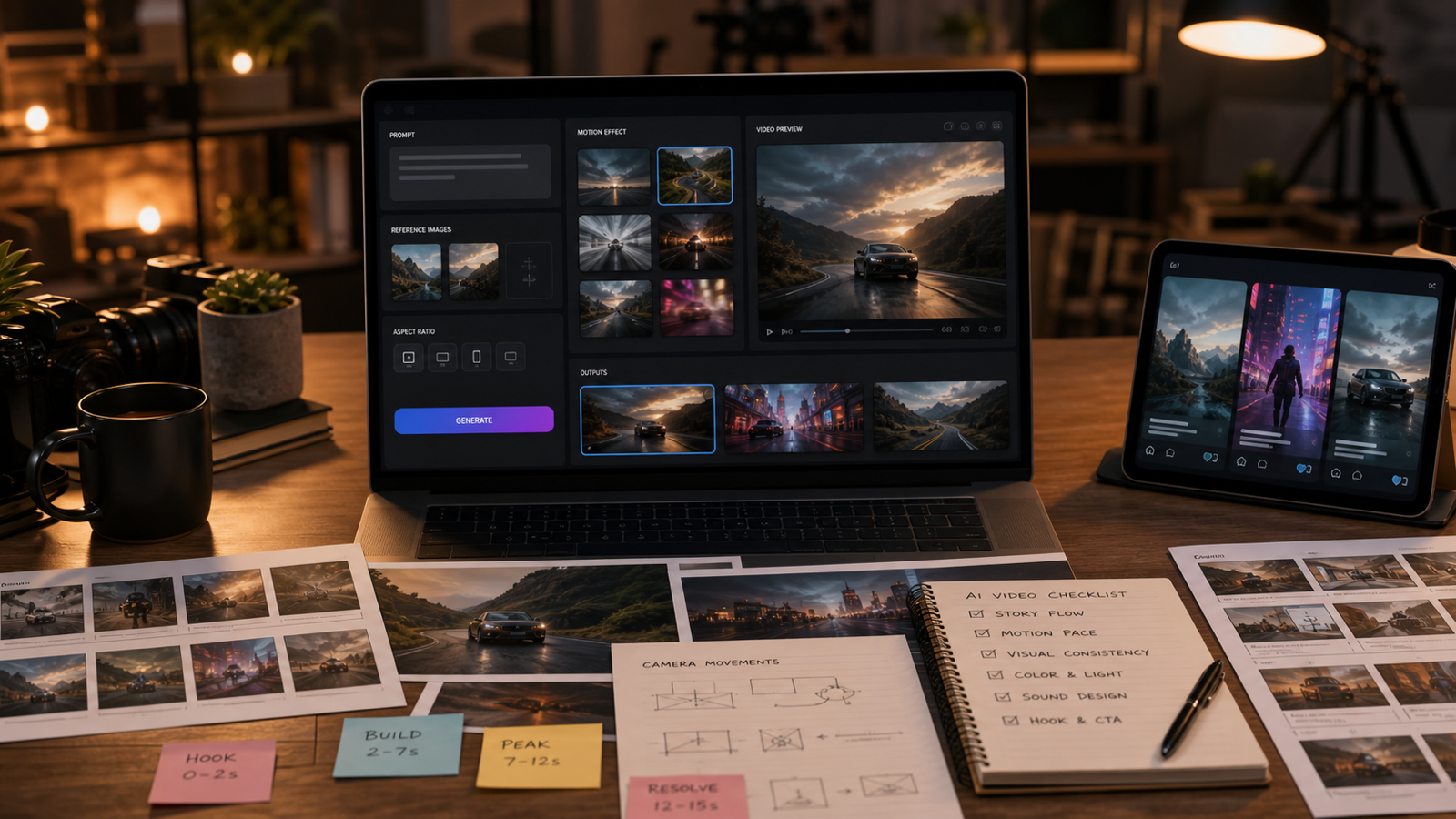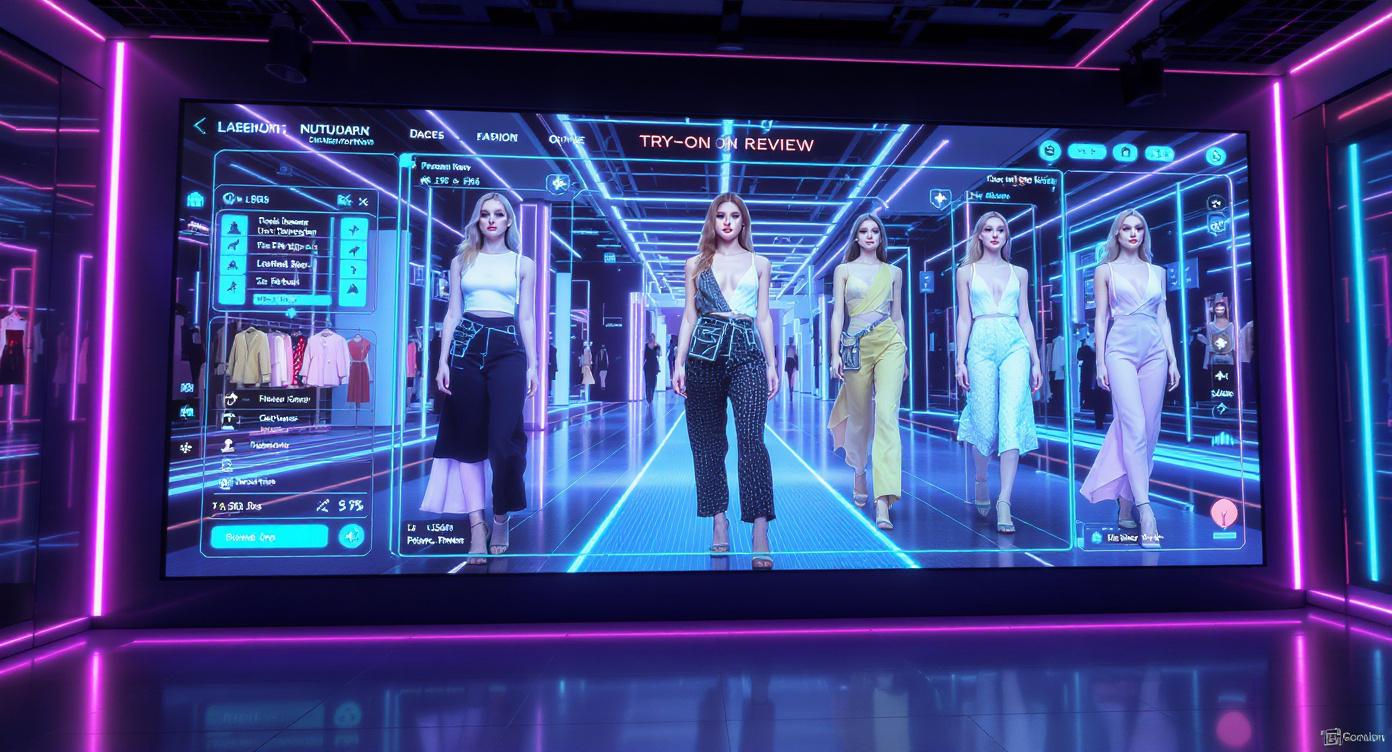
AI fashion try-on videos are revolutionizing how creators showcase outfits—whether for e-commerce, influencer content, virtual wardrobe apps, or digital fashion marketing. One of the most advanced models capable of producing realistic try-on videos is Veo 3.1, now available on AI Try-On:
👉 https://aitryon.art/model/veo-3-1-ai/
This guide walks you through everything you need to know—from setup to prompt writing—to produce polished, eye-catching try-on videos using Veo 3.1.
I. Introduction
Fashion creators today rely heavily on video content to attract attention across platforms like TikTok, Instagram, YouTube Shorts, and brand websites. AI video technology now allows users to showcase clothing on realistic models without expensive photoshoots, cameras, or editing skills.
Veo 3.1 stands out because it combines realism, smooth motion, and fashionable visual quality. It can transform your concept into a natural try-on video featuring a model wearing your selected outfit—within minutes.
In this article, you will learn:
- What you need before starting
- How to set up Veo 3.1 for fashion try-ons
- How to write high-quality prompts
- Tips for realistic results
- Best use cases for creators & brands
II. What You Need Before Getting Started
Before generating your first try-on video, gather the following:
✅ Required
- A clear idea of the outfit and model style
- A prompt describing the scene or fashion concept
🌟 Recommended for Best Realism
- A model image to use as a Start Frame
(preferably full-body, front facing, neutral background) - A photo of the clothing item if you need high accuracy
(optional, but improves likeness)
Having these assets ready helps Veo 3.1 understand the body, pose, and outfit concept you want to showcase.
III. Choosing the Right Veo 3.1 Model Settings
Visit the model page here:
👉 https://aitryon.art/model/veo-3-1-ai/
When preparing to generate a try-on video, pay attention to these settings:
🎥 Model Version
Choose depending on your goal:
| Version | Best For |
|---|---|
| Veo 3.1 Fast 720p | Quick drafts, TikTok/Reels, concept testing |
| Veo 3.1 Ultra | High-quality commercial fashion content |
| Higher resolutions (when available) | Product promo, website displays |
🔊 Audio
Enable only if you want background music or sound in the video.
🖼️ Video Ratio
Choose based on where you will post:
| Platform | Ratio |
|---|---|
| TikTok, Reels, Shorts | 9:16 (recommended) |
| Instagram Feed | 1:1 or 4:5 |
| YouTube / Websites | 16:9 |
If unsure, select 9:16, as vertical video performs best for fashion content.
IV. Uploading Your Start Frame – The Key to Realistic Try-Ons
The Start Frame allows Veo 3.1 to anchor the face, body posture, and style of the model throughout the video.
Upload a Start Frame if you want:
- A consistent face throughout the video
- A specific model (yourself, influencer, brand model)
- A predetermined pose or environment
Tips for Best Results:
| Do | Don’t |
|---|---|
| Use neutral background | Avoid cluttered background |
| Full-body visible | Don’t crop legs or arms |
| Good lighting | Avoid dark or blurry images |
You may also add an End Frame if you want the video to end in a specific pose or scene transition (optional but useful for fashion runway concepts).
V. Writing the Perfect Prompt for Try-On Videos
A strong prompt is the secret to getting polished results. Include the following five elements:
| Element | Example |
|---|---|
| Model Description | “a tall, elegant Asian female model” |
| Clothing Style | “wearing a beige trench coat and black leather boots” |
| Action & Motion | “walking forward confidently on a runway” |
| Setting / Scene | “Paris fashion week catwalk” |
| Camera Style | “cinematic camera with smooth pan movement” |
⭐ Sample Prompt to Copy/Paste
Prompt:
A modern fashion try-on video featuring a tall and stylish female model wearing a beige trench coat with black leather boots, walking confidently on a Paris Fashion Week runway. Cinematic lighting, full-body shots, smooth camera pan from head to toe, high-end fashion aesthetic, elegant movement.
Use 2–3 sentences max. More than that may confuse the model.
VI. Generating & Refining Your Try-On Video
Once your settings and prompt are ready:
- Click Generate (300 credits)
- Wait for rendering
- Watch the result and evaluate:
Check for:
- Outfit accuracy
- Model movement (natural or stiff?)
- Face consistency
- Style and lighting tone
If the result needs improvement, refine using:
| Issue | Fix |
|---|---|
| Outfit inaccurate | Add specific fabric, color, or texture details |
| Stiff motion | Add “smooth natural movement” or “model walks gracefully” |
| Face inconsistency | Replace with a clearer start frame |
| Scene doesn’t match vision | Add location + fashion show environment details |
Use the Enhance Prompt button if you need extra refinement.
VII. Pro Tips for More Realistic Try-On Results
🔥 For Clothing Accuracy
- Add fabric types: “silk”, “cashmere”, “leather”, “denim”, “satin”
- Mention clothing fit: “oversized”, “tailored”, “body-hugging”
- Add movement: “coat flows with motion”
📷 For Visual Realism
- Use high-res model images
- Stick to real-world lighting styles: “studio lighting”, “soft daylight”
- Include camera instructions: “tracking shot”, “zoom out reveal”
🎬 For Professional Fashion Look
- Add brand style descriptors:
“luxury editorial style”, “Vogue fashion aesthetic”, “runway lookbook mood” - Insert runway elements: “flash photography”, “audience blurred in background”
Generating 2–3 variations per concept helps you select the best one.
VIII. Use Cases for Veo 3.1 Try-On Videos
🏪 E-Commerce & Boutique Stores
Show customers how clothing looks on a model without photoshoots.
📱 Influencers & Fashion Creators
Daily OOTD videos, seasonal lookbooks, brand collabs, AI try-on challenges.
🌍 Virtual Clothing & Digital Fashion
Perfect for AR fashion apps, AI stylists, and virtual wardrobe services.
✂️ Fashion Designers & Tailors
Test outfit ideas before manufacturing or shooting.
🧵 Clothing Print-on-Demand Sellers
Make professional try-ons to boost product trust instantly.
IX. Conclusion
Veo 3.1 makes high-quality AI try-on video creation accessible to anyone—no camera, model, studio, or editing software required. With the right prompt, start frame, and setup, you can create polished, stylish, and realistic fashion videos suitable for social media, marketing, or online stores.
Whether you’re a designer, influencer, fashion seller, or digital content creator, now is the perfect time to try the new era of AI fashion visuals.
👉 Start generating try-on videos with Veo 3.1 here:
https://aitryon.art/model/veo-3-1-ai/