Buying a necklace online used to involve guesswork. You could imagine how it might look, scroll through model photos, or hold a pendant up to a mirror—but you never really knew if the length, scale, or style worked for you. That’s exactly the problem Virtual AI Try On solves.
With modern jewelry virtual try on tools, you can upload a photo, swap necklaces instantly, and see realistic results in seconds. This guide walks you through how to change necklaces, compare styles, and get the most natural results using Virtual AI Try On—even if you’ve never used a virtual try-on tool before.
Why Necklace Try-On Finally Works Online
Necklaces are surprisingly tricky. A chain that looks elegant in a product photo may sit too high on your collarbone. A pendant that feels subtle on a model might look oversized on you. Traditional photos don’t account for neckline, skin tone, or face shape.
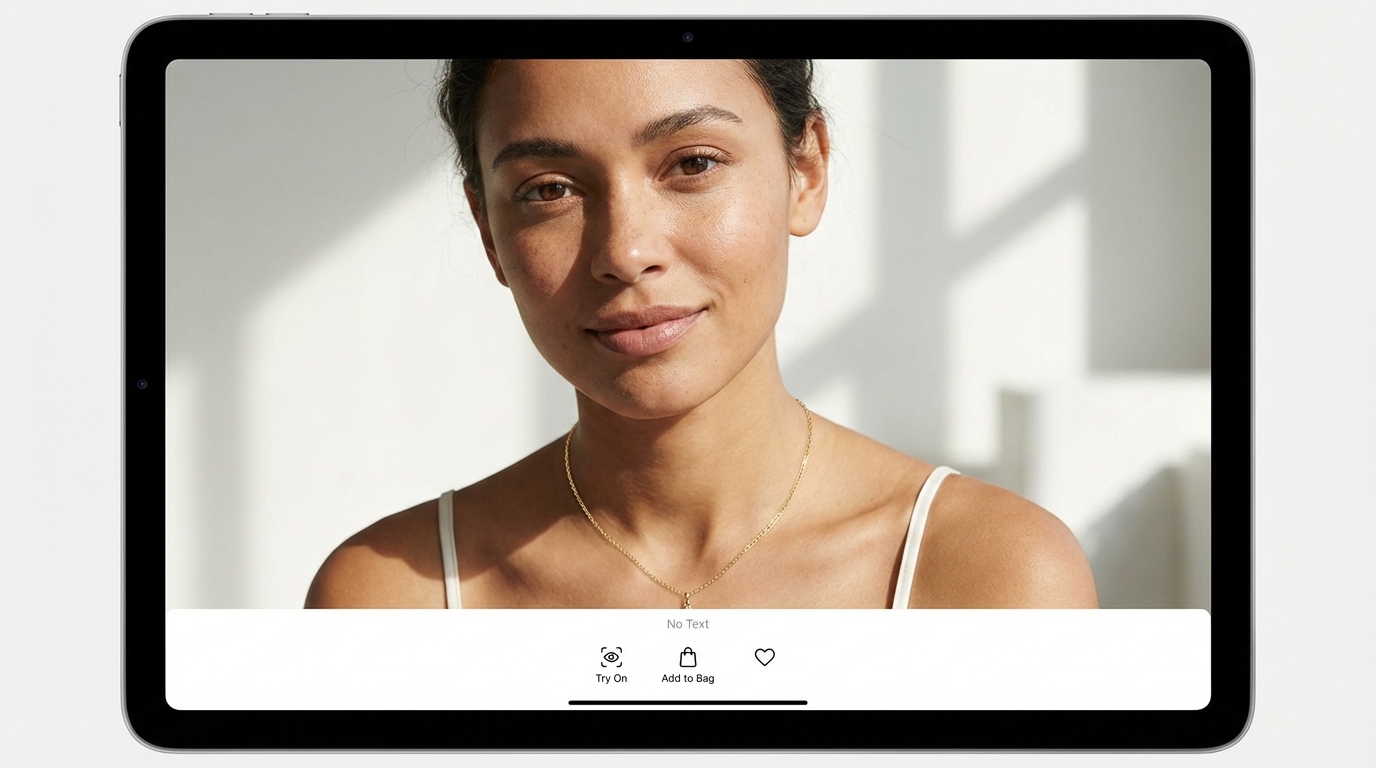
That’s where virtual jewelry try on changes everything. Instead of guessing, you see the necklace placed directly on your photo—at the right angle and scale—so decisions become visual, not theoretical.
What You Need Before You Start (2-Minute Setup)
Before running your first virtual try on necklace, prepare two things:
1) A Person Image
- A clear photo showing your neck and upper chest
- Natural or soft lighting works best
- Hair pulled back helps avoid overlap
2) A Necklace Image
- A clean product photo with good contrast
- Plain background if possible
- The necklace fully visible
These two inputs are all you need to run ai jewelry try on effectively.
Step-by-Step: Your First Virtual Necklace Try-On
Follow these steps to get started with necklace virtual try on:
Step 1: Upload Your Person Image
Upload your photo into the “person image” slot. This becomes the base for all comparisons.
Step 2: Upload the Necklace Image
Upload the necklace you want to try—pendant, chain, layered style, or statement piece.
Step 3: Select “Necklace” as the Jewelry Type
Choose “Necklace” so the system applies proper placement logic for necklace virtual fitting.
Step 4: Generate the Try-On
Click generate and review the result. The necklace will appear naturally placed with correct perspective.
Step 5: Save or Download
Save the image for comparison, sharing, or purchase decisions.
How to Change the Necklace (The Swap Method)
This is where necklace try on online really shines.
Keep the same person image and simply swap the necklace image to:
- Compare different chain lengths
- Test pendants vs chokers
- Choose between gold, silver, or pearls
Changing only the jewelry lets you compare styles cleanly and confidently.
How to Adjust the Look: Length, Placement, and Realism
For the most natural virtual necklace fitting results, small choices matter.
Choose the Right Framing
- Close-up portraits for delicate necklaces
- Upper-body shots for longer chains
Watch Hair and Clothing
- Clear necklines improve placement
- Avoid scarves or high collars when possible
Improve Necklace Images
- High contrast helps detection
- Avoid busy or patterned backgrounds
These steps significantly improve virtual necklace fitting accuracy.
Prompt Ideas That Improve Necklace Try-On Results
Prompts are optional, but they can enhance realism when using ai jewelry try on.
Try phrases like:
- “High-resolution close-up, natural daylight, realistic reflections”
- “Minimalist studio lighting, accurate necklace scale”
- “Fashion lookbook style, soft warm lighting”
These help balance lighting, scale, and texture.
Best Practices for Comparing Necklaces Like a Pro
To compare fairly using virtual jewelry try on:
- Use the same person photo every time
- Keep lighting consistent across necklace images
- Save your top 2–3 options and review them together
This turns virtual try-on into a true digital fitting room.
Common Issues and Quick Fixes
Necklace looks too big or too small
→ Adjust how close the person photo is cropped.
Necklace overlaps hair awkwardly
→ Use a photo with a clear neckline or tied-back hair.
Necklace looks flat
→ Use higher-quality product photos and add lighting prompts.
Most problems are input-related and easy to fix.
Who This Is For (Real-World Use Cases)
Necklace virtual try on is useful for:
- Shoppers choosing between styles or lengths
- Jewelry sellers improving product visuals
- Content creators styling outfits
- Gift buyers unsure about scale
That’s why necklace virtual try on goes far beyond casual browsing.
Final Recommendation: The Fastest Way to Compare Necklaces Online
If you want a realistic, fast way to see how necklaces look on you, Virtual AI Try On removes the guesswork. Upload one photo, swap necklaces freely, and compare styles visually—just like a digital mirror.
For shopping, styling, or selling jewelry, virtual try on necklace is the simplest way to make confident choices in seconds.