Lunar New Year is one of those moments when everyone suddenly needs one great photo—something you can post as a greeting, drop into a family group chat, or send to friends without overthinking it.
But not everyone has time to shop, tailor, or plan a full shoot.
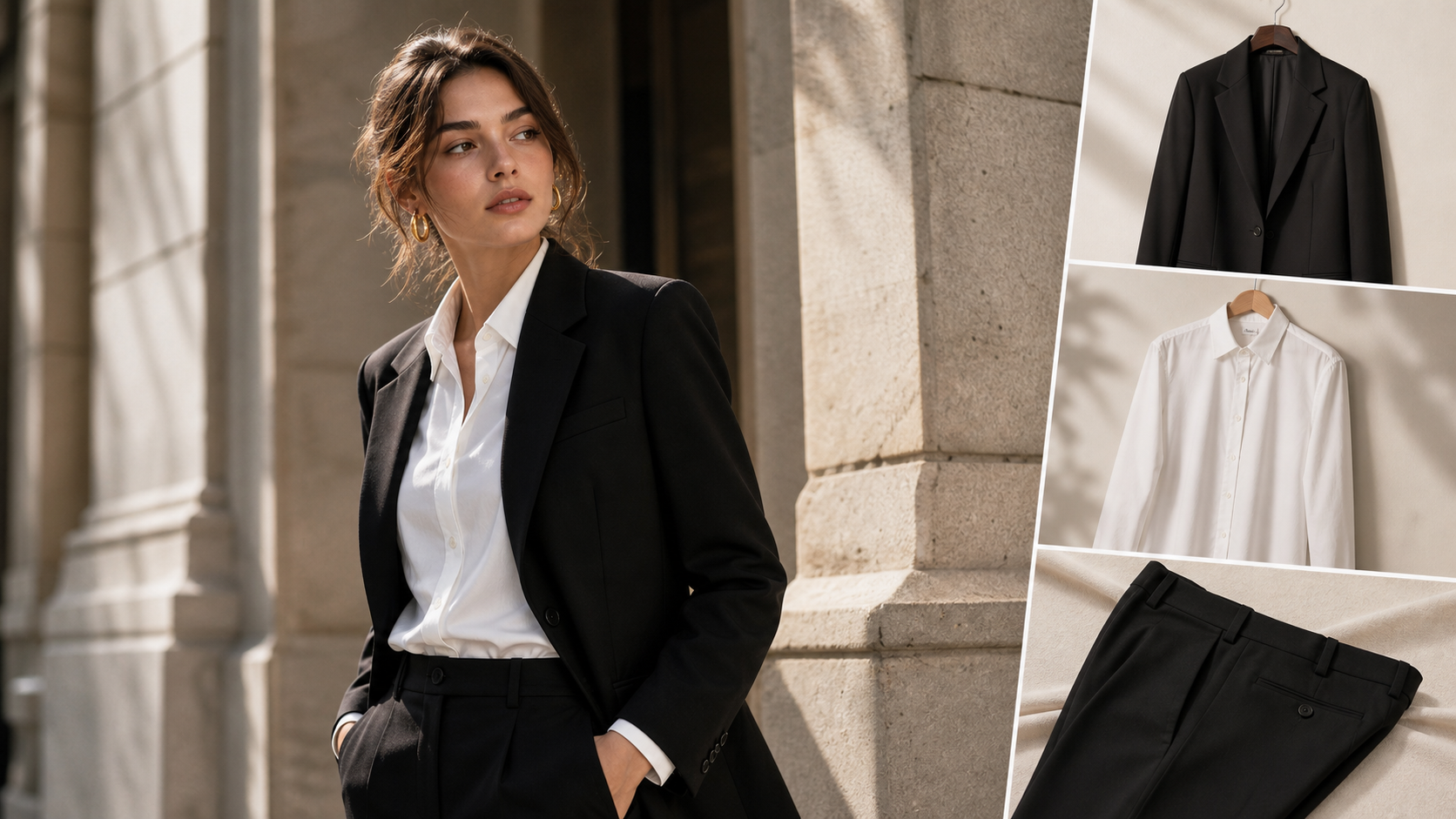
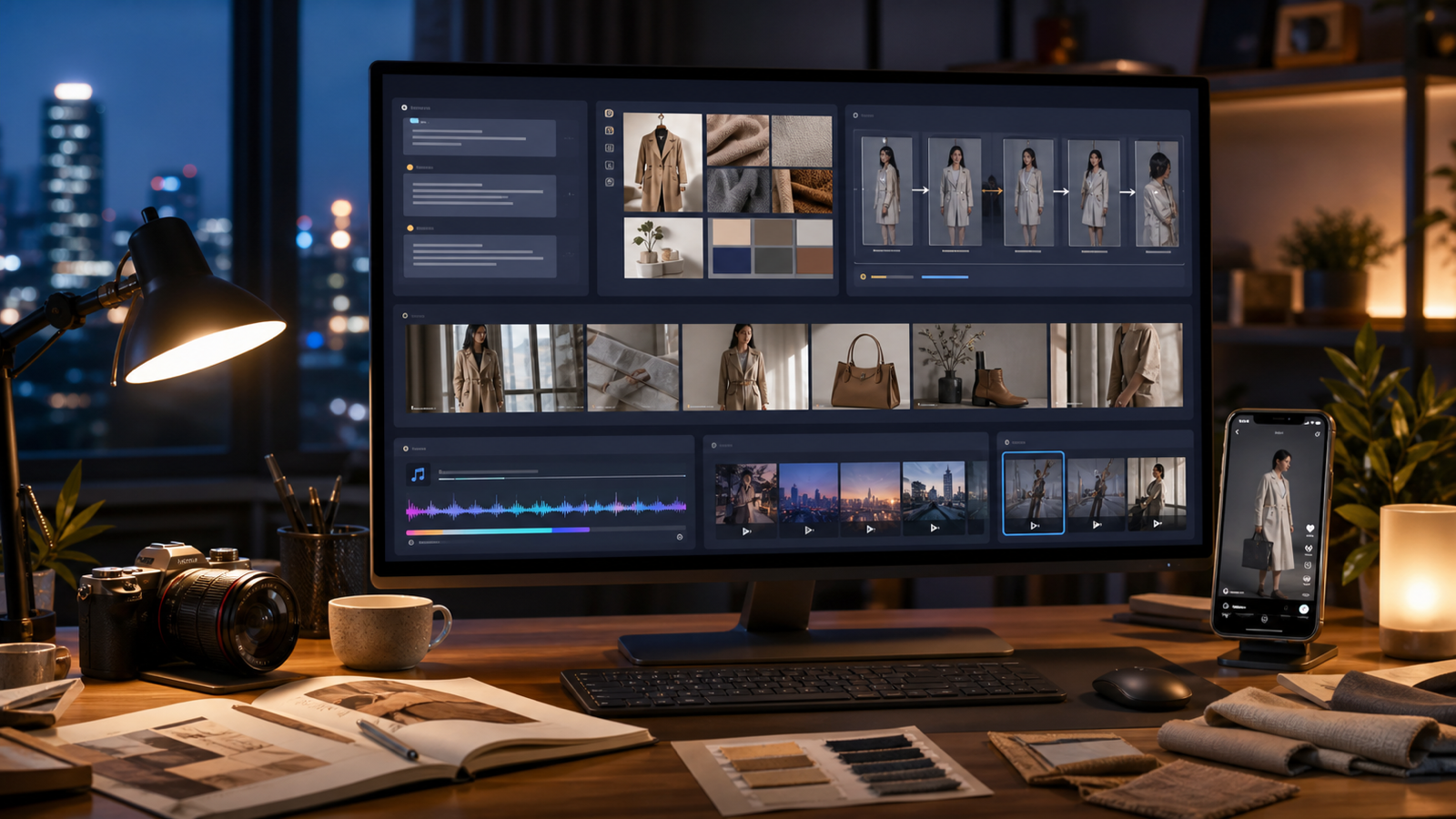
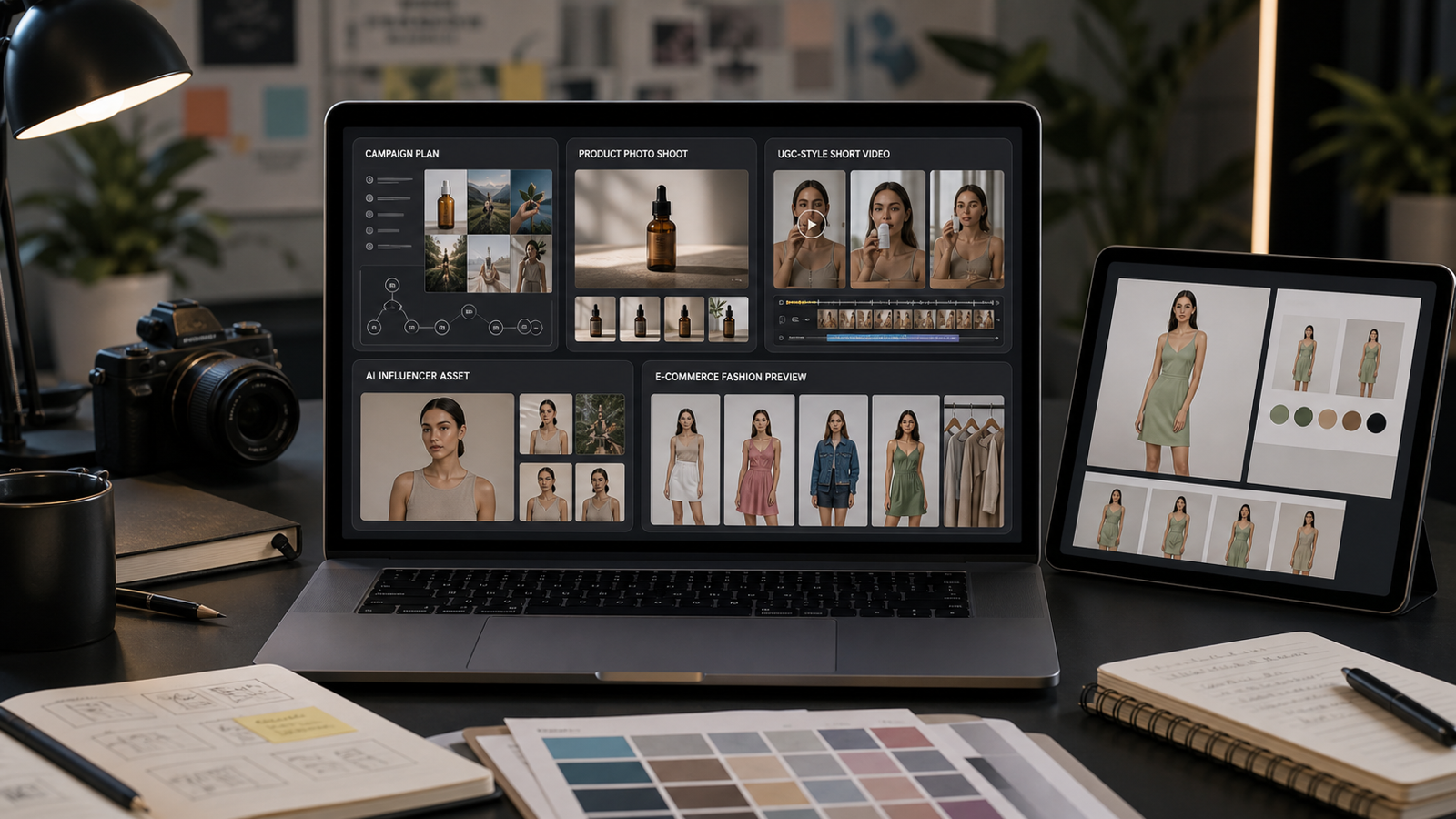
That’s where AI try-on comes in: you can take a single clean portrait (or a simple full-body photo) and generate multiple lunar new year outfits—from traditional-inspired looks to modern festive styling—then export a neat “share pack” for social media and family.
In this guide, you’ll use two tools on Virtual Try On AI:
- Cloth Try On for realistic results: lunar new year outfit photo try-on
- AI Cloth Changer for fast variations: lunar new year attire changer
Let’s make you look festival-ready in minutes—without buying anything new.
1) Why AI outfit photos work so well for Lunar New Year
Lunar New Year photos aren’t usually about “fashion shoots.” They’re about the feeling: warm, celebratory, polished, and a little bit special.
AI try-on helps because:
- You can generate lunar new year clothes looks even if you only have a basic selfie.
- It’s perfect for greetings: one great portrait + a festive color palette goes a long way.
- You can create a small set of options (3–10 looks) and choose the one that feels most “you.”
If you want the most believable “I wore this” look, start here: chinese new year outfit try-on.
2) Pick your vibe first (it makes the AI results look intentional)
Before you generate anything, decide your style lane. This single decision will keep the results consistent and share-worthy.
Traditional-inspired (festive, elegant)
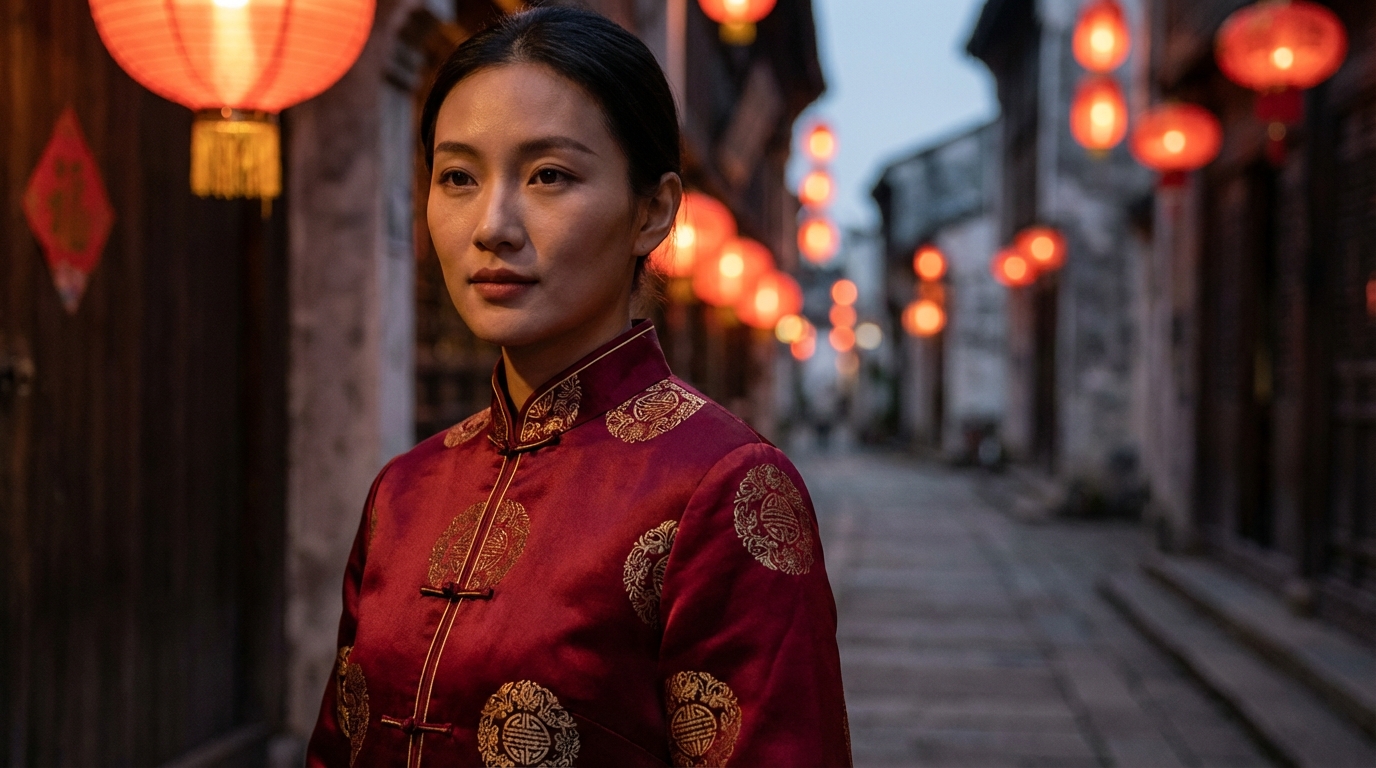
Think red and gold, brocade textures, embroidered details, refined silhouettes.
Modern festive (clean and stylish)
Minimalist red/black, satin, sleek tailoring, subtle gold accents.
Soft luxury / cozy family (warm, approachable)
Knit textures, gentle reds, cream tones, relaxed but polished.
If you’re unsure, don’t stress—make one base image and then explore multiple lunar new year attire directions with chinese new year clothes changer.
3) Prep the best base photo (this is the secret sauce)
The fastest way to get great AI results is not “more prompts.” It’s using a good base photo.
Use this checklist
- Lighting: bright, even light on your face (window light is perfect)
- Focus: sharp, not blurry
- Angle: front-facing or slight 3/4 turn
- Hands: optional—hands often cause weirdness, so portrait crops are safer
- Outfit in the photo: simple and fitted (plain tee or light top is ideal)
- Background: clean and non-distracting
Once you have your base photo, test it with a single try-on first: lunar new year clothes try on.
4) Workflow A: Realistic festival looks with Cloth Try On
If your goal is a convincing “this could be my real outfit” photo, this is your main tool.
Use Cloth Try On here: lunar new year outfits virtual try-on.
Step-by-step
-
Upload your base photo (portrait or full-body)
-
Choose a festive clothing direction
- traditional-inspired dress or fitted festive set
- modern suit/tailoring for a clean celebration vibe
- red + gold styling for classic Chinese New Year energy
-
Regenerate 2–3 times to get natural fabric folds and better alignment
-
Pick the most realistic result, then save it as your “anchor image”
Quick tips to make it look more real
- Start with simpler fabrics first, then move to patterns.
- If the collar/neckline looks off, use a slightly wider crop so the model has more context to work with.
- If you’re doing full-body, avoid extreme poses at first.
This is where you’ll usually get your “main greeting photo”—your best lunar new year outfit for posting.
5) Workflow B: Fast outfit variations with AI Cloth Changer
Now for the fun part: once you have a good base photo (or a good try-on result), you can quickly generate multiple outfit styles.
Use AI Cloth Changer here: lunar new year outfit variations.
Step-by-step
- Upload the same base photo (or your best try-on result)
- Swap across a few clear style themes (don’t mix everything at once)
- Generate 6–12 options quickly
- Keep the face/hair consistent so it looks like one “set”
When Cloth Changer shines
- You want multiple colors fast (red, burgundy, black + gold)
- You want sleeves, collars, and textures changed without doing a new shoot
- You want a mini lookbook of lunar new year fashion ideas
If you’re making content for both friends and family, this is the easiest way to get variety without chaos.
6) Outfit ideas that instantly read “Lunar New Year”
Even with AI, the best results come from clear visual cues. Here are outfit directions that almost always look festive:
Classic festive palette
- Crimson + gold accents
- Burgundy + champagne highlights
- Black + gold trim (modern luxury)
Texture and detail cues
- Silk-like shine (satin feel)
- Brocade/jacquard texture
- Subtle embroidery patterns
Men’s lane (simple and sharp)
- Red-and-black tailoring
- Mandarin-collar jacket vibe
- Modern streetwear with small gold accents
A good rule: aim for “celebratory and elegant,” not “costume.” If something looks too loud, jump back and make a cleaner version using lunar new year fashion outfit swap.
7) Pose guide: what to do with your face and hands
A pose can make a simple outfit look expensive—or make a great outfit look awkward. Here are easy, reliable options.
Greeting pose set (safe and classic)
- Gentle smile, shoulders relaxed
- Hands together in a respectful greeting gesture (if your tool handles hands well)
- Slight 3/4 turn for a flattering angle
Editorial pose set (for social media)
- Side glance + shoulder turn
- Small “walking candid” feel
- Seated posture, chin slightly down, eyes up
Family-friendly set (warm and natural)
- Soft laugh
- Open posture, relaxed shoulders
- Minimal dramatic angles
If your hands keep coming out weird, don’t fight it—crop to a portrait and focus on face + outfit details. For a more reliable portrait result, use fix your lunar new year outfit look.
8) Background & lighting themes that make the outfit pop
You don’t need a complicated scene. You just need the background to match the mood.
Easy background directions
- Lantern street / night market vibe
- Cozy dining room (reunion dinner mood)
- Minimal studio red backdrop
- Window light near a festive decoration corner
Lighting rule of thumb
- Soft, even light on your face
- Avoid harsh under-light (it looks spooky fast)
- Keep skin tones natural—over-smoothing makes it look fake
If the outfit and background feel mismatched (for example, a formal look in a casual messy room), swap the wardrobe to match the vibe with chinese new year clothes changer.
9) Export settings: make a “share pack” for every platform
If you’re going to generate multiple images, don’t stop at downloads—export them in the right shapes so they’re ready to post.
Recommended crops
- 1:1 for profile and grid
- 4:5 for feed (most flattering for portraits)
- 9:16 for stories/reels
The simple share pack
Create a folder with:
- 1 main greeting photo (your favorite)
- 1 family-friendly candid
- 1 fun bonus look
- 1 story-format version (9:16)
Then you can post once, and still have backups for messaging and family shares.
10) Common fixes (so your photo doesn’t look “AI-ish”)
Here are quick fixes that work surprisingly often:
Problem: fabric looks melted or warped
- Use simpler fabric first (solid satin > heavy brocade)
- Regenerate a couple times
- Try a slightly wider crop
Problem: hands look strange
- Crop tighter to portrait
- Avoid complex hand gestures
Problem: neckline/jawline warps
- Use a clearer base photo
- Avoid extreme angles
- Reduce heavy shadows on your face
When you want realism first, return to lunar new year outfit photo try-on and rebuild from a clean base.
11) Mini FAQ
Can I generate lunar new year clothes photos without buying anything? Yes. Start with a clean selfie and create a realistic look using chinese new year outfit try-on.
How do I get multiple lunar new year outfits fast? Use AI Cloth Changer to swap styles and colors quickly: lunar new year attire changer.
Which tool should I use for realism vs variety?
- Cloth Try On = more realistic results
- AI Cloth Changer = faster variation and experimentation
12) Wrap-up: a simple 3-step plan
If you only do three things, do these:
- Pick your vibe (traditional, modern, or cozy)
- Create your best look with lunar new year outfits virtual try-on
- Generate 6–10 variations with lunar new year outfit variations
Then export your share pack and send it out—post one, message another, and keep the rest as backups.
When you’re ready, here are the two direct links again:
- Try a realistic festive look with Cloth Try On: lunar new year clothes try on
- Swap styles instantly with AI Cloth Changer: chinese new year clothes changer