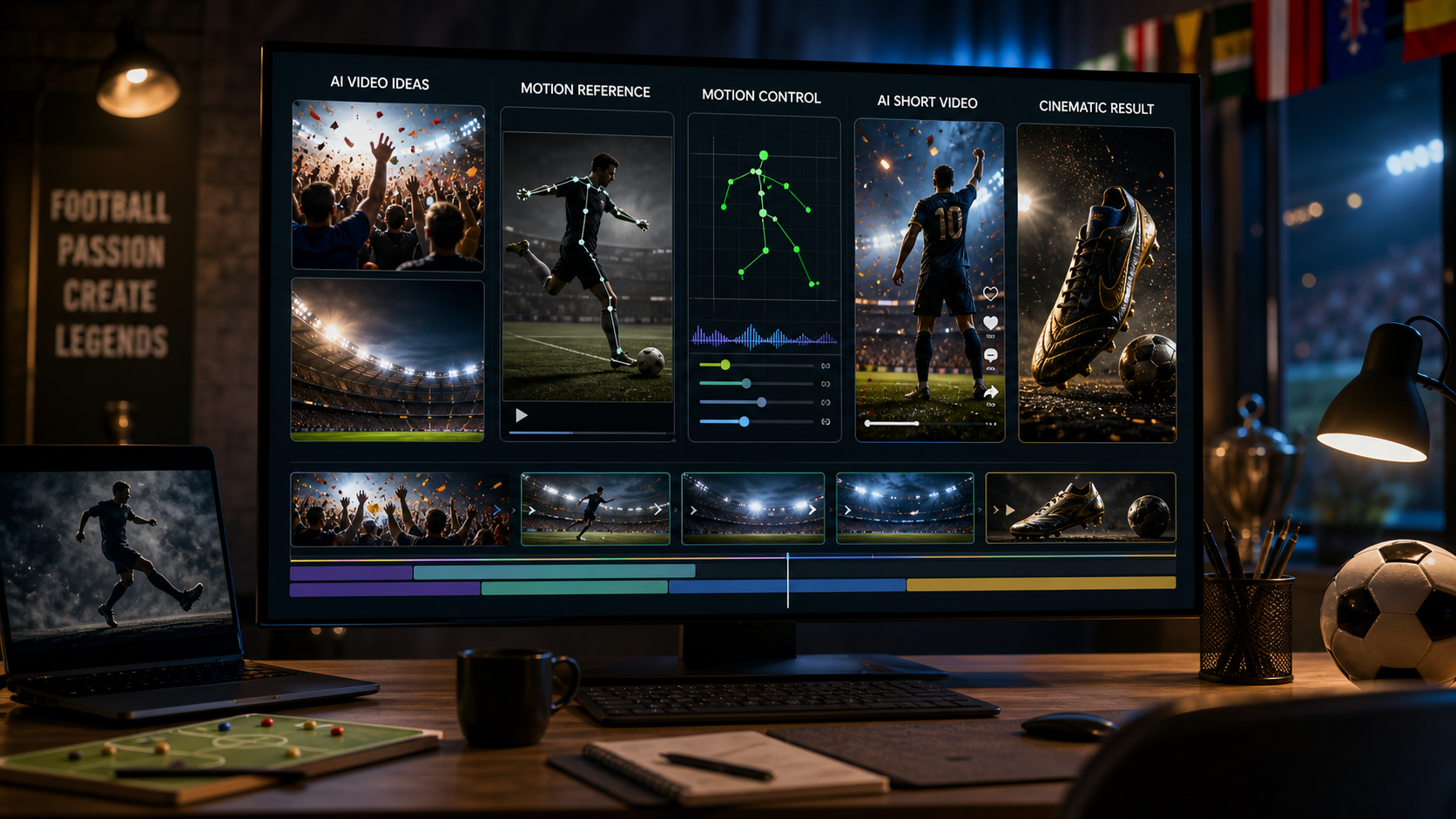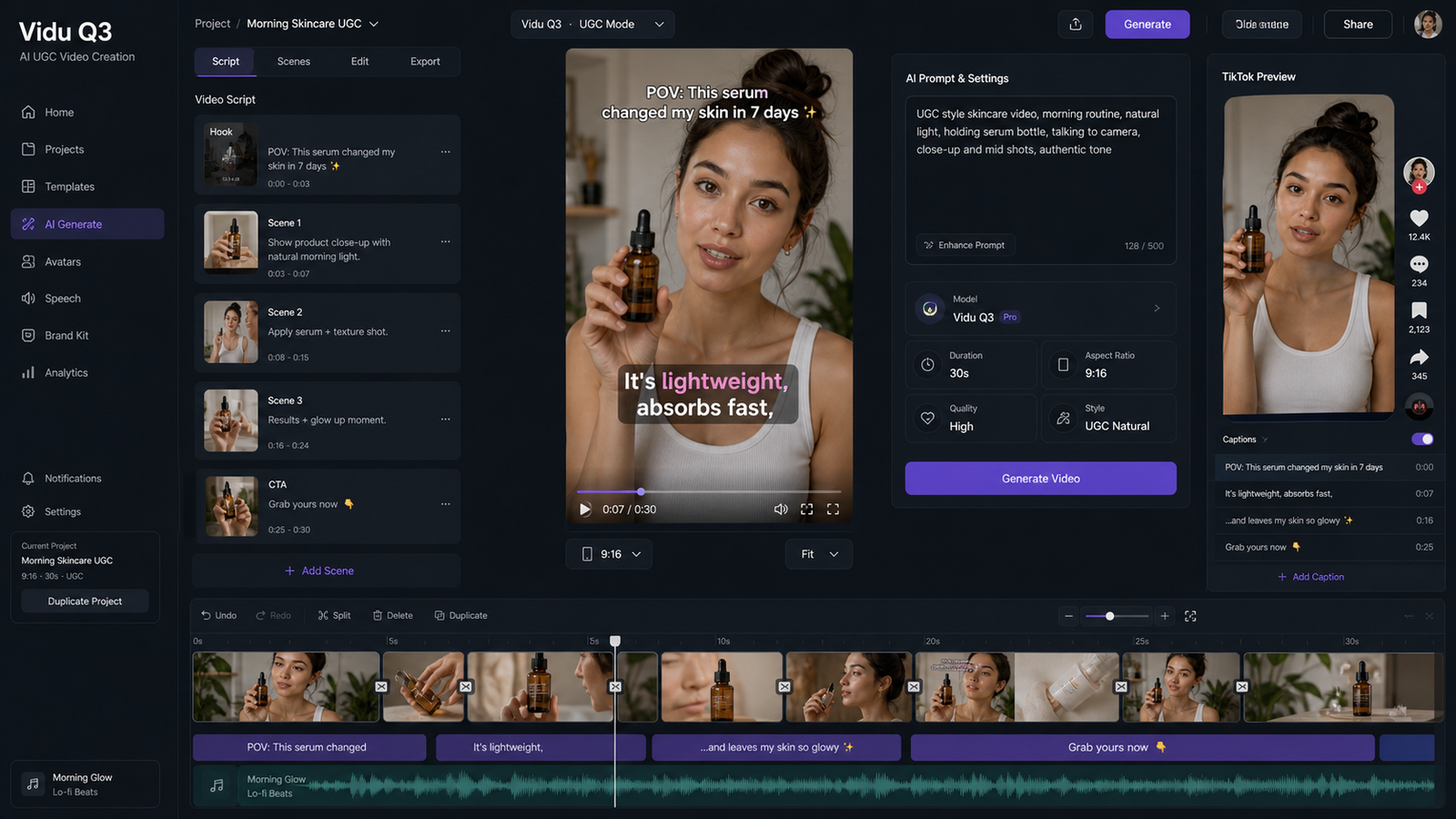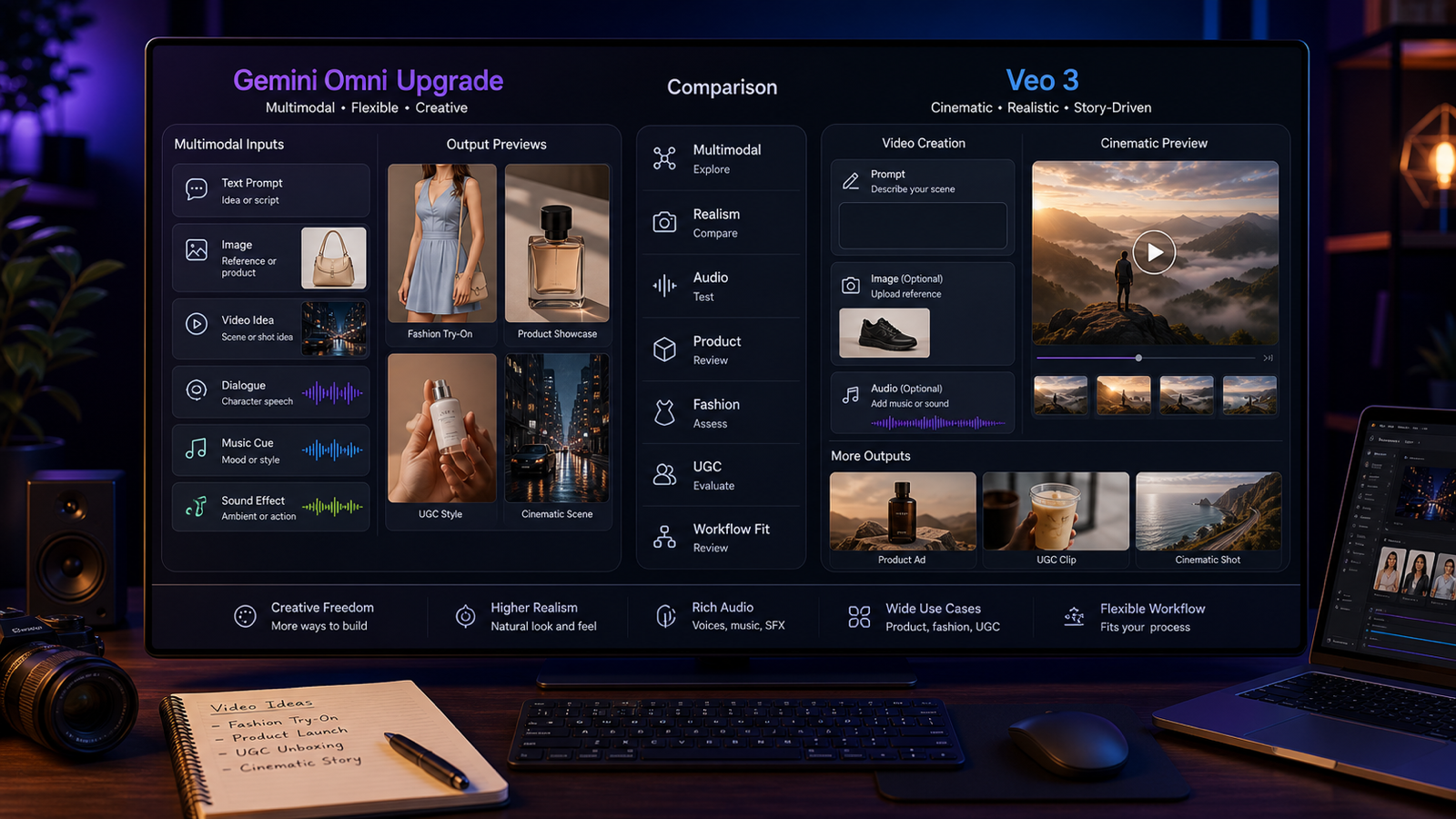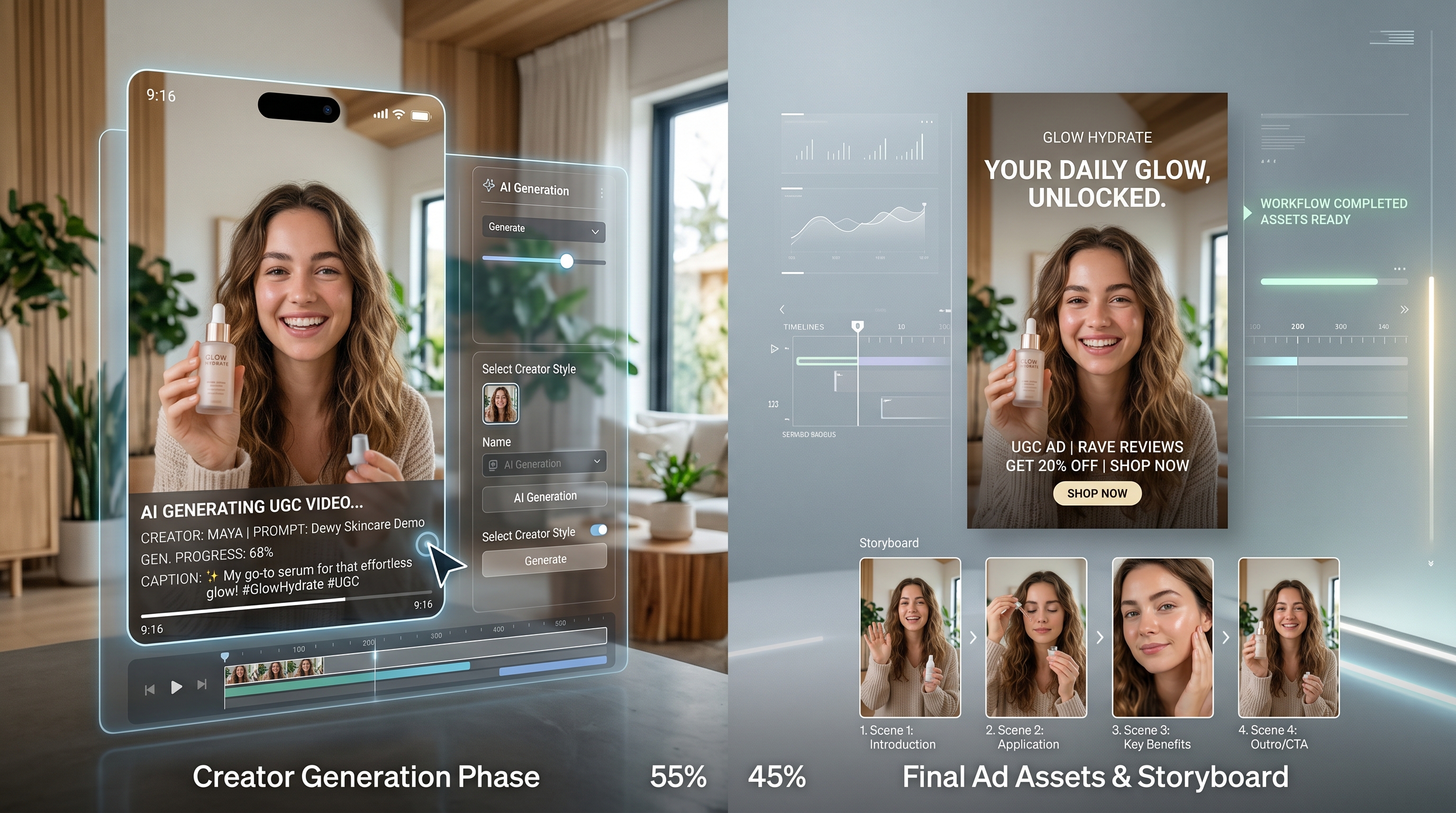
If you make ads, short-form videos, or product content, the big question around Happy Horse AI is simple: can it actually make UGC-style content that feels usable, not just impressive in a demo?
Right now, the answer looks promising. Based on current public positioning, Happy Horse 1.0 is being framed as a cinematic video model that can handle text-to-video and image-to-video generation, with multi-shot storytelling, smoother motion, and more ad-friendly output than many earlier tools. That makes it especially interesting for creators who want native-looking ad content, product videos, and short campaigns.
But the more useful question is not whether it looks good in isolation. It is whether it fits real marketing workflows. Can it help you create better UGC? Can it support ad posters and social thumbnails? And how should you pair it with ChatGPT Image 2 or OpenAI Images 2.0 to get a stronger end-to-end workflow?
What Happy Horse 1.0 seems best at
The reason people are paying attention to Happy Horse AI is that it appears to be aimed at more than single-shot eye candy. It is being described as stronger at connected scenes, more stable motion, and more polished visual storytelling. For creators, that matters because UGC ads are rarely just one pretty shot. Even the simplest paid social ad usually needs a hook, a product moment, a reaction, and a closing beat.
That makes Happy Horse 1.0 potentially useful for:
- creator-style product demos
- short testimonial-style ads
- fashion try-on clips
- beauty and skincare creatives
- lifestyle product showcases
- social-first motion ads for TikTok, Reels, and Shorts
In other words, it looks most valuable when you want content that feels like a mini ad, not just a visual experiment.
Is it actually good for UGC content?
For UGC, the goal is not maximum spectacle. The goal is believability. Good UGC usually feels casual, product-centered, and emotionally easy to read. It should look like something a creator or customer might realistically post, even when it is part of a campaign.
This is where Happy Horse 1.0 could be useful, but with an important caveat: if you overprompt it, the result may start to look too polished, too cinematic, or too “AI-directed” for true UGC.
So the smarter approach is to use it for structured UGC-style content rather than ultra-raw creator footage. Think of it as a tool for making better-performing social ads that borrow the language of UGC:
- direct-to-camera framing
- natural product interaction
- phone-friendly vertical composition
- simple actions
- quick emotional payoff
- soft, relatable environments like bedrooms, kitchens, bathrooms, or sidewalks
That is the sweet spot.
How to make ad posters and still creatives around Happy Horse content
Video is only part of the job. Most real campaigns also need a poster, a thumbnail, a still frame for paid social, or a product-led key visual for a landing page.
This is where ChatGPT Image 2 becomes useful. OpenAI’s latest image system is clearly aimed at more usable design outputs, especially when you need cleaner layouts, stronger text rendering, and more polished poster-style composition. That makes OpenAI Images 2.0 a natural companion to Happy Horse.
A simple way to think about it is this:
- use ChatGPT Image 2 for the still creative direction
- use Happy Horse 1.0 for the motion version of that idea
That lets you create posters, product stills, creator thumbnails, and campaign mockups first, then turn the best concept into motion.
Tips for getting better UGC-style output from Happy Horse 1.0
If you want more believable results, keep your prompts grounded and readable.
1. Write for behavior, not just aesthetics
Instead of asking for “cinematic luxury beauty ad,” describe what the person is actually doing.
2. Keep the action simple
One or two clear actions usually work better than a long chain of events.
3. Use familiar environments
Bathrooms, bedrooms, desks, kitchens, and sidewalks tend to read faster than abstract sets.
4. Ask for social-native camera language
Mention vertical framing, handheld feel, casual composition, or creator-style delivery.
5. Do not over-style the scene
If everything is perfect, it stops feeling like UGC.
6. Focus on the product moment
The viewer should understand what is being sold in seconds.
Detailed prompt examples
Prompt example 1: skincare UGC ad
Prompt: Create a 9:16 creator-style video of a young woman in a bright bathroom holding a skincare serum. She speaks casually to camera, smiles, applies a few drops to her face, then shows a quick close-up of the product in her hand. Natural morning light, soft handheld phone-camera feel, authentic UGC pacing, clean background, realistic skin texture, short paid-social ad style.
Prompt example 2: fashion try-on ad
Prompt: Generate a vertical UGC-style fashion ad. A young creator opens a package, holds up a summer dress, changes into it, checks the fit in a mirror, then walks outside for a quick street-style shot. Natural reactions, phone-camera framing, light movement, warm daylight, social-friendly pacing, relatable and polished but not overly cinematic.
Prompt example 3: drink or food promo
Prompt: Create a short creator-style product video in a bright kitchen. A person opens a bottled drink, pours it over ice, takes one sip, reacts positively, and looks back to camera like they are recommending it to friends. Keep the product visible, use natural hand movement, casual vertical framing, soft daylight, realistic textures, simple UGC ad energy.
Prompt example 4: app or digital service ad
Prompt: Make a short UGC-style ad showing a young professional at a desk looking frustrated with a messy workflow, then opening an app on their phone and reacting with relief. Include a quick over-the-shoulder device moment, natural room lighting, subtle handheld framing, realistic pacing, creator-style storytelling, vertical video for paid social.
Prompt ideas for ad posters and social stills
Once you have a video concept, use ChatGPT Image 2 to build the matching still assets.
Beauty poster
Create a clean premium skincare ad poster featuring a serum bottle on a bathroom counter, soft daylight, realistic reflections, modern editorial layout, space for short headline text, polished but approachable beauty-campaign style.
Fashion still
Generate a vertical fashion promo poster with a confident young woman wearing a summer outfit on a city sidewalk, natural lifestyle energy, realistic lighting, social-ad-ready composition, space for a sale headline and product callout.
Creator-style product thumbnail
Design a realistic UGC-inspired ad still with a casual creator holding a product close to camera, warm daylight, authentic room background, clean focal point, subtle text space, strong product visibility.
A practical GPT Image 2 + Happy Horse workflow
This is where the pairing becomes useful.
Start by using OpenAI Images 2.0 to generate the visual direction: a poster, product hero image, or creator-style still. Use that step to lock the lighting, wardrobe, product framing, mood, and headline layout.
Then choose the strongest still and use it as the concept anchor for Happy Horse 1.0. From there, turn the static idea into a short ad clip with motion, product interaction, and a simple story beat.
In practice, the workflow looks like this:
- Generate a poster or key visual with ChatGPT Image 2.
- Make one or two alternate stills for A/B testing.
- Use the best still as the reference or creative guide for Happy Horse.
- Generate short 9:16 or 1:1 video versions for paid social.
- Export matching still and motion assets for one campaign system.
That is a much smarter workflow than asking one tool to do everything. ChatGPT Image 2 handles the still creative direction better, while Happy Horse AI is more useful as the motion layer.
Final thoughts
If your goal is messy, ultra-raw creator content, Happy Horse 1.0 may still feel a little too polished. But if your goal is UGC-inspired ad creative that feels native, readable, and campaign-ready, it looks much more interesting.
That is the best way to judge it. Not as a replacement for real creators, but as a tool for producing UGC-style ad assets faster and at more scale.
And when you pair it with OpenAI Images 2.0 for posters, thumbnails, and concept stills, the workflow becomes much stronger.
Recommended TryOn AI Tools and Models
- AI Image Generator for product stills, creator thumbnails, and campaign mockups
- AI Product to Video for turning product shots into short marketing clips
- Photo to Video for animating still images into ad-friendly motion
- AI Clothes Changer for fashion-focused UGC and outfit-based creatives
- AI Fashion Model Generator for e-commerce visuals, model shots, and branded lookbooks
- Image to Prompt for reverse-engineering winning creatives into reusable prompts
Related Article
- How to Create Authentic UGC Images with Virtual Try-On AI That Actually Convert
- How to Use AITryon’s Photo to Video Tool with the Latest Video AI Models
- Virtual Try On AI Photo‑to‑Video Generator (2026): The Best Image‑to‑Video AI Explained
- AI Passport Photo Maker Guide: The Fastest Way to Create Clean, Ready-to-Use ID Photos
People Also Read
- GPT Image 2 Explained: What’s New, and How It Compares With Nano Banana Pro
- Mastering GPT4o Image Generation: How to Unlock Creative Potential with the New GPT‑4o Image Generator
- Seedance 2.0 vs Seedance 1.0: What’s Better for AI Video
- Seedream 5.0 AI Image Generator
- WAN 2.6 vs WAN 2.5: What’s New, What’s Better, and Which One to Use