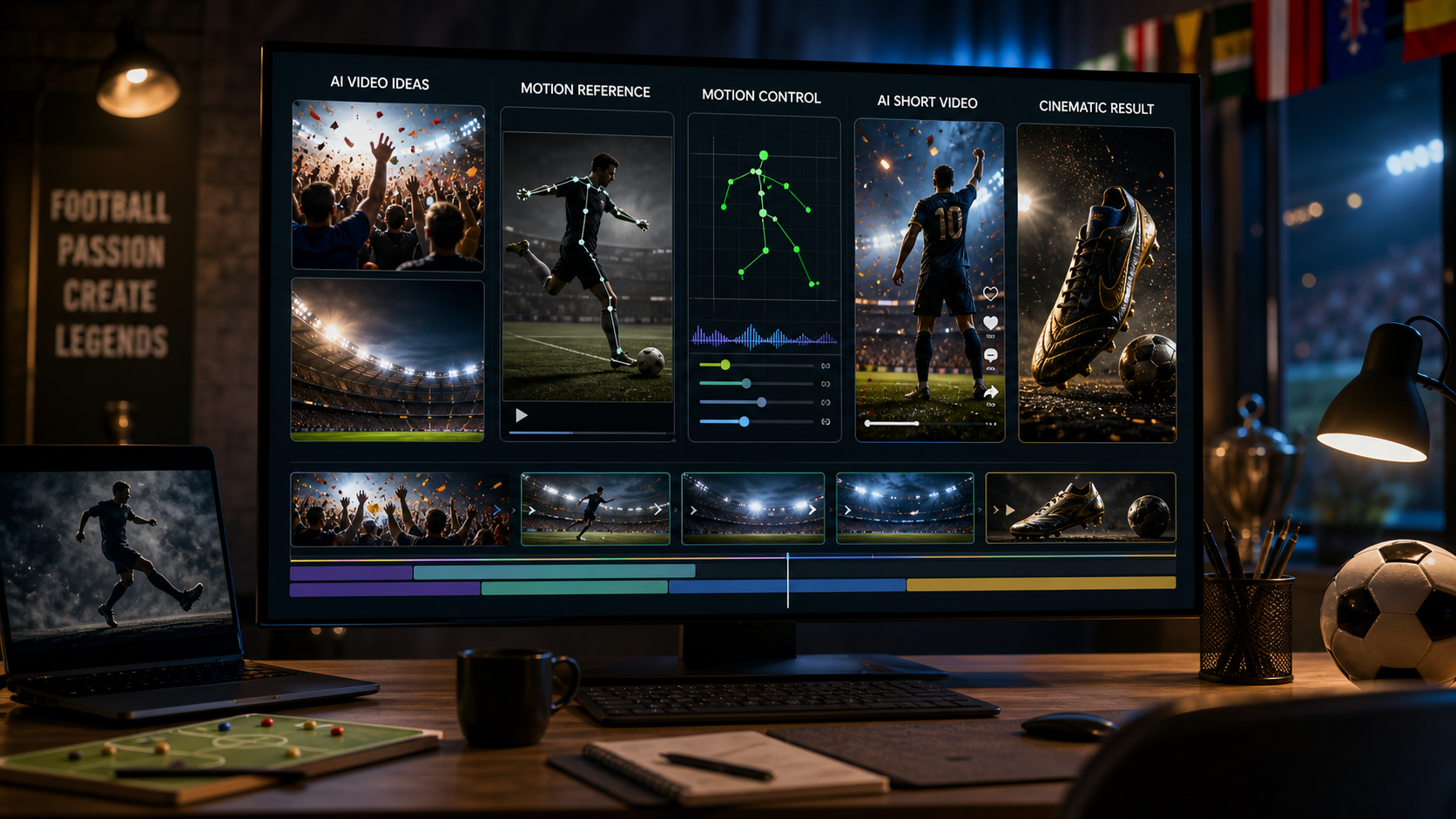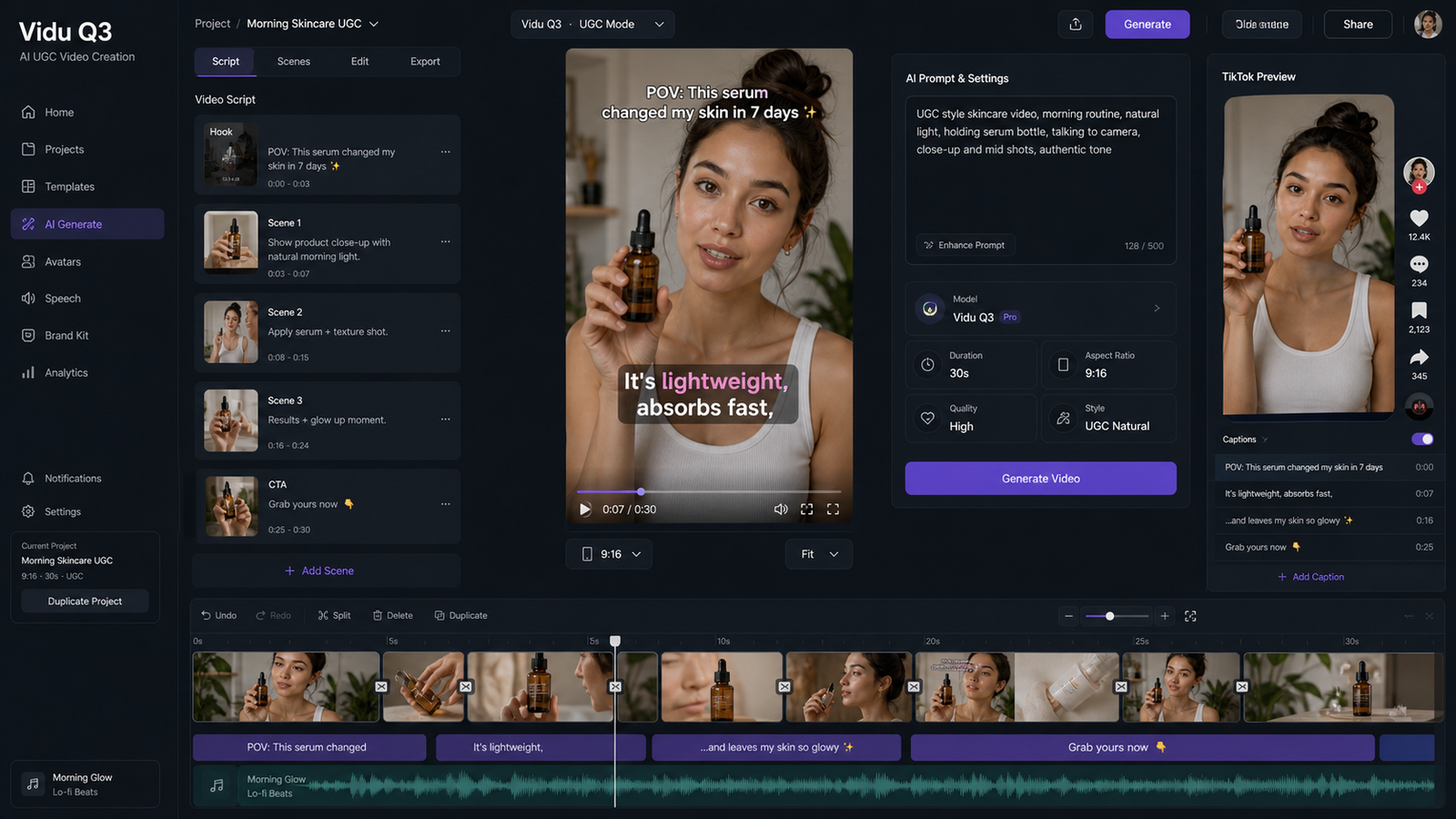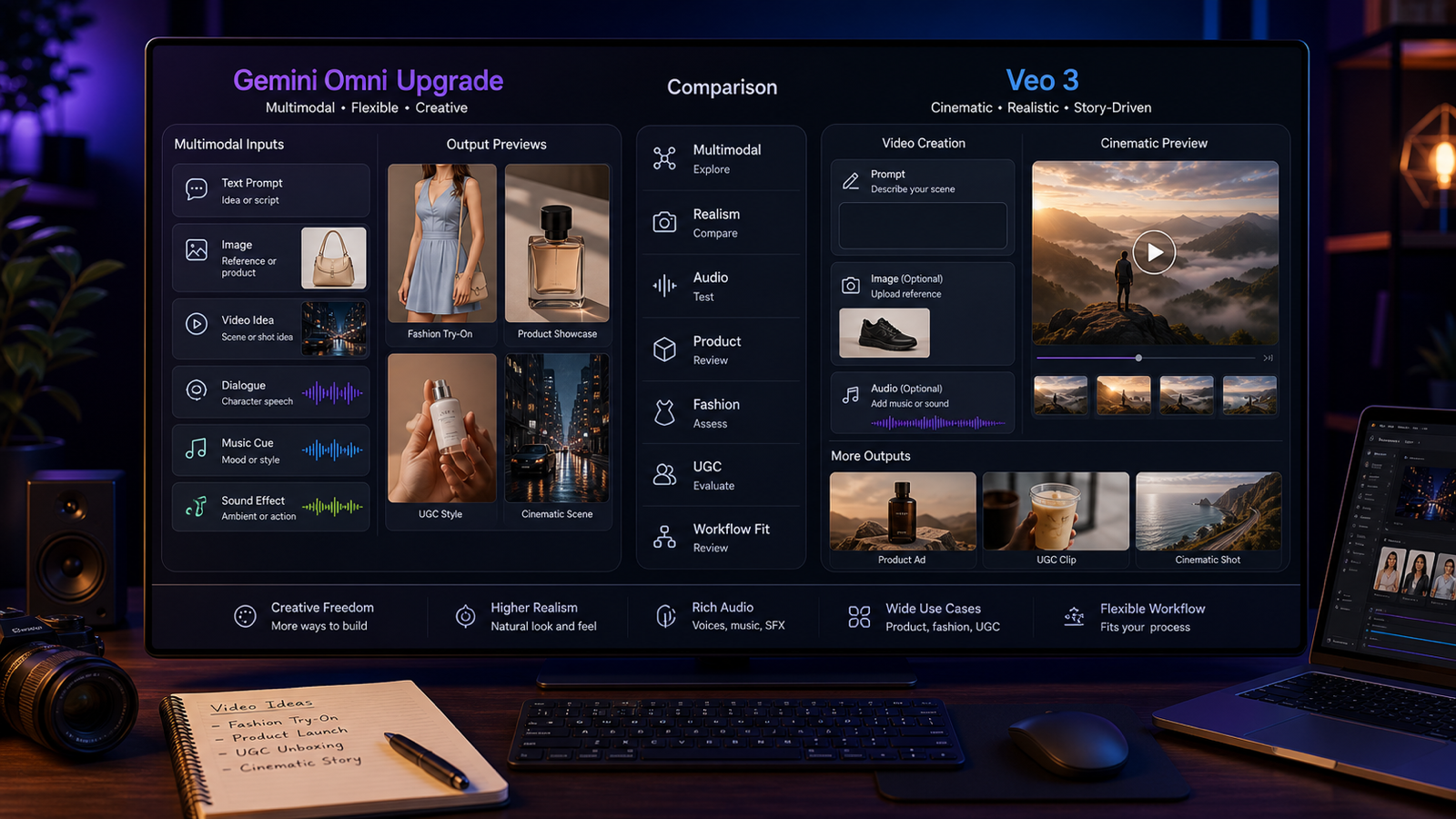
Turning a single image into a living, moving scene no longer requires animation software, motion designers, or weeks of post‑production. In 2026, image‑to‑video AI has matured into a practical creative tool that anyone can use—if they choose the right platform.
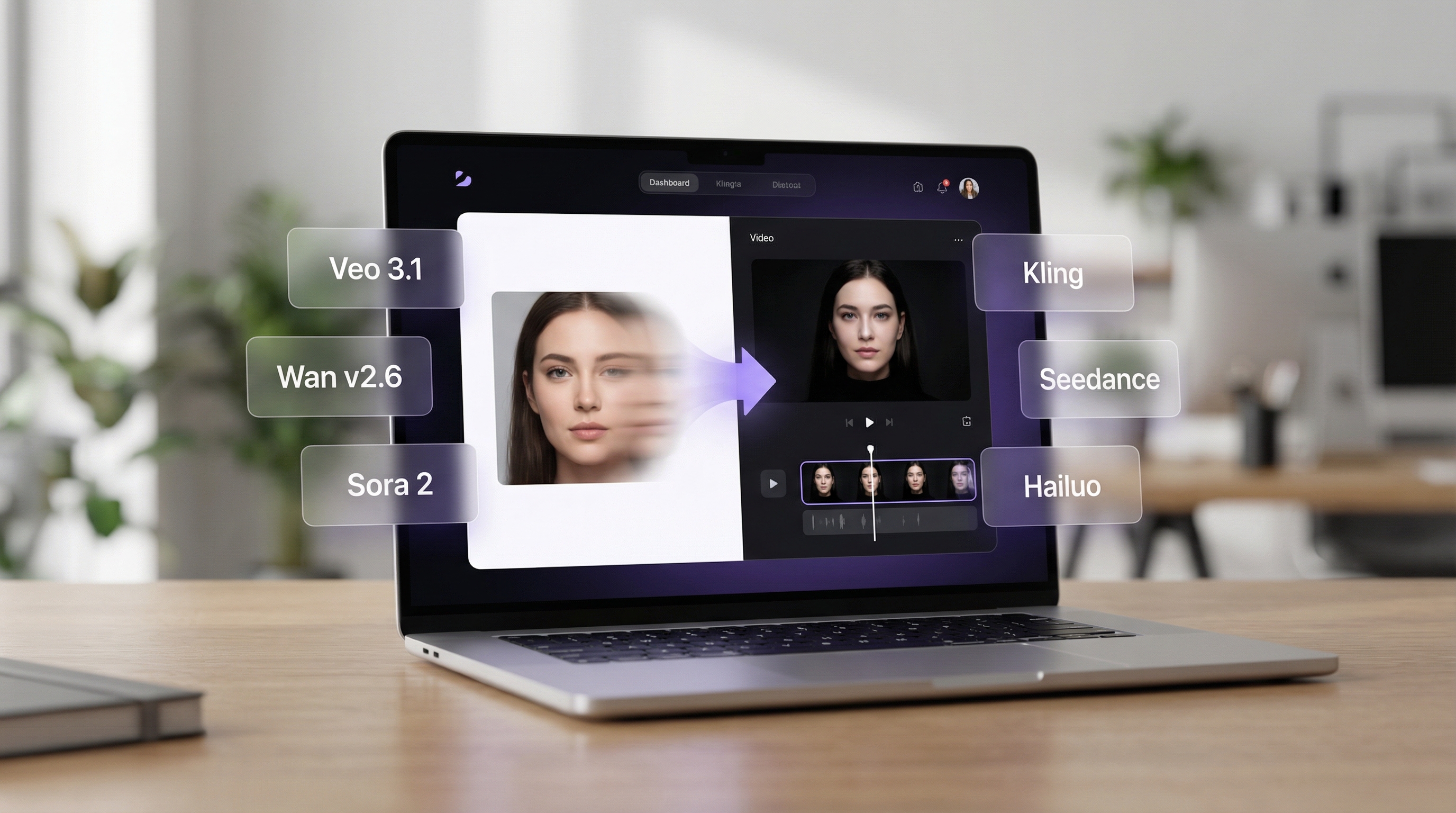
That’s where Virtual Try On AI’s Photo‑to‑Video Generator comes in. Instead of locking creators into one model or one aesthetic, it acts as a central hub for multiple best‑in‑class video models, letting you pick the right engine for each scene, budget, and style.
Whether you’re searching for the best image to video AI for ads, storytelling, fashion visuals, or short‑form social content, this guide breaks down how the tool works, which models to use, and why Virtual Try On AI has become a go‑to AI image to video platform in 2026.
Why Image‑to‑Video AI Matters in 2026
Static images struggle to compete in today’s feeds. Platforms reward motion, depth, and emotion—and audiences expect content that feels alive.
Modern image to video AI tools allow creators to:
- Add realistic motion to portraits and products
- Create cinematic camera movement from a single frame
- Preserve subject identity while animating
- Sync motion to music or audio (model‑dependent)
- Iterate rapidly without changing software
The challenge isn’t whether AI can do this—it’s which AI image to video generator you should use for each task. Virtual Try On AI solves that problem by giving creators choice.
What Is Virtual Try On AI’s Photo‑to‑Video Generator?
At its core, Virtual Try On AI’s image to video generator AI follows a simple workflow:
- Upload a Start Frame (your image)
- Choose a video model
- Add a motion prompt
- Set duration and resolution
- Generate and refine
What makes it different is the model lineup. Instead of forcing a single style, Virtual Try On AI integrates multiple leading engines—each with distinct strengths in realism, physics, storytelling, or speed.
From cinematic realism to fast social clips, this flexibility is why many creators now consider it one of the best AI image to video generator options available.
Models Featured on Virtual Try On AI (Ranked by Recommendation)
Models are ranked below by overall output quality, motion realism, prompt adherence, flexibility, and credit value.
Tier A: Best Overall Image‑to‑Video Models
Veo 3.1 (Fast & Standard)
Veo 3.1 is the most precise model on the platform. It excels at understanding prompts and translating them into clean, controlled motion. Native audio support makes it ideal for commercials, explainers, and branded content.
Best for:
- Product ads
- Professional marketing clips
- Clean camera movement with sound
Why choose it: When prompt accuracy matters more than visual chaos.
Wan v2.6
Wan v2.6 balances realism with creative flexibility. Motion feels natural without becoming stiff, and it supports audio uploads—making it one of the most versatile options.
Best for:
- Cinematic portraits
- Fashion and try‑on visuals
- Environmental motion scenes
Why choose it: When you want realism with a creative edge.
Sora 2
Sora 2 focuses on natural storytelling. Movement flows logically from frame to frame, making it ideal for short narrative clips and coherent scenes.
Best for:
- Story‑driven visuals
- Emotional sequences
- Smooth subject motion
Why choose it: When narrative flow matters more than effects.
Tier B: Models for Specific Creative Needs
Seedance v1 Pro
Seedance is built for structure. Its cohesive shot generation and end‑frame support make it perfect for storyboards and sequences that need clean endings.
Best for:
- Storyboards
- Educational clips
- Controlled scene transitions
Kling v2.1 Standard
Kling leans into cinematic emotion. Motion is expressive, lighting feels dramatic, and results often resemble short film shots rather than technical demos.
Best for:
- Mood‑driven visuals
- Dramatic reveals
- Stylized realism
Hailuo 2.3 (Fast & Pro)
Hailuo shines when things need to move fast. It handles complex physics, dynamic camera work, and high‑energy scenes better than most models.
Best for:
- Action sequences
- Fantasy visuals
- Motion‑heavy scenes
Tier C: Fast & Budget‑Friendly Options
Wan v2.5 / Wan v2.5 Fast
These models offer much of Wan’s signature realism at a lower credit cost. The Fast variant is ideal for rapid testing and iteration.
Best for:
- Daily content
- Social media clips
- Prompt experimentation
Feature Comparison Chart
| Model | Duration | Resolution | Audio | End Frame | Best Use Case |
|---|---|---|---|---|---|
| Wan v2.6 | 5–15s | 720–1080p | Yes | No | Realistic cinematic motion |
| Wan v2.5 | 5–10s | 480–1080p | Yes | No | Balanced everyday use |
| Wan v2.5 Fast | 5–10s | 720–1080p | Yes | No | Fast iteration |
| Veo 3.1 | — | — | Yes | Yes | Prompt accuracy + audio |
| Sora 2 | 10s | — | No | No | Storytelling |
| Seedance v1 Pro | 5–10s | 720–1080p | No | Yes | Narrative control |
| Kling v2.1 | 5–10s | — | No | No | Cinematic emotion |
| Hailuo 2.3 | 6–10s | — | No | No | Physics‑heavy scenes |
Credit Cost Comparison (Starting Points)
| Model | Credits | Notes |
|---|---|---|
| Sora 2 (10s) | 300 | Strong storytelling value |
| Veo 3.1 Fast 720p | 300 | Audio + prompt precision |
| Wan v2.5 T2V 480p (5s) | 250 | Lowest entry for Wan |
| Wan v2.6 T2V 720p (5s) | 500 | Higher realism tier |
| Seedance Pro T2V 720p (5s) | 300 | Narrative‑focused |
| Kling v2.1 (5s) | 200 | Cinematic on a budget |
| Hailuo 2.3 Pro (6s) | 450 | Dynamic physics |
How to Use Virtual Try On AI (Step‑by‑Step)
Step 1: Choose a model Start with Veo 3.1 Fast or Wan v2.6 for reliable results.
Step 2: Upload your image High‑resolution images with clear subjects work best.
Step 3: (Optional) Upload audio Use with Veo or Wan models for synchronized motion.
Step 4: Write a motion prompt Describe subject movement, camera motion, environment, and style.
Step 5: Set duration and resolution Test at 5s/720p, then upscale for final output.
Step 6: Generate and refine Small prompt tweaks often lead to major improvements.
Why Virtual Try On AI Is a Super Hub for AI Video in 2026
What sets Virtual Try On AI apart isn’t just quality—it’s choice.
- Multiple top‑tier models in one interface
- Clear visibility into features and credit costs
- Easy progression from quick tests to premium outputs
- Ideal for creators who work across styles and budgets
Instead of chasing the next “best image to video ai,” creators can experiment, compare, and scale—all in one place.
Final Verdict
If you want a flexible, creator‑first AI image to video platform that grows with your needs, Virtual Try On AI’s Photo‑to‑Video Generator is one of the strongest options in 2026.
Whether you’re producing social clips, cinematic visuals, or product animations, it gives you the freedom to pick the right model every time.
👉 Try it here: https://aitryon.art/photo-to-video/