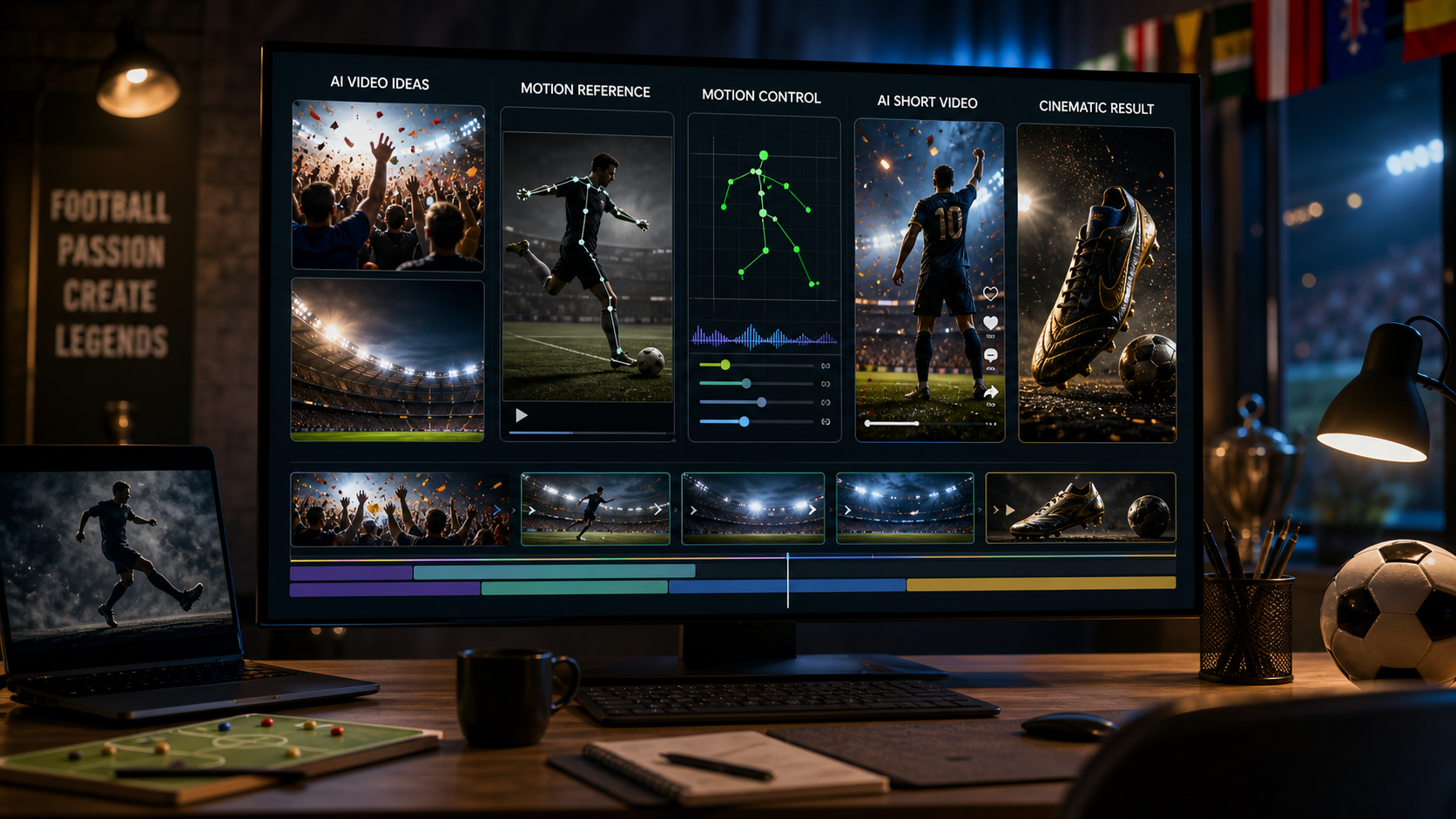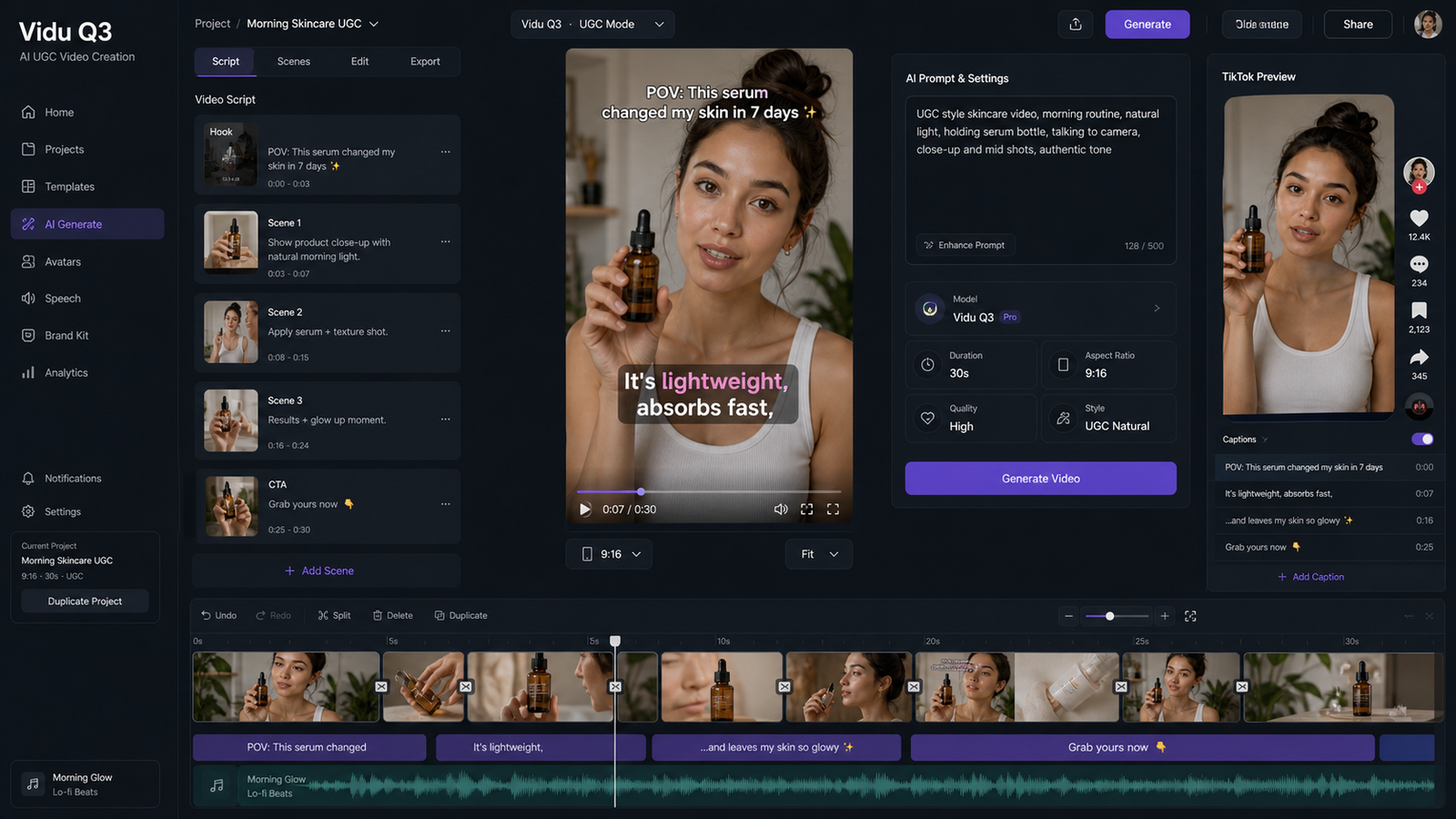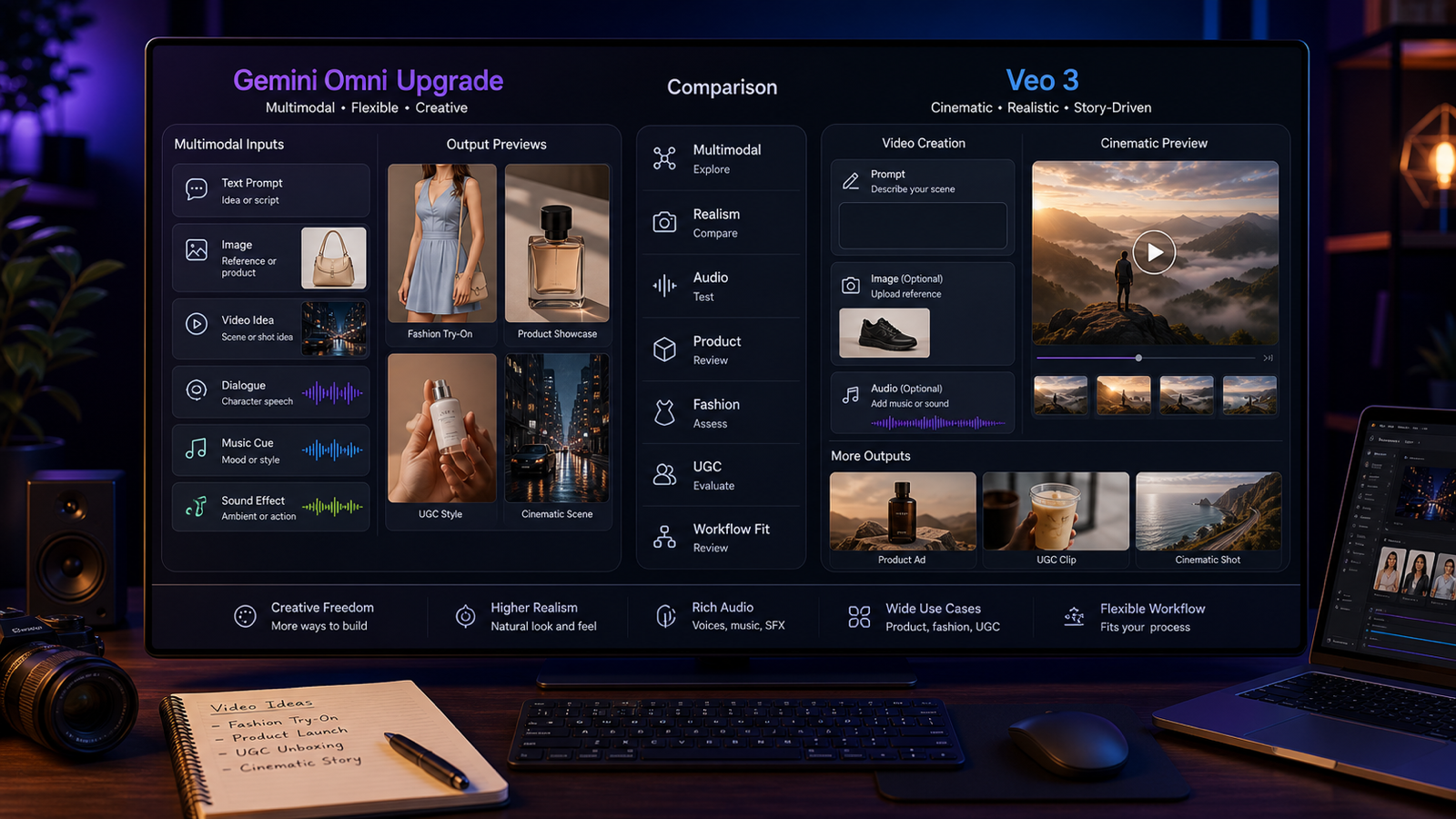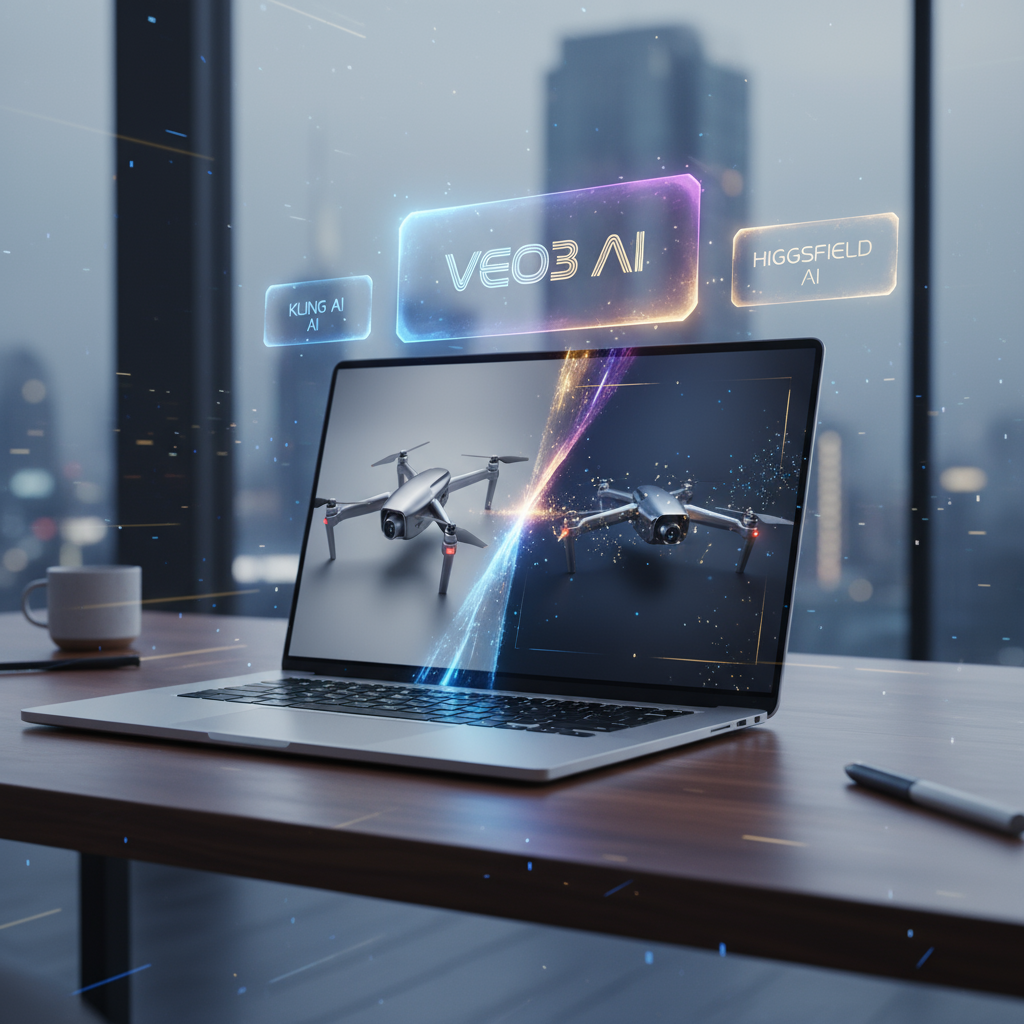
In the age of short-form video, every brand and creator knows that moving images capture attention far better than static ones. Whether you’re selling on TikTok, launching an ad campaign, or presenting a new product online, video content is no longer optional—it’s essential. The challenge, though, is that producing polished videos traditionally takes time, equipment, and a significant budget.
That’s why AI-driven video generation has exploded. With AITryon’s Photo to Video tool, you can transform a single product photo into a cinematic video in minutes. Even better, this tool embeds some of the latest AI video models—including Veo3, Kling, and Higgsfield alternatives—so you can choose the engine that works best for your needs.
Whether you want a rotating product showcase, a lifestyle ad, or a creative short clip, this tool is built to deliver high-quality videos for marketers, designers, and small businesses alike.
What Is AITryon’s Photo to Video Tool?
At its core, the Photo to Video tool lets you upload a static image and generate a professional video based on prompts. It’s like having a digital studio at your fingertips. Instead of hiring a videographer or setting up lights and cameras, you just describe the scene you want—“product rotating on a glossy pedestal with cinematic lighting”—and the AI does the rest.
What makes this tool special is its model integration. You’re not locked into one video AI; you can pick between options like Veo3, Kling, and more. That flexibility allows you to experiment, refine, and select the exact output that fits your creative vision.
Most importantly, it doubles as a product video maker—perfect for e-commerce stores, social media ads, and product launches.
Why It’s a Product to Video Solution for Higgsfield AI Alternative
Many creators know Higgsfield for its text-to-video capabilities. But while Higgsfield is powerful, relying on a single AI model can feel limiting. That’s where AITryon steps in.
With its multi-model approach, the Photo to Video tool is essentially a product to video for Higgsfield AI alternative. You can generate similar results to Higgsfield but also experiment with Veo3, Kling, and other engines.
Why does this matter? Because different models excel in different areas:
- Higgsfield is versatile but can sometimes lack cinematic polish.
- Veo3 shines for realistic product ads.
- Kling models are fast and flexible, great for rapid testing.
Instead of choosing one, AITryon lets you access them all in a single platform.
Veo3 Image to Video Integration
Among all the models included, Veo3 is one of the stars. Known for its cinematic quality and lifelike motion, Veo3 is perfect for marketing campaigns.
When you use Veo3 Image To Video inside AITryon’s tool, you can animate your product photos with dramatic lighting, smooth camera moves, and natural reflections.
Think about an ad for a perfume bottle: instead of showing just the still image, Veo3 can animate the bottle on a rotating pedestal, capture reflections on the glass, and simulate a high-fashion editorial style. That’s the kind of polish brands pay thousands for in traditional shoots. Now it’s a click away.
How to Use the Photo to Video Tool
Getting started with AITryon’s tool is simple. Here’s a step-by-step guide to help you create your first video:
-
Upload a Photo
- Choose a clear, high-resolution product photo (JPG, JPEG, PNG).
- This image serves as the foundation for the video.
-
Enter Your Prompt
- Describe what you want to see. For example:
“A luxury wristwatch rotating on a velvet cushion under soft spotlight, cinematic zoom-in with reflective shadows.”
“Generate a photorealistic 1/8 scale action figure posed in an outdoor diorama scene. Place the figure on a rocky terrain base with artificial grass, styled like a collectible display. Add miniature trees and a painted sky backdrop inside a display box, softly lit from above. Include a branded packaging box nearby with matching scenic artwork. The composition should feel like a premium figure photography shoot for promotional campaigns.”
- Describe what you want to see. For example:
-
Choose Video Ratio
- Options include 16:9 (YouTube, websites), 9:16 (TikTok/Reels), or 1:1 (Instagram feed).
-
Select Model Version
- Pick from Veo3, Kling Pro, Kling Standard, or others.
- Experiment to see which engine produces the look you want.
-
Optional: Start and End Frames
- For more control, upload custom start and end frames to guide the animation.
-
Generate Video
- Click “Generate” and let the AI process. In a few moments, you’ll have a polished product video ready to use.
👉 This process is intuitive and quick, making the Photo to Video tool an excellent product video maker for all skill levels.
Prompt Recommendations for Different Use Cases
The real secret to success is in your prompts. Here are some detailed examples you can try for different industries:
Fashion Products
- “A leather handbag displayed on a glossy marble pedestal, rotating slowly with golden studio lights and blurred boutique background.”
- “Sneakers on a wooden floor with scattered autumn leaves, natural side lighting, slow cinematic zoom for lifestyle effect.”
Food & Beverages
- “A burger on a rustic board with steam rising naturally, fries placed on the side, cinematic golden-hour lighting, overhead camera angle.”
- “A wine bottle and glasses on a granite table, spotlight on the glass, blurred vineyard sunset in the background, slow camera pan.”
Tech Gadgets
- “Smartphone floating against a futuristic metallic wall, neon blue reflections, rotating motion with cinematic depth-of-field.”
- “Laptop opening slowly on a modern desk, glowing screen, cinematic office lighting, product launch ad style.”
Beauty & Cosmetics
- “Perfume bottle placed on silky satin fabric, sunlight refracting through the glass, rainbow reflections, dramatic close-up.”
- “Lipsticks arranged in a circle on a mirrored surface, overhead spotlight creating glossy reflections, glamorous ad style.”
These prompts work especially well when paired with Veo3 Image To Video, but you can also test Kling or Higgsfield alternatives for different moods.
Other Benefits of AITryon’s Photo to Video Tool
Beyond flexibility and ease of use, there are several reasons creators love this tool:
- Multiple AI models in one place – No need to juggle platforms.
- Flexible outputs – Choose aspect ratios and video durations to fit TikTok, Instagram, or YouTube.
- Cost savings – Avoid expensive studios and equipment.
- Scalable campaigns – Quickly generate multiple ad variations for different audiences.
- Accessibility – User-friendly interface, no advanced editing skills required.
For small businesses, freelancers, and digital marketers, this makes it possible to run campaigns that look like big-budget productions—without the big budget.
Conclusion: AITryon as Your All-in-One Product Video Maker
Video is the most powerful way to showcase products, and AI is what makes it accessible to everyone. With AITryon’s Photo to Video tool, you can turn a single photo into a professional clip in minutes.
It’s a strong product to video for Higgsfield AI alternative, while also offering access to Veo3 Image To Video for cinematic polish and Kling models for speed. In short, it’s more flexible and versatile than relying on any one engine.
If you’re looking for a reliable product video maker that saves time, cuts costs, and delivers professional results, AITryon’s tool is the perfect starting point.
👉 Try it today on AITryon’s Photo to Video tool and see how easy it is to bring your static images to life.