If you’re making product UGC and performance ads, you don’t need “perfect cinema.” You need clear product visuals, believable motion, and a hook that reads instantly—especially in vertical 9:16.
This Seedance 2.0 guide is written in a viewer-first way: you’ll learn the few decisions that matter most, a step-by-step workflow you can repeat, and a prompt kit based on published online prompt guides (so you’re not guessing what “works”). At the end, you’ll also get a practical recommendation to try ad-ready video workflows on VirtualTryOn AI.
Why Seedance 2.0 works well for product UGC and ads
UGC-style ads succeed when the viewer can answer, within the first second:
- What is it?
- Why should I care?
- What happens if I keep watching?
Seedance-style prompting helps because it encourages structured “shot language”—subject, action, camera, style, and constraints—so your outputs drift less and your product stays readable. Prompt templates and multimodal workflows (when your interface supports them) are especially useful for keeping identity consistent across variations. (Source: published Seedance prompt template guidance.)
Choose your ad format first (so your prompt doesn’t drift)
Most failed ad generations happen because the prompt tries to be three ads at once. Pick one format first, then prompt for that.
Format A: Unboxing / first impression
Best for: new products, tactile items, “reveal” moments.
Viewer expectation: quick hook → product reveal → close-up details.
Format B: Lifestyle use-case montage
Best for: everyday products (skincare, gadgets, kitchen tools, apparel).
Viewer expectation: “someone like me” using it in real life → benefits shown visually.
Format C: Promo offer / conversion push
Best for: seasonal sales, bundles, “limited time” performance creatives.
Viewer expectation: clear offer + clean product focus + strong end card.
Tip: Don’t mix “handheld UGC vlog” and “polished studio commercial” in the same prompt unless you’re explicitly asking for a montage—otherwise the camera style will fight itself. (Source: published Seedance prompt template best practices.)
Viewer-first setup checklist (before you prompt)
Do this once per creative batch. It saves hours.
1) Define the one job of the clip
Pick one primary goal:
- Show texture/material (fabric, gloss, foam, sparkle)
- Show how it works (before/after, mechanism, step)
- Sell the offer (price, bundle, urgency)
2) Decide the deliverables
-
Aspect ratio:
- 9:16 for TikTok / Reels / Shorts
- 16:9 for YouTube, landing pages
-
Length: start at 6–10 seconds for iteration; go longer only after it’s stable
-
Pacing: single shot vs montage
3) Collect optional assets (if your UI supports references)
- Product hero image (clean, centered)
- A detail shot (texture, label area, key feature)
- Brand cues (2–3 colors, vibe words like “minimal,” “sporty,” “luxury”)
If you can use reference assets, they usually outperform pure text prompts for product accuracy.
The Seedance-style prompt recipe for UGC ads
Use this structure to reduce drift:
Subject → Action → Camera → Style → Constraints
This is directly aligned with published Seedance prompt template guidance.
What to keep simple (especially for ads)
- 1 main subject: product + one presenter max
- 1 main action: unbox, apply, pour, swipe, wear, compare
- 1 camera behavior: handheld or smooth push-in—not both
The more variables you stack, the more likely the output “wanders.”
Step-by-step tutorial workflow (Text-to-Video or Image-to-Video)
Step 1: Choose the right mode
Use Text-to-Video when:
- you’re testing concepts quickly
- you need hook ideas and variations
- exact product shape isn’t critical yet
Use Image-to-Video when:
- product accuracy matters (most ad work)
- you need brand consistency
- you want the same product angle across variations
Step 2: Set guardrails
Pick one camera style:
- UGC handheld smartphone feel (authentic, creator-like)
- studio smooth (premium, clean, product-first)
Then pick a shot type:
- Close-up: features, texture, “satisfying” macro motion
- Medium shot: presenter holding/using product
Step 3: Generate 3–5 variations
Don’t generate once and decide. Generate a small batch and judge on:
- product readability (shape/color stays stable)
- motion stability (no jittery warping)
- framing (product not cropped off)
- pacing (hook arrives early)
Step 4: Iterate one variable at a time
Change only one element per iteration:
- camera move
- action clarity
- lighting/style
- constraints (“single continuous shot,” “no text overlays,” etc.)
This approach comes directly from published prompt template guidance: isolate variables so you can understand which words improved the output.
Prompt kit for product UGC and ads (from published online prompt guides)
Below are prompt starters based on published Seedance prompt templates and example prompts from online Seedance prompt resources. Use them as copy/paste bases—swap the bracketed parts.
Note: Some sources provide generalized prompt templates (structures) rather than fully-specific product brand names. That’s ideal for UGC ads because you want reusable formats.
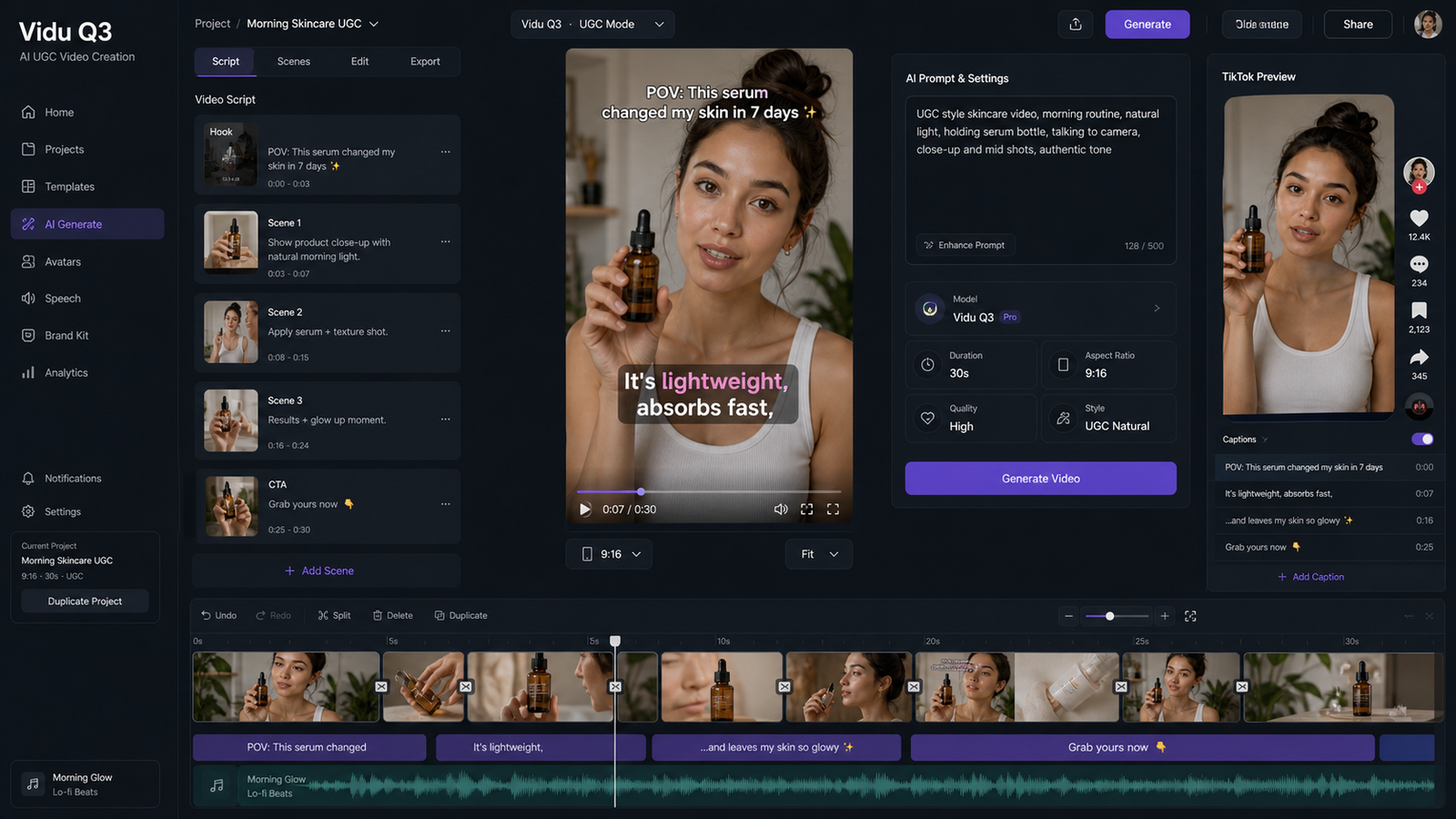
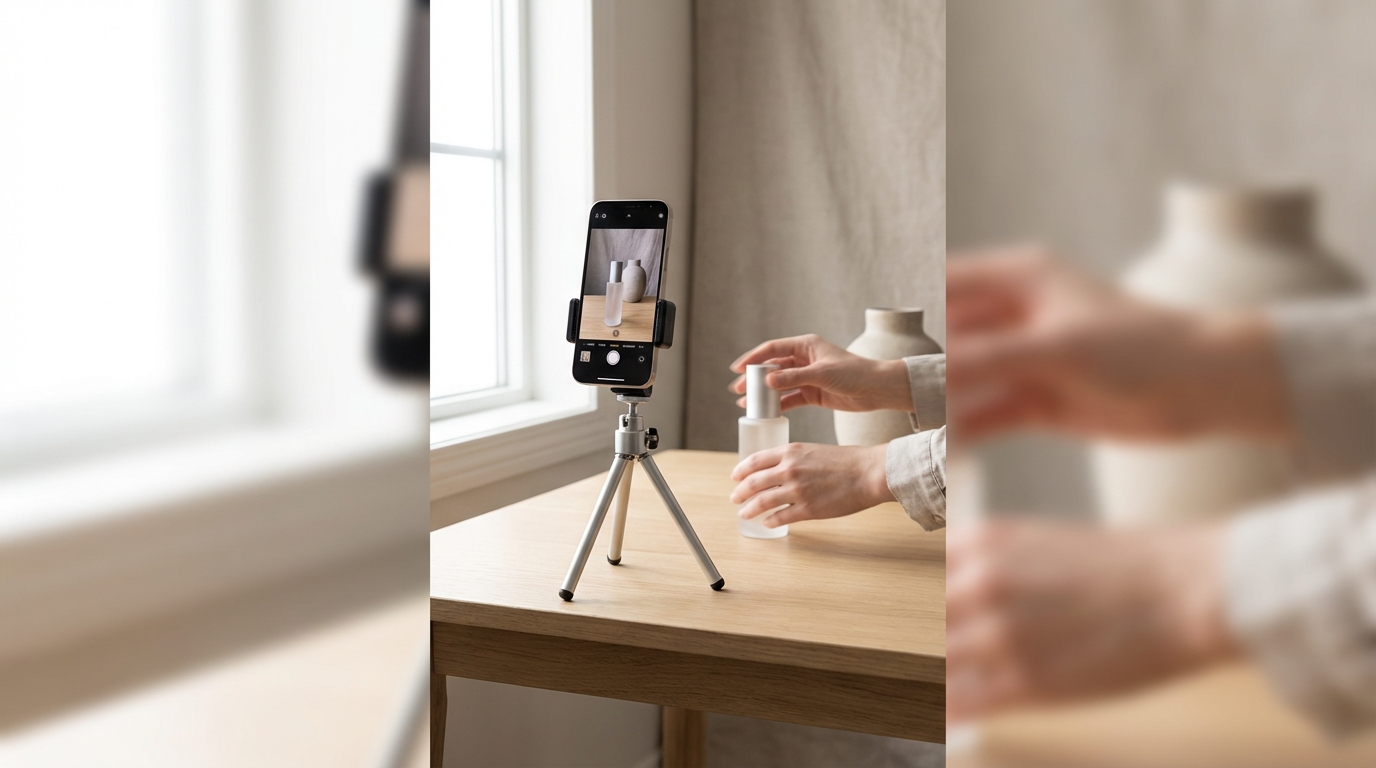
A) UGC “phone-in-hand” creator demo
Use when: you want authenticity—like a real creator filming at home.
Prompt (template style from published prompt template guidance):
A creator in a simple room casually explains and uses [PRODUCT]. Medium shot, handheld smartphone feel, natural indoor lighting. Focus stays on the product and hands. Clean background. No extra characters. No chaotic camera moves.
Swap-ins that improve performance:
- replace [PRODUCT] with: “a skincare serum bottle,” “a portable blender,” “a magnetic phone mount,” etc.
- specify one key action: “dispenses one pump,” “snaps into place,” “pours smoothly”
B) Clean product hero shot (polished ad look)
Use when: you need clarity, premium feel, and clear features.
Prompt (template style from published prompt template guidance):
A clean hero shot of [PRODUCT] on a minimal surface. Slow rotation and gentle push-in. Soft key light with a subtle rim light. Neutral color grading. Close-up details remain sharp. Hold the final frame briefly.
Best for: electronics, accessories, luxury packaging, minimal brands.
C) Fast montage without chaos (4-beat structure)
Use when: you want “TikTok pacing,” but still readable.
Prompt (template style from published prompt template guidance):
A short montage showing [PRODUCT] in a simple daily routine. Four clear beats: wide context, hands close-up using the product, detail close-up of a key feature, payoff shot showing the result. Simple cuts, stable framing, no whip pans.
Tip: if your output becomes messy, remove “montage” and request “single tracking shot.”
D) Unboxing ad (published example prompt)
Use when: you want a reveal + detail shots.
Published prompt example:
“Show a product unboxing with close-up shots, animated text highlighting features, and smooth panning to focus on brand logos.”
(Source: Dreamina Seedance 2.0 prompt resource.)
How to adapt for better control:
- if the AI text looks wrong, remove “animated text” and add your captions in editing
- if logos warp, replace “focus on brand logos” with “product label clearly visible”
E) Lifestyle ad (published example prompt)
Use when: you want relatable scenarios.
Published prompt example:
“Create a lifestyle ad showing people using the product in different daily scenarios, keeping brand colors and logo visible.”
(Source: Dreamina Seedance 2.0 prompt resource.)
How to adapt for better control:
- reduce “different daily scenarios” to two scenarios maximum per clip
- request one camera style consistently (handheld UGC or smooth commercial)
F) Promo offer / conversion push (published example prompt)
Use when: you need urgency and a clear selling moment.
Published prompt example:
“Film a promotional offer with animated countdowns, text overlays showing discounts, and bright brand-themed visuals.”
(Source: Dreamina Seedance 2.0 prompt resource.)
How to adapt for better control:
- consider removing “text overlays” and adding them later for legibility
- enforce “clean background, centered product, final hold” for end-card feel
Troubleshooting: fast fixes for product UGC
Problem: the product shape or color changes
- Switch to image-to-video if possible
- Simplify nouns (“a white bottle with a silver cap”)
- Reduce scene changes (one room, one angle)
Problem: motion is jittery
- Remove words like “dynamic” and “fast camera”
- Use one camera verb: “slow push-in” or “static handheld”
- Add “stable framing, smooth motion”
Problem: too many cuts or chaotic pacing
- Add “single continuous shot”
- Replace “montage” with “one shot”
- Keep the action simple (one demonstration, not multiple)
Problem: captions or logos look wrong
- Remove AI-generated overlay text and add it in editing
- Ask for “no text overlays” and focus on clear visuals
These fixes follow the same principle as the published prompt template guidance: reduce variables, lock one camera style, and iterate one change at a time.
Recommended next step: try VirtualTryOn AI for product ad workflows
If you want a practical hub to build product showcases and UGC-style ad clips from images, try VirtualTryOn AI with these tools:
- AI Product to Video — designed for product showcases and marketing video outputs
- Photo to Video — animate a clean product photo into motion with simple camera moves
- AI Outfit Video Generator — especially useful for fashion UGC and outfit motion
- Kling Motion Control — helpful when you want reference-driven motion behavior
- WAN 2.6 AI Video Generator — another option for fast text/image-to-video iteration
A simple practice loop (10 minutes)
- Pick one format (Unboxing, Lifestyle, or Promo).
- Use one prompt starter and generate 3–5 variations.
- Choose the best one and fix only one issue (camera, action, or constraints).
- Repeat until the product stays stable and the hook reads instantly.
Once you adopt this loop, Seedance-style ad prompting stops feeling like luck—and starts feeling like a repeatable production process.