Quick Summary
Higgsfield Motion Control is a useful shorthand for a reference-driven character-animation workflow: start with a target image, supply a performance reference, and use the resulting motion as a guide for the target character. It is more directed than ordinary prompt-to-video because the reference clip contributes timing, poses, gestures, and energy that text alone may describe only broadly.
For a browser-based place to test that workflow, AITryon AI Motion Control accepts a target image, a reference video, and an optional prompt. Its live page currently lists reference clips of 3 to 30 seconds in .mp4 or .mov format, with a 100 MB limit; confirm these details again before relying on them for a production plan.

What AI Motion Control Actually Does
An AI motion control video generator uses a reference performance to guide how a character in an uploaded image moves. In practice, that can mean a walk, a dance phrase, a turn, a sequence of hand gestures, or a presenter-style delivery. The goal is not simply to make an image move. It is to give the animation a performance structure that the creator can inspect before generating.
This differs from a conventional image-to-video prompt such as “a woman turns toward the camera and smiles.” A prompt can describe an intended action, but it usually leaves the exact rhythm, body mechanics, and pose transitions to the model. A reference video gives those details a visual source. That makes it especially useful for fashion movement, UGC-style presenters, digital characters, and short social clips where a vague gesture can look noticeably wrong.
The workflow is still generative rather than frame-perfect animation. Treat the output as a directed interpretation of the source performance, then review it for identity consistency, hands, clothing, contact with the ground, and background stability. A clear reference improves the odds of a usable result; it does not eliminate the need for a creative review.

Reference Motion Transfer, Prompt Direction, and Camera Control Are Different Jobs
Reference motion transfer answers “how should the subject perform?” Prompt direction answers “what should happen and how should it feel?” Cinematic camera control answers “how should the viewer see it?” Strong character animation usually separates those jobs instead of asking one vague prompt to carry all of them.
| Control type | What it guides | Best use |
|---|---|---|
| Reference motion transfer | Body movement, poses, gesture timing, and performance rhythm | Dance, a product demo, a turn-and-pose clip, or a specific acting beat |
| Prompt-directed motion | Expression, setting, pace, mood, and details not visible in the reference | Refining a performance without replacing the motion source |
| Cinematic camera control | Framing, tracking, pans, push-ins, and scene perspective | Making the finished character clip feel intentional and platform-ready |
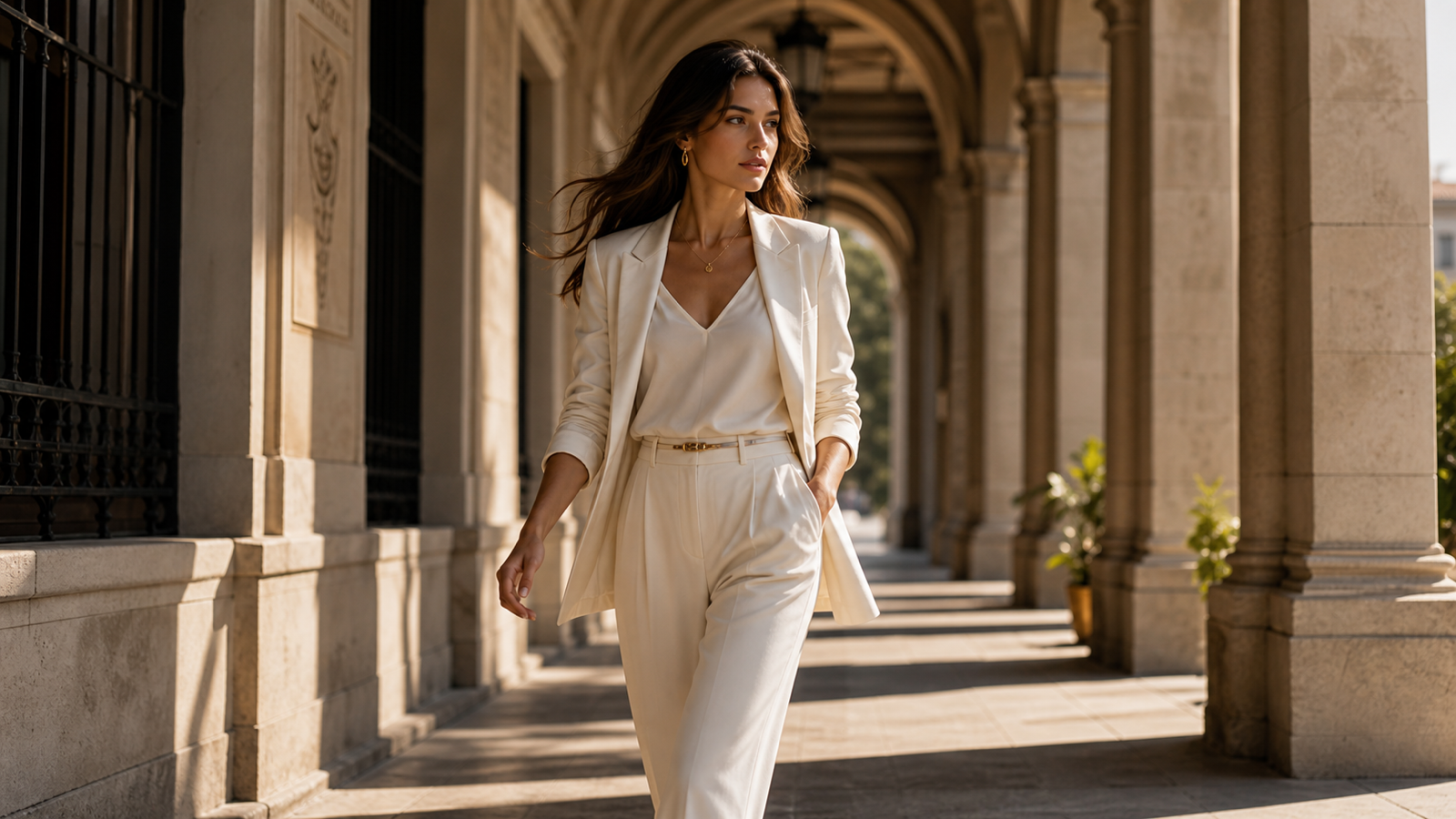
For example, a fashion creator can use a reference clip for a controlled turn, then write a prompt that protects the garment’s pattern and asks for a steady runway atmosphere. A product presenter may inherit the reference’s hand rhythm while the prompt specifies a medium shot and a clean commercial background. The reference supplies the movement; the prompt protects the creative brief.
Higgsfield’s official Motion Control page describes video-reference motion control and labels the current workflow “Kling Motion Control.” Kling’s official Motion Control guide separately describes assigning extracted motion from an uploaded video or motion library to one character in a reference image. Those official pages are helpful context, but they are not evidence that AITryon is affiliated with Higgsfield or uses an identical underlying model.
Prepare the Image and Reference Clip Before You Generate
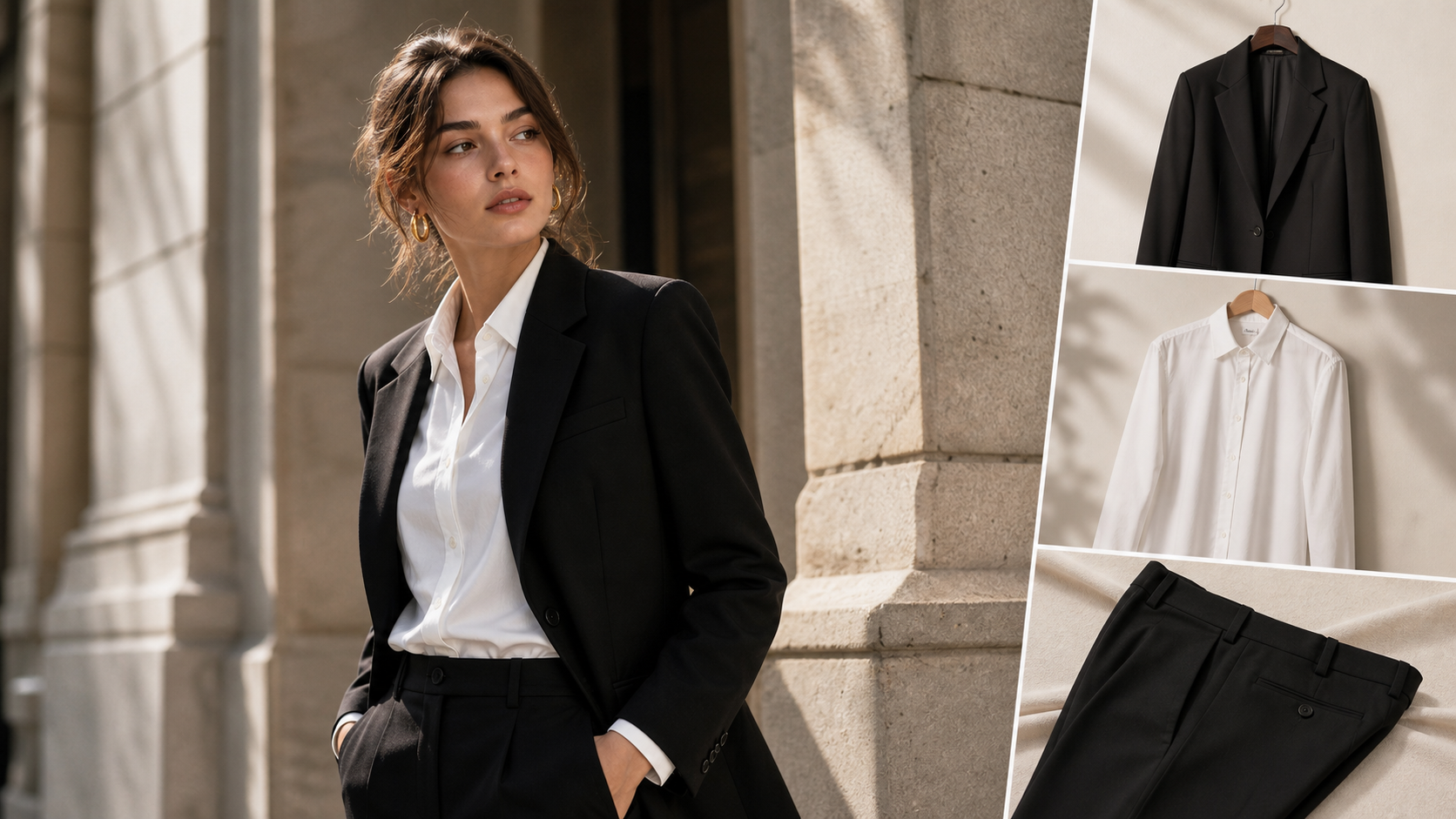
The best motion-control inputs are legible, compatible, and deliberately simple. Begin with a target image that clearly shows the character’s face, body orientation, clothing, and silhouette. For full-body motion, a full-body or three-quarter image is usually easier to evaluate than a tight portrait. If the character will turn, walk, or gesture broadly, make sure the image does not crop away the parts of the body that need to move.
Choose a reference clip that has one main performer and a readable action. A short clip with clean lighting, little occlusion, and a stable camera gives the model a clearer performance to interpret. If the reference contains rapid cuts, crowd movement, abrupt zooms, or a person leaving the frame, use a simpler excerpt first. You can add visual complexity after confirming that the core movement transfers cleanly.
Match orientation whenever possible. A front-facing target image paired with a front-facing reference is generally a more conservative starting point than a front-facing character paired with a heavily side-on dance. Also decide which details are non-negotiable before writing the prompt: face, hairstyle, garment, product label, body proportions, or background. This turns “keep it consistent” into a specific quality check.

A Practical AI Motion Control Workflow on AITryon
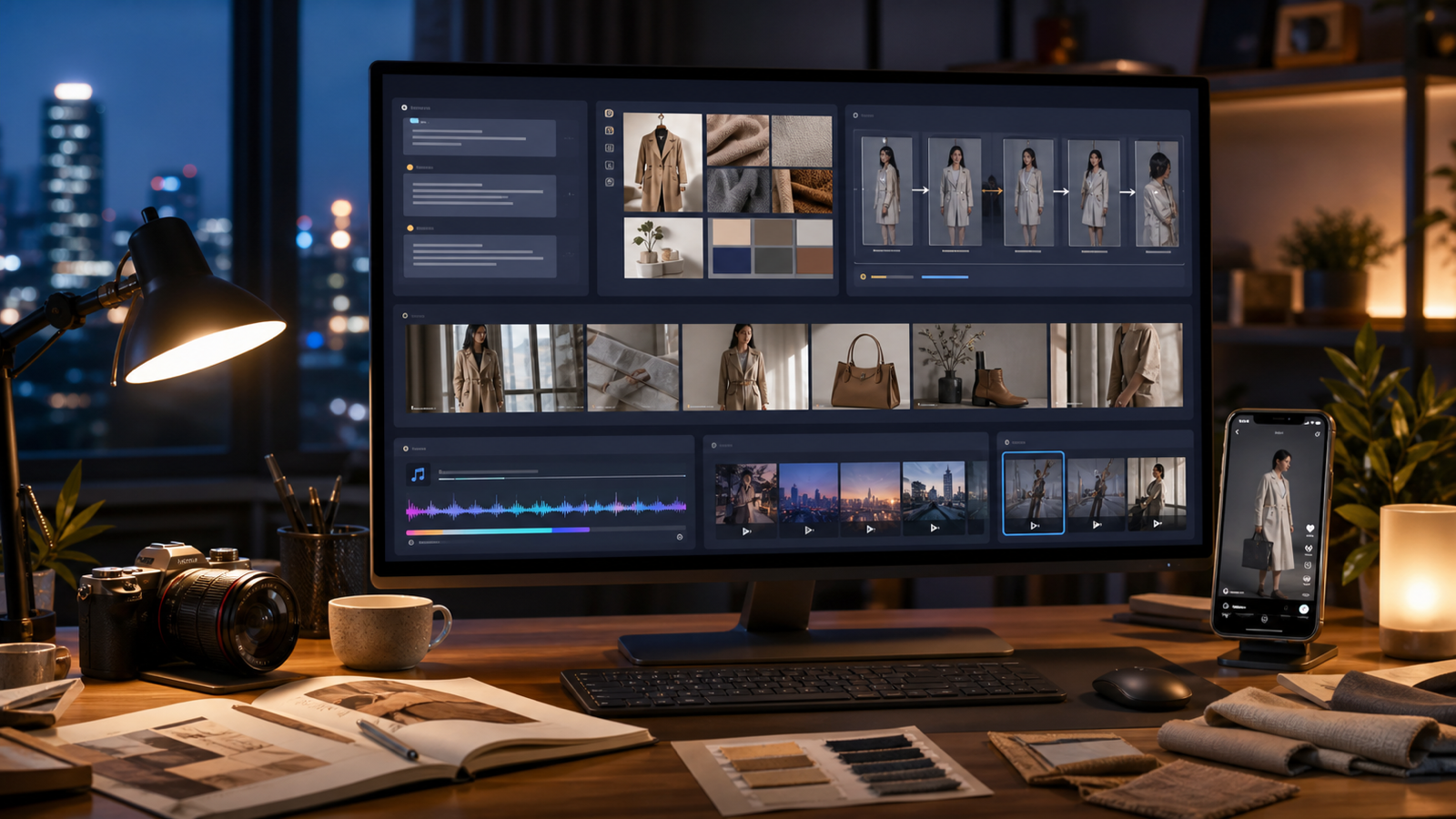
Use AITryon AI Motion Control as a straightforward test bed for a character image plus a performance reference. The current page presents an image upload, a reference-video upload, an optional prompt field, and available settings. Its interface should be checked immediately before publishing because model versions, credits, privacy settings, and output options can change.
- Define one visible outcome. Start with a single action: a turn, a two-step walk, a wave, a product demonstration, or a short dance phrase. A precise goal makes it easier to judge the result.
- Upload a clear target image. Use a fictional character, a person you have permission to use, or an approved product presenter. Avoid relying on a heavily cropped image for a full-body performance.
- Add the motion reference. Pick the shortest clean clip that contains the exact movement you want. Do not make the first test handle multiple camera changes and a complex action sequence.
- Write a protective prompt. State what must remain stable, then add only the scene, camera, and expression details that matter. For example: “Preserve the face, white jacket, and body proportions. Transfer the walking pace from the reference. Medium shot, stable background, natural arm swing.”
- Generate and review by failure mode. Check motion first, then identity, then clothing and scene stability. Change one input or instruction at a time so the next result tells you what improved.
For a broader tool path, AITryon’s Kling Motion Control page is the closest explicitly named motion-control option on the platform, while Photo to Video can be a useful alternative when a reference performance is not essential. Use the specific tool page that matches the article’s claim rather than implying that all image-to-video tools offer reference-driven performance transfer.

Prompt Examples for More Stable Character Animation
Prompts work best here as guardrails. They should tell the generator what to preserve, what kind of performance to retain, and what not to change. They should not pretend that a text prompt alone can replace the reference clip’s physical timing.
Use this reusable structure:
Apply the movement from the reference video to the uploaded [character/person/product presenter]. Preserve [face, hairstyle, clothing, body proportions, product details]. The subject performs [action] with [expression and energy]. Camera: [shot and movement]. Background: [environment]. Lighting: [lighting]. Keep the motion natural and avoid [identity drift, distorted limbs, clothing changes, unstable background].
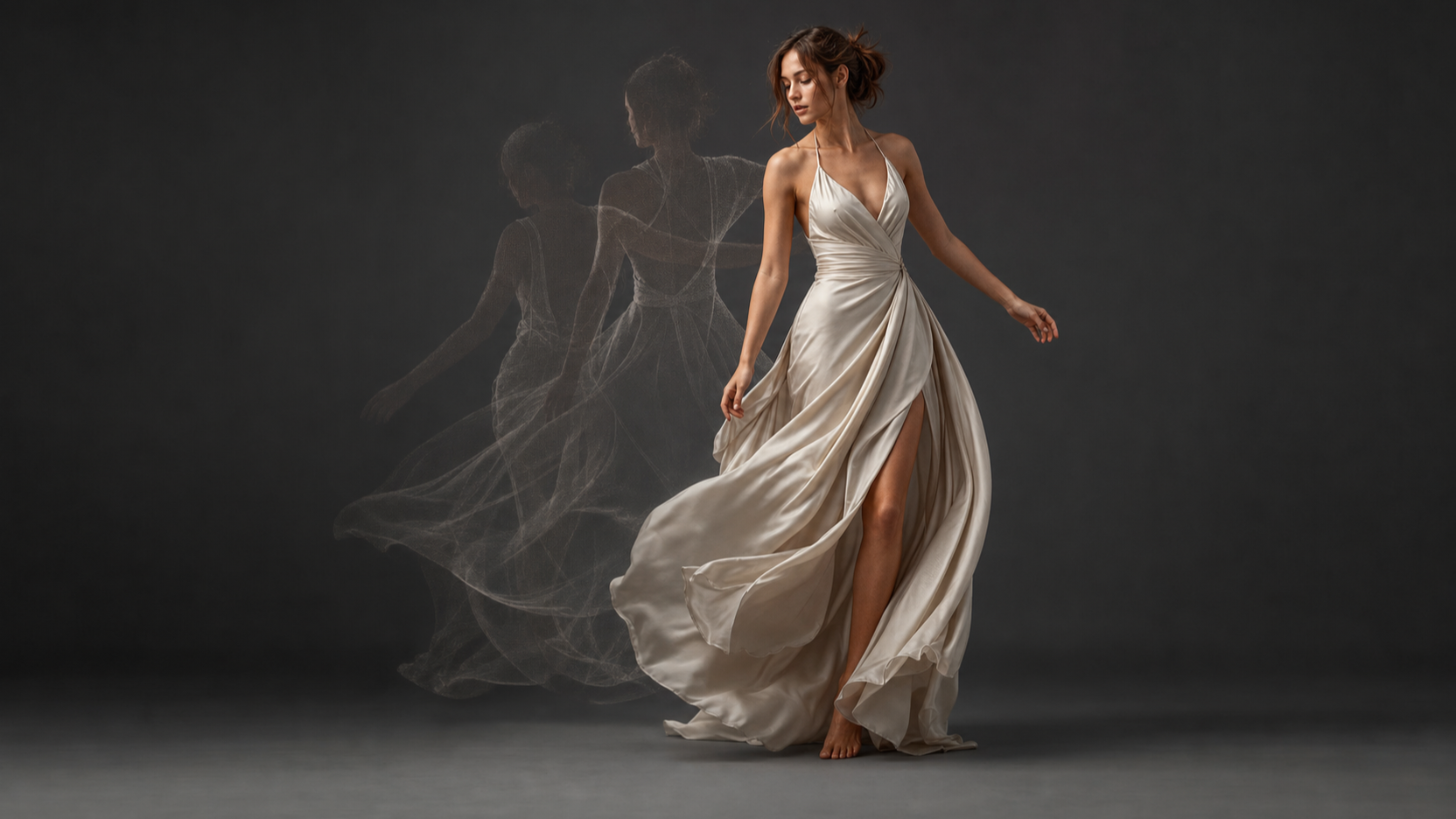
- Fashion turn: “Transfer the reference turn-and-pose sequence to the uploaded fashion image. Keep the garment color, pattern, fit, and accessories unchanged. Use an editorial runway atmosphere with smooth camera tracking.”
- UGC presenter: “Apply the presenter’s hand gestures and speaking rhythm from the reference video to the uploaded product spokesperson. Keep the face and clothing consistent. Use a medium shot, subtle camera push-in, natural expression, and clean commercial lighting.”
- Cinematic portrait: “Apply the slow head turn and facial expression from the reference performance to the uploaded cinematic portrait. Preserve facial structure and hairstyle. Use a close-up shot, subtle dolly-in, dramatic side lighting, and minimal background motion.”
- Product demonstration: “Transfer the reference skincare demonstration to the uploaded creator image. Maintain the product shape and label placement. Use natural hand movement, vertical framing, bright bathroom lighting, and authentic UGC pacing.”
For social work, keep the first test short and focused. A single wave or product gesture is easier to assess than a script-length performance. Once the character remains stable, you can build variations for 9:16, 1:1, or 16:9 placements according to the settings currently available on the tool page.
When Motion Control Is the Right Tool and When It Is Not
Motion control is strongest when the action itself is the point. Choose it for dance, gestures, a repeatable fashion pose, a creator-style product demonstration, or a digital human that must follow a known performance. It gives the writer, editor, or creative lead something specific to direct and review.
Prompt-only image-to-video can be a better fit when you need broad atmosphere rather than exact performance: drifting fabric, a slow environmental reveal, a product rotating in light, or a camera move through a static scene. It is also simpler when you do not have a suitable video reference. Camera-focused tools are most useful when framing and movement through the scene matter more than copying a person’s body language.
Avoid treating AI motion control as an automatic rights solution. Use people, performances, reference clips, products, music, and brands only when you have the necessary permissions. Before a client deliverable or paid campaign, check the live platform terms for privacy, commercial rights, watermark policy, output visibility, and handling of uploaded files. Do not publish a claim about credits, duration, resolution, model name, or commercial use unless the relevant live page confirms it.
For more platform-specific context, see AITryon’s Higgsfield AI review and workflow guide and its Photo-to-Video workflow article. Treat these as workflow reading, not as substitutes for current product documentation.
FAQ
Is Higgsfield Motion Control the same as AITryon AI Motion Control?
No verified equivalence should be assumed. AITryon currently labels its tool “AI Motion Control,” while Higgsfield has its own Motion Control page. Use each page to describe that platform’s stated workflow, and do not claim official affiliation or an identical implementation without live confirmation.
Can I animate a portrait with a reference video?
You can test portrait animation, but the result may be less convincing when the reference requires large body movement that the original image does not clearly show. For a walk, dance, or full-arm gesture, use a target image with enough visible body structure to support the performance.
How can I reduce identity drift in AI character animation?
Start with a sharp, single-subject image, use a reference clip with one readable performer, and state the face, hairstyle, clothing, and proportions that must stay stable. Then make one controlled change per generation rather than changing the image, motion clip, prompt, and camera direction all at once.
Does a reference video control the camera too?
It may influence the overall feel of a result, but motion transfer and camera control are separate creative jobs. Use the prompt and the live tool’s available settings to define camera needs, then judge the output against your intended framing rather than assuming the reference will be copied exactly.
Conclusion
Higgsfield Motion Control is best understood as a reference-driven way to direct character performance, not as a replacement for creative judgment or a guarantee of frame-perfect animation. Start with a clear character image, a simple performance clip, and a prompt that protects the details you cannot afford to lose.
For practical testing, try AITryon AI Motion Control with one short, readable action before attempting a full campaign sequence. Compare the generated result against the original brief, verify live platform terms and settings, and keep the motion-control workflow focused on the action you actually need.