Introduction
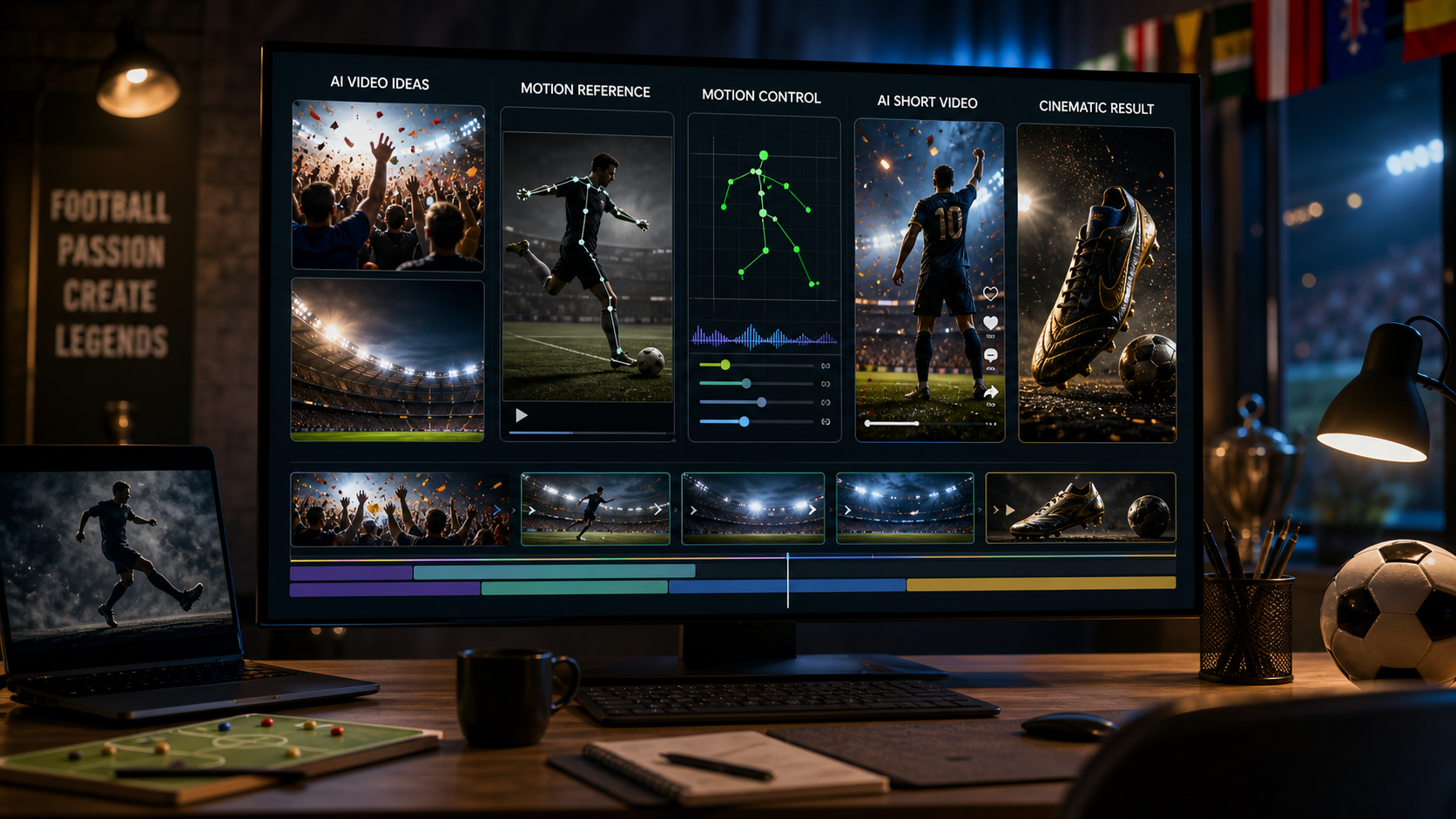
AI video tools have come a long way in just a short time. What started as blurry, glitchy clips has now evolved into high-quality, almost cinematic videos created from nothing but text or images. The latest breakthrough in this space is Wan 2.5, the newest version of the Wan model family.
Wan 2.5 isn’t just about small improvements. It’s about creating videos that feel smoother, sharper, and more useful for real-world projects like fashion marketing, product showcases, and influencer content. And when you pair Wan 2.5 with Virtual Try On AI, the results become even more exciting. Imagine being able to animate clothing, products, or accessories in a way that feels lifelike — all without setting foot in a studio.
What Makes Wan 2.5 Different?
Think of Wan 2.5 as an AI video creator on steroids. Earlier versions of AI video models often struggled with keeping things consistent — characters would flicker, motion felt robotic, and the clips were too short to be practical. Wan 2.5 changes that.
Here’s what it brings to the table:
- Sharper quality: videos now come out in HD (and even 4K if you need it).
- Longer clips: you’re not limited to tiny animations anymore.
- Better stability: faces, clothes, and details stay consistent across frames.
- Audio syncing: lip movements actually line up with sound or speech.
- More flexibility: it works with text prompts, images, or audio uploads.
In short, it feels less like a toy for experimenting and more like a serious tool for creators and businesses.
Why Use Wan 2.5 on Virtual Try On AI?
While Wan 2.5 is powerful on its own, it really shines when paired with a platform built for a specific purpose. That’s where Virtual Try On AI comes in.
This platform is designed for digital fashion and product experiences. Instead of just showing flat images of clothing or accessories, you can actually see them in motion. Pair that with Wan 2.5’s ability to generate realistic video, and suddenly you’ve got a tool that can:
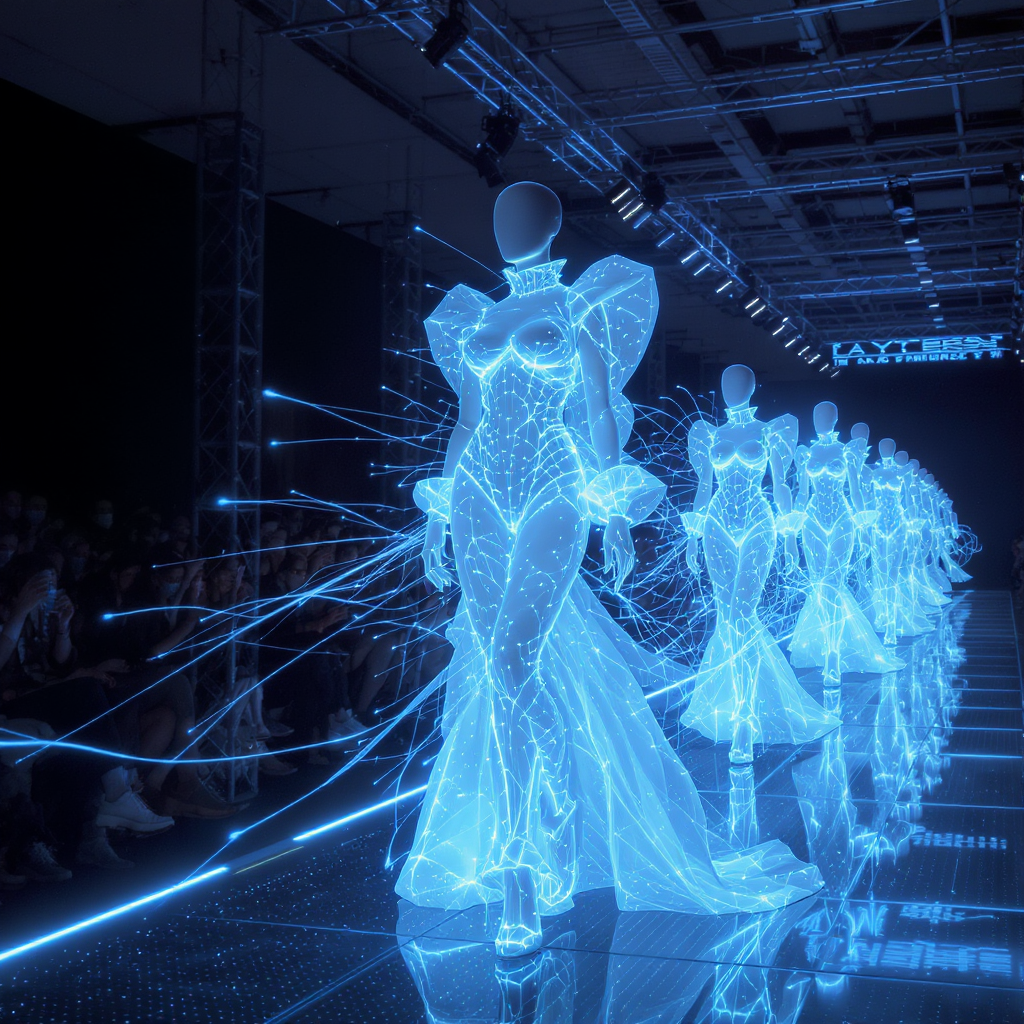
- Bring fashion to life — fabric moves, textures pop, and outfits feel more real.
- Boost e-commerce appeal — customers can “see” the product in action before they buy.
- Create personalized experiences — imagine virtual fitting rooms where videos adapt to the shopper.
- Save time and money — skip expensive shoots and still get professional-looking videos.
For brands and creators, this is more than just tech hype — it’s a practical way to make products stand out.
Real-World Uses
So where can this actually be applied? Here are a few scenarios:
- Online fashion stores: Replace static catalog shots with short animated try-on videos.
- Influencers and creators: Generate content for TikTok, Instagram, or YouTube without relying on film crews.
- Marketing teams: Quickly produce campaign visuals that look polished and engaging.
- Product designers: Visualize prototypes in motion before they’re even manufactured.
These aren’t just futuristic ideas — they’re workflows people are already experimenting with today.
How to Use Wan 2.5 on Virtual Try On AI
Getting started doesn’t require being a tech wizard. Here’s the simple flow:
- Go to Virtual Try On AI.
- Upload your product images or pick a model template.
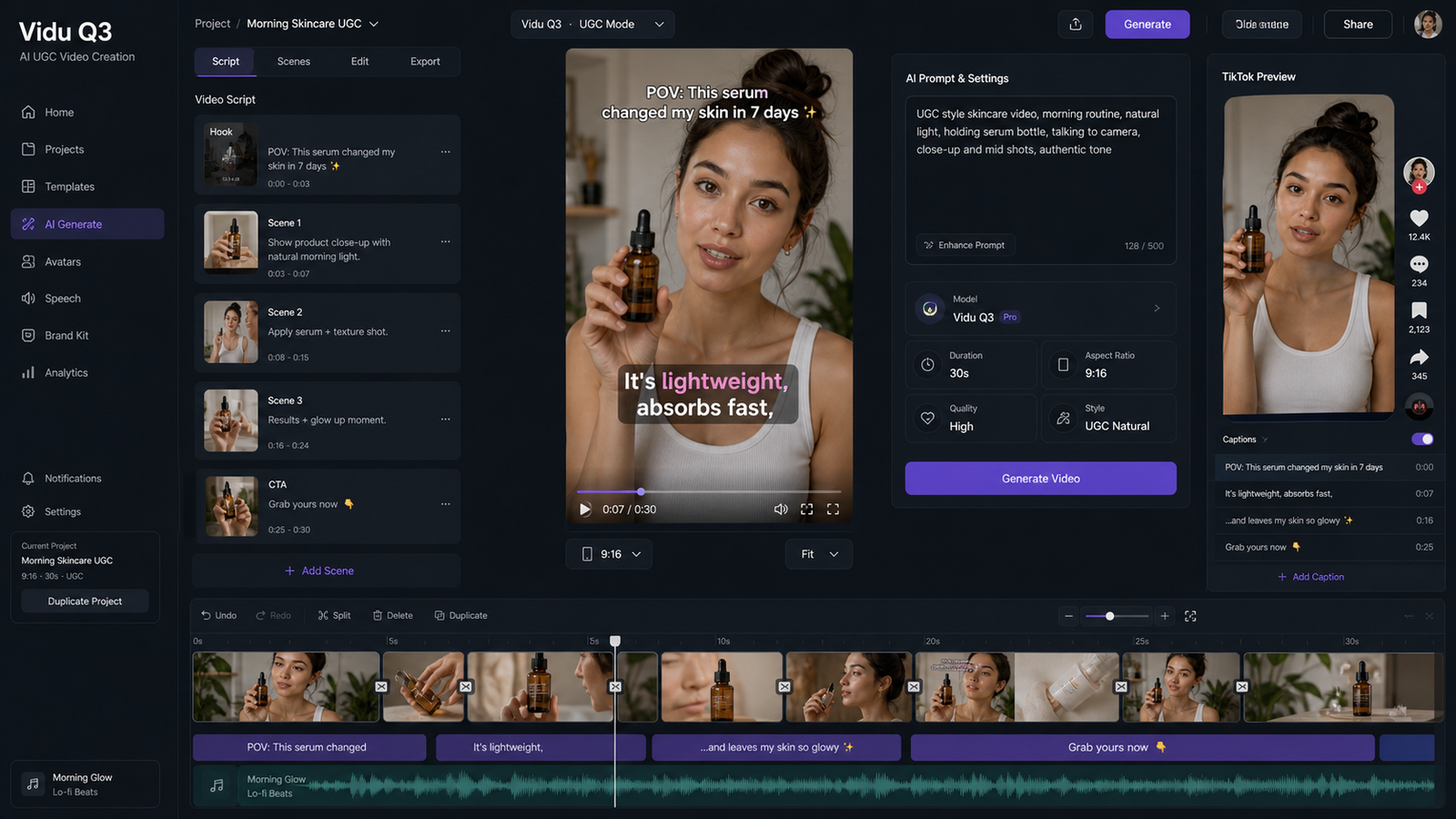
- Add your text prompt, reference image, or audio track.
- Adjust settings like video length and resolution.
- Generate the video.
- Download and share it anywhere you want — from online stores to social media campaigns.
That’s it. What used to take weeks of production can now happen in a few clicks.
Other AI Models You Can Try on Virtual Try On AI
Wan 2.5 is impressive, but it’s not the only option on the platform. AITryOn also includes:
- Seedream for ultra-realistic product and fashion images.
- Higgsfield AI alternatives for smooth product-to-video creation.
- Nano Banana AI for stylized figure and character animation.
This gives creators flexibility: you can choose Wan 2.5 for realistic motion, then switch to Seedream for stills or Nano Banana for playful visuals.
Things to Keep in Mind
Wan 2.5 isn’t perfect yet. Here are a few limitations:
- Videos are still shorter than professional film outputs — think ads or product clips, not full movies.
- High resolution requires strong computing power, though platforms like Virtual Try On AI handle this for you.
- Prompting takes practice. Sometimes you’ll need to try different instructions to get the best results.
Even with these challenges, the benefits far outweigh the drawbacks, especially for creators who want speed and affordability.
Looking Ahead
AI video is moving fast, and Wan 2.5 is a sign of where things are headed. We can expect longer videos, more realistic motion, and even finer control in future updates like Wan 3.0.
But right now, combining Wan 2.5’s advanced video generation with Virtual Try On AI is one of the best ways to start creating content that feels professional, engaging, and future-ready.
Conclusion
Wan 2.5 isn’t just another update — it’s a game-changer for anyone working with video. Its high-quality output and smoother animations finally make AI video practical for real-world use.
When you use it through Virtual Try On AI, it transforms into a powerful tool for fashion brands, marketers, and creators. Whether you want to animate clothing, showcase products, or make eye-catching social videos, Wan 2.5 gives you the power to do it quickly and affordably.
If you’ve been waiting for AI video to feel truly usable, this is it. Wan 2.5 + Virtual Try On AI is the partnership that delivers.