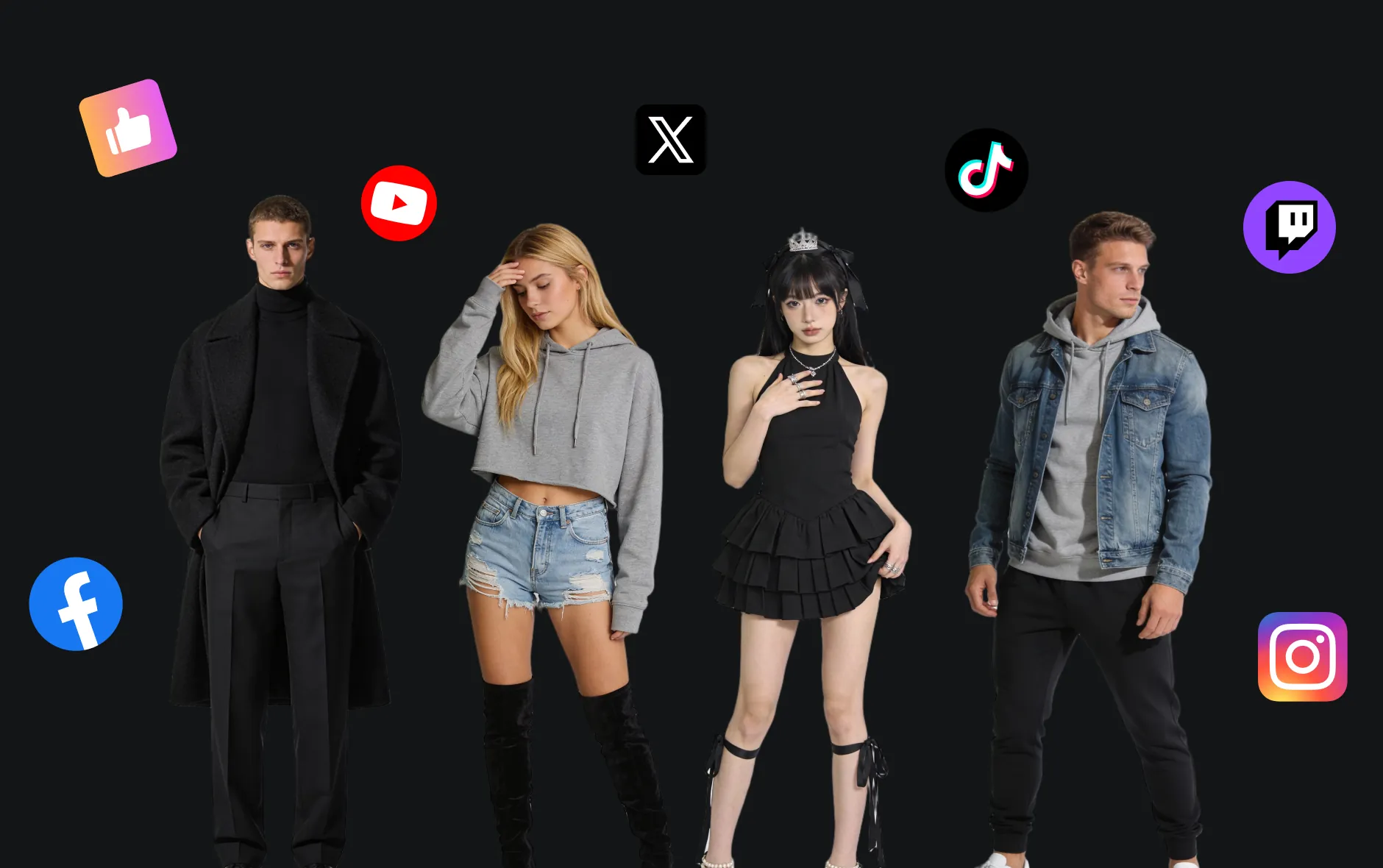
Free GPT Image 2 AI Generator: Create and Edit AI Images
Create AI images with AITryOn's Free GPT Image 2. Turn text prompts, outfit photos, product images, model references, styling concepts, poster ideas, and layout directions into high-quality visuals for fashion lookbooks, e-commerce campaigns, social media posts, try-on previews, readable poster layouts, thumbnails, design references, and brand marketing.
Supported formats: JPEG, JPG, WEBP, PNG
Free image generation
Your recent free generations are saved in this browser. For higher quality, more credits, and faster production workflows, use the full image generator.
Core Features of Free GPT Image 2 AI Generator
Free GPT Image 2 helps creators, fashion brands, designers, e-commerce sellers, marketers, and content teams create image-ready visuals from text or images, supporting prompt control, reference-guided editing, product identity guidance, layout exploration, and practical creative iteration.
Convert text prompts into AI images. Describe your subject, outfit, product, layout, style, background, audience, and campaign goal, then generate a polished visual.
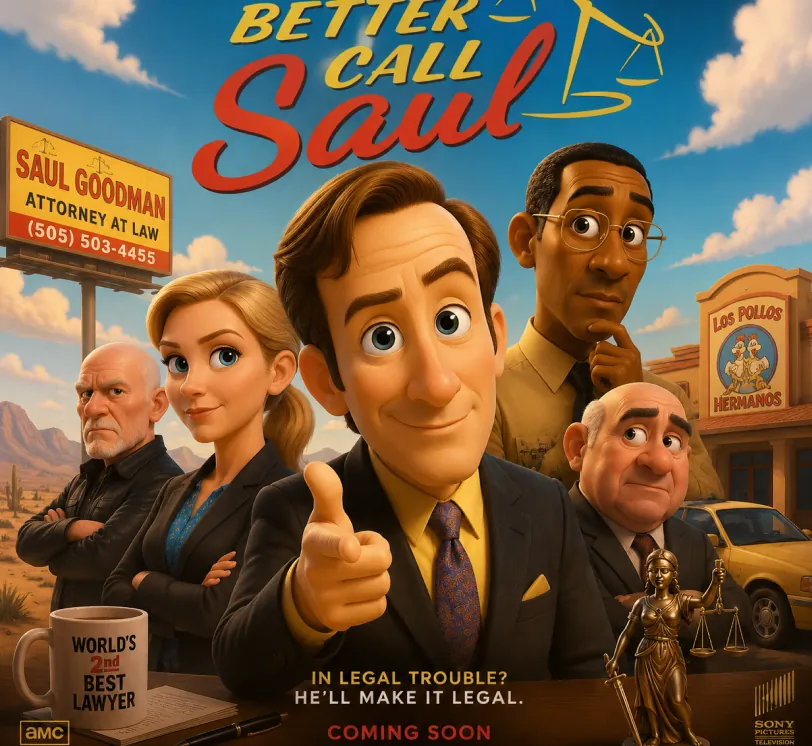
Pixar-style movie poster reimagining of the TV show {argument name="Better Call Saul" default="[Better Call Saul]"}. Feature the main cast as charming 3D CGI caricature characters with exaggerated, expressive features, big expressive eyes, and warm glossy Pixar-quality rendering. Compose it as an actual movie poster
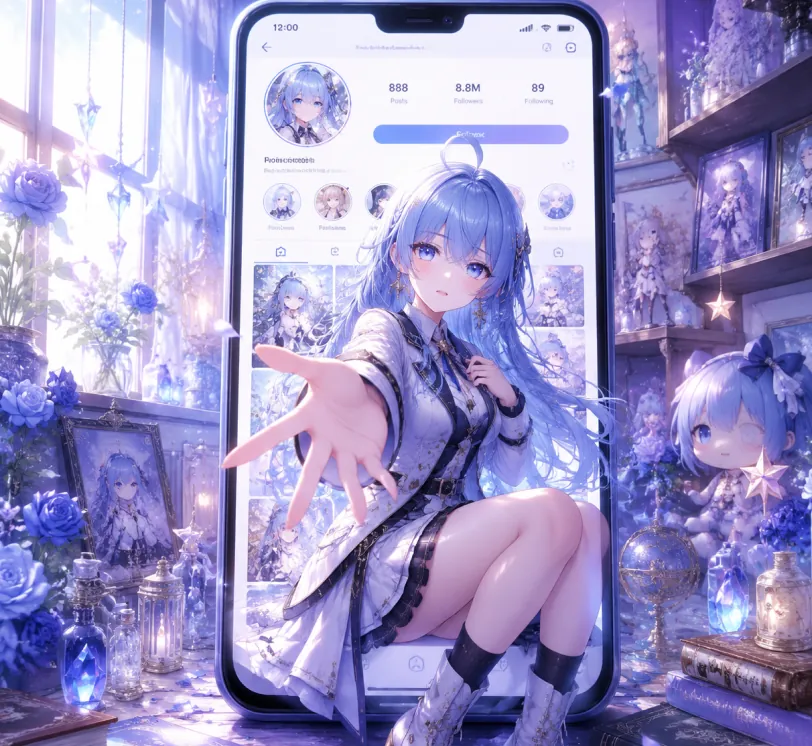
Create a 1:1 cinematic anime-style illustration, prompt-only generation, no reference image. A giant modern smartphone stands upright in the center of a dreamy collector bedroom, showing a social media profile page for a blue-haired anime girl. From the phone screen, the same girl emerges into the real world in a magical 2.5D illusion, seated on the lower edge of the screen and reaching one hand toward the viewer with strong foreground perspective. She has long periwinkle-blue hair with a small ahoge and twin braid details, soft blue eyes, delicate porcelain skin, and a gentle wistful expression. Outfit: elegant white and black fantasy academy coat dress with high collar, layered panels, dark trim, belts, buttons, short skirt, black socks, white heeled boots. The phone UI should suggest posts, followers, circular story icons, photo grid, follow button, and profile avatar, but all text must be tiny, generic, and not accurately readable. Surrounding room: shelves filled with anime figures, framed prints, plush doll, glass bottles, crystals, spell books, star ornaments, blue roses, soft curtains and window light. Color palette: cool lavender, icy blue, pearl white, soft black accents, faint pink petals. Lighting: luminous morning window light mixed with tiny magical sparkles and bokeh, glossy phone reflections, soft rim light on hair and hand. Composition: wide landscape, phone centered, character overlapping screen boundary, hand closest to camera, shallow depth of field, high detail, polished glossy anime render, hyper-detailed fabric, hair strands, glass reflections, dreamy magical atmosphere. Avoid logos, real brand names, readable watermark, extra fingers, distorted hands, explicit content, low resolution, messy UI, cropped face.
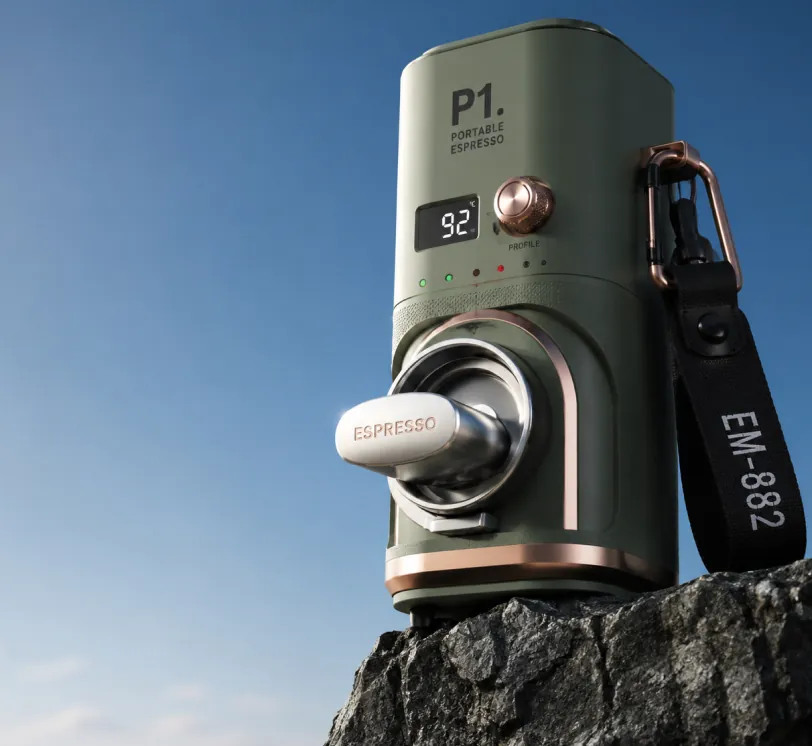
Photorealistic product photography of a compact modern portable digital espresso maker resting on the edge of a dark rugged rocky cliff against a vast clear blue sky. The espresso maker has a sleek compact cylindrical body in matte sage green with brushed copper accents and ergonomic contours. The prominent brew head at the front features a stainless steel portafilter with the word "ESPRESSO" laser-engraved on the handle, surrounded by subtle pressure status LEDs. The top control panel displays large black text "P1." above smaller stacked text "PORTABLE ESPRESSO". A small rectangular digital display shows brew temperature "92" in white digits on black, next to a brushed copper rotary dial labeled "PROFILE". A matching copper carabiner on the rear secures a thick black ballistic nylon strap hanging downward with "EM-882" printed in white capital letters. Low angle shot looking slightly upward, dramatic perspective emphasizing height, professional studio lighting mixed with natural daylight, soft shadows, ultra sharp focus, high resolution, clean minimalist composition with expansive blue sky on the left and upper frame, premium outdoor tech gadget aesthetic, cinematic product photography style.
Use image-to-image creation to transform clothing photos, portraits, product shots, brand references, or design assets into cleaner visuals with stronger composition and style.
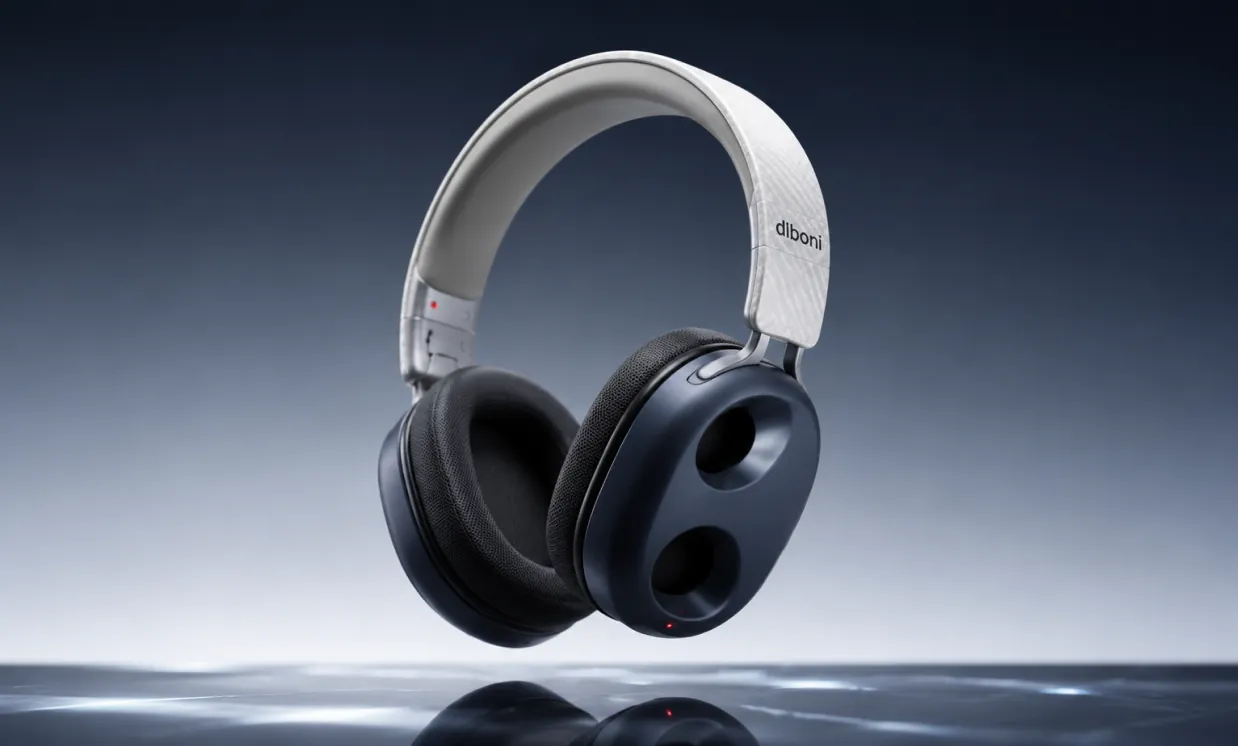
Photorealistic studio product photography of sleek modern wireless over-ear headphones floating in mid air. The headphones have a minimalist light gray and white curved headband with subtle textured pattern resembling carbon fiber or fabric. The brand logo 'dlboni' is printed in elegant black lowercase letters on the right side of the headband. The earcups are dark charcoal blue-gray with a unique sculpted ergonomic design featuring two large oval cutouts on the outer surface of each earcup for a futuristic and lightweight look. The earpads are soft dark gray with fine mesh texture. Small glowing red indicator LEDs are visible on the lower portion of the earcup and on the headband. The headphones are dynamically posed at a slight angle, with soft studio lighting creating gentle highlights and shadows. The background is a smooth gradient from deep dark blue at the top to pale light gray at the bottom. Below the headphones is a highly reflective horizontal surface showing clear mirror reflections and subtle light streaks. Clean, premium commercial aesthetic, sharp focus, high detail, 8K resolution, professional photography, no text except the logo, ultra realistic rendering.
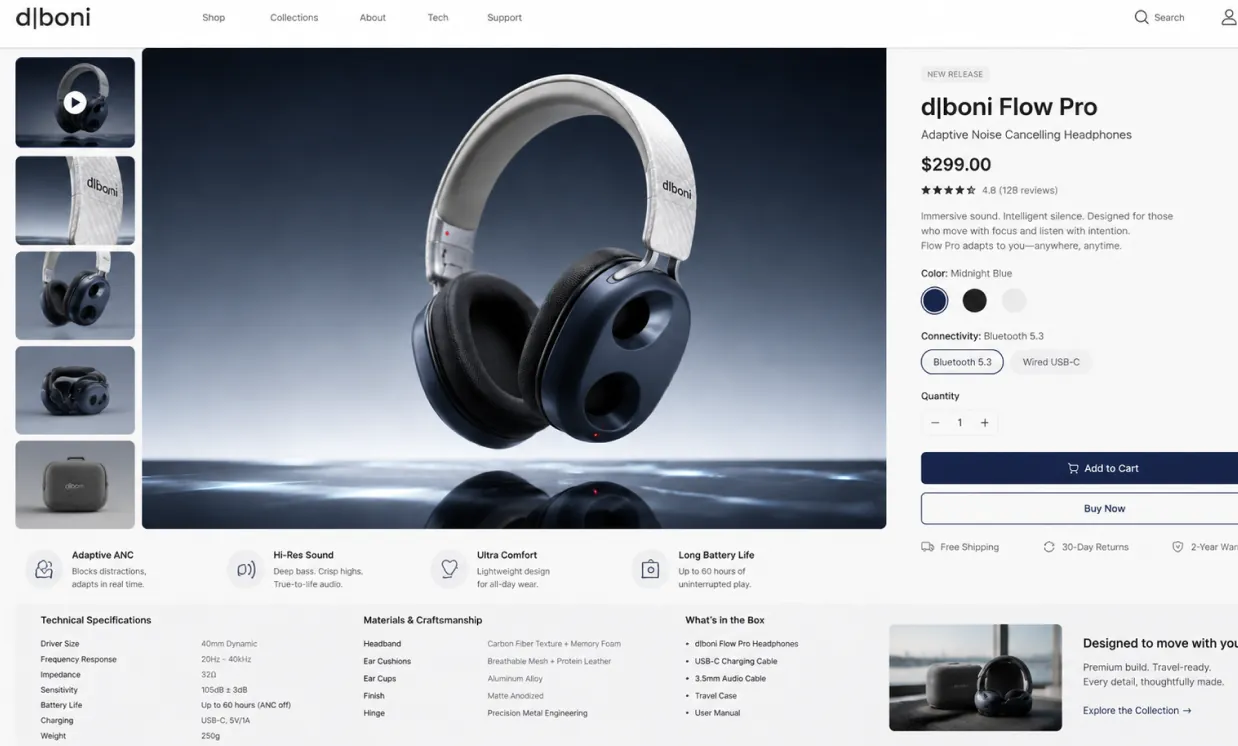
Use the provided product image as the exact hero product and create a beautiful desktop e-commerce product detail page mockup in a 16:9 ratio. Keep the product’s real shape, proportions, materials, colors, and branding consistent with the input image. Design a premium, modern, minimal product showcase webpage with strong commercial appeal, suitable for product presentation, retail concept design, brand landing pages, and UI mockups. Layout should include: a clean top navigation bar, left-side thumbnail gallery or supporting product visuals, a large central hero product display with soft studio lighting and realistic shadow, and a right-side product information panel with product title, price, concise marketing copy, selectable options, quantity control, and strong call-to-action buttons. Add a lower information area with feature icons, technical specifications, material highlights, and short selling points arranged in a polished grid. Use elegant sans-serif typography, precise spacing, thin divider lines, subtle cards, white or very light neutral background, and a calm premium color system derived from the product itself. Overall look: realistic, high-end, conversion-focused, clean desktop UI, refined industrial design presentation, dribbble/brand-site quality, not mobile, not cluttered, not cartoon.
Edit images for fashion posters, product mockups, labels, social visuals, and campaign concepts by refining text direction, background, layout, and visual mood through prompts.
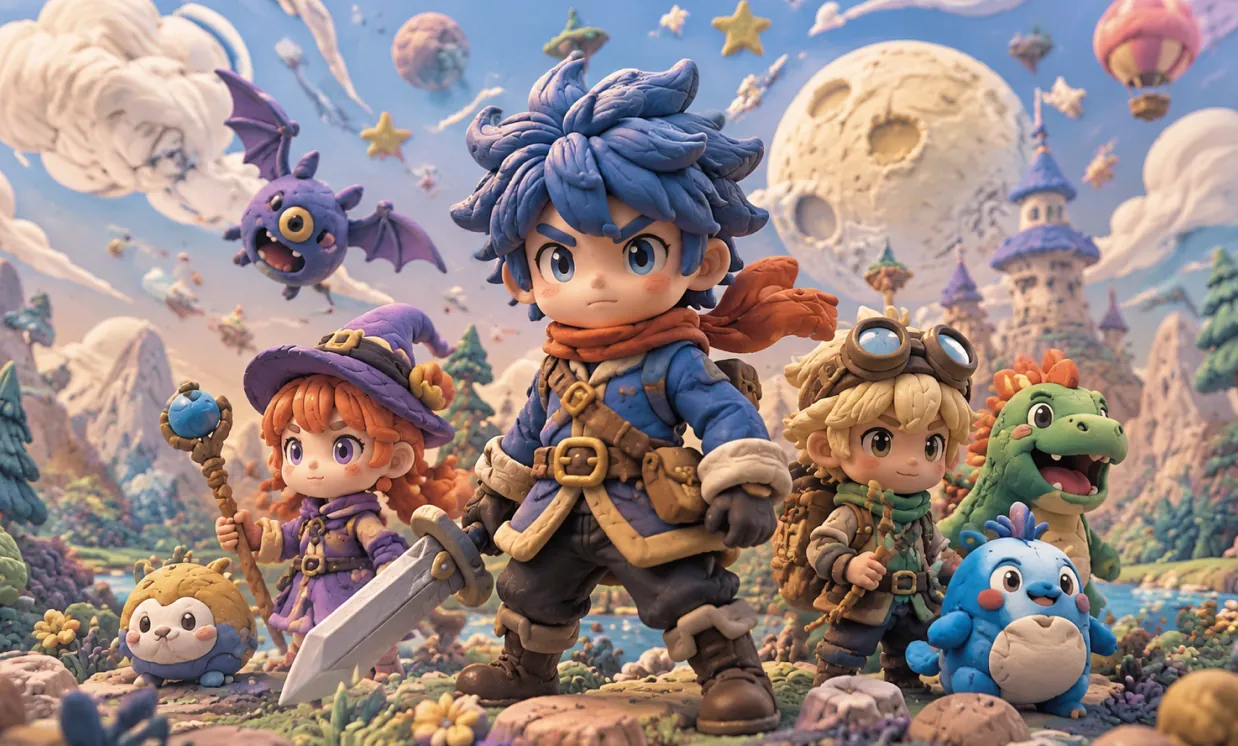
Masterpiece, best quality, highly detailed 3D CGI render in adorable chibi anime style with claymation-inspired textures and vibrant colors. A group of cute young fantasy adventurers posing together in a magical landscape. In the center foreground, a cool spiky blue-haired boy with sharp determined blue eyes and serious face, wearing blue coat with multiple brown leather belts and pouches, orange flowing scarf, dark pants and sturdy boots, gripping a large shiny silver broadsword. On the left, a charming girl with voluminous curly orange hair, big sparkling purple eyes, dressed in purple witch attire and large pointed hat adorned with gold buckle and yellow flower, holding a gnarled wooden staff topped with a glowing blue crystal ball. On the right, a happy blonde boy wearing aviator goggles on his forehead, green neck scarf, explorer jacket and backpack, holding a thin wooden wand, standing next to a cute green reptilian dinosaur companion with orange back spikes, wide open smiling mouth and big eyes. Scattered in foreground: a small round yellow furry creature with cute face and blue lower body, a plump blue round monster with big eyes, pink blush and tiny ears, and a purple winged bat-like creature flying with big yellow eye and open mouth. Epic background: lush fantasy world with a majestic multi-towered castle featuring blue pointed roofs on a distant hill, enormous detailed cratered celestial body dominating the sky, floating rocky islands with trees, fluffy clouds, twinkling stars, colorful hot air balloon, snow-capped mountains, green forests, sparkling river and colorful flowers and plants in foreground. Bright cheerful daylight, soft volumetric lighting, intricate fabric and material details, dynamic low angle composition, whimsical magical atmosphere.
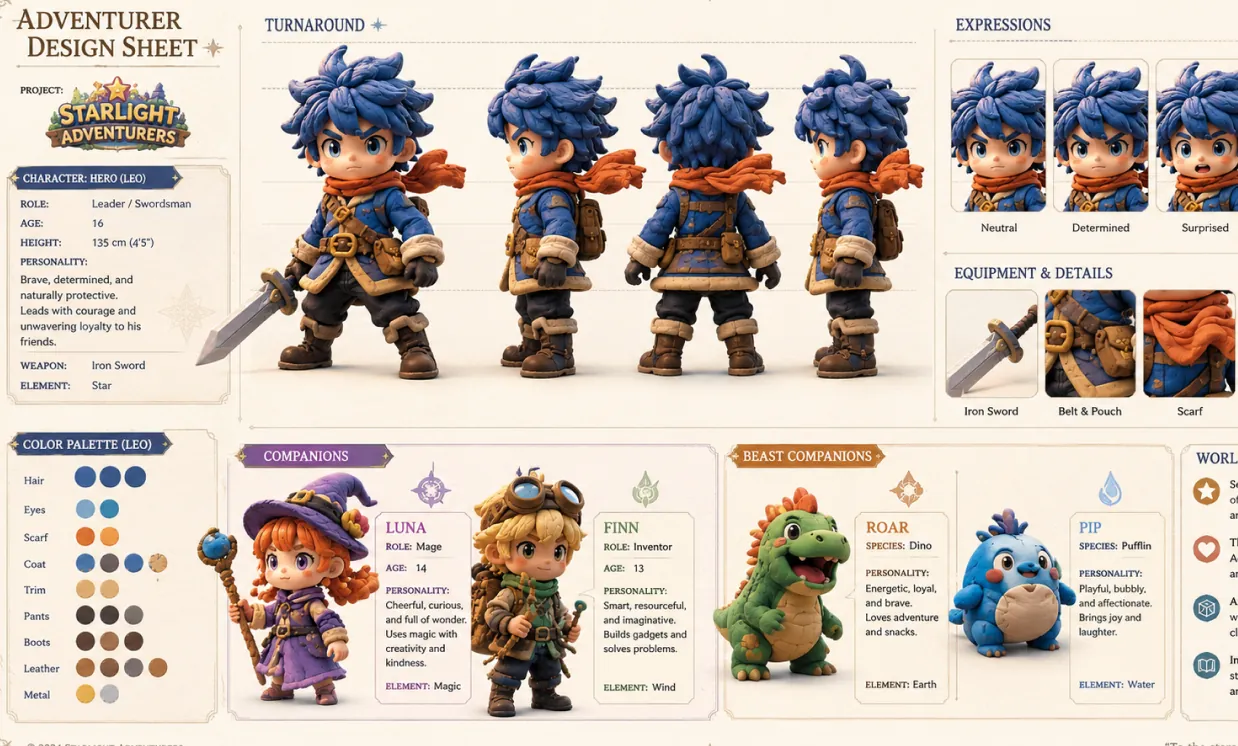
Create a character design sheet for the reference image, with key info
Core Advantages of Free GPT Image 2 AI Generator
Free GPT Image 2 provides an efficient and controllable AI image generation and editing experience for creators, fashion brands, and marketing teams, helping users produce attractive visual drafts faster while keeping layout goals focused.
Detailed Prompt Control
Describe the subject, garment, setting, lighting, layout, style, color, camera angle, poster text, label idea, or mockup direction to guide a more controlled image result.
Text-to-Image and Image-to-Image Creation
Start from a prompt or upload an image, then use AI to create polished visuals with flexible control over composition, style, product placement, and editing direction.
Flexible Layout and Ratio Options
Create images for square posts, portrait covers, fashion banners, thumbnails, posters, mobile layouts, and wide campaign scenes with platform-friendly visual planning.
Practical Creative Output
Use Free GPT Image 2 for outfit concepts, marketing visuals, social posts, product mockups, storyboards, educational graphics, poster layouts, brand tests, and design previews.
Use Cases for Free GPT Image 2 AI Generator
Free GPT Image 2 on AITryOn supports fashion promotion, product visuals, social content planning, brand marketing, design exploration, readable layout concepts, and campaign visuals for modern AI image workflows.
Fashion and Product Campaign Visuals
Create outfit scenes, promotional graphics, packaging ideas, campaign visuals, ad concepts, and marketplace image drafts before moving into final design or photo production.
Social Media Content Planning
Generate consistent image ideas for posts, thumbnails, profile graphics, short-form covers, creator content, and audience-facing campaign images.
Design Mockups and Layout Testing
Explore poster layouts, clothing label ideas, interface-style visuals, brand mockups, and composition directions through prompt-guided generation.
Education and Presentation Design
Turn abstract ideas into illustrations, lesson visuals, slide graphics, diagrams, and explanatory images for clearer teaching, planning, and communication.
How to Use Free GPT Image 2 AI Generator on AITryOn
Free GPT Image 2 on AITryOn requires no design experience. Choose your AI model, enter a prompt or upload an image, select the right image settings, and generate an AI image in seconds.
Step 1: Choose Your Preferred AI Model
Select the AI image model that best fits your image creation goal, whether you need realistic visuals, poster layouts, outfit concepts, or product mockups.
Step 2: Enter Text or Upload an Image
Enter your image prompt, outfit idea, poster concept, styling direction, or campaign brief. You can also upload a clothing photo, brand asset, or reference image for image-to-image creation.
Step 3: Select Image Aspect Ratio
Choose an image aspect ratio that fits your target use case. Square formats work well for posts, while portrait, vertical, or wide formats can support posters, covers, banners, and mockups when available.
Step 4: Generate and Download Image
Click generate, review your visual, refine the prompt or settings if needed, and download the final image for social, product, presentation, or design use.
Explore More AI Image & Video Generation Tools
Discover more AI-powered tools to enhance your image and video creation workflow and unlock new ideas.
Try On AI


Video AI


Image AI


Free Tools


FAQs about Free GPT Image 2 AI Generator
More Articles & Resources about Free GPT Image 2 AI Generator
Start Using Free GPT Image 2 AI Generator on AITryOn
Try higher quality generation