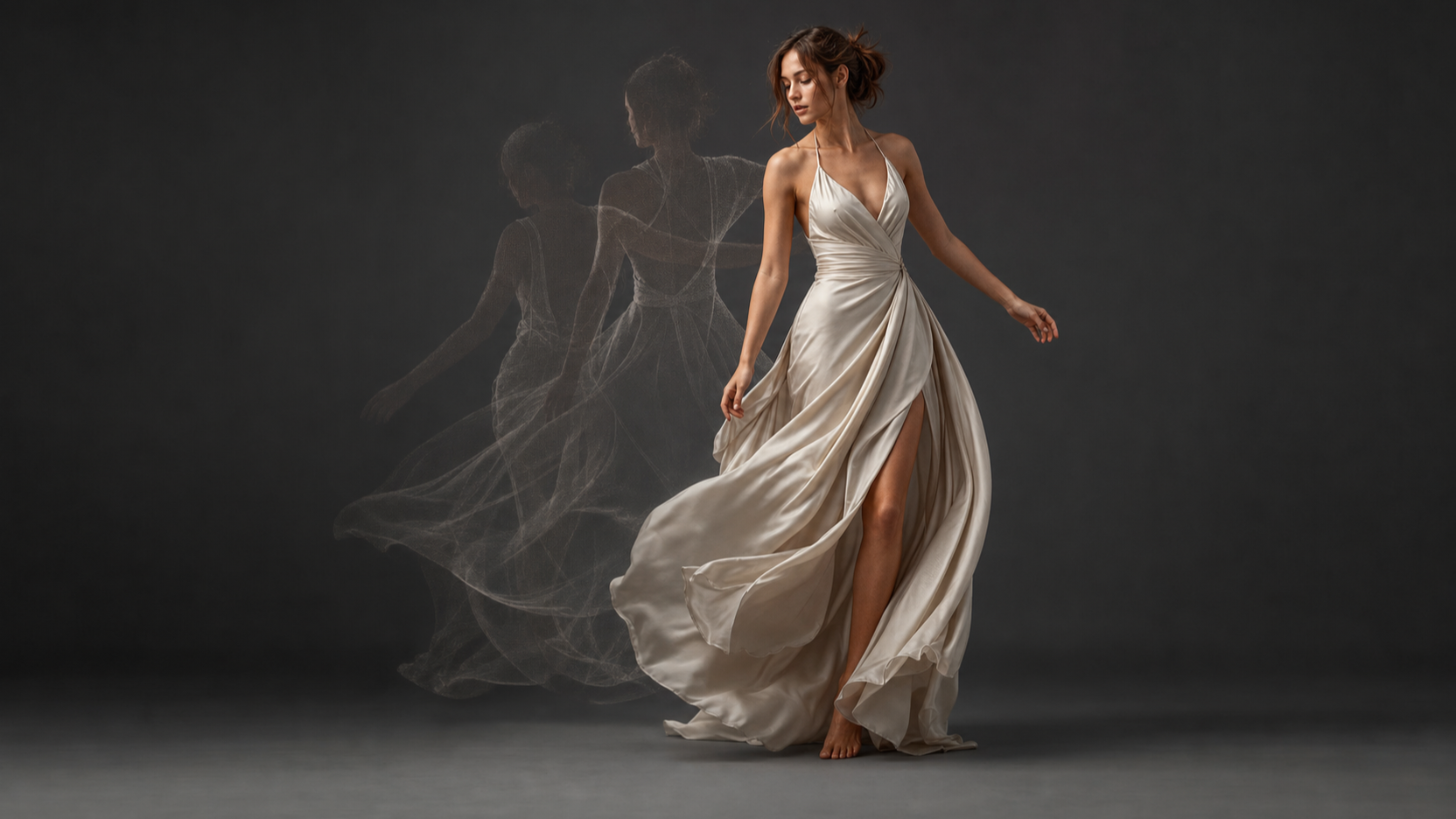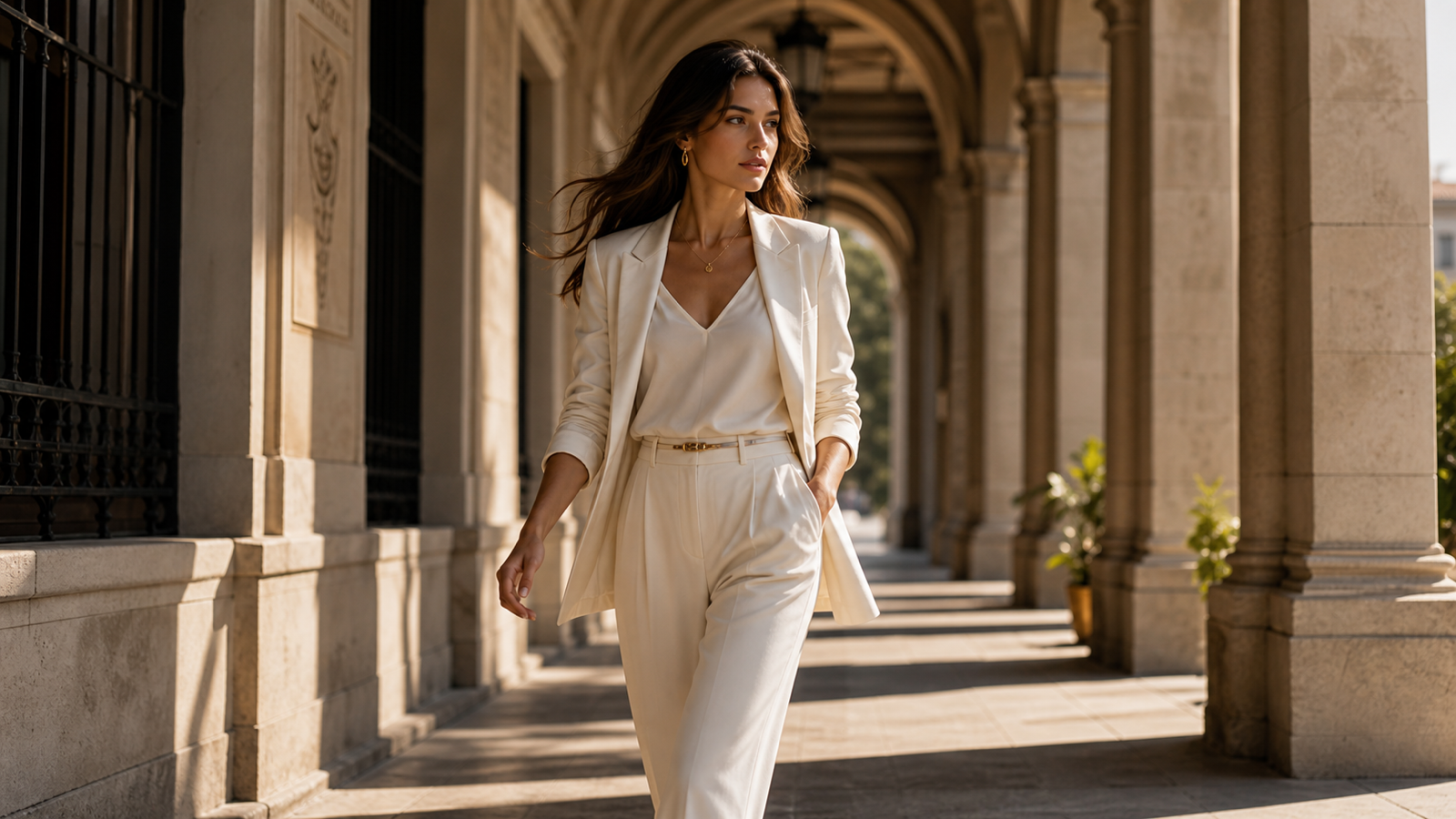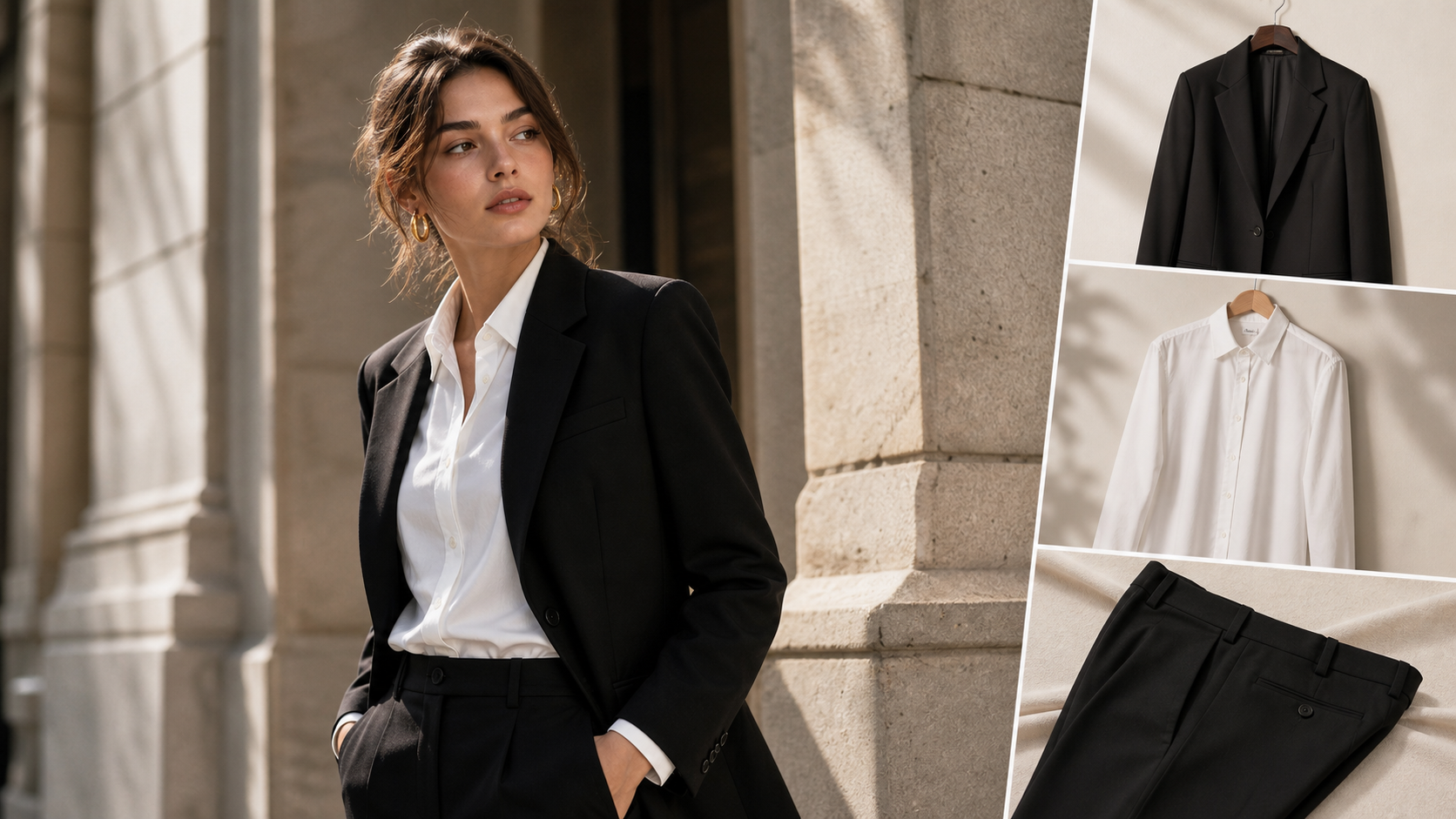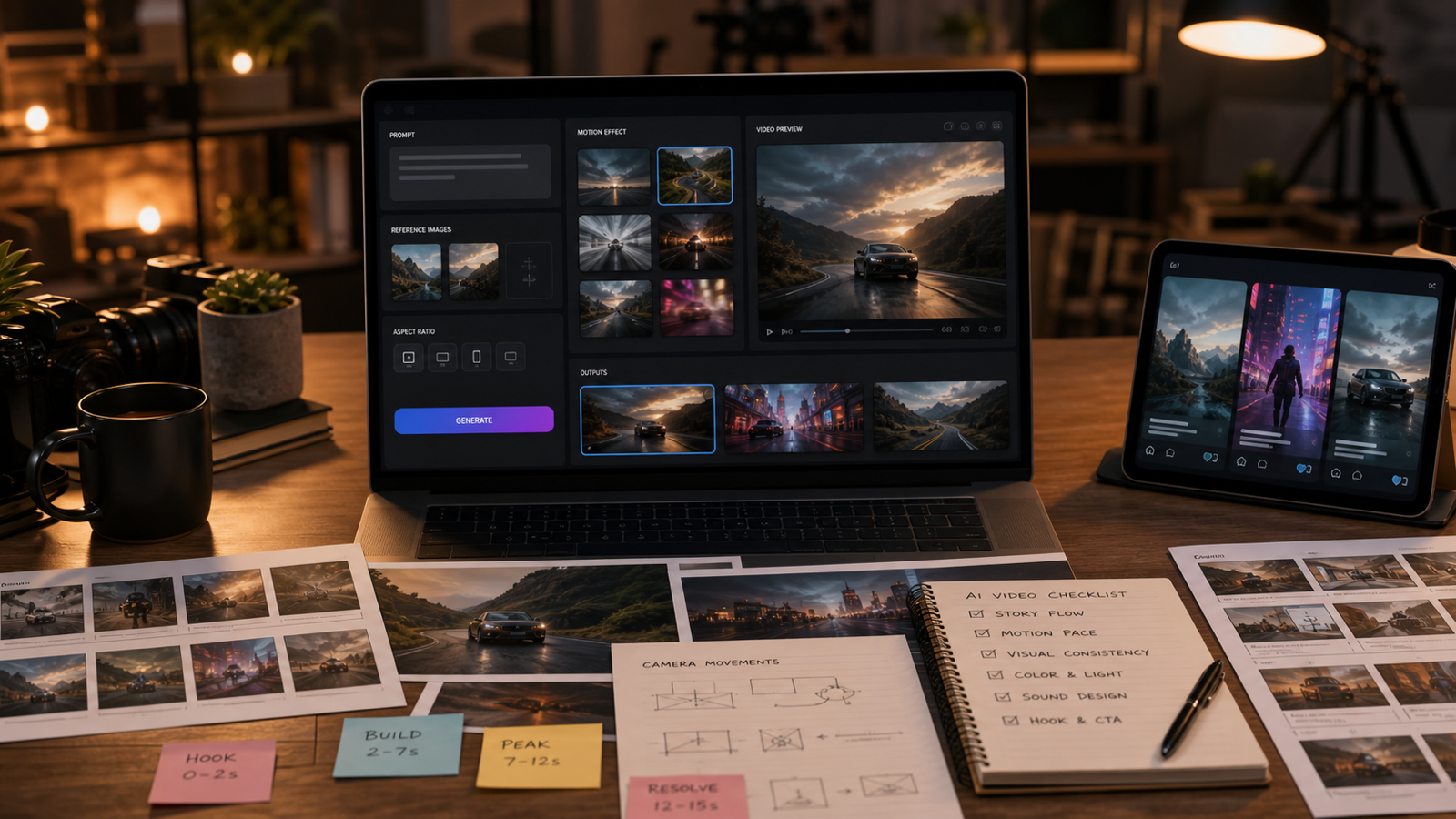
Higgsfield AI Review searches usually come from creators who already know that AI video can look impressive, but want to know whether the tool is practical for real work. The short answer: Higgsfield AI is most interesting when you care about cinematic motion, camera direction, expressive clips, product-to-video ideas, and short-form social concepts. It is less useful if you expect every generation to preserve faces, products, hands, text, and brand details perfectly without review.
This guide explains what Higgsfield AI does well, where it fits in an AI video workflow, and how to test similar cinematic video ideas on AITryOn using the Higgsfield AI Video Generator, Photo to Video AI, AI Product to Video, Kling Motion Control, and Kling 3.0.

Quick Verdict: Is Higgsfield AI Worth Using for Creators?
Higgsfield AI is worth testing if your content depends on cinematic camera movement, expressive subject motion, and short clips that feel more directed than a basic prompt-to-video output. It is especially relevant for creators, UGC advertisers, fashion brands, ecommerce teams, and editors who want to turn still images, product shots, or scene prompts into more dynamic video concepts.
The strongest reason to try a Higgsfield-style workflow is direction. Instead of writing a vague prompt like “make this product look cinematic,” you can think in production terms: a slow push-in, a low tracking shot, a rotating product reveal, a handheld creator close-up, or a motion-control fashion clip. That makes Higgsfield AI useful for idea testing before a human editor, designer, or brand reviewer polishes the final asset.
For most readers, the best starting point is AITryOn because it connects several related workflows in one platform path. You can test Higgsfield-style video generation on the direct Higgsfield model page, animate still images with Photo to Video, create ecommerce clips with Product to Video, and compare more controlled movement through Kling Motion Control. That does not make every output campaign-ready, but it does make experimentation faster.
Use Higgsfield AI when:
- You need cinematic motion from a product image, fashion still, or visual concept.
- You want camera direction, not just a generic animated image.
- You are creating short-form ad concepts, social hooks, visual tests, or mood reels.
- You can review outputs for product accuracy, identity consistency, rights, and brand safety.
Avoid relying on it as a one-click final video system. Treat the result as a strong creative draft that still needs selection, editing, and approval.

What Higgsfield AI Does Well: Motion, Camera Movement, and Expression Quality
Higgsfield AI is most compelling when the prompt describes movement clearly. The visible AITryOn Higgsfield model page positions the tool around dynamic video generation, text/image input, motion control, realistic expressions, and cinematic camera effects. That makes it a natural fit for users who think like directors rather than only prompt writers.
In practice, the best prompts usually define three layers. First, the subject: a perfume bottle, fashion model, skincare creator, travel backpack, matcha latte, or cinematic scene. Second, the motion: the product rotates, the model turns, mist drifts, a camera pushes in, fabric moves in the wind, or a creator demonstrates one action. Third, the camera and mood: low-angle push-in, handheld phone close-up, macro side pan, warm studio light, neon street, or editorial fashion tone.
This is where a Higgsfield AI video review should stay balanced. The tool can help create videos that feel more intentional, but AI video still struggles with details. Hands can warp, faces can change, product labels can become unreadable, reflections can mismatch, and camera movement can become too aggressive. The right workflow is not “generate once and publish.” It is prompt, review, revise, and export only when the clip survives quality checks.
Higgsfield AI is strongest for:
- Cinematic image-to-video clips from a clean reference image.
- Short product showcases with simple motion and controlled lighting.
- Fashion and creator-style clips where movement is more important than dialogue.
- Camera-movement tests for moodboards, storyboards, and social ad drafts.
- Visual direction experiments before committing to a production concept.
The main lesson is simple: the more precisely you describe the shot, the easier it is to judge whether Higgsfield-style generation is doing the job.

Where Higgsfield AI Fits in an AI Video Workflow
Higgsfield AI fits best in the concept and draft stage of an AI video workflow. It can help you move from static assets to motion tests, from product photos to ad concepts, and from vague ideas to directed short clips. It should not replace legal review, brand review, final editing, or product accuracy checks.
A practical workflow looks like this:
- Start with a clear asset: product image, fashion photo, creator shot, scene still, or text concept.
- Define the video purpose: product demo, UGC ad, cinematic reveal, fashion movement, or social hook.
- Write the shot like a mini production brief: subject, action, camera, lighting, mood, ratio, and avoid list.
- Generate two or three variants, changing only one major variable each time.
- Review the output for identity, product shape, motion quality, frame stability, and rights risk.
- Refine the best clip in an editor, or regenerate with a tighter prompt.
AITryOn is useful here because its related pages map to different stages. Use the Higgsfield AI Video Generator when the goal is cinematic prompt or image-to-video generation. Use Photo to Video AI when the input is a still image that needs camera movement, lighting simulation, or a short storytelling effect. Use AI Product to Video when a product photo needs to become a showcase, demo, or ecommerce-style ad concept.
For directable action, Kling Motion Control is a useful supporting workflow because it is positioned around transferring motion from a reference video to a target image. For broader model comparison, Kling 3.0 is a logical adjacent model to test when you want general AI video generation with prompt and image inputs.
The best workflow is not one model forever. It is choosing the right page for the job, then reviewing the output against the real publishing context.

Higgsfield AI Limitations and Checks Before You Publish
The main limitation of Higgsfield AI is that cinematic quality does not guarantee production accuracy. A clip can look polished while still changing a product shape, softening a face too much, inventing text, adding fake logos, or creating movement that would not pass a brand review.
Before you publish any Higgsfield-style video, verify current platform details. Model availability, supported input types, credit cost, generation limits, output duration, resolution, audio support, watermark rules, privacy settings, and commercial-use terms can change. The safest article language is cautious: say that a page is positioned for a workflow, then tell readers to check the live page before paid use.
For creators, the biggest quality checks are motion and identity. Watch the clip frame by frame. Does the face stay stable? Does the clothing remain the same? Does the product keep its shape? Are hands, eyes, teeth, labels, and reflections plausible? Does the camera move intentionally, or does it drift in a way that feels accidental?
For ecommerce and UGC advertisers, the bigger risk is claim safety. Avoid videos that imply medical results, guaranteed performance, official endorsements, or real customer testimonials unless those claims are approved and substantiated. A good AI product video can show a clean product reveal, but it should not invent benefits that your brand cannot prove.
Use this pre-publish checklist:
- Check the live platform terms, watermark rules, privacy settings, and commercial-use language.
- Review each frame for product identity, face stability, hand quality, and text artifacts.
- Avoid fake logos, celebrity resemblance, copied characters, and copied artist styles.
- Confirm that any ad claim is approved by the product or legal team.
- Export only the clips that still look coherent after compression and cropping.
AI video is powerful, but review is what turns a good draft into responsible marketing material.

How to Build a Similar Higgsfield AI Workflow on AITryOn
AITryOn is the main workflow recommendation for this article because it gives readers several practical ways to test Higgsfield-style video creation without reducing the topic to one model page. The best route depends on the input you already have.
Use AITryOn’s Higgsfield AI Video Generator when you want a direct Higgsfield AI Video Generator workflow. This is the most relevant page for readers searching for Higgsfield AI image to video generator, Higgsfield AI cinematic video generator, Higgsfield AI prompt guide, and Higgsfield AI camera movement video.
Use Photo to Video AI when you already have a still image and want to animate it into a short clip. This is useful for fashion images, product stills, travel scenes, portfolio visuals, and creator thumbnails that need camera movement or atmospheric lighting.
Use AI Product to Video when the goal is a product video, ecommerce showcase, social ad, or Higgsfield AI alternative for product videos. Product-to-video workflows work best when the input image is clean, the product is clearly visible, and the prompt preserves shape, color, and key details.
Use Kling Motion Control when directable movement matters. Motion-control workflows are helpful when you want a character or subject to follow a specific reference action, such as walking, turning, presenting a product, or performing a simple gesture.
Use Kling 3.0 or Krea AI Video Generator as supporting comparison models when you want to test broader AI video generation quality, prompt behavior, and visual style. The goal is not to crown one tool universally. The goal is to find the fastest route to a usable clip for your specific channel.

Prompt Formula and Copy-to-Use Higgsfield AI Video Prompts
The best Higgsfield AI prompts read like short directing notes. They describe the subject, input type, movement, camera, lighting, mood, style, ratio, and avoid list. This matters because AI video tools often produce better drafts when the scene has one clear action instead of several competing ideas.
Use this reusable prompt formula:
Create a [duration] AI video of [subject/product/person/scene] using a cinematic Higgsfield-style workflow. Start from [text prompt/reference image/product image]. The subject should [main action] while [secondary motion/environment detail] happens. Camera: [camera movement, angle, shot size]. Lighting: [natural/studio/cinematic/neon/soft]. Mood: [premium/casual/dramatic/UGC/fashion/editorial]. Style: [photorealistic/product ad/fashion film/creator clip/cinematic]. Output ratio: [9:16/16:9/1:1]. Avoid [distorted hands, warped faces, changing product identity, fake logos, unreadable text, unsafe likenesses].
Copy and adapt these examples:
- Create a 10-second photorealistic product video of a luxury perfume bottle on a marble table. The bottle slowly rotates while soft mist moves across the surface. Camera: slow push-in from a low angle. Lighting: warm golden studio light. Mood: premium and cinematic. Ratio: 9:16. Avoid fake logos and unreadable text.
- Create an 8-second fashion video from a reference image of a model wearing a black coat. The model turns slightly toward the camera while the coat and hair move naturally in the wind. Camera: slow medium close-up with subtle dolly movement. Lighting: soft editorial studio light. Mood: elegant and high-fashion. Ratio: 4:5. Avoid changing the outfit design.
- Create a 10-second UGC-style skincare ad. A creator holds a serum bottle in a bright bathroom, smiles naturally, applies one drop to the back of the hand, then shows the bottle to camera. Camera: handheld phone-style close-up. Lighting: morning window light. Mood: casual and trustworthy. Ratio: 9:16. Avoid exaggerated claims.
- Create a 10-second cinematic travel clip from a still image of a mountain lake. Mist moves across the water, sunlight spreads over the peaks, and the camera slowly pulls back. Lighting: golden sunrise. Mood: peaceful and immersive. Ratio: 16:9. Avoid unrealistic water movement.
- Create a 6-second ecommerce product video of a smart desk lamp turning on. The workspace gradually glows, a notebook and laptop become visible, and the camera slides across the desk. Lighting: cozy evening desk light. Mood: modern and productive. Ratio: 16:9. Avoid clutter and unreadable screen text.
- Create a 10-second product-to-video ad for a travel backpack. The backpack sits on a hotel bed with packing cubes and folded clothes around it. The zipper opens slightly and the camera moves from overhead to a side angle. Lighting: warm daylight. Mood: organized and travel-ready. Ratio: 4:5. Avoid fake airline logos.
If the first output fails, do not rewrite the entire prompt. Change one variable: the camera move, the input image, the avoid list, or the number of actions. Small revisions make it easier to learn what the model can follow.

Review Checklist for Product Videos, Fashion Clips, and UGC Ads
Reviewing AI video is different from reviewing a still image because errors can appear only for a few frames. A clip may look good at first glance, then fail when the product label shifts, the hand changes shape, or the camera movement breaks continuity.
For product videos, focus on identity. The product shape, color, packaging, label placement, and scale should remain consistent. If the product is fictional or unlabeled, the clip can be more flexible. If it is a real SKU, a small visual change can make the video unusable for ecommerce or paid ads.
For fashion videos, focus on garment consistency and body movement. Check whether the outfit design stays the same, fabric movement looks plausible, accessories remain in place, and the face does not drift. Fashion clips can be powerful, but they need careful review because small inconsistencies are easy to notice.
For UGC ads, focus on natural action and claim safety. A creator-style clip should feel believable, not overacted or too polished. Keep prompts focused on one product demonstration, one emotion, and one clear camera style. Avoid fake testimonials, fake results, or health and beauty claims that are not approved.
Use this output checklist:
- Does the clip match the intended channel ratio: 9:16, 16:9, 4:5, or 1:1?
- Does the main subject remain stable across the full duration?
- Are hands, faces, hair, clothing, product shape, and shadows plausible?
- Is any visible text readable and correct, or should the video avoid text entirely?
- Does the camera movement support the story rather than distract from it?
- Are there fake logos, unsafe likenesses, copyrighted characters, or copied styles?
- Does the clip avoid unsupported commercial, medical, legal, or performance claims?
- Does the output still look good after cropping, compression, and social-platform upload?
The best Higgsfield AI alternative workflow is the one that makes this review easy. If a platform helps you compare variants, preserve source images, and refine motion, it will be more useful than a tool that only gives one impressive but unpredictable clip.

FAQ and Final Recommendation
What is Higgsfield AI best for?
Higgsfield AI is best for cinematic AI video concepts, image-to-video clips, product reveals, fashion motion tests, social ad drafts, and camera-directed short clips. It is especially useful when the prompt defines a clear subject, action, camera movement, lighting style, and ratio.
Is AITryOn a good Higgsfield AI alternative?
AITryOn is a strong workflow platform to test Higgsfield-style video because it provides a direct Higgsfield AI Video Generator page plus related tools for Photo to Video, AI Product to Video, Kling Motion Control, and Kling 3.0. That makes it useful for creators who want to compare product, fashion, UGC, and cinematic video workflows in one place.
Can Higgsfield AI create product videos for ecommerce?
Yes, Higgsfield-style workflows can help draft product videos, but ecommerce use needs careful review. Check product shape, label consistency, lighting, claims, watermark rules, privacy settings, and commercial-use terms before publishing.
Does Higgsfield AI support motion control?
Higgsfield-style workflows are commonly discussed around cinematic camera movement, directed motion, and expressive video generation. On AITryOn, users can also test Kling Motion Control when they need reference-driven movement or more directable action.
What should beginners try first?
Beginners should start with one clean image and one simple movement. A product rotating, a model turning, a camera pushing in, or a creator holding a product is easier to control than a complex multi-scene prompt. After one usable clip, add a second action or a more specific camera move.
Conclusion
This Higgsfield AI Review comes down to workflow fit. Higgsfield AI is worth testing when you want cinematic video generation, expressive motion, camera movement, and short-form creative direction, but it should be treated as a draft generator rather than a guaranteed final-output engine. For most creators, marketers, ecommerce teams, and fashion brands, the practical path is to test the Higgsfield AI Video Generator on AITryOn, then compare Photo to Video, AI Product to Video, Kling Motion Control, and Kling 3.0 based on the clip you actually need to publish.