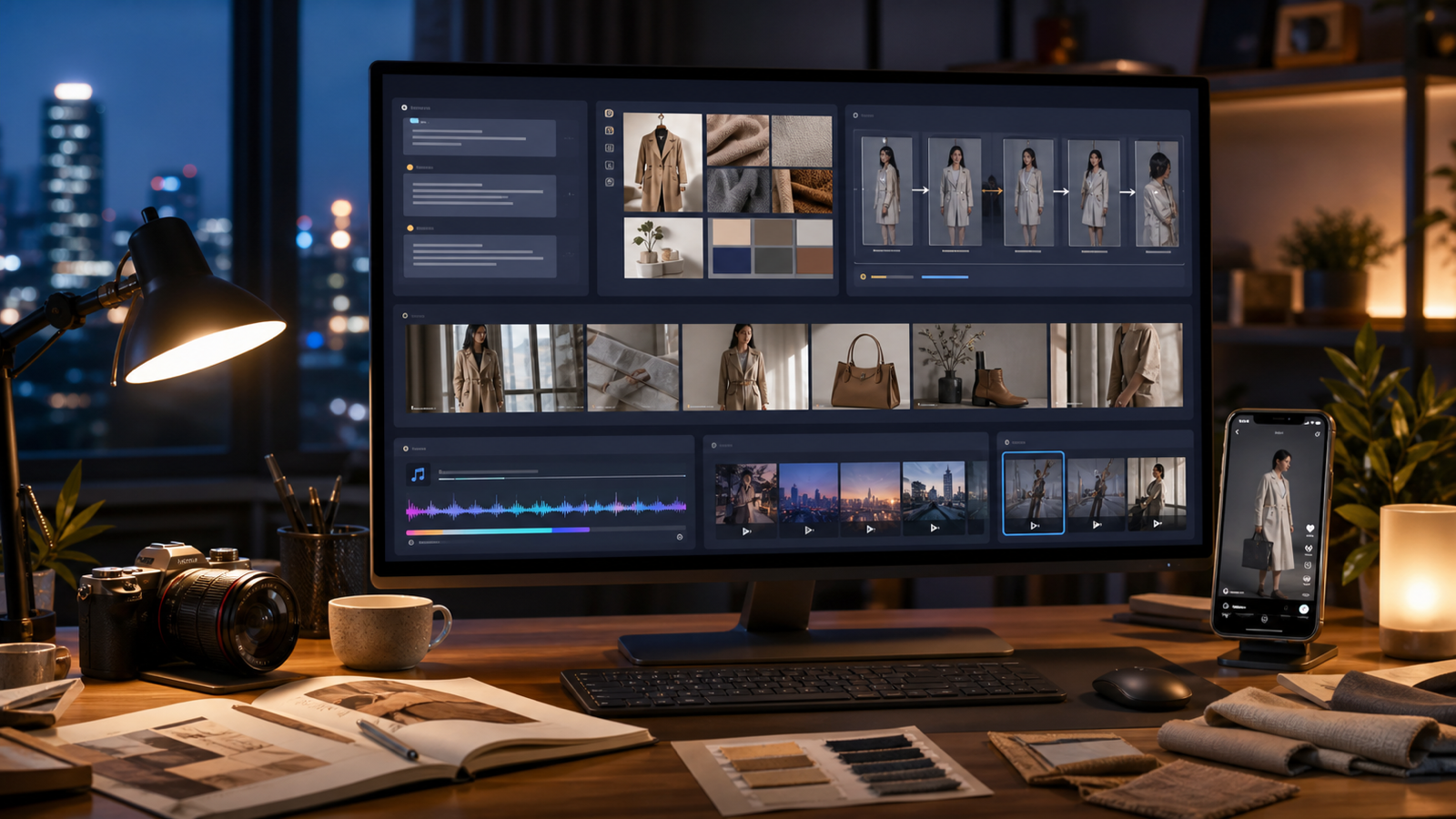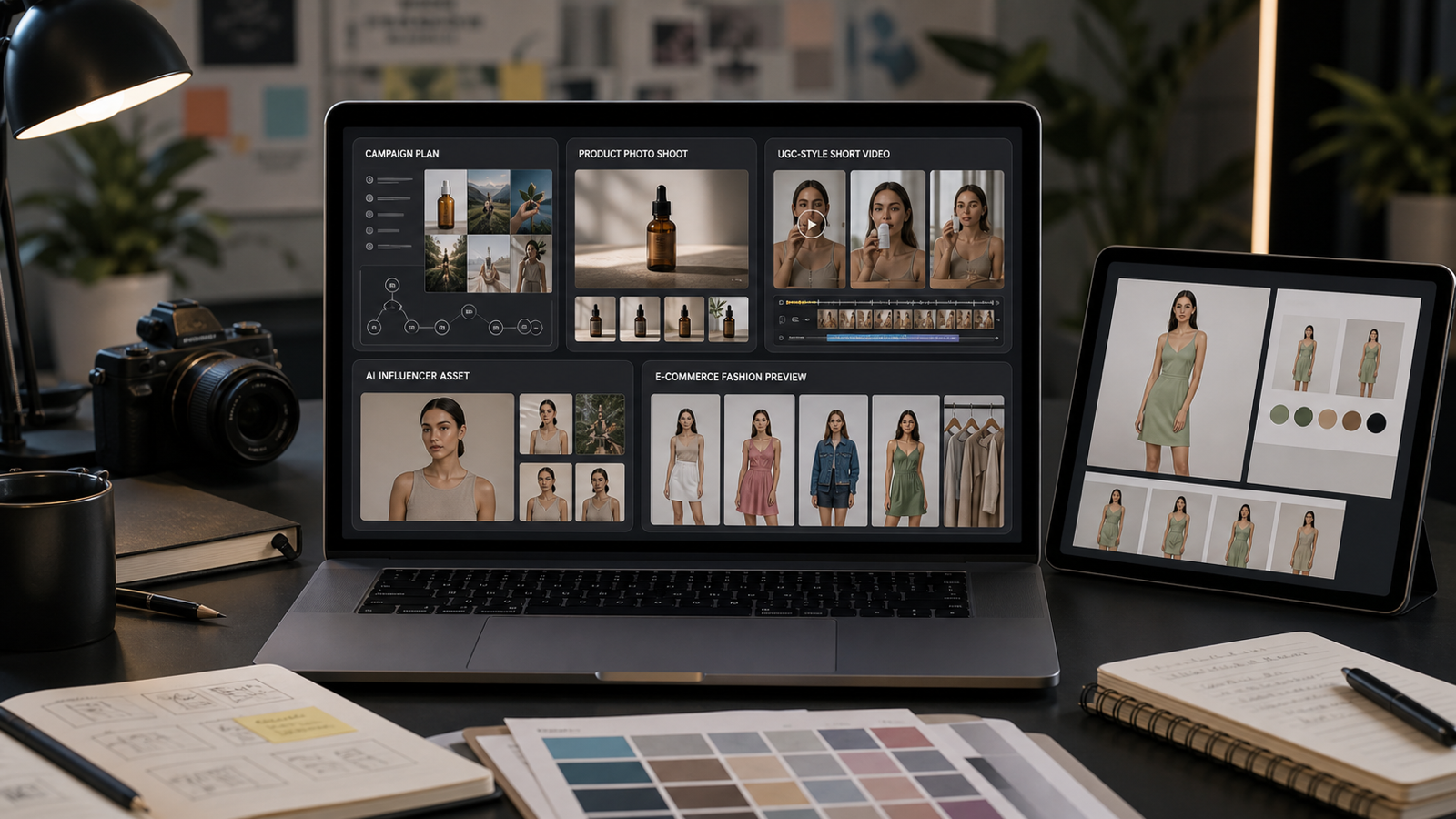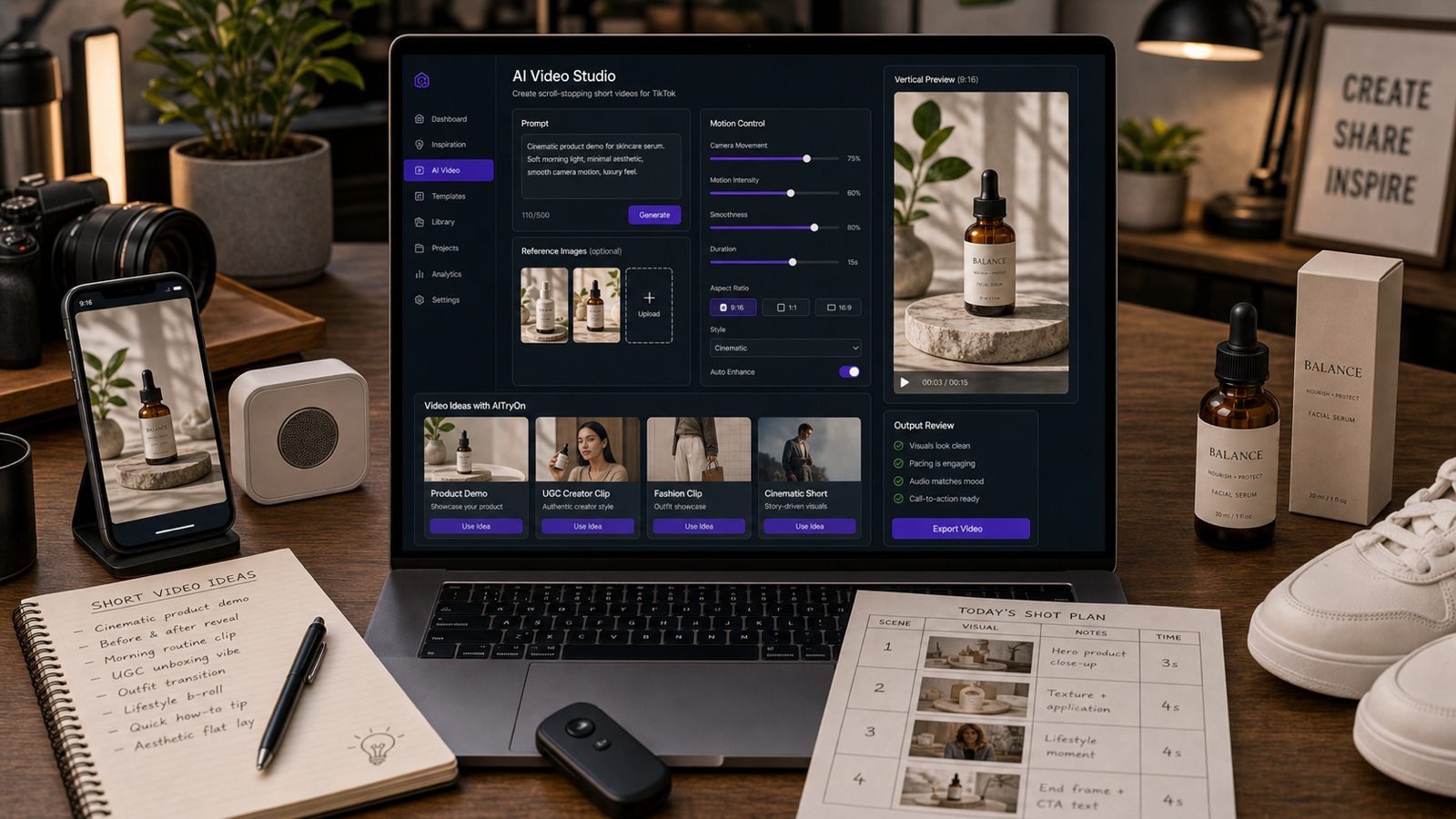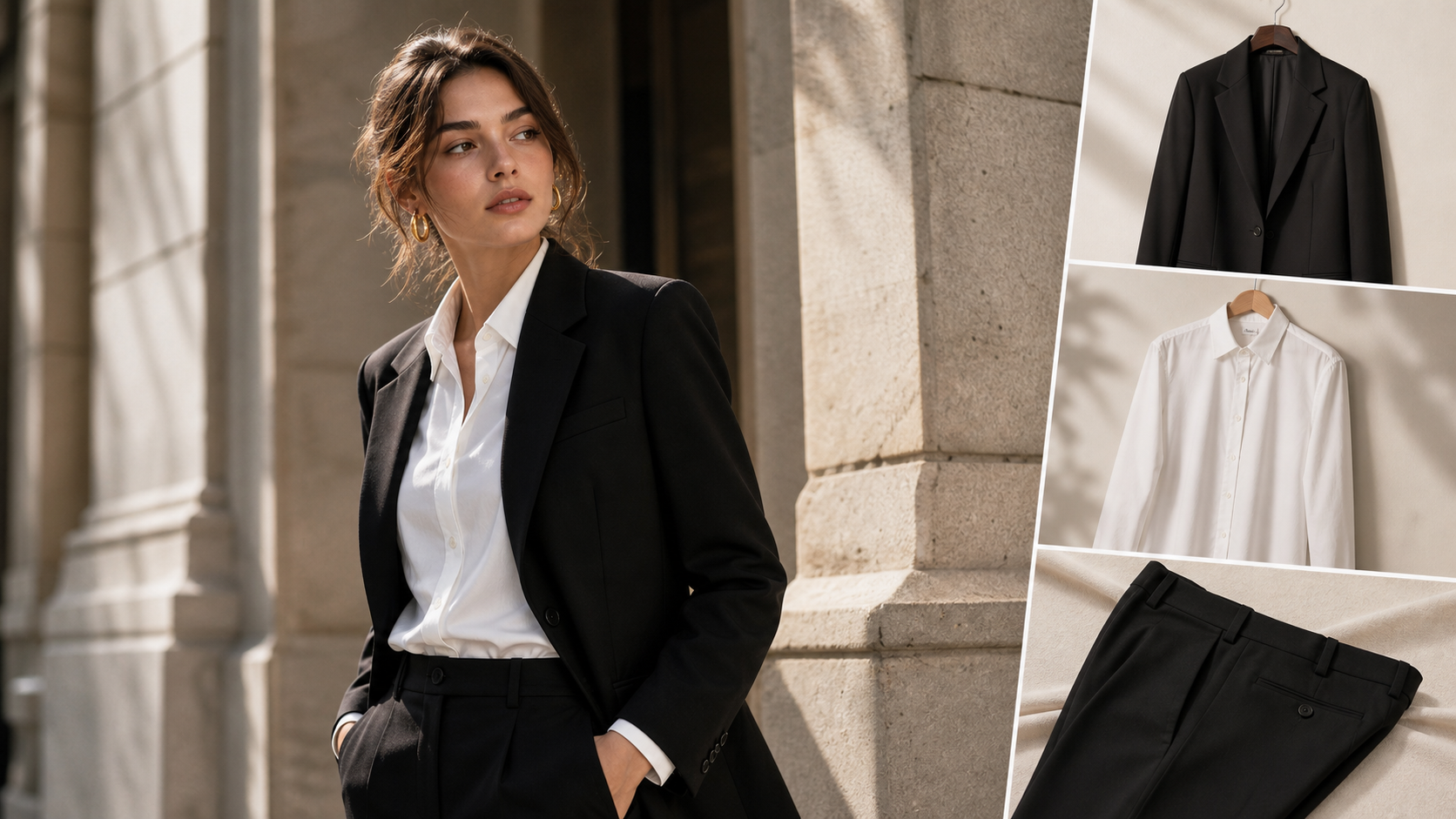
Kolors virtual try on AI is a fashion-image workflow where users provide a person photo and a garment image, then generate a clothing preview that shows how the outfit may look on that person. It is useful for fashion creators, ecommerce sellers, online shoppers, stylists, UGC creators, and beginners who want visual outfit tests before a physical fitting.
Many users search for Hugging Face Kolors virtual try on because Hugging Face Spaces often make AI demos discoverable. For practical fashion content, however, a dedicated try-on site such as AITryOn can be easier to use because it connects Kolors-style try-on with related tools such as AI Clothes Changer, AI Try-On, Magic Try-On, and FASHN Try-On.

What Kolors Virtual Try-On AI Does for Clothing Preview Images
Kolors virtual try-on is best understood as a visual preview tool, not a fitting-room replacement. The basic idea is simple: upload a person image, upload a garment image, then generate a new fashion image that tries to place the clothing on the person while preserving key details such as face, pose, body proportions, lighting, and background.
For everyday users, that means trying a jacket, shirt, dress, sweater, skirt, suit, or casual outfit on a photo without arranging a physical photoshoot. For ecommerce sellers, it can help create draft product visuals, model previews, UGC-style outfit ideas, and styling concepts. For fashion bloggers and social teams, it can speed up outfit ideation before deciding what deserves manual editing or a real shoot.
The important limitation is accuracy. A Kolors clothing try-on AI result can show a plausible clothing preview, but it should not be treated as exact tailoring, size prediction, fabric measurement, or guaranteed product representation. Sleeves, hems, seams, logos, prints, color, drape, and fit can shift during generation, so review every output before using it in a listing, ad, or buyer-facing page.

Why People Search for Hugging Face Kolors Virtual Try On
People search for Hugging Face Kolors virtual try on because Hugging Face is a common discovery point for AI model demos. A Hugging Face Space may let users test a model, inspect community files, view runtime status, or understand how a public demo behaves before looking for a more product-focused workflow.
Use the Kwai-Kolors Kolors Virtual Try-On Space as a reference point, not as a guaranteed production tool. Spaces can be paused, overloaded, duplicated, rate-limited, or temporarily unavailable. Before publishing instructions, verify the live Space status, queue behavior, input requirements, license terms, upload limits, runtime behavior, and any privacy or usage notes shown on the page.
Do not assume the Hugging Face demo provides private image handling, free unlimited use, API access, commercial-use rights, or official partnership with another platform unless the live page states that clearly. For sensitive fashion work, ecommerce listings, or client assets, treat the Hugging Face demo as a model-discovery route and use a dedicated platform when you need a more guided try-on workflow.

Why AITryOn Is the Practical Kolors Virtual Try-On Platform to Try
AITryOn is the practical recommendation for beginners because it groups virtual fashion workflows in one place. Its Kolors Virtual Try-On AI page gives users a direct try-on route, while related pages cover clothes changing, AI try-on, Magic Try-On, and FASHN virtual try-on options.
That matters because most fashion creators do not only need one model demo. They need a workflow for person photos, garment previews, outfit edits, product-style images, model variations, and social-ready fashion visuals. AITryOn is useful when the goal is not just to test a model name, but to create cleaner try-on outputs for clothing previews and fashion content.
Use AITryOn when you want to:
- test Kolors virtual try-on online with person and garment images;
- create an AI clothes changer result for a simple outfit swap;
- compare AI Try-On, Magic Try-On, FASHN Try-On, and Kolors-style results;
- make fashion creator images for blogs, UGC, social posts, and ecommerce drafts;
- keep the workflow focused on clothing, fit style, fabric texture, and visual quality.
For best results, start with one clean person photo and one clean garment image. Avoid stacking multiple garments, accessories, complex logos, and extreme poses in the first test. A simple input gives the model fewer chances to hallucinate extra sleeves, warped patterns, or changed body details.

How to Prepare Better Person Photos and Garment Images
Cleaner inputs usually create cleaner Kolors virtual try-on results. The person photo should show the body clearly, with good lighting, visible arms and torso, minimal occlusion, and a pose that matches the garment type. The garment image should be front-facing, high-resolution, evenly lit, and as free from background clutter as possible.
For the person image, choose a photo where the face, hands, body shape, and clothing edges are visible. Avoid crossed arms, hidden sleeves, heavy shadows, low-resolution selfies, cropped shoulders, and poses where the garment cannot be placed naturally. For the garment image, avoid wrinkled product photos, reflective glare, complex overlapping layers, and clothing shown at an extreme angle.
Useful input checks:
- Person image: clear full or half-body pose, natural lighting, visible hands, no heavy occlusion.
- Garment image: clean front view, accurate color, visible neckline, sleeves, hem, buttons, zipper, or texture.
- Prompt: name garment type, fit, fabric, color, and what must be preserved.
- Review: compare output against the original garment before using it commercially.
For ecommerce content, generate multiple versions and manually verify garment color, fit impression, texture, sleeve length, product details, and sizing language. Virtual try-on should support review and creative direction, not replace product photography standards or sizing advice.

Kolors Virtual Try-On Prompt Formula and Copy-Ready Examples
Good prompts make virtual try-on more predictable because they tell the model what to preserve and what to change. The prompt should describe the person image, garment type, fit style, fabric texture, color accuracy, lighting, pose preservation, background preference, and common artifacts to avoid.
Reusable prompt formula
[person image description] + [garment type] + [fit style] + [fabric texture] + [color accuracy] + [lighting] + [pose preservation] + [background preference] + [avoid distorted hands, warped logos, extra limbs, changed face, unrealistic fabric]
Copy-ready prompt examples
- Keep the person’s face, body shape, pose, and background unchanged. Replace the current top with a clean white cotton button-up shirt, natural folds, realistic collar, accurate sleeve length, soft daylight.
- Apply a black tailored blazer over the person’s existing outfit, slim fit, smooth wool texture, realistic lapels, natural shoulder shape, preserve face and hands, no logo distortion.
- Change the outfit to a beige trench coat, knee-length, structured fabric, realistic belt and buttons, natural wrinkles, preserve the original pose and body proportions.
- Try on a navy satin evening dress, elegant drape, subtle shine, natural waist shape, realistic fabric flow, keep the same face, hair, hands, and lighting.
- Replace the jacket with an oversized denim jacket, medium blue wash, visible seams, natural cuffs, casual streetwear style, preserve the original background.
- Apply a cream knit sweater, soft ribbed texture, relaxed fit, natural sleeve folds, warm indoor lighting, keep body shape and facial identity unchanged.
- Try on a red summer dress, lightweight cotton, natural waistline, realistic fabric movement, clean neckline, preserve pose and skin tone.
- Change the outfit to a dark green bomber jacket, matte nylon texture, ribbed collar and cuffs, realistic zipper, casual fit, no extra accessories.
- Apply a minimalist black turtleneck and gray trousers, clean lines, realistic fabric texture, balanced lighting, preserve the model’s face and original posture.
- Try on a floral midi skirt with a plain white blouse, natural fabric drape, accurate hemline, soft daylight, preserve hands and legs without distortion.
- Replace the current outfit with a tan linen suit, relaxed summer fit, realistic wrinkles, breathable fabric texture, keep the same pose and background.
- Apply a pastel hoodie and straight-leg jeans, casual fit, soft cotton texture, natural shadows, preserve the original face, hair, and proportions.
Prompt writing tips
- Use clear garment type, color, fabric, and fit.
- Ask the model to preserve face, pose, body proportions, hands, and background.
- Use simple garment images with clean front views when possible.
- Avoid complex logos, heavy patterns, transparent fabrics, extreme poses, crossed arms, hidden clothing edges, and low-resolution photos.
- For ecommerce content, generate multiple versions but manually verify fabric texture, garment color, and product details before publishing.

Safety, Rights, Ecommerce Checks, and Final Recommendation
Kolors virtual try-on is useful, but it needs careful source-image and publishing review. Before using any output, verify the live model status, Hugging Face Space availability, queue status, runtime behavior, upload limits, license terms, commercial rights, and privacy rules. Also review the current AITryOn terms and tool pages before using generated images in ads, product listings, or client work.
Do not upload sensitive, private, celebrity, copyrighted, or unauthorized person images. If you do not have permission to use a person’s likeness, do not use their photo for try-on generation. If a garment contains a protected logo, artwork, character, or branded pattern, confirm that you have the right to use that asset before creating or publishing generated fashion visuals.
For fashion ecommerce, treat outputs as visual previews only. Check garment color, texture, pattern alignment, sleeve length, neckline, hemline, fit impression, and sizing language manually. Do not describe an AI try-on result as exact fitting, tailoring, measurement, or size prediction.
FAQ
What is Kolors virtual try-on AI?
Kolors virtual try-on AI is a clothing preview workflow that uses a person image and garment image to generate a visual try-on result. It is best used for fashion preview images, not exact fit or size prediction.
Is Hugging Face Kolors virtual try on the best place to use it?
Hugging Face is useful for discovery and experimentation, but the Space status, queue, limits, and terms can change. A dedicated platform such as AITryOn is often more practical for beginners who want a fashion-focused workflow.
What images work best for Kolors virtual try-on?
Use a clear person image with visible body shape, pose, hands, and lighting, plus a clean garment image with a front view, accurate color, visible fabric texture, and minimal background clutter.
Can I use Kolors virtual try-on for ecommerce product listings?
You can use it for draft visuals and styling previews, but verify garment color, fit impression, texture, product details, rights, and platform rules manually before publishing.
Conclusion
Kolors virtual try-on is a practical way to preview clothing on a person image when you prepare clean inputs and write prompts that preserve identity, pose, body proportions, and fabric details. Use Hugging Face as a reference for model discovery, and use AITryOn when you want a more focused fashion workflow across Kolors Virtual Try-On, AI Clothes Changer, AI Try-On, Magic Try-On, and FASHN Try-On.
Related Articles
- How to Create AI Fashion Models and Kolors Virtual Try-On Images
- Clothes Changer With Try-On AI: How to Instantly Preview Outfits From a Photo
- GPT Image 2 Fashion Prompt Guide: From Outfit Concepts to Virtual Try-On Visuals
- How to Create Authentic UGC Images with Virtual Try-On AI
- The Ultimate Guide to AI Clothes Try-On with Nano Banana Pro
People Also Read
- Kwai-Kolors Kolors Virtual Try-On on Hugging Face
- AI Clothes Changer: How to Try On Outfits Online with SeaImagine
- AI Outfit Generator Guide for Fashion Creators
- AI Fashion Model Generator: Create Better Product Photos
- Best AI Image Generator for Fashion Product Photos
- UGC Image Generator Guide: Create Scroll-Stopping Product Visuals