The rumored gemini omni release matters to fashion not because one more AI video model may be coming, but because it points toward a more useful creative workflow: video generation that happens inside a conversation. For fashion brands, e-commerce teams, stylists, creative directors, UGC marketers, and virtual try-on platforms, that could eventually change how product videos, outfit ads, moving lookbooks, and social commerce assets are made.
For now, the careful framing is important. Gemini Omni is still based on leaks and reports unless Google officially confirms it. Current reporting describes Gemini video-generation UI language such as “Create with Gemini Omni” and “Powered by Omni,” with suggestions of video creation, remixing, editing, templates, and in-chat creative workflows. That does not mean public launch details are final. There is no confirmed pricing, release date, API access, model spec sheet, duration, resolution, region list, or plan limit.
The real fashion question is bigger than whether gemini omni video arrives this month or later. If Gemini Omni points toward conversational video creation, can AI fashion content become faster, more realistic, more editable, and more scalable without losing garment accuracy?
Gemini Omni Release: What’s New So Far?
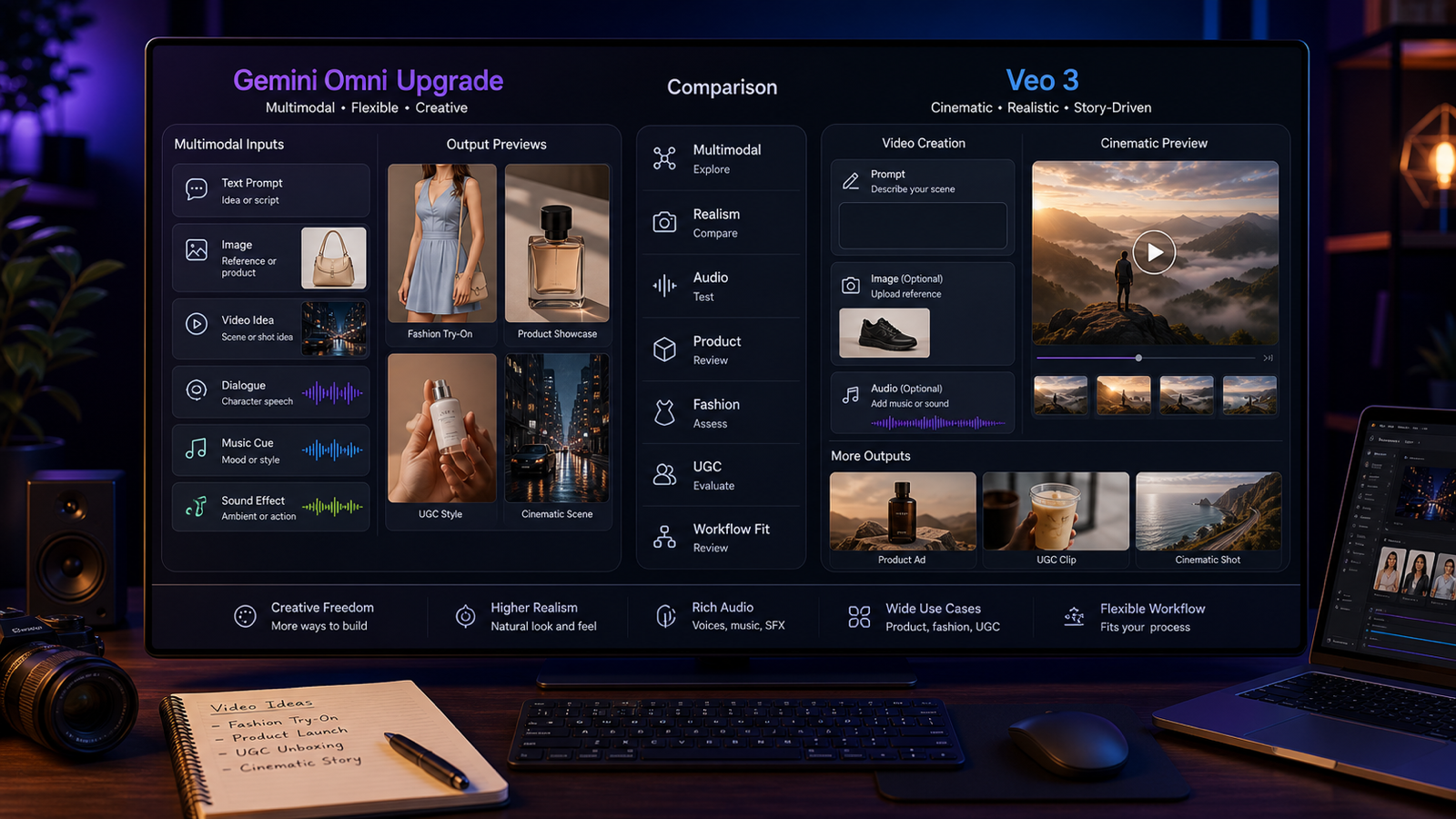
The latest reports suggest that google gemini omni video appeared inside Gemini’s video-generation interface rather than as a traditional standalone product page. The wording reportedly positions Omni as a way to create, remix, edit directly in chat, and try templates.
That matters because it shifts the conversation from “new model” to “new workflow.” A standard AI video tool asks users to submit a prompt and wait. A chat-based system could let users ask for changes: make the model walk slower, keep the dress shape consistent, turn this outfit clip into a luxury ad, replace the background with a boutique, or remix the scene into a vertical Reels version.
What is known is limited: reports describe UI language and early demos. What is reported but not confirmed is that Gemini Omni could support in-chat video editing and templates. What remains uncertain is whether it is a new model, a Veo-powered Gemini interface, or a broader workflow layer. For the gemini omni fashion industry, that uncertainty is exactly why brands should watch closely but avoid building business plans on rumors.
Why Fashion Brands Should Care About Conversational Video Generation
Fashion is a visual industry, but it is also a revision-heavy industry. A single campaign may need product-page videos, paid social ads, moving lookbooks, TikTok/Reels cuts, stylist previews, seasonal variants, and localized creative. Every version must preserve the product: silhouette, fabric, color, logo placement, accessories, fit, and overall brand mood.
Conversational video generation could reduce the distance between concept and motion preview. A creative director might describe a campaign mood, then refine it in chat. A stylist could test whether a trench coat reads better in rain, studio light, or streetwear context. An e-commerce team could turn a clean product shot into a short motion asset before committing to a larger shoot.
But fashion teams need more than pretty visuals. Garment consistency matters. Body movement matters. Texture preservation matters. A silk dress cannot melt into plastic. A leather handbag cannot change logo position between frames. Sneakers cannot distort during a walking shot. If Gemini Omni becomes real, its fashion value will depend less on demo hype and more on whether it can respect product identity while generating motion.
Virtual Try-On in Motion: The Biggest Fashion Opportunity
Static virtual try-on is already useful because shoppers can preview outfit concepts before buying. The next step is motion. People want to know how a dress moves, how a coat hangs while walking, how sneakers look in a street scene, or how jewelry catches light when the model turns.
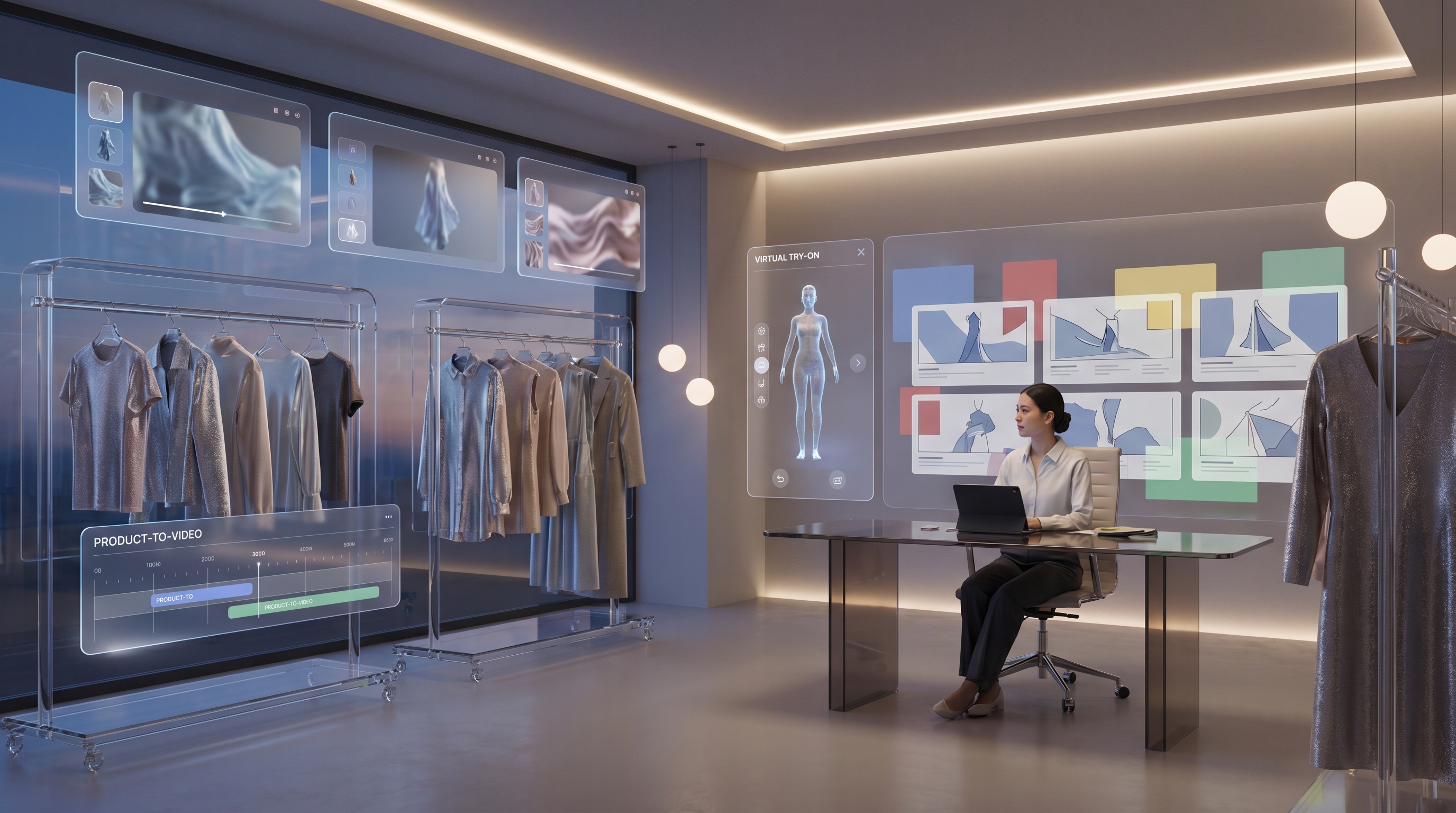
A Gemini Omni-style workflow could point toward better try-on storytelling if it becomes reliable. Instead of only showing a still try-on image, a brand could create a short clip of a model turning, walking, adjusting a sleeve, or showing the back view. This would be especially valuable for dresses, coats, sportswear, sneakers, luxury handbags, jewelry, and accessories.
Still, fashion-focused tools remain important for practical use today. A general AI video model may create beautiful motion, but fashion output needs specialized try-on logic, garment preservation, and before/after comparison. That is why workflows such as virtual try on AI, an AI clothes changer, and an AI clothes changer video remain relevant even if new Google video models become more powerful.
For motion-first fashion content, a clothes changer video generator and an AI outfit video generator can help teams think in practical steps: start with a clean image, define the outfit, preserve model identity, add movement, review garment shape, and only then scale variations.
From Product Photos to Fashion Campaigns: What Could Change
Fashion marketing often begins with static assets: product photos, model shots, catalog images, lookbook pages, or campaign boards. The next wave of AI video could make these assets more reusable.
A photo to video AI generator can turn a still fashion image into a motion preview. A product to video AI workflow can help transform a handbag, shoe, jacket, or accessory into a short e-commerce clip. A fashion AI video generator can support moving lookbooks, outfit showcases, and product styling videos.
This could reshape several fashion workflows. E-commerce teams could test more product-page videos without shooting every SKU from scratch. Boutique owners could create seasonal campaign variations more quickly. UGC marketers could generate short-form ads that look native to social feeds. Stylists could preview outfits in motion before finalizing a shoot. Designers could build moving lookbooks to show silhouette, fabric weight, and styling direction.
But speed should not replace review. Fashion brands still need quality control, brand consistency, product truthfulness, and rights management. AI-assisted video production is powerful, but the final asset must still represent the garment honestly.
The Hard Problems Gemini Omni Still Has to Solve for Fashion
Fashion is one of the hardest categories for AI video because small errors are easy to notice. Fabric physics are difficult: chiffon, denim, wool, silk, leather, sequins, and knitwear all move differently. A model’s hands may touch a bag, button a coat, adjust a collar, or hold sunglasses, which creates object-contact challenges.
Body proportions also matter. A try-on clip that subtly changes waistline, shoulder width, leg length, or garment fit can mislead shoppers. Logo and text accuracy are also critical for branded products. A distorted label is not just ugly; it can damage trust.
Multi-shot consistency is another challenge. Fashion videos often need front view, side view, close-up, walking shot, and detail shot. The same outfit must stay the same across all angles. Lighting and color matching also matter because color inaccuracy can affect buying decisions.
There are ethical questions too. Synthetic models require clear consent and commercial rights. Brands should consider disclosure, body-image implications, and whether AI-generated bodies reinforce unrealistic standards. These concerns do not make AI fashion video unusable; they make review workflows essential.
How Fashion Teams Can Prepare Now With AITryOn.art
While Gemini Omni remains uncertain, fashion teams can already build the habits they will need for the next generation of AI video. The preparation is practical: use clean reference images, consistent product shots, clear outfit prompts, controlled poses, precise camera language, lighting notes, before/after testing, and brand review checkpoints.
AI Try On can be a useful starting point for teams that want a fashion-focused environment rather than a general image or video playground. An AI fashion image generator is helpful for concepting outfits and campaign visuals, while an AI try-on platform helps teams think in terms of model, garment, pose, and product realism.
For motion assets, AITryOn.art supports workflows that match where fashion marketing is heading. Teams can experiment with outfit videos, clothes-changing clips, product-to-video assets, and social ad variations. An AI UGC maker can help generate campaign-style content, while Veo-focused tools such as the Google Veo 3 AI video generator and Google Veo 3.1 AI video generator give creators a way to study Google’s current cinematic AI video direction.
AITryOn.art should not be described as officially affiliated with Google unless that is confirmed. Its value is more practical: while Gemini Omni is still a rumor, fashion teams can start building AI video workflows around try-on, garment motion, product showcases, and UGC-style fashion campaigns now.
Conclusion
Gemini Omni may matter for fashion because it suggests a shift from one-shot prompting to conversational, editable, multimodal video creation. If that direction becomes real, fashion teams could move faster from concept to motion preview, from product photo to campaign clip, and from static try-on to outfit storytelling.
But the release details are not final. Brands should watch official Google announcements, test real outputs when available, and avoid assuming that Gemini Omni can already solve virtual try-on, fabric physics, body-fit accuracy, or e-commerce return problems. The practical takeaway is simple: start building AI fashion video workflows now. Teams that learn try-on prompting, product-to-video planning, garment review, outfit motion, and UGC variation today will be better prepared when the next model wave arrives.
Prompt Examples for Gemini-Style Fashion AI Video Workflows
-
Virtual try-on outfit motion prompt Garment or product: a cream satin slip dress with soft drape. Model description: adult fashion model with natural posture and neutral makeup. Scene: minimalist studio with pale beige backdrop. Camera motion: slow full-body dolly-in, then side angle. Lighting: softbox editorial lighting. Fabric detail: satin sheen, fluid hem movement, accurate neckline. Action: model turns slowly to show front, side, and back. Audio: subtle studio ambience. Quality goal: realistic fit and fabric motion. Negative notes: avoid warped hands, fabric melting, incorrect dress shape, unstable straps, or unrealistic body proportions.
-
AI clothes changer video prompt Garment or product: switch from casual white shirt and jeans to a black tailored blazer outfit. Model description: same person, same face, same body shape. Scene: urban street outside a boutique. Camera motion: smooth vertical 9:16 tracking shot. Lighting: late afternoon natural light. Fabric detail: crisp blazer lapels, structured shoulders, matte trousers. Action: outfit changes during a walking transition. Audio: light city ambience and soft beat. Quality goal: clean outfit transition while preserving identity. Negative notes: avoid face drift, broken accessories, flickering seams, or unstable logos.
-
Luxury fashion campaign prompt Garment or product: emerald velvet evening gown with silver jewelry. Model description: elegant adult runway model. Scene: grand hotel corridor with marble floors. Camera motion: cinematic slow orbit and close-up on fabric. Lighting: warm chandelier glow with soft rim light. Fabric detail: deep velvet texture, subtle folds, reflective jewelry. Action: model walks slowly, turns toward camera, and adjusts one bracelet. Audio: quiet luxury ambience. Quality goal: premium editorial fashion film. Negative notes: avoid distorted jewelry, melting fabric, warped fingers, or changing gown silhouette.
-
Product-to-video e-commerce prompt Garment or product: white leather sneakers with stitched side detail. Model description: no full model needed; product hero focus with cropped walking shot. Scene: clean studio floor and product pedestal. Camera motion: macro close-up, 360-degree turn, then short walking step. Lighting: bright commercial lighting with soft shadows. Fabric detail: leather grain, stitching, clean sole texture. Action: show side, front, sole, and walking movement. Audio: subtle footsteps and soft product reveal tone. Quality goal: accurate product identity for e-commerce. Negative notes: avoid changing shoe shape, unreadable brand marks, unstable stitching, or floating product.
-
UGC-style fashion ad prompt Garment or product: oversized denim jacket. Model description: casual creator in a bedroom mirror setup. Scene: cozy apartment with mirror, clothing rack, and phone tripod. Camera motion: handheld vertical selfie-style shot. Lighting: natural window light. Fabric detail: denim texture, visible seams, relaxed fit. Action: creator tries on jacket, checks fit, smiles, and points to three styling details. Audio: upbeat short-form music and natural room sound. Quality goal: social-native ad that feels authentic. Negative notes: avoid distorted phone screen, broken hands, unstable jacket shape, or unreadable captions.
-
Moving lookbook prompt Garment or product: three-piece autumn capsule collection: wool coat, knit sweater, wide-leg trousers. Model description: adult model with consistent appearance across shots. Scene: quiet city street with autumn leaves. Camera motion: slow cuts between full-body walk, close-up texture shot, and seated pose. Lighting: overcast soft daylight. Fabric detail: wool texture, ribbed knit, tailored trouser folds. Action: model walks, pauses, adjusts coat belt, and sits on a bench. Audio: soft wind and city ambience. Quality goal: cohesive moving lookbook. Negative notes: avoid outfit changes between cuts, color shifts, warped belt, or inconsistent model identity.
-
Model consistency test prompt Garment or product: red cropped jacket with gold buttons and black skirt. Model description: same adult model across all shots, same hairstyle, same face, same body proportions. Scene: studio runway with neutral gray background. Camera motion: three-shot sequence: front walk, side turn, close-up on buttons. Lighting: controlled runway lighting. Fabric detail: structured jacket, fixed button placement, clean hemline. Action: model walks, turns, and poses. Audio: runway ambience. Quality goal: test continuity across angles. Negative notes: avoid changing face, shifting buttons, inconsistent skirt length, unreadable details, or broken hand poses.
Recommended Tools / APIs / Models
- AITryOn.art — Best for fashion teams that want a focused AI creation workspace for try-on, outfit visuals, and AI fashion video workflows.
- AI Fashion Image Generator — Best for fashion concept art, outfit boards, campaign previews, and product styling visuals.
- Virtual Try On AI — Best for previewing clothing on people before building motion-based try-on content.
- AI Clothes Changer — Best for fast outfit replacement, styling experiments, and before/after fashion visuals.
- AI Clothes Changer Video — Best for creating outfit-switching clips, try-on motion tests, and fashion transition videos.
- AI Outfit Video Generator — Best for moving lookbooks, outfit showcases, and fashion video concepts.
- Photo to Video AI Generator — Best for animating existing fashion photos, model shots, and campaign images.
- Product to Video AI — Best for turning shoes, handbags, accessories, and apparel product images into short video assets.
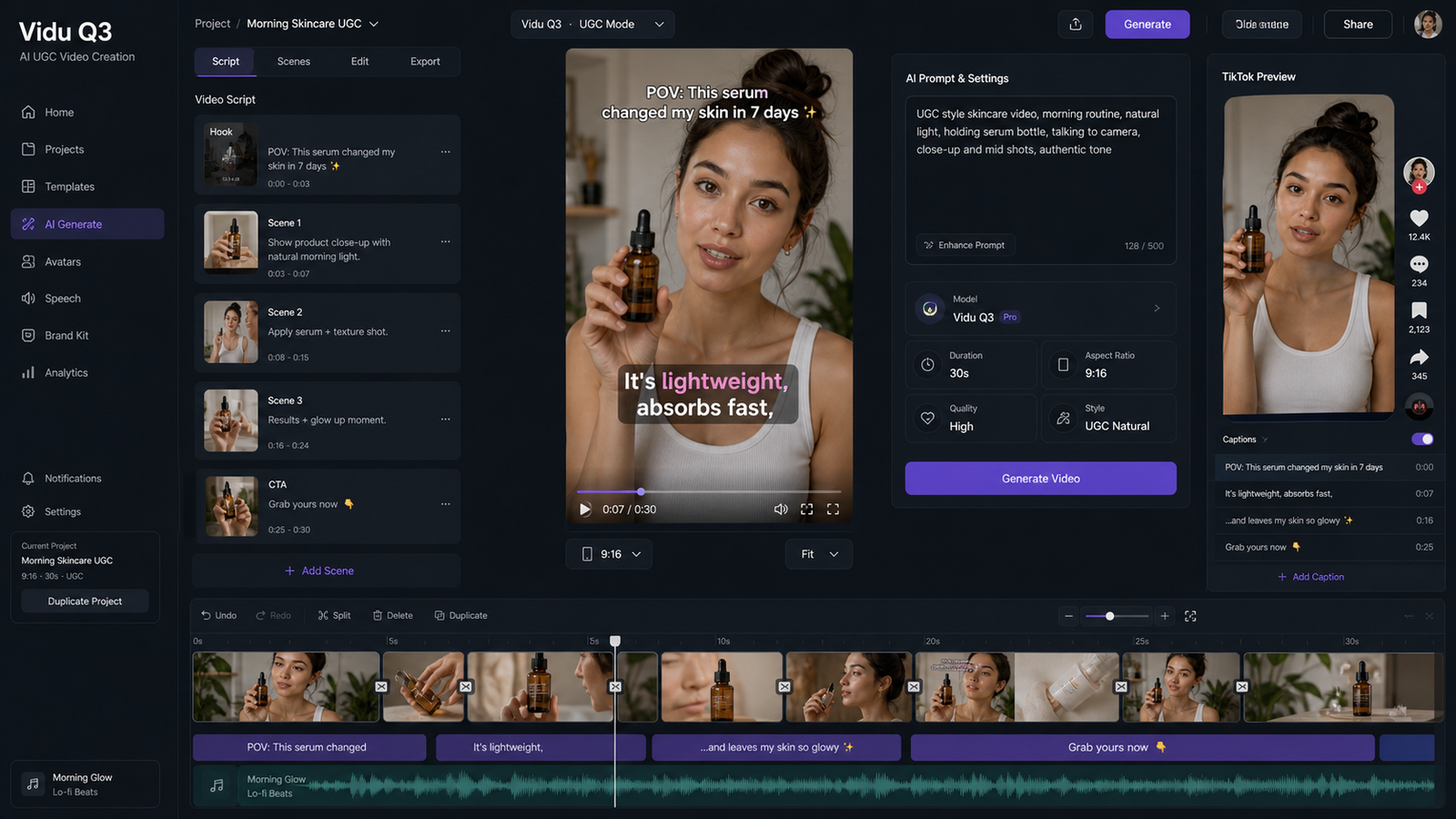
- AI UGC Maker — Best for social-style fashion ads, creator-like product demos, and UGC campaign variations.
- Google Veo 3 AI Video Generator — Best for exploring Google-style cinematic video generation for fashion scenes.
- Google Veo 3.1 AI Video Generator — Best for testing newer Veo-style fashion video workflows with stronger cinematic direction.
Related Articles
- GPT Image 2 Fashion Prompt Guide: From Outfit Concepts to Virtual Try-On Visuals
- How to Use Veo 3.1 to Generate Stunning AI Try-On Videos
- How to Create AI Fashion Models and Kolors Virtual Try-On Images
- Qwen Image Edit in Fashion: From AI Photo Modify to Virtual Try-On
- Explore AI Clothes Changer: Online Virtual Art by AI Try On
- Seedance 2.0 for UGC Videos: Real Creator Scenarios, Better Prompts, and a Smarter Workflow
People Also Read
- Veo 3.1 Video Generation Guide: How to Create Cinematic Clips
- How to Create TikTok Videos with HeyDream AI That Actually Feel Native to the Feed
- The Release of Seedance 2.0: What Dropped, What’s New, and What Creators Should Do Next
- Wan 2.7 Prompt Tips: How to Make AI Videos Feel More Human and Realistic
- SeaImagine AI Text-to-Video Guide: How to Choose Models and Create Better Clips
- [AI Music Video Generator Guide](https://musicmaker.im/blog/detail/How-to-Use-the-AI-Music-Video-Generator-A-Detailed-Guide-from-Song-to-Video-74afb140407