If you create short-form ads, product clips, or social videos, you already know the hard part is not getting a video. It is getting a video that feels believable, scroll-friendly, and usable for a real campaign.
That is why Seedance 2.0 AI video generator is interesting for UGC-style content. Instead of treating AI video as a one-click gimmick, it works better when you use it like a creator tool: start with one clear scenario, one visual direction, and one simple audience emotion.
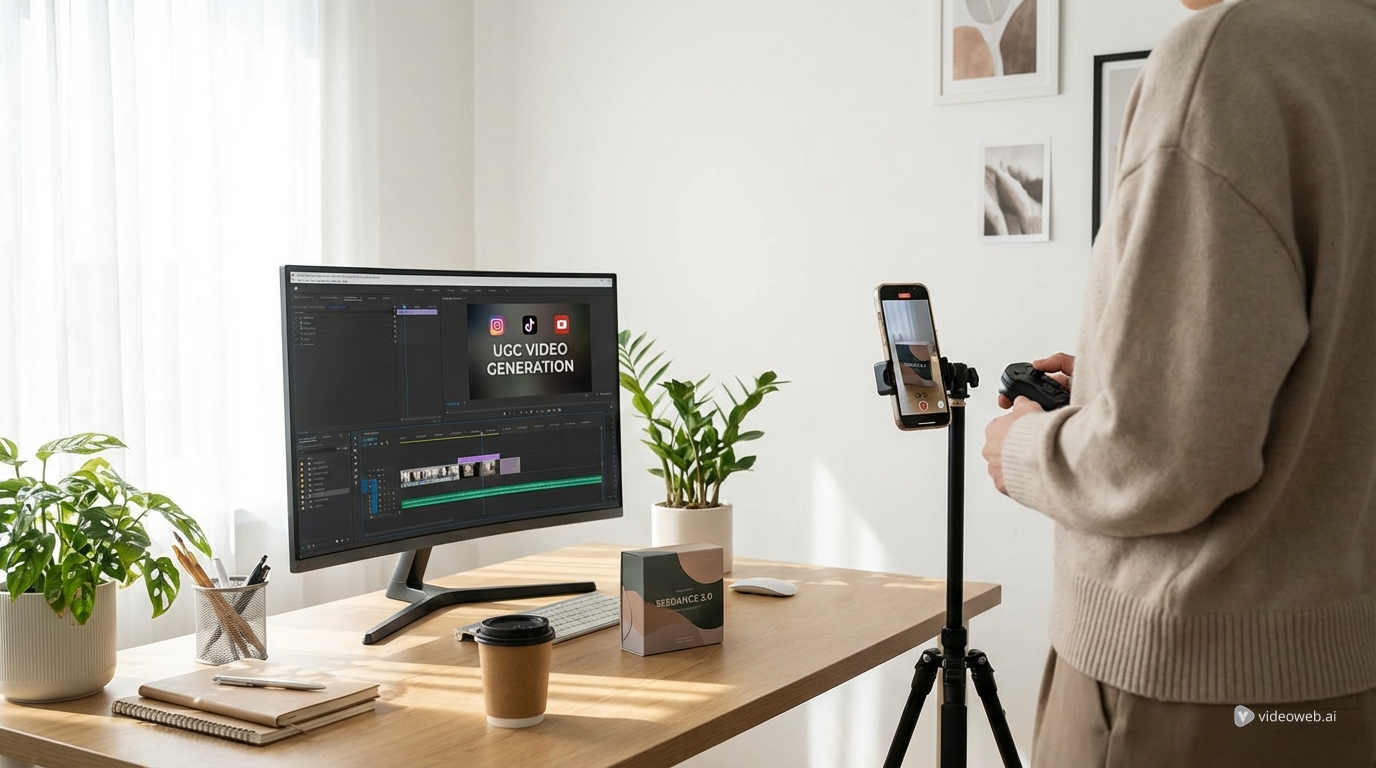
For creators, founders, and marketers, the goal is not to make the most cinematic clip possible. The goal is to make something that looks native to TikTok, Reels, or Shorts while still showing the product clearly. That is where Seedance 2.0 can help, especially when it is paired with the right workflow on AITryon.
Why Seedance 2.0 works for UGC-style content
A lot of AI video tools look impressive in demos but fall apart when you try to use them for actual performance creative. UGC needs a different balance. It should feel personal, fast, natural, and visually consistent enough that the product does not mutate from shot to shot.
That makes Seedance 2.0 AI video generator useful for creator-style production. It is a strong fit for short product intros, simple social storytelling, and visual sequences that need a real product or character to stay recognizable across cuts.
Still, no single tool should do everything. If your goal is a talking-head testimonial, AI UGC maker may get you there faster. If you already have a strong product photo, a photo-to-video workflow might be the easier route. If the product itself is the hero, a dedicated product video generator can save time.
The best results usually come from combining these tools instead of forcing one tool to handle the entire production chain.
The creator mindset: start with the scenario, not the tool
One of the biggest mistakes in AI content creation is starting with “what can this model do?” instead of “what kind of video am I actually trying to publish?”
A stronger approach is to choose one concrete UGC scenario first. For example:
- a creator testimonial
- an unboxing clip
- a problem-solution demo
- a fashion try-on video
- a day-in-the-life lifestyle montage
- a comment-reply style ad
Once you know the format, your prompt becomes much easier to control. You are no longer describing a vague video. You are describing a familiar piece of creator content that already has a rhythm, camera language, and emotional tone.
A smarter AITryon workflow before you generate
Before opening Seedance 2.0, clean up your assets first. This step sounds boring, but it often makes the biggest difference.
Start with the free AI background remover if your product image or subject is messy. A cleaner source image usually gives you a cleaner generation path, especially when the product needs to stay easy to read in motion.
If you have a reference image or moodboard but are struggling to describe it, use the image-to-prompt AI tool. This is especially helpful when you know the visual vibe you want but cannot quite translate it into prompt language.
Then choose the generation path that fits the content:
- use Seedance 2.0 AI video generator for multi-shot social-style scenes and more controlled visual storytelling
- use AI UGC maker for creator-facing ad formats and talking-style videos
- use product video generator for cleaner product-led clips
- use photo-to-video workflow when a strong still image is your best starting point
- use AI outfit video generator for fashion content, styling clips, and creator-style outfit posts
This kind of setup feels less exciting than jumping straight into prompting, but it is often what separates usable output from random output.
Six UGC scenarios that work especially well
1. The “I didn’t expect this to work” testimonial
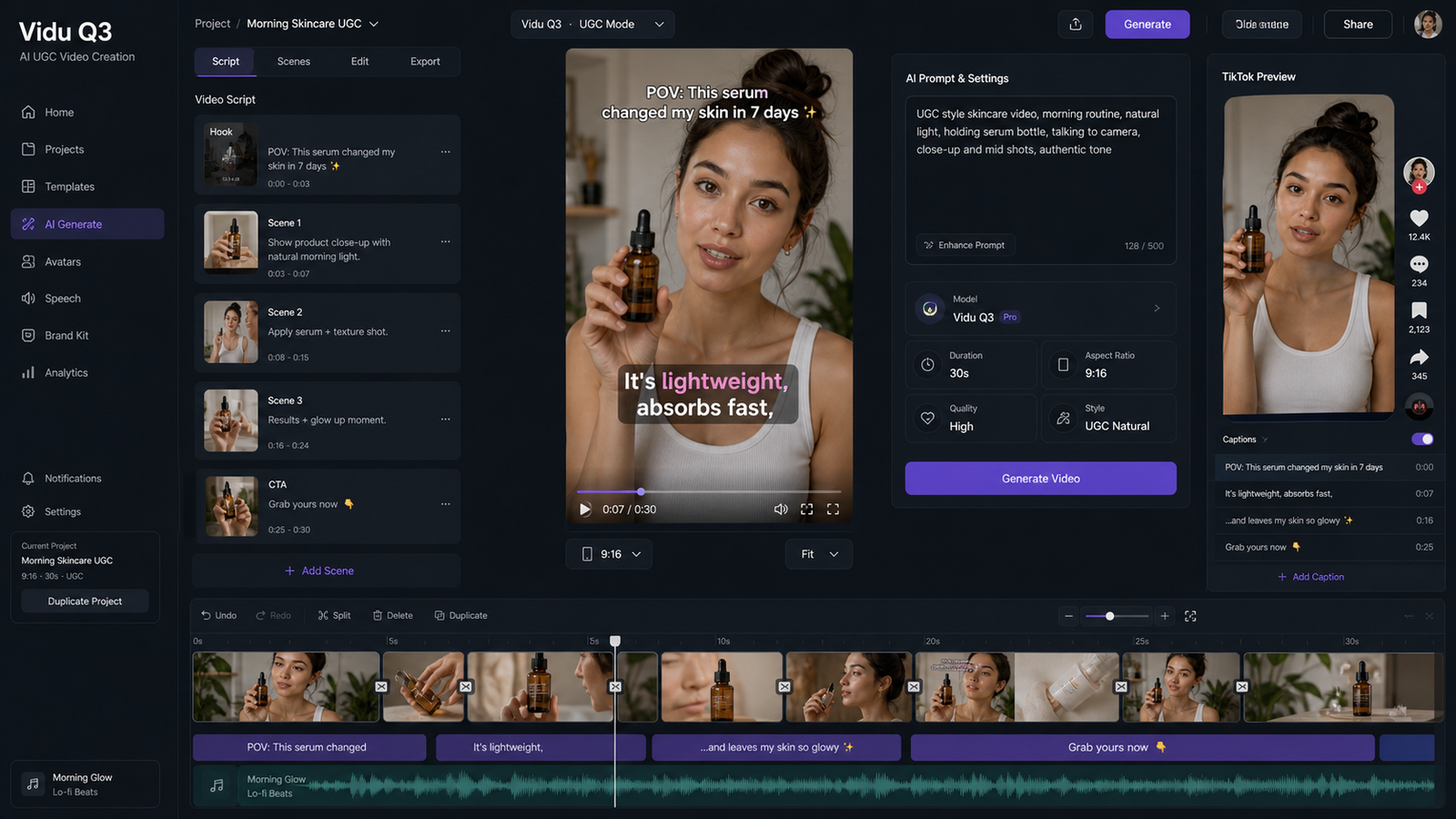
This is one of the most reliable UGC formats because it starts with curiosity. It feels personal, slightly skeptical, and native to social content. The best version is not overly polished. It should feel like a creator talking naturally after trying something.
Use this when your product has a clear first-impression payoff. Skincare, gadgets, productivity tools, and lifestyle accessories all fit this structure well.
2. The unboxing clip
Unboxing works because it gives the viewer a built-in progression: package, reveal, detail shot, reaction. It is simple, visual, and easy to understand without much explanation.
This is often a strong match for a product video generator because the product needs to remain the visual anchor. If your packaging design matters, this format can do a lot with very little dialogue.
3. The problem-solution demo
This format is ideal when the product solves one visible issue. The key is to keep it focused. One problem, one product, one transformation. If you try to force multiple selling points into a short clip, the message becomes weak.
When using Seedance 2.0 AI video generator, think in terms of emotional change as well as visual change. The “before” should feel slightly frustrating or inconvenient. The “after” should feel calmer, easier, or cleaner.
4. The fashion try-on or styling post
Fashion UGC is not just about showing clothes. It is about helping the viewer imagine themselves in the outfit or mood. That is why movement matters. The clip should show how the fabric falls, how the silhouette reads in motion, and how the outfit fits into a setting.
For this, the AI outfit video generator is a natural companion. It helps bring creator-style styling content closer to what people already expect from outfit videos on TikTok and Reels.
5. The lifestyle routine video
Some products do not need a hard pitch. They work better when they appear inside a real routine. That is the strength of day-in-the-life UGC. The product becomes part of a habit, a desk setup, a morning ritual, or an everyday reset.
This format works well when you want softer branding. Instead of saying “buy this now,” you are showing how the product fits into a believable life.
6. The comment-reply ad
This is one of the most social-native formats because it mirrors how real users ask questions. A viewer objection becomes the hook. Then the creator answers it casually, with one short proof moment.
If your brand has common objections like “does this really work?” or “who is this for?” this format is worth testing. It feels more conversational than a normal ad and often performs well with warmer audiences.
How to get better results without overcomplicating the process
The simplest workflow is usually the most effective.
Start with one idea, not five. Generate a few hook variations instead of changing everything at once. Once you find a version that feels close, refine only the opening, pacing, or framing. Do not rebuild the concept from scratch unless the core idea is wrong.
It also helps to write prompts like a creator rather than a technician. Focus on camera feeling, social context, facial expression, product visibility, and mood. Those details are often more useful than stuffing in endless aesthetic keywords.
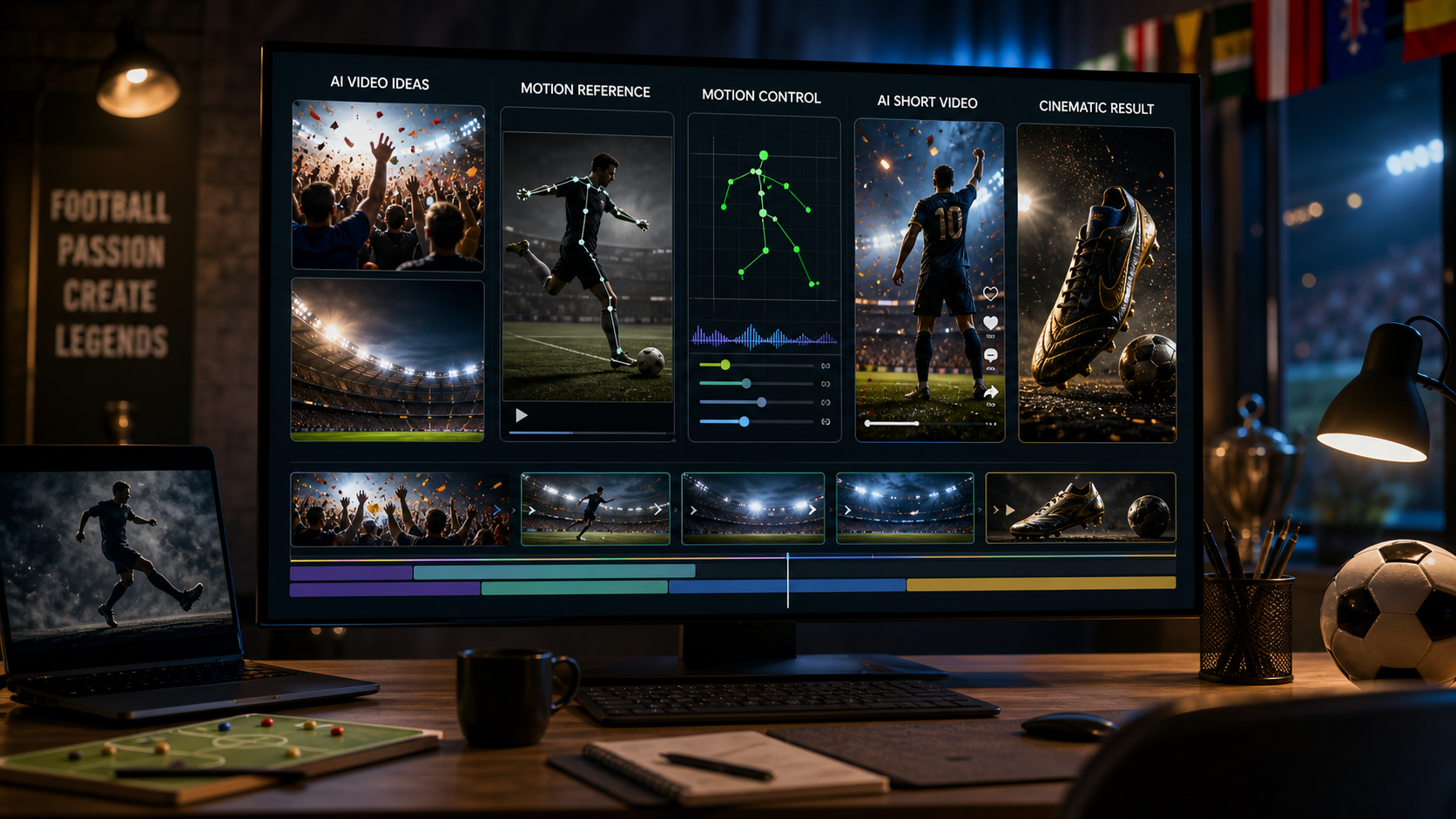
If motion control matters, especially for more precise visual movement, you can also explore Kling Motion Control. It is a useful complement when your video needs clearer movement guidance rather than just a general style description.
The real takeaway
The best UGC videos made with AI usually do not feel like “AI videos.” They feel like creator content that happens to be produced more efficiently.
That is the mindset that makes Seedance 2.0 AI video generator more useful. It is not about asking the model to do everything. It is about using the right scenario, the right prep, and the right supporting tools on AITryon.
If you treat it like a creative workflow instead of a shortcut, you get something much more valuable: content that is fast to make, easier to test, and much closer to what actually works in the feed.
Detailed Prompt Examples
Scenario 1: Creator Testimonial
Vertical 9:16 UGC-style video, realistic handheld phone-camera feel, creator in a bright bedroom speaking naturally to the camera while holding the product. Casual, authentic energy, soft daylight, subtle head movement, natural blinking, slight hand gestures, realistic skin texture. Start with a curious hook expression as if saying, “okay, I didn’t expect this to work.” Show a close-up of the product in hand, cut back to the creator speaking, then end with a simple product shot on a desk. Make it social-first, natural, and suitable for TikTok or Instagram Reels.
Scenario 2: Unboxing Video
Vertical UGC unboxing clip on a clean wooden desk, soft natural light, overhead and close-up angles. Two hands open a branded package slowly, lift out the product, rotate it toward the camera, and pause for a short reaction moment. The packaging should fold naturally, fingers should move carefully, and the product should catch soft highlights. Keep the feeling polished but still like a creator filming at home. Maintain product consistency across every shot.
Scenario 3: Problem-Solution Demo
Vertical short-form UGC ad in a realistic home setting. Begin with a common everyday problem shown clearly in a slightly messy or frustrating before-state. Then introduce the product in a simple and believable way. Transition to a cleaner, easier after-state with brighter mood, calmer body language, and clear product visibility. Keep the transformation easy to understand in under 10 seconds. Social-native pacing, clean transitions, realistic textures, subtle handheld motion.
Scenario 4: Fashion Try-On Post
Vertical fashion UGC video, confident creator walking toward the camera in a bright studio or street-style setting. Modern social content pacing, flattering but realistic visuals, natural body movement, visible fabric motion, relaxed smile, and creator-style confidence. Include one medium shot, one full-body shot, and one close-up of texture or accessories. The clip should feel like a TikTok outfit recommendation or daily styling post, with consistent clothing details in every shot.
Scenario 5: Lifestyle Routine Clip
Vertical lifestyle montage following a creator through a soft, realistic daily routine. Start with a morning or desk setup scene, then show the product appearing naturally during a habit or reset moment. Use warm natural light, smooth short transitions, and realistic creator-style framing. The product should feel integrated into the creator’s life rather than staged like a commercial. Keep the mood calm, aspirational, and believable.
Scenario 6: Comment-Reply UGC Ad
Vertical creator-response video styled like a reply to a social media comment. Start with an on-screen question such as “does this actually work?” Then show a creator facing the camera, answering casually with authentic expression and friendly pacing. Include a brief cutaway of the product being used, then return to the creator for a short, reassuring conclusion. Keep it low-pressure, helpful, and native to TikTok or Reels.
Recommended Tools on AITryon
- Seedance 2.0 AI video generator
- AI UGC maker
- Product video generator
- Photo to Video
- AI outfit video generator
- Free AI background remover
- Image-to-Prompt AI tool
- Kling Motion Control
Related Article
- Seedance 2.0 Video Generation Guide for Product UGC Ads
- How to Make Scroll-Stopping Product Ads with AI UGC Maker on VirtualTryOn AI
- How to Turn Any Reference Image Into Better AI Prompts With AITryOn
- How to Use AITryOn’s Free AI Background Remover for Cleaner Images and Faster Creative Workflows
- How to Create Authentic UGC Images with Virtual Try-On AI (That Actually Convert)
People Also Read
- Seedance 2.0 vs 1.0: What’s Better for AI Video
- The Release of Seedance 2.0: What Dropped, What’s New, and What Creators Should Do Next
- Seedance 2.0 Video Generation Guide: Tutorial + Prompts
- SeaImagine AI Text-to-Video Guide: How to Choose Models and Create Better Clips
- Seedance 2.0 Review: Real-World Results, Strengths, Limits